
The best plant care app depends on the kind of help you need. Planta builds a care schedule around your home. Greg focuses on watering plans and a plant community. Plant Parent combines reminders with a light meter. Blossom adds plant information, disease checks, and a water calculator.
Start with Planta if you want the most complete schedule. Pick Greg if the community matters. Plant Parent is a useful middle ground for reminders and plant advice. Blossom suits you if you want care information and diagnosis in the same place. All four are free to download with paid features or subscriptions.
- Planta for schedules that use plant and home details
- Greg for personalized watering and community help
- Plant Parent for reminders, light checks, and care plans
- Blossom for plant information, diagnosis, and water calculations
Planta: build a schedule around your home
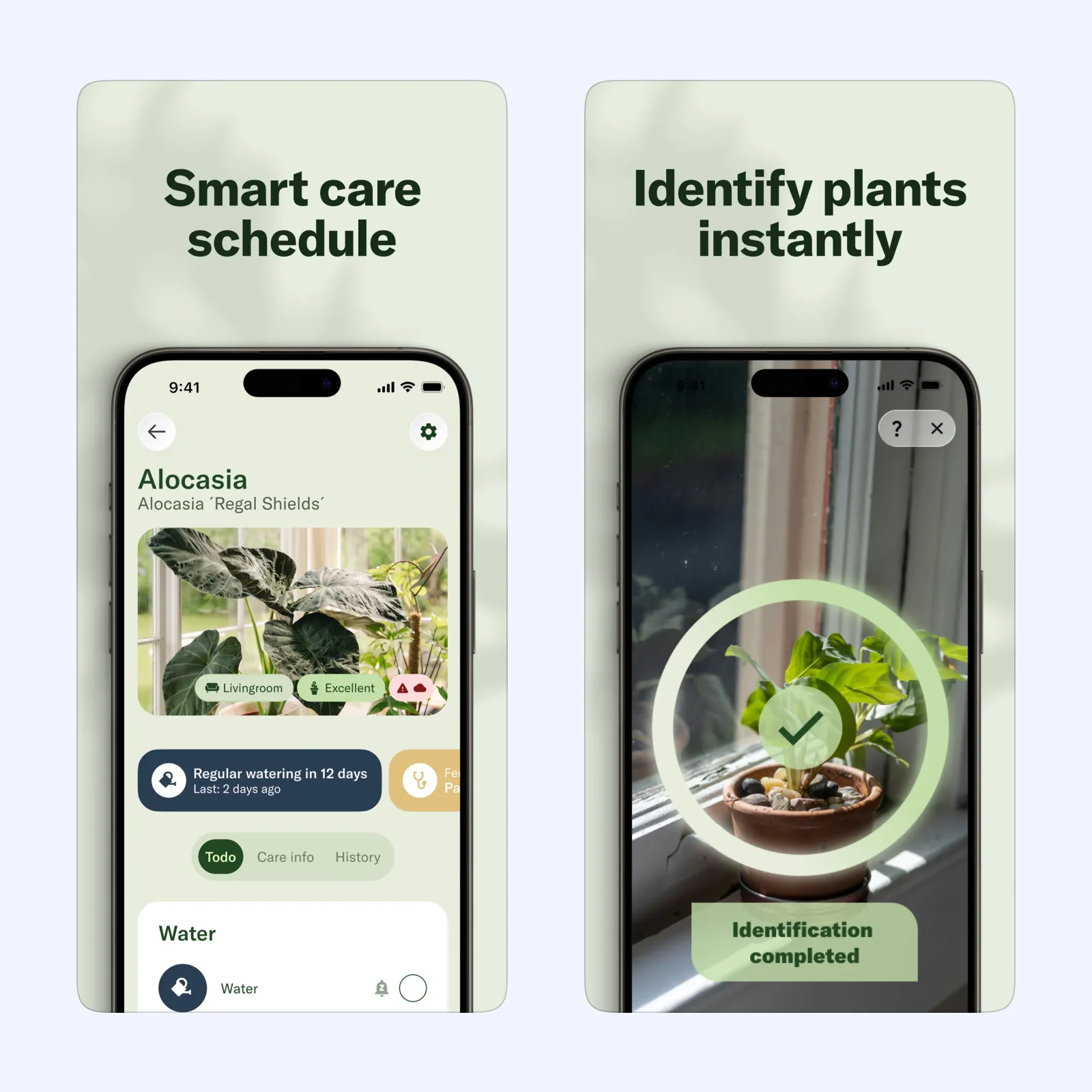
Planta asks where a plant lives and how much light that place gets. It uses the plant type and home environment to create care reminders. The App Store listing says the schedule can cover watering, fertilizing, repotting, pruning, and misting. You can also identify a plant from a photo, check light with the built-in meter, record care in a journal, and get help with plant problems.
Planta is free on iPhone with in-app purchases. The current App Store listing describes it as an iPhone app. It is the clearest choice when you want more than a repeating watering alarm. The tradeoff is that the useful setup depends on details such as location, light, and plant type. If you want to tap one button and set a fixed interval, it may feel like too much.
Greg: personalize watering and ask other growers
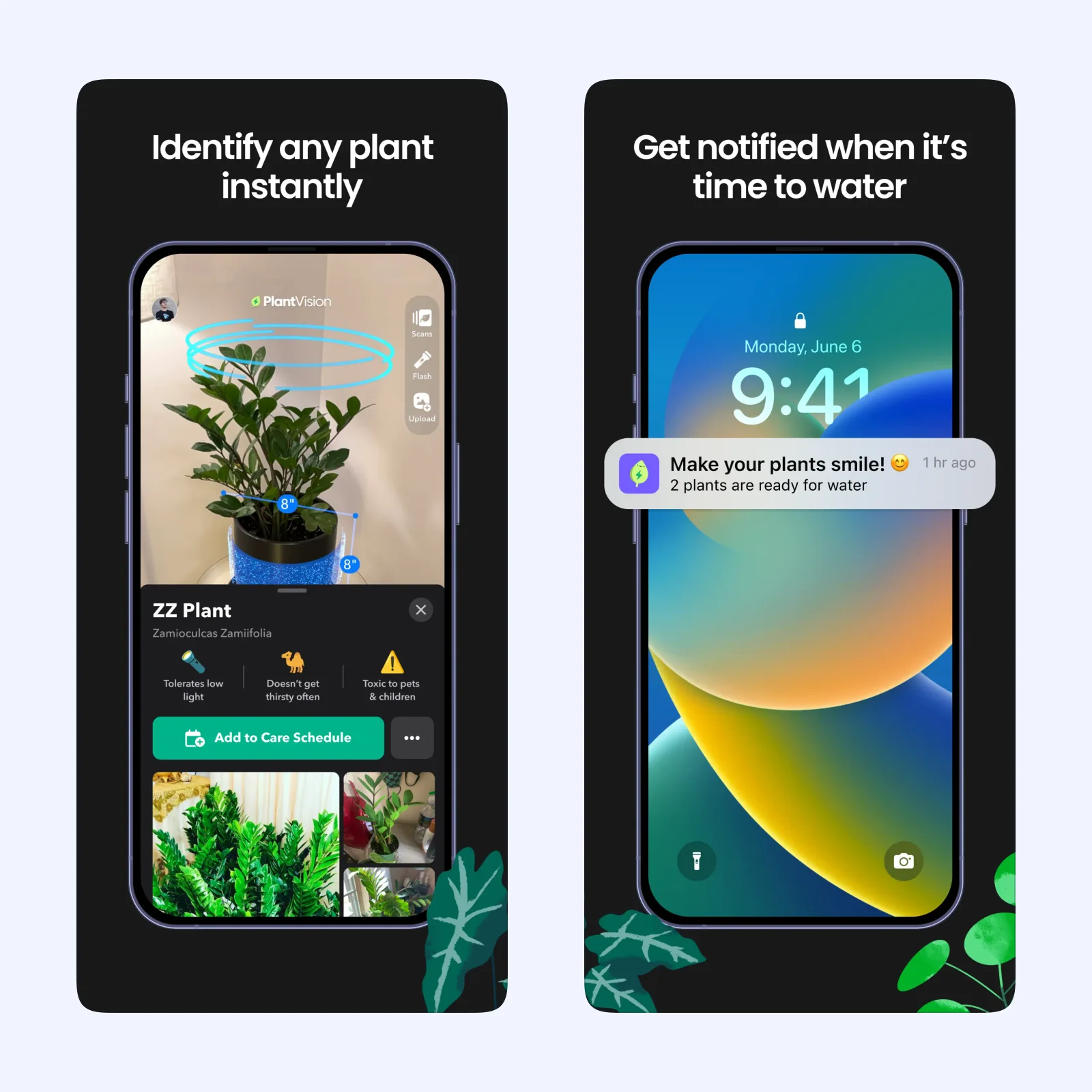
Greg uses a photo to identify a plant, then builds a watering plan from its species, size, and the conditions around it. Its official support center says you can water a plant early when it needs attention before the next reminder. Greg also sends watering notifications and includes a community where you can ask plant questions.
Greg is free on iPhone with in-app purchases. The App Store listing describes it as an iPhone app, and Greg's official site also links to Android. Choose it when you want a schedule that can change with the plant and a place to ask for help. The main tradeoff is focus. Greg is built around watering and community discussion, so it has less of Planta's broader care journal and task list.
Plant Parent: reminders plus a light check
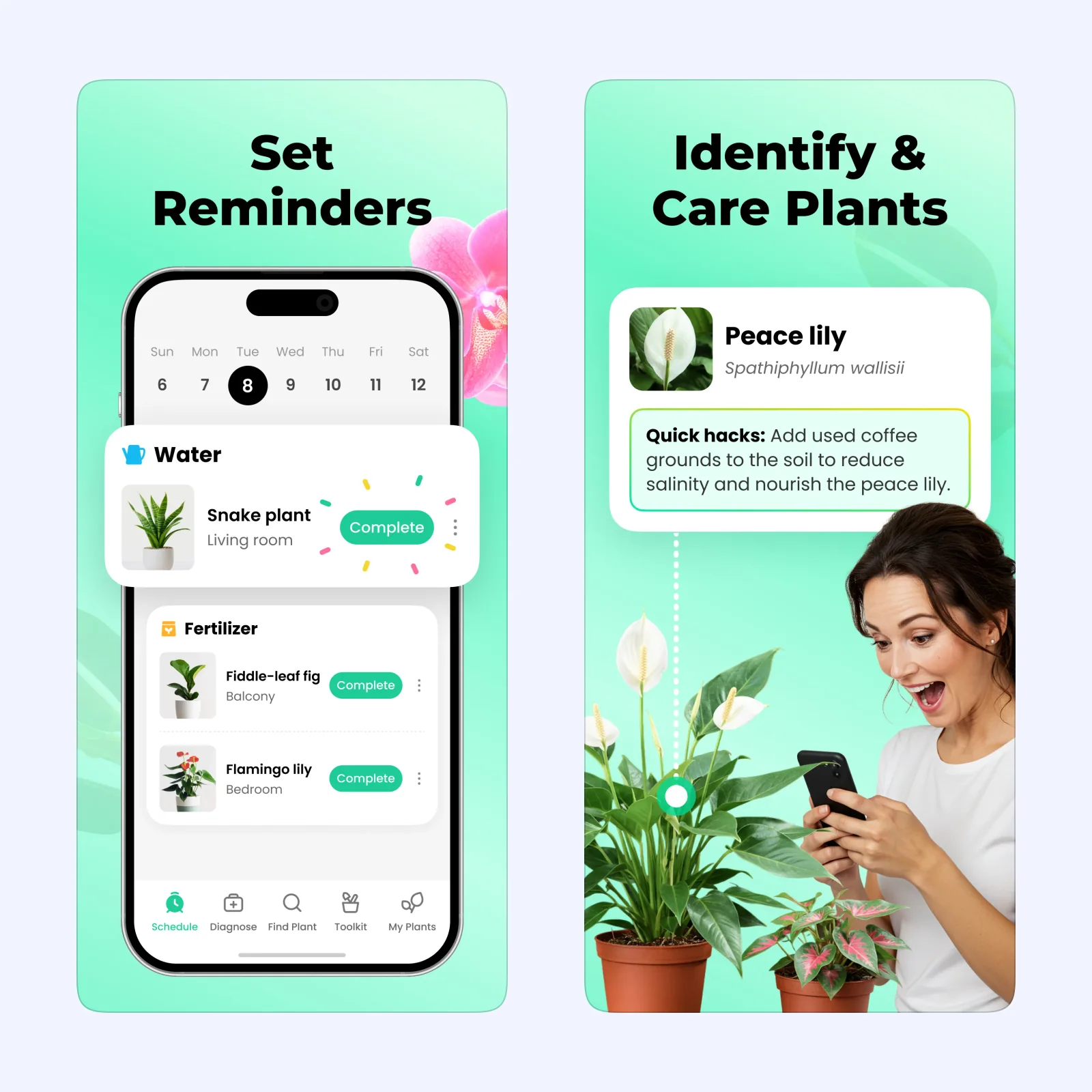
Plant Parent combines plant reminders with identification and care guides. The App Store listing says it can remind you to water, fertilize, prune, propagate, and repot. It also includes a light meter, custom care plans, plant illness identification, and suggestions for where to place a plant.
Plant Parent is free on iPhone and iPad with in-app purchases. Premium features include unlimited plant disease identification, more plant content, expert consultations, and reminders for an unlimited number of plants. It fits a growing collection where you want practical information beside the schedule. The tradeoff is the paid limit. The free version may be enough for a few plants, but a larger collection can require Premium.
Blossom: keep care information and diagnosis together
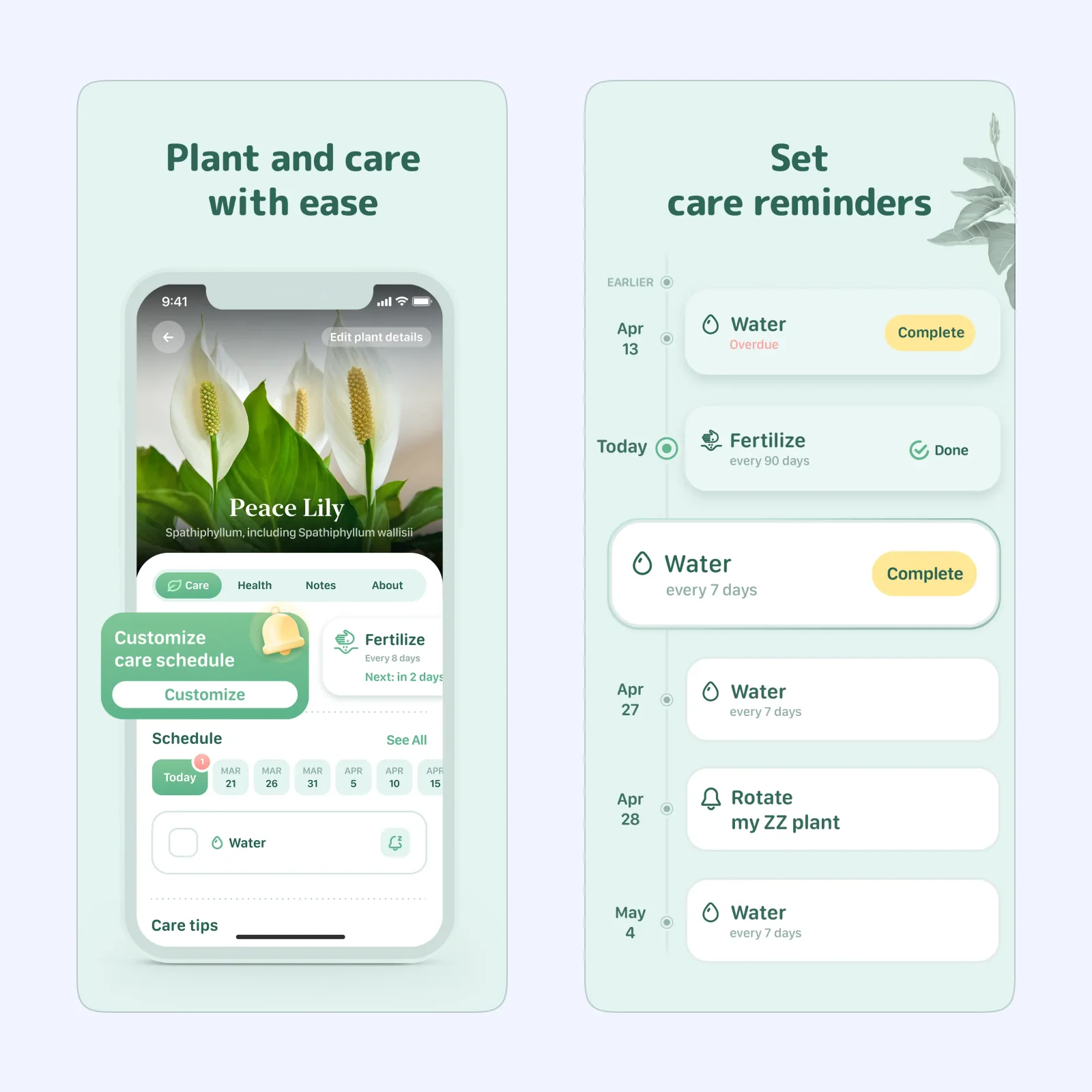
Blossom provides care information for watering, propagating, pruning, and fertilizing. It can identify plants from a photo, check a plant for possible disease, calculate watering guidance from the plant type and pot size, and send reminders for watering, fertilizing, and repotting. Its plant collection can group plants by room, and notes can keep photos and care history together.
Blossom is free on iPhone with in-app purchases and premium subscriptions. The current App Store listing requires iOS 15.4 or later. It is a good fit when you want to look up a plant and manage its tasks in one app. The tradeoff is the subscription model. Unlimited identification, disease checks, water calculations, reminders, and AI Botanist consultations are listed as Premium features.
Which one should you try?
Use Planta for the broadest care schedule. Greg is the better fit if you want watering guidance plus questions from other growers. Plant Parent gives you reminders and a light meter without making the app only about watering. Blossom is the most information-heavy option, with diagnosis and a water calculator, but more of its tools sit behind Premium.
Add one plant first. Enter its name, room, and last watering date, then turn on notifications. Check the soil before you follow any reminder. A schedule can help you remember to look, but the app cannot see the soil in your pot.