
The best grocery list app depends on where your shopping list breaks down. AnyList is the most complete choice for recipes and meal planning. OurGroceries keeps a shared household list simple. Bring! adds recipe imports, store tools, and several ways to add details. Listonic focuses on a quick shared list with item notes and prices.
Choose the app that matches your household's next problem. If two people add items all week, use a shared list with fast syncing. If dinner plans create the list, pick an app that can turn recipe ingredients into shopping items. These four options all have a live iPhone listing.
- AnyList for recipes, meal plans, and organized lists
- OurGroceries for a shared household database
- Bring! for shared lists, recipe imports, and store extras
- Listonic for a fast list with prices and notes
AnyList: make recipes part of the list
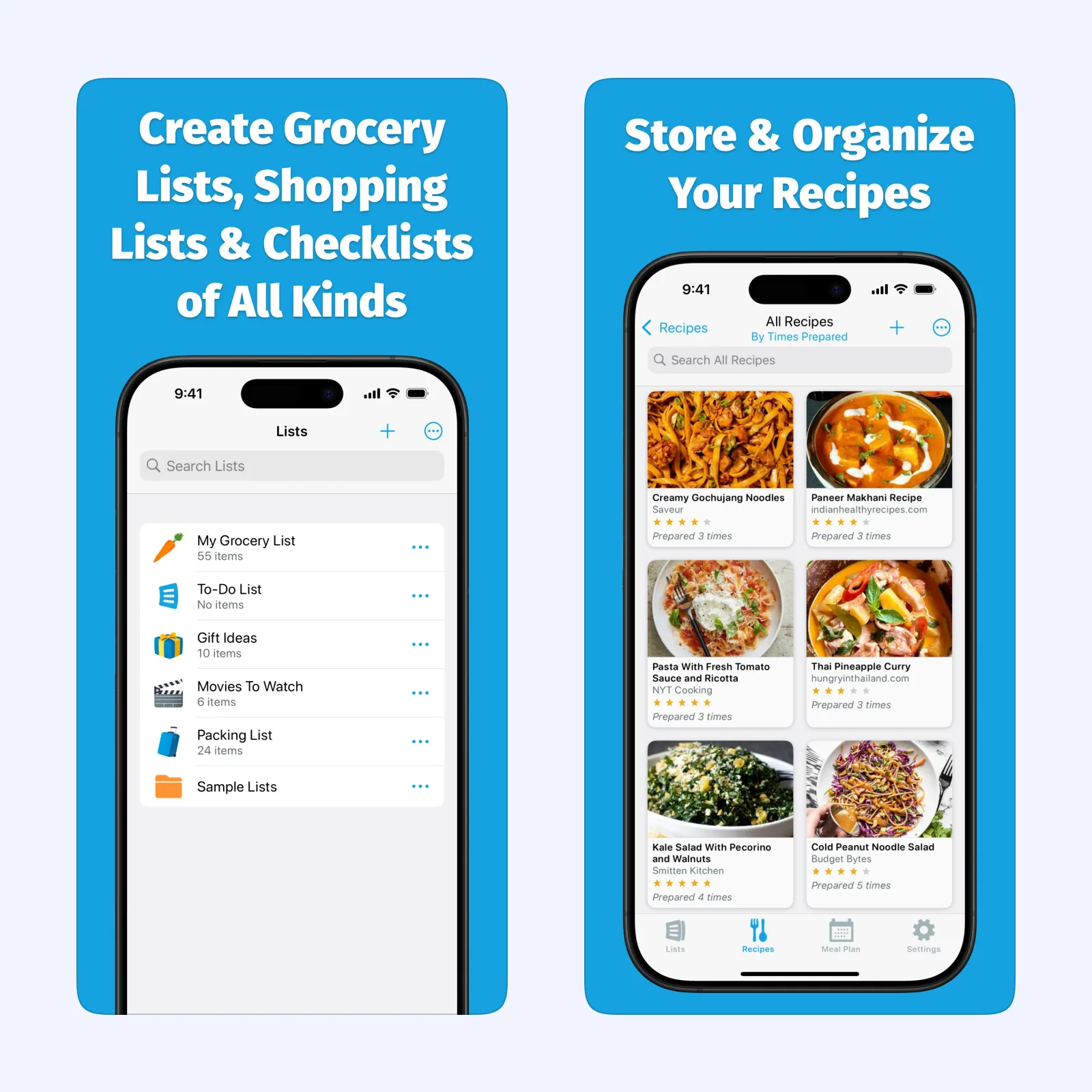
AnyList automatically groups common grocery items by category. You can change the categories and their order to match your store, add quantities and notes, and share a list with family or friends. Changes to a shared list sync across the people using it.
Its recipe tools are the reason to choose it over a basic checklist. AnyList can save recipes, add their ingredients to a grocery list, and use a meal planning calendar. Web recipe import and the meal planning calendar are part of AnyList Complete. The free version still includes shared lists and the core grocery features.
AnyList is available on iPhone, iPad, and Apple Watch. It is free with an optional paid AnyList Complete upgrade. The tradeoff is scope. You get a useful grocery list, but the app also asks you to manage recipes and meal plans if you use those tools.
OurGroceries: keep one household database
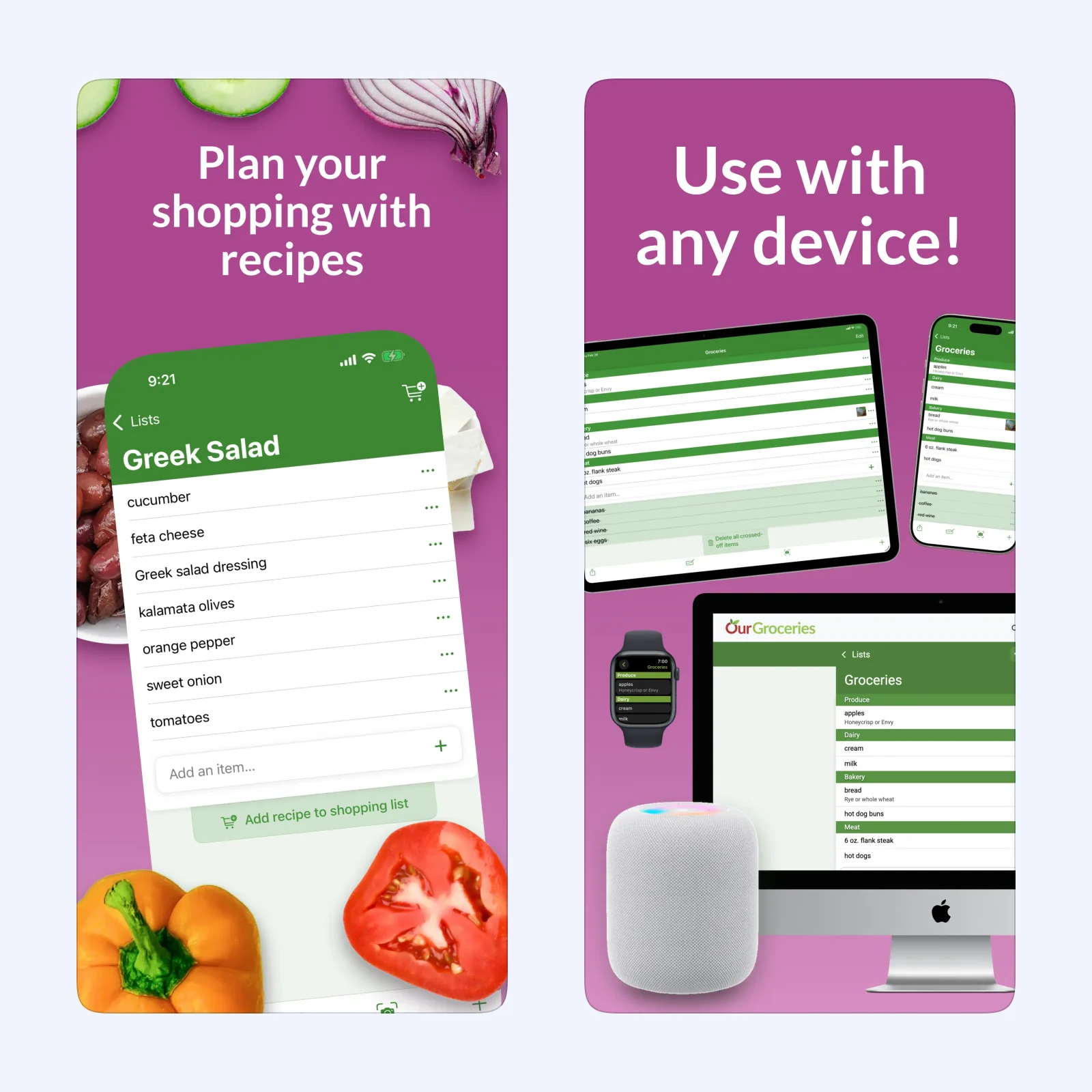
OurGroceries is built around lists that stay current for everyone in the household. Each person can add an item, change a detail, or cross something off. The app updates shared lists within seconds. You can keep separate lists for different stores, group items by category or aisle, and add notes, quantities, photos, or barcodes.
Recipes can add their ingredients to a shopping list with one tap. OurGroceries also works on iPhone, iPad, Apple Watch, Android, the web, and some voice assistants. The app is free with optional paid features. A free account is required for automatic online backup, according to the official user guide.
Pick it when the list is a shared record of what the home needs, not a full meal-planning project. The many device options can feel like extra setup for a single-person list.
Bring!: add shopping details as you go
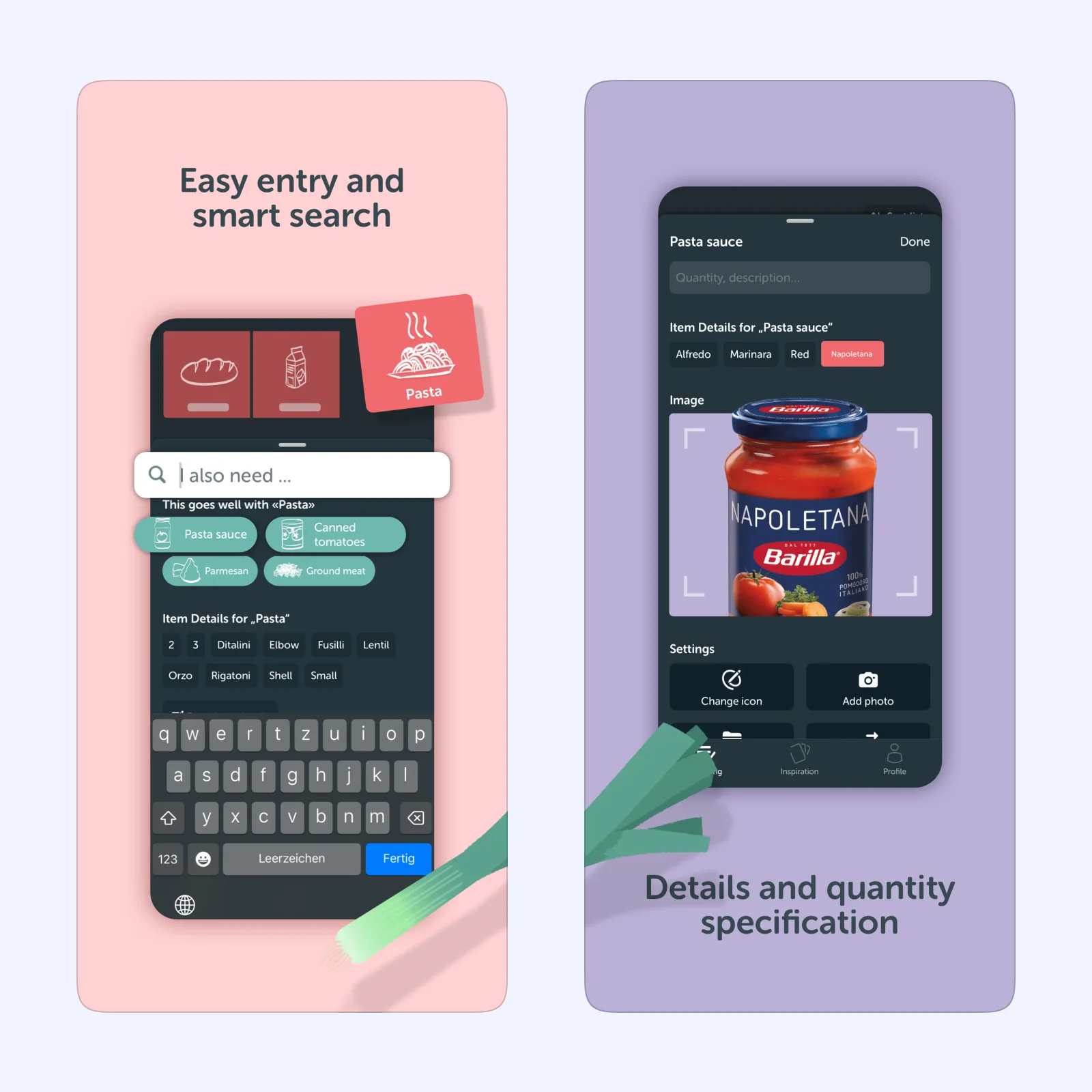
Bring! shares list changes in real time with other list members. Smart search suggests products as you type. You can add quantities, descriptions, and photos, then arrange categories to match the aisles in your supermarket. Voice input and widgets help when you remember an item away from the app.
Bring! also includes recipe ideas, a recipe book, recipe ingredient imports, store offers, and a loyalty card wallet. It supports iPhone and iPad, with an Apple Watch app and web version available from the service. The core app is free. Bring! Premium is an optional subscription.
It suits households that want the list to carry more context than "pasta" or "milk." A photo or brand note can prevent the wrong purchase. The tradeoff is that recipes, offers, and loyalty cards make Bring! a broader shopping service than a quiet checklist.
Listonic: add prices and useful notes
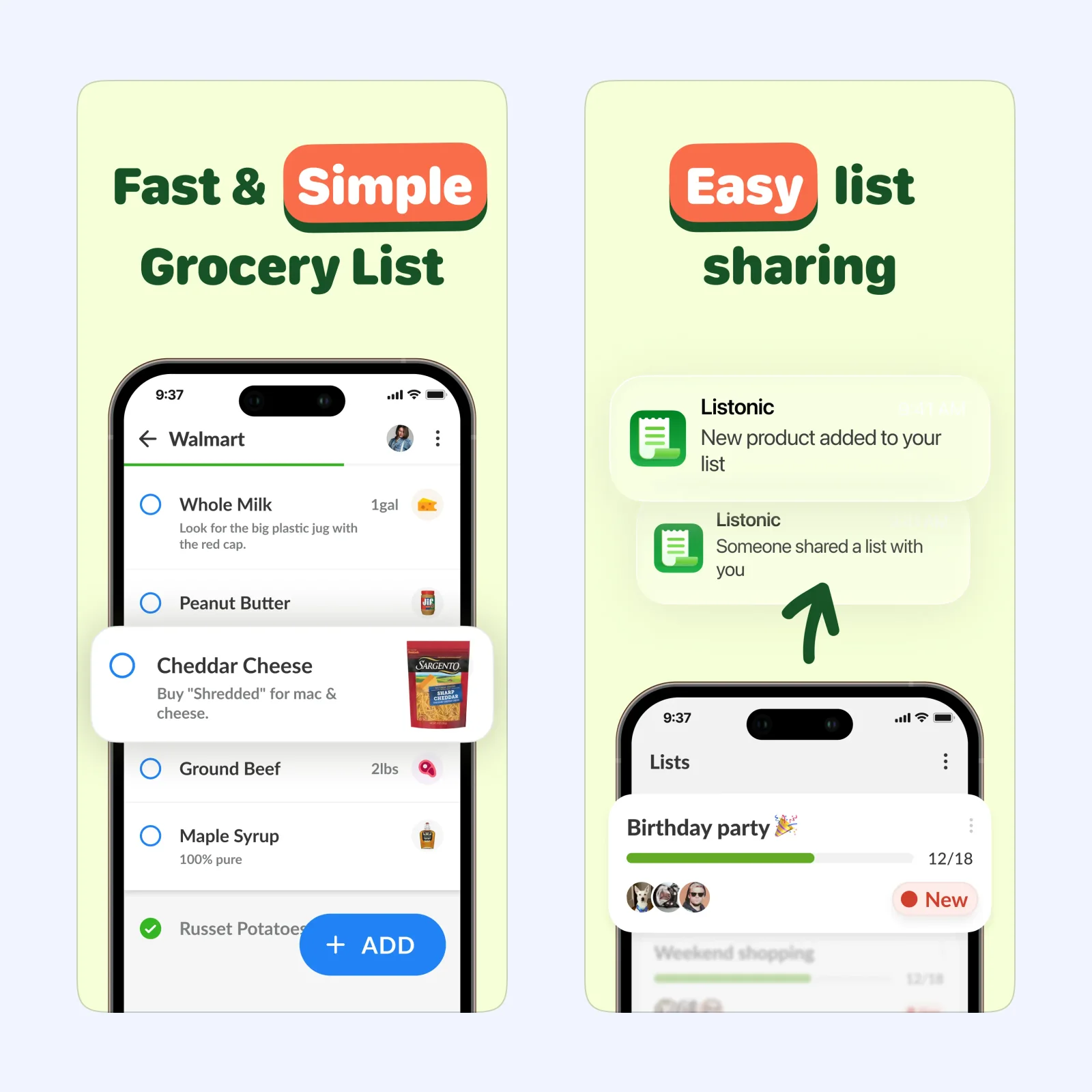
Listonic lets you create and share grocery lists, then keeps changes synchronized across devices. Items can include quantities, notes, and photos. The app groups products by category, and its list view is designed for checking items off while you shop. You can also record item prices to keep a running total.
Listonic is available on iPhone and Mac, and its App Store listing also shows support for Apple Vision. It is free with optional paid Premium features and advertising in the free version. The app is a good fit when you want a focused list with a little budget awareness. It is less useful if your main need is importing recipes and building a meal calendar.
Which one should you try?
Start with OurGroceries if two or more people add items during the week and you want the smallest useful system. Choose AnyList if recipes and meal planning should create the list. Bring! is the better fit when item photos, store offers, loyalty cards, or recipe imports belong in the same shopping workflow. Use Listonic if prices and quick shared lists matter more than recipes.
Your first setup action is the same in every app: create one list for your usual store, share it with one other person, and add five items from home. Then check the list in the store and mark each item complete. If that works, add categories, recipes, or price details one feature at a time. For more food planning tools, see the Sir Studio blog.