

Capy records a conversation and turns it into timestamped notes. It can place a translation under the original speech, create a topic summary, and search past notes with a normal question.
The app is aimed at meetings where language or recall adds friction. It does not remove the need to confirm an important decision, but it gives you a structured record to check.
Follow the transcript and translation together
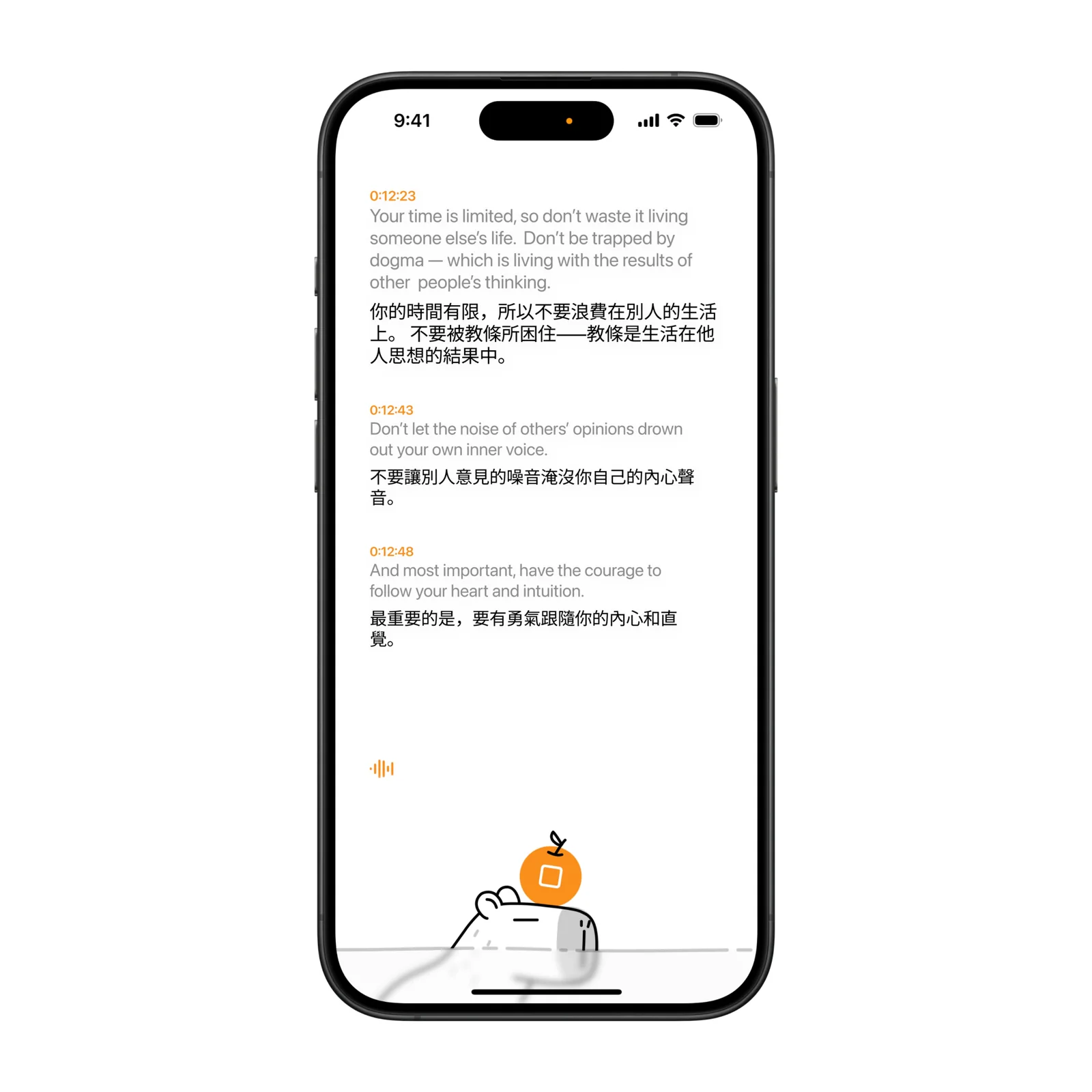
Capy keeps the original transcript visible and attaches the translation to the matching line. Timestamps make it easier to return to a specific part of a long recording.
This layout is useful in a bilingual meeting because you do not have to switch between two documents. You can read the translated line while keeping the source nearby when wording matters.
Review a clear record after the call
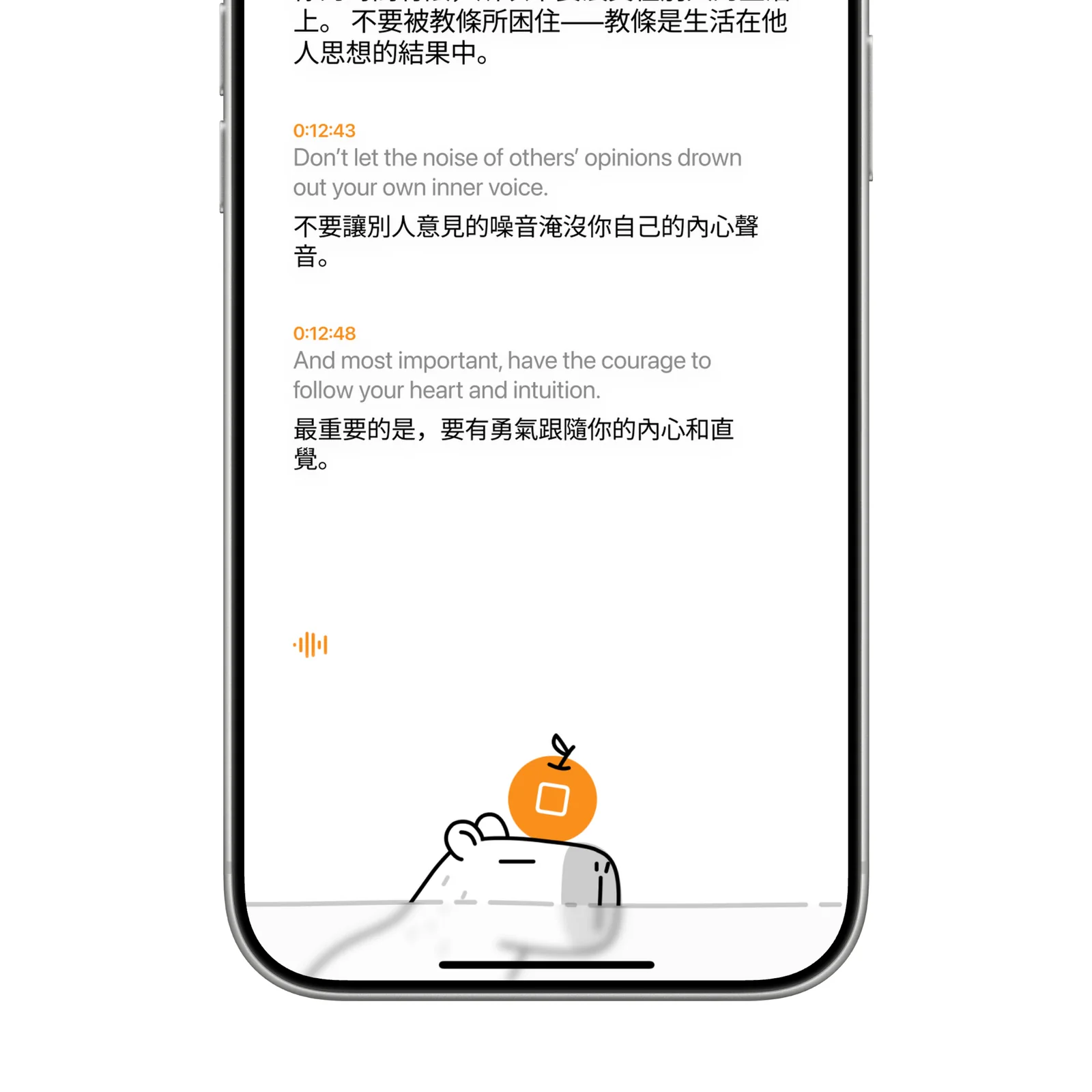
After the meeting, the transcript becomes a reference rather than a stream. Topic-based summaries can pull the main points into shorter bullet lists. Check names, figures, deadlines, and commitments against the recording before sharing the result.
Transcription quality changes with microphone placement, background noise, accents, and overlapping speech. A quiet test recording is a better first step than trusting the app during an important meeting without preparation.
Search across previous notes
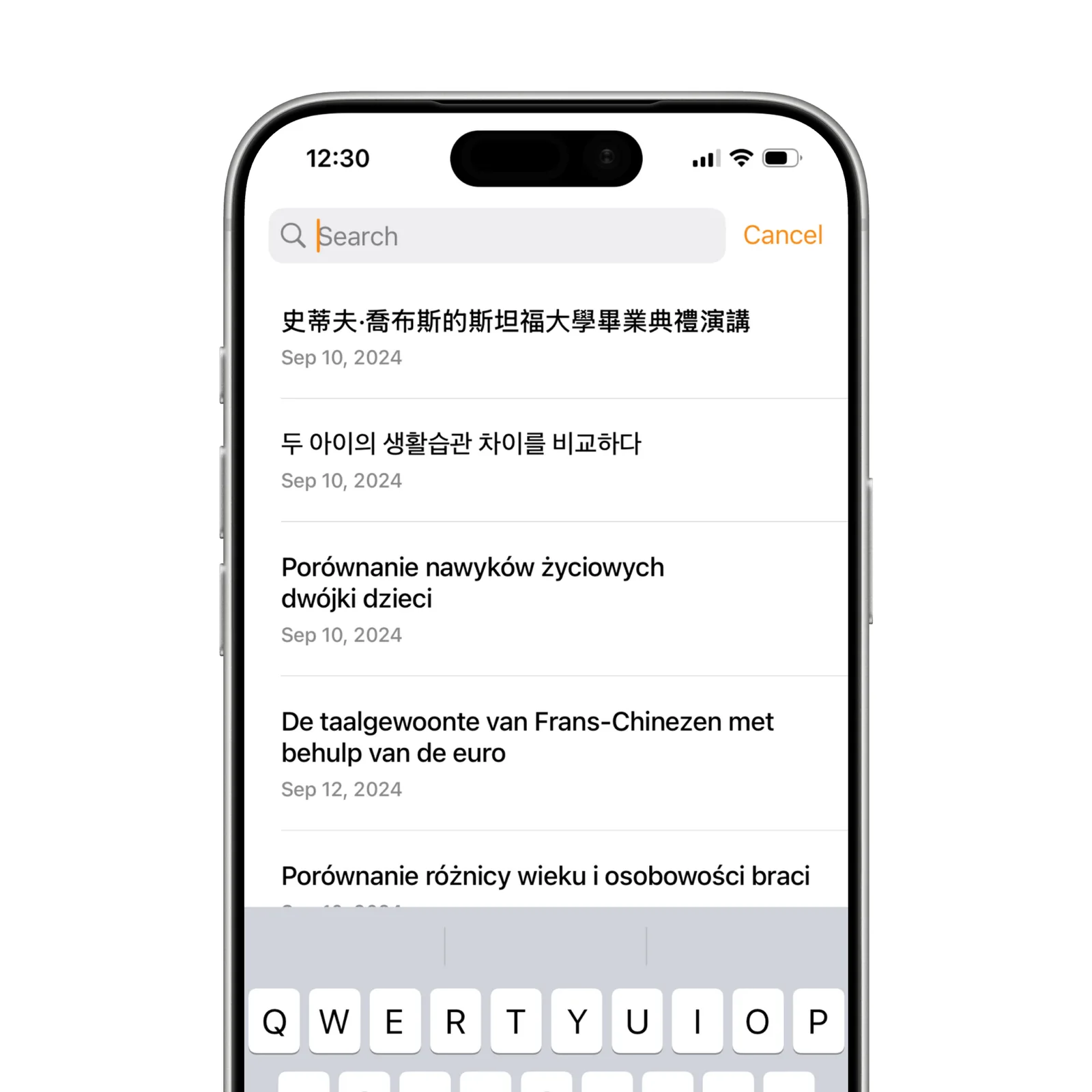
Natural-language search helps when you remember the subject but not the meeting title. You can ask for the discussion about a project or decision and use the result to locate the full transcript.
Useful names make the archive easier to manage. Include the project and date in each meeting title instead of leaving several recordings under a generic label.
What to know before you try Capy
Capy is free to download on iPhone, iPad, and Mac. Full access uses a paid subscription after the introductory period. Recording laws and workplace rules differ, so get consent before you record other people.
Meeting notes can contain client names, unreleased plans, health details, or financial information. Check the current privacy policy and your organization's rules before uploading a sensitive conversation. If the meeting cannot leave an approved system, a convenient mobile transcript is not the right exception.
Translation adds another layer of uncertainty. Keep the original line beside any translated statement that affects a contract, deadline, or decision, and ask a fluent person to confirm high-risk wording. A readable translation can still change tone or technical meaning.
Try it with a short, low-risk conversation first. Check the transcript, translation, and summary separately. That will show which parts you can rely on and which still need manual review.
Export the test note as well. A useful transcript should remain readable when it leaves the app and reaches the person who needs it. Keep that exported copy.