
Endel creates continuous soundscapes for focus, relaxation, sleep, and movement. Instead of asking you to choose a new track every few minutes, it keeps the audio moving within one setting.
The app can use context such as time, location, environment, and heart rate to adjust the sound. You can also choose a mode directly when you know what kind of session you want.
Pick a soundscape for the task
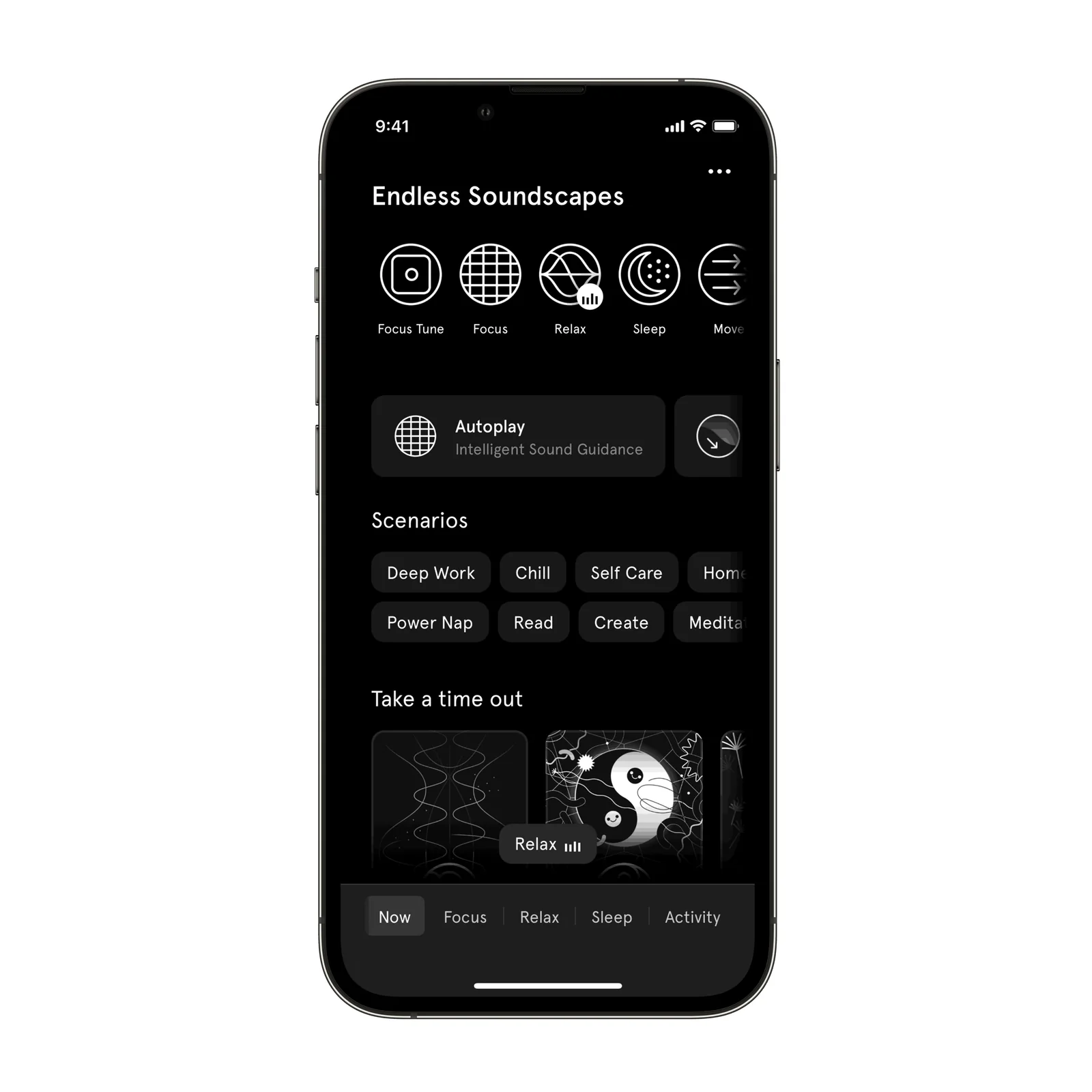
The library separates the main soundscapes and includes scenarios for more specific situations. Focus is for work, Sleep for settling down, Relax for a quieter background, and Move for activity.
Begin with the broad mode that matches the moment. Browsing many collaborations and scenarios before a work session can become another form of delay.
Tune the sound without choosing another track
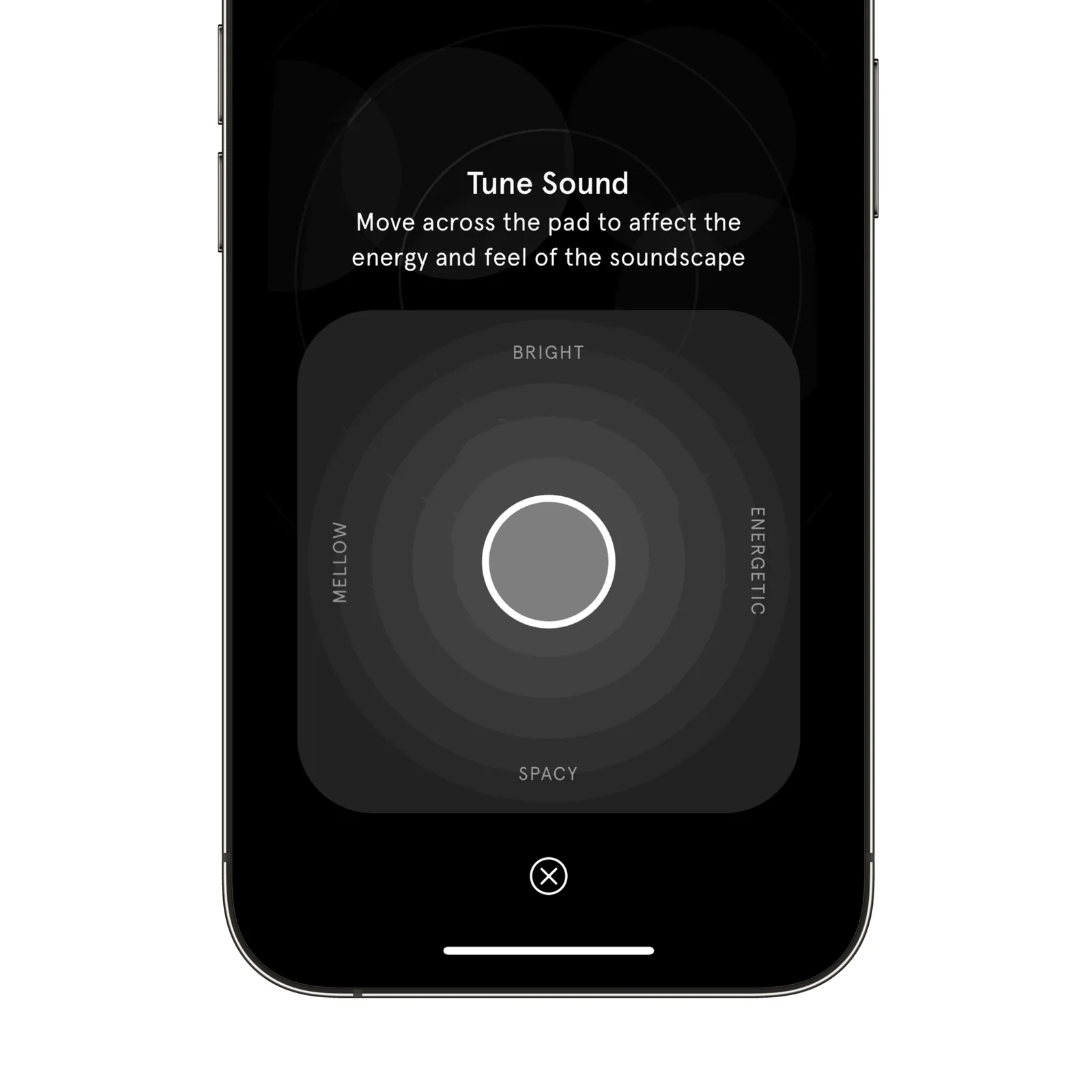
Tune Sound uses a large control that moves between mellow, bright, energetic, and spacious. It changes the character of the soundscape while keeping the session intact.
This is useful when the first setting is close but too active or too soft. Small adjustment is quicker than searching through a playlist for another track with a similar mood.
Understand what a focus soundscape is for
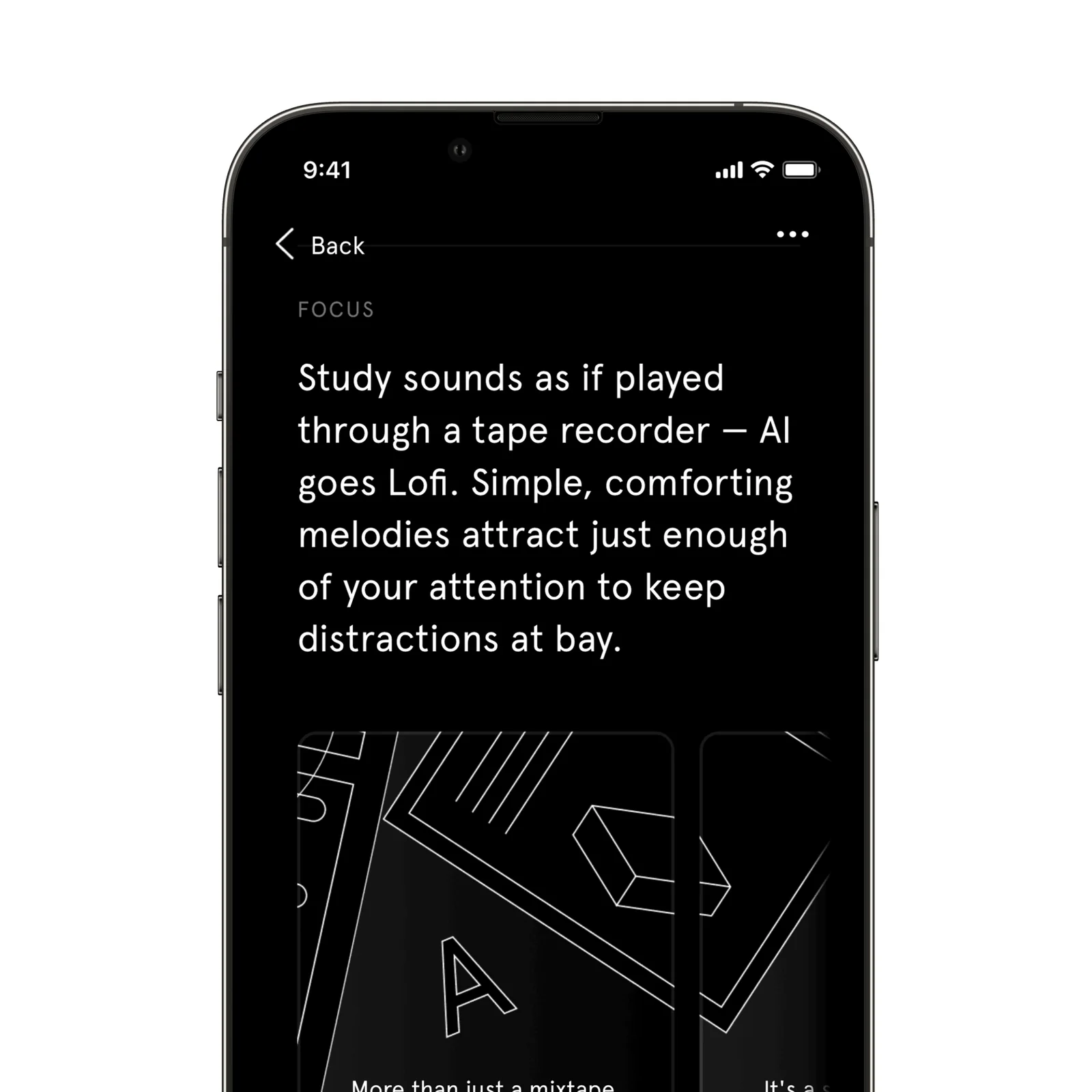
Detail pages explain the intended use of a soundscape and collect related options. The descriptions can help you select a setting, but your response matters more than the label. A sound that helps one person focus may distract another.
All soundscapes are available offline according to the listing. That makes the app practical during a flight, commute, or work session where a stable connection is not available.
What to know before you try Endel
Endel is free to download, with optional subscriptions. It supports iPhone, iPad, Mac, Apple Vision, Apple TV, and Apple Watch. Its personalization inputs can include health and location context, so review permissions and enable only what you want to use.
Sound can mask an environment as well as shape it. Do not use noise-isolating playback where you need to hear traffic, alarms, another person, or a child. For sleep, set a safe volume and use a timer if continuous audio makes it harder to notice the room.
Subscription sound libraries can also make it tempting to keep changing the setup. Save one Focus and one Sleep choice before exploring collaborations. A stable cue will tell you more about the habit than a different soundscape every session.
Try one 25-minute Focus session at the same volume you use for quiet music. If the changing sound keeps pulling your attention away, a simpler background may suit you better.
Download that soundscape before using it offline, then confirm that playback continues with airplane mode enabled. This avoids discovering that a planned flight or commute session still needs a connection.