
A focus timer becomes more useful when starting it feels distinct from ordinary phone use. FocusFlight turns a session into a flight. Flip Phone Focus begins when the device is face down. Emphasis uses repeatable time blocks. Meditate grows a visual record of quiet sessions.
The timer matters less than the ritual around it. Choose the one action that makes “I am starting now” easy to understand.
- FocusFlight for flight-shaped sessions
- Flip Phone Focus for a face-down start
- Emphasis for structured intervals
- Meditate for meditation tracking
FocusFlight: give a session a destination
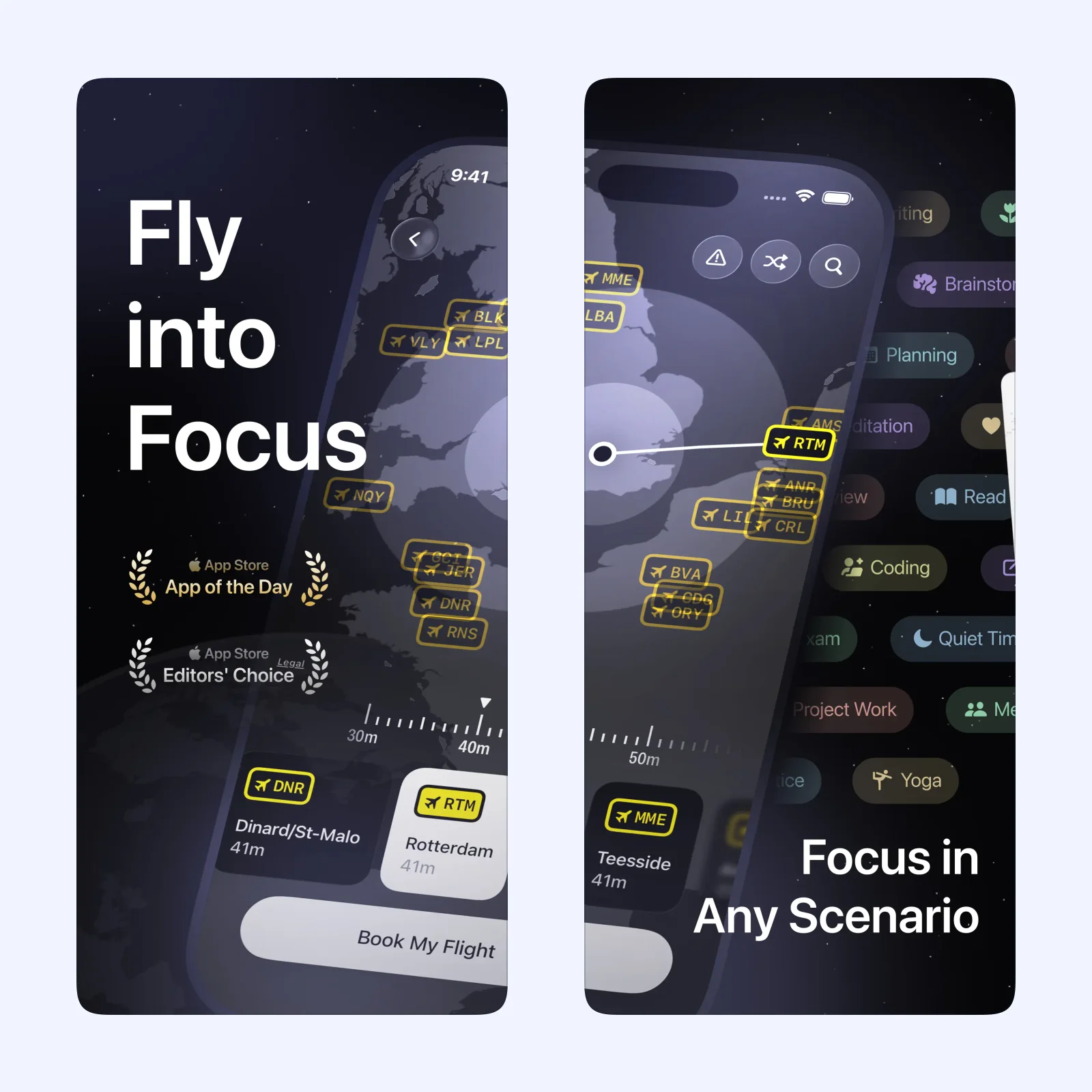
FocusFlight frames each timed session as a flight. The route and progress make an abstract block of work feel like an event with departure and arrival.
It is free to download on iPhone, iPad, Mac, and Apple Vision, with paid features. Choose it if visual progress helps you stay through the full timer. Set a short first flight and write the one task that will be done when it lands.
Flip Phone Focus: begin by putting the phone down
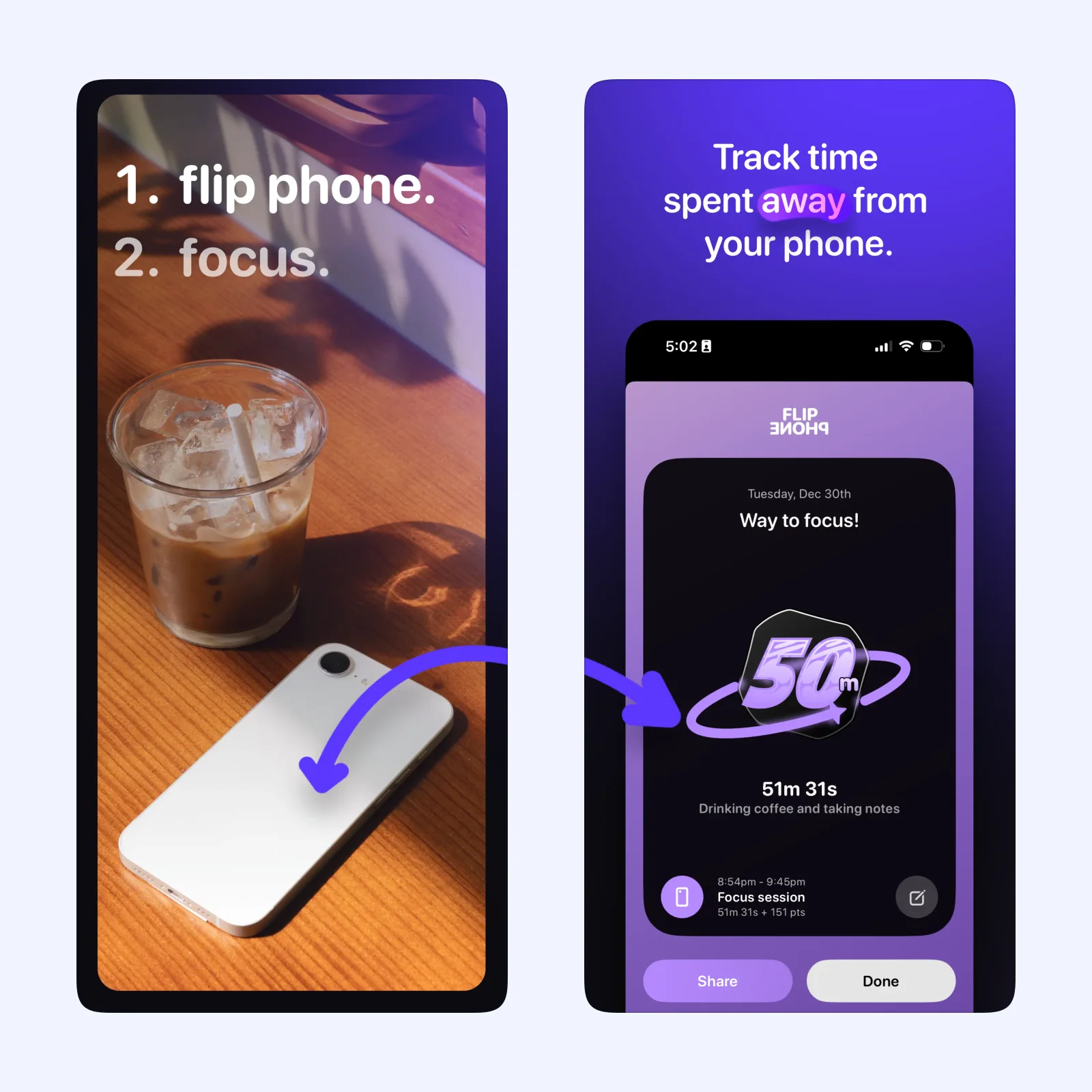
Flip Phone Focus uses a physical gesture: turn the iPhone face down to begin. The screen then stops being the center of the session, which is helpful when the device itself is the distraction.
The app is free on iPhone, Mac, and Apple Vision. Pick it when a conventional timer leaves the phone visible and easy to reopen. Keep the device out of reach after the flip if notifications still pull you back.
Emphasis: work with a repeatable rhythm
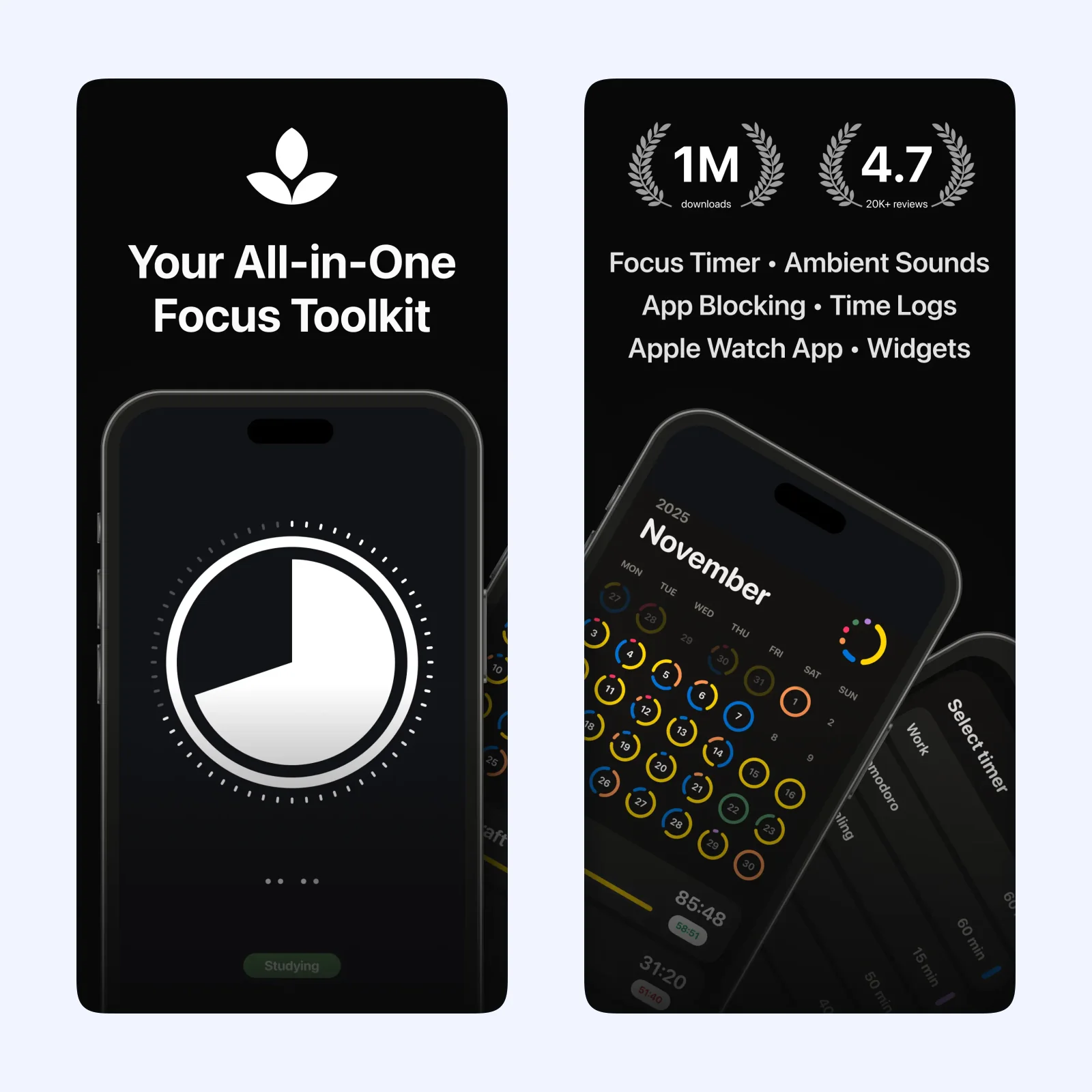
Emphasis builds sessions from focused intervals and breaks. You can adjust the rhythm to fit the task instead of accepting one fixed Pomodoro length.
It is free to download across iPhone, iPad, Mac, Apple Vision, and Apple Watch, with paid features. Choose it when a steady work-and-break pattern matters more than a themed experience. Avoid shortening the focus interval every time work becomes uncomfortable.
Meditate: let a visual record grow
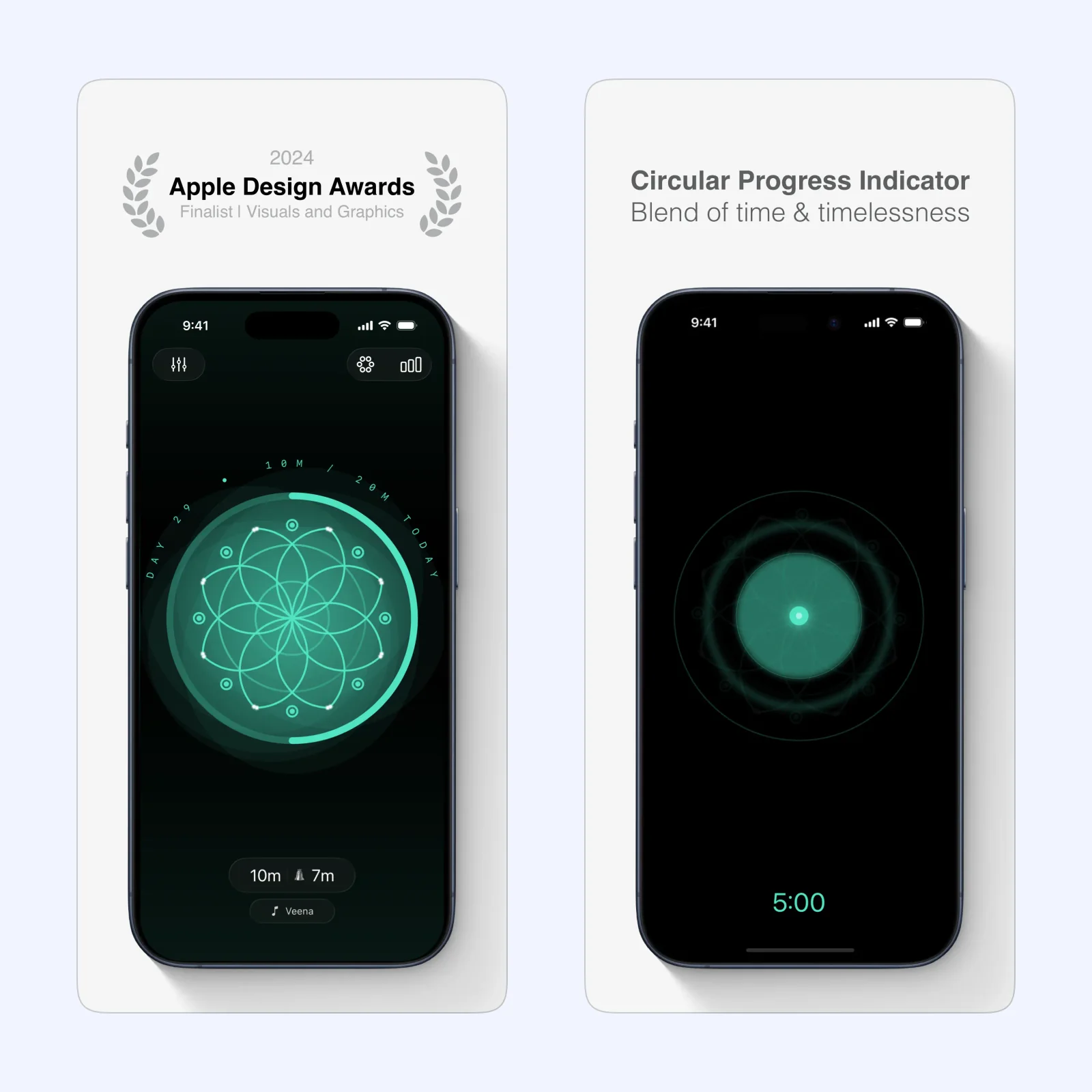
Meditate tracks quiet sessions, goals, and streaks while a mandala grows with practice. It is closer to a meditation log than a work timer, but the clear start and end can also support a short transition before focused work.
The app is free on iPhone, iPad, Apple Vision, and Apple Watch, with paid features. Pick it when attention needs a calmer entry rather than a productivity score.
Which one should you try?
Use FocusFlight for a visual destination, Flip Phone Focus to remove the screen, Emphasis for repeatable intervals, or Meditate for a quiet ritual. The right choice should make starting simpler.
Timers cannot define the task for you. Before starting, write one outcome that can fit the interval and close unrelated windows. A 25-minute block named “work” gives less direction than “draft the first two sections.” The app then marks time while the task provides the boundary.
Notifications and emergency contacts need a deliberate rule. Use Focus modes or allow lists so routine alerts stay quiet without making an important person unable to reach you. Test the setup before a high-stakes session rather than discovering the exception when it matters.
Create one 20-minute session and remove every optional setting. Repeat the same start for five workdays before you decide whether to change the timer.
Record whether the planned task moved, not only whether the timer reached zero.