
Food apps solve different jobs. Amy Food Journal and Mist turn plain language into a food record. Nunch adds packaged-food scanning. Crouton starts from recipes and a weekly meal plan rather than a daily calorie log.
Choose the lightest record that answers your question. Detailed nutrition data can help with a specific goal, but it is unnecessary when you only want to remember what you ate or plan dinner.
- Amy Food Journal for typed meal descriptions
- Mist for note-like calorie logging
- Nunch for fast logs and barcode scans
- Crouton for recipes and meal plans
Amy Food Journal: describe what you ate
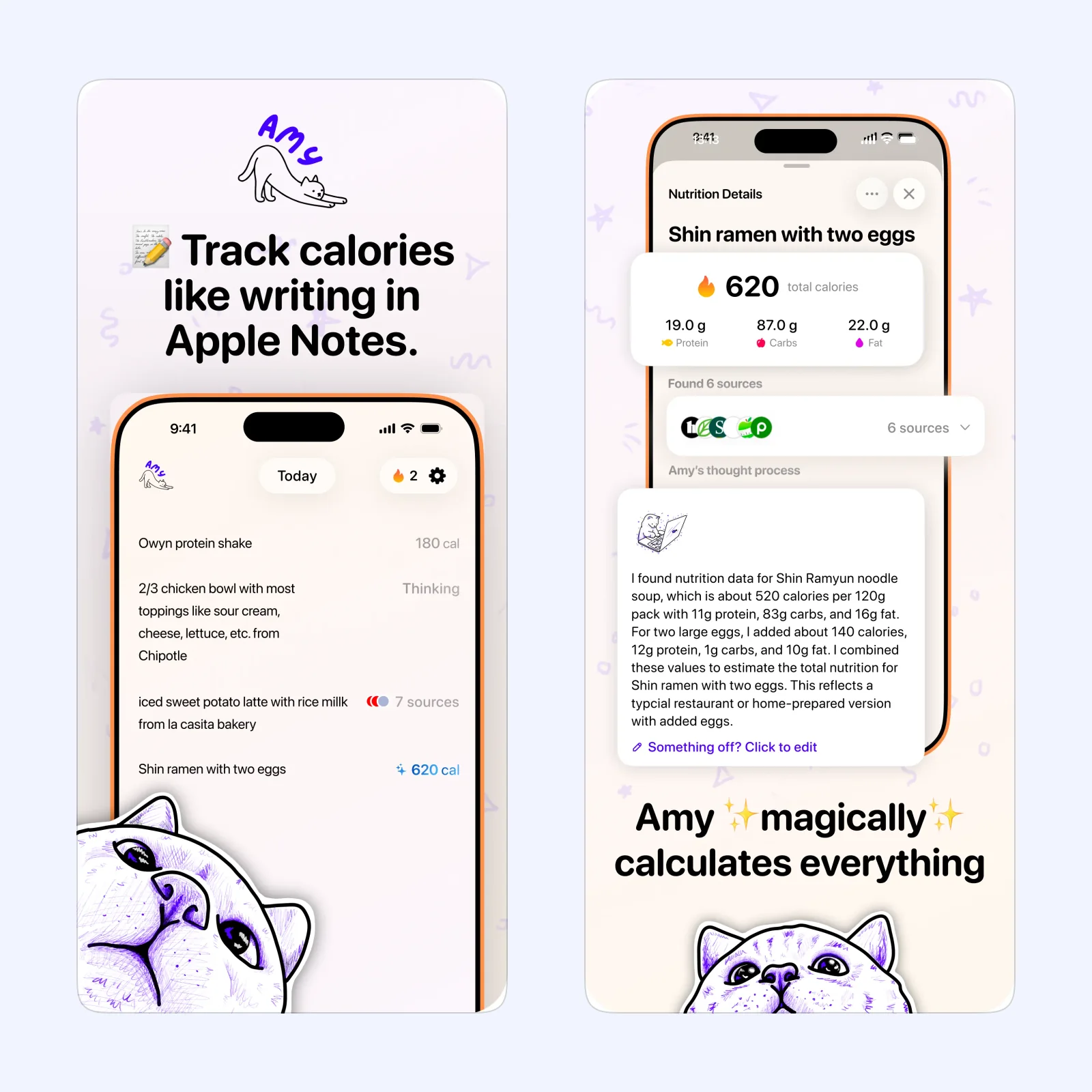
Amy lets you type a normal description of a meal and turns it into estimated calories and nutrition. This is quicker than finding every ingredient in a database when an approximate record is enough.
The app is free to download on iPhone, iPad, Mac, and Apple Vision, with paid features. Choose it when typing “yogurt with berries and granola” feels sustainable. Check unusual portions and mixed dishes because estimates can be wrong.
Mist: keep the log closer to a note
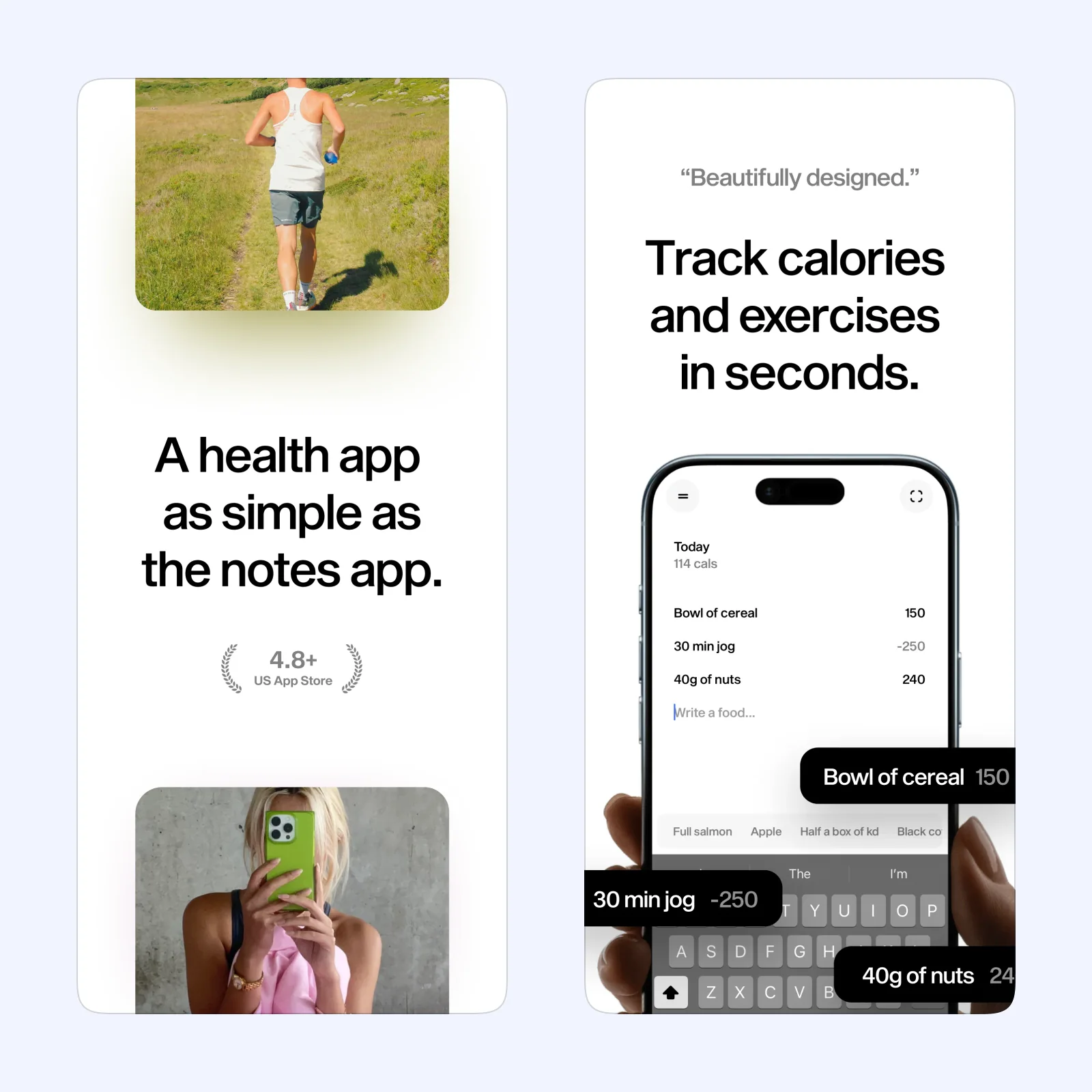
Mist also uses plain language and presents the log with a quiet, note-like interface. It calculates calories while keeping the capture step short, which can make a daily record feel less clinical.
It is free to download on iPhone, iPad, Mac, and Apple Vision, with a paid plan. Pick it when visual simplicity is important. A short consistent note is more useful than a detailed form you stop using after three days.
Nunch: scan packaged food when typing is slower
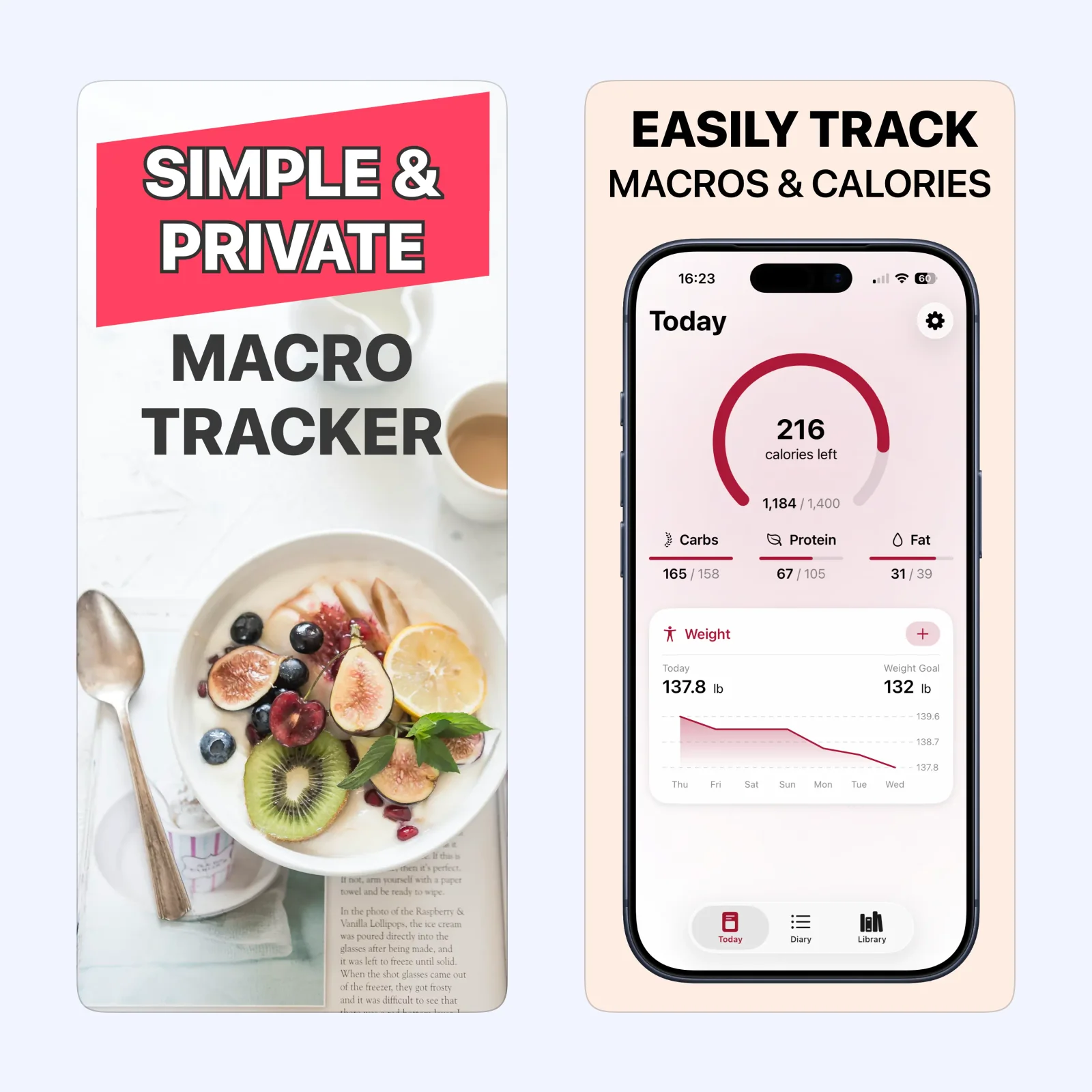
Nunch combines quick meal entry with barcode scanning for packaged foods. The scan can pull in a product without manual typing, while regular foods can still be logged through the app's search and entry tools.
It is free to download on iPhone and iPad, with paid features. Choose it when packaged products are a regular part of the log. Confirm the serving size because the correct product can still produce the wrong total.
Crouton: plan food instead of counting it
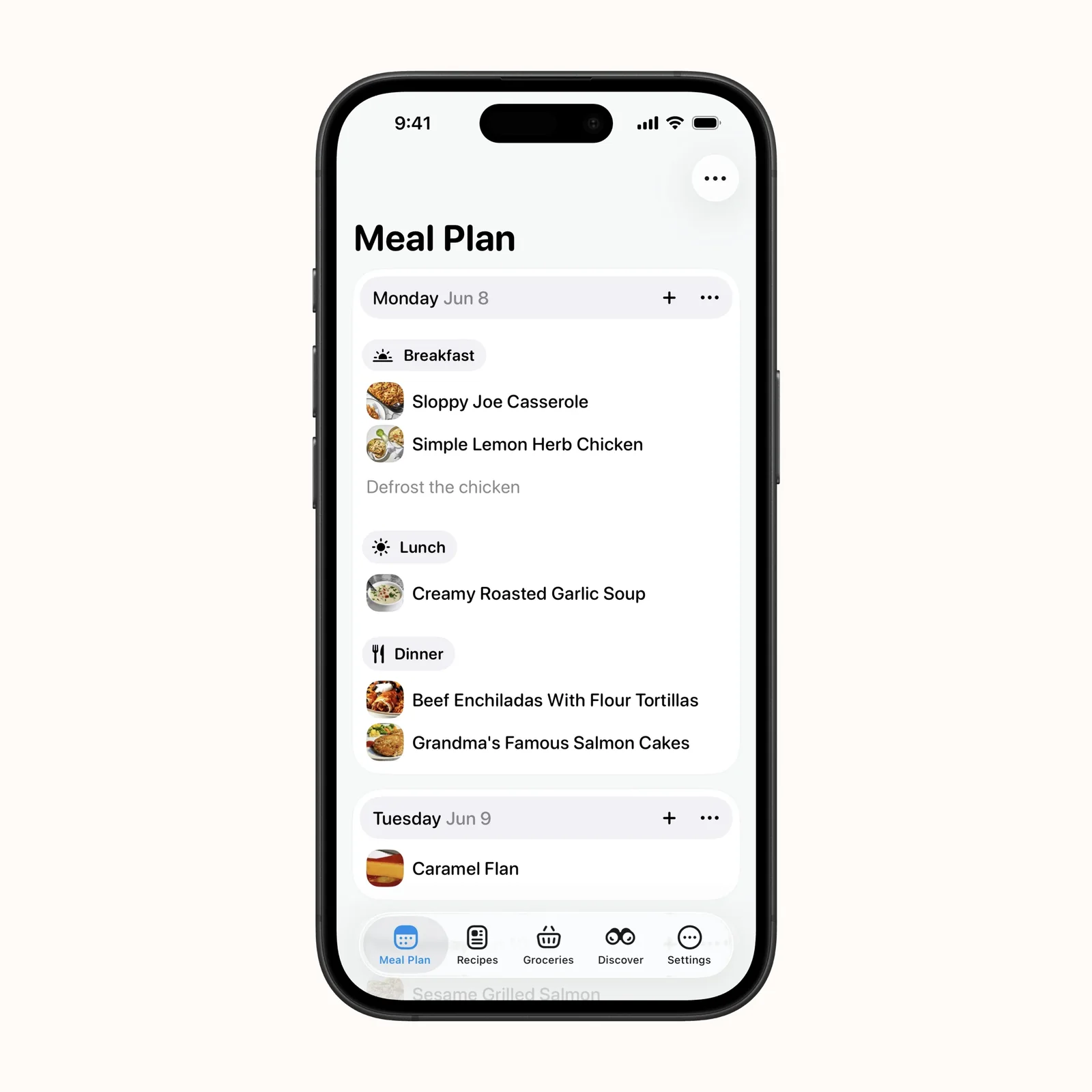
Crouton is a recipe manager and meal planner, not a traditional calorie counter. It imports recipes, places them on a weekly plan, and turns ingredients into grocery lists. This helps when the main problem is deciding what to cook.
The app is free across iPhone, iPad, Mac, Apple Vision, and Apple Watch, with paid features. Pick it when a plan would be more useful than a nutrient total.
Which one should you try?
Use Amy or Mist for fast plain-language records, Nunch when barcode entry matters, or Crouton when planning is the real need. If food tracking causes anxiety or rigid eating, a detailed tracker may not be the right tool.
Plain-language estimates and barcode records solve different errors. An estimate may misunderstand a portion or ingredient, while a packaged-food entry may use a serving size that does not match what you ate. Check the field that matters for your goal instead of trying to make every meal perfect.
Food history is sensitive health information. Review cloud sync, account, export, and deletion controls before building a long record. If a clinician or dietitian asked for the log, confirm the detail and format they need so the capture effort produces something they can use.
Log or plan only three days at first. That is long enough to test the input method without turning setup into a new project.