

Foodnoms reduces the typing involved in a food log. You can add a meal by search, barcode, nutrition label, photo, voice, plain-language description, Siri, or Shortcuts.
That range matters because the best logging method changes with the food. A packaged snack has a barcode. A regular breakfast may be faster from history. A nutrition label can be scanned when the product is missing.
See the meal and daily goals together
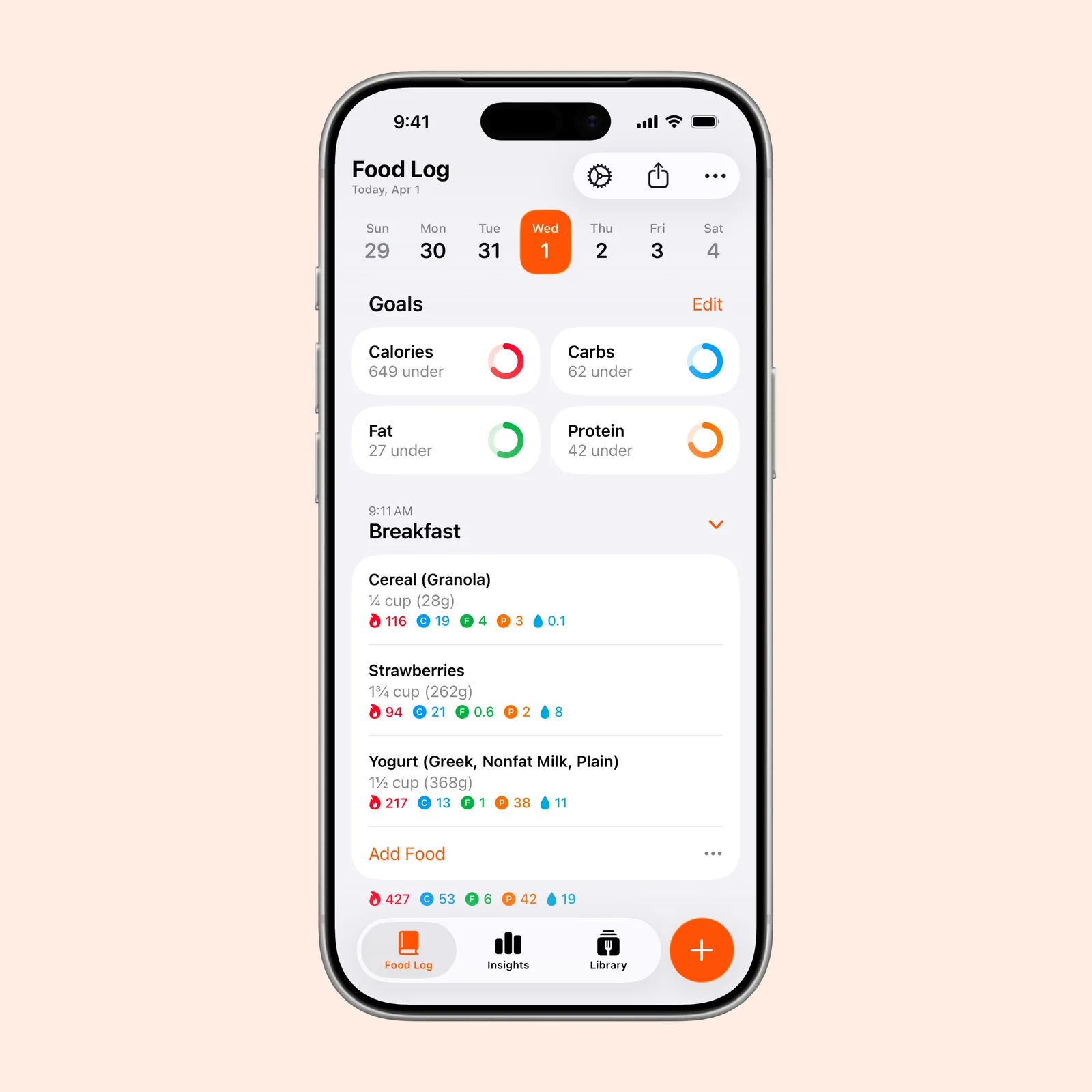
The Food Log keeps daily calorie and macro progress above the meal entries. You can see how breakfast contributes to the day without opening a separate report.
Custom goals can cover calories, macros, and other nutrients. Targets are only useful when they match a real need, so avoid copying a preset that has no connection to your health or advice from a qualified professional.
Scan a nutrition label
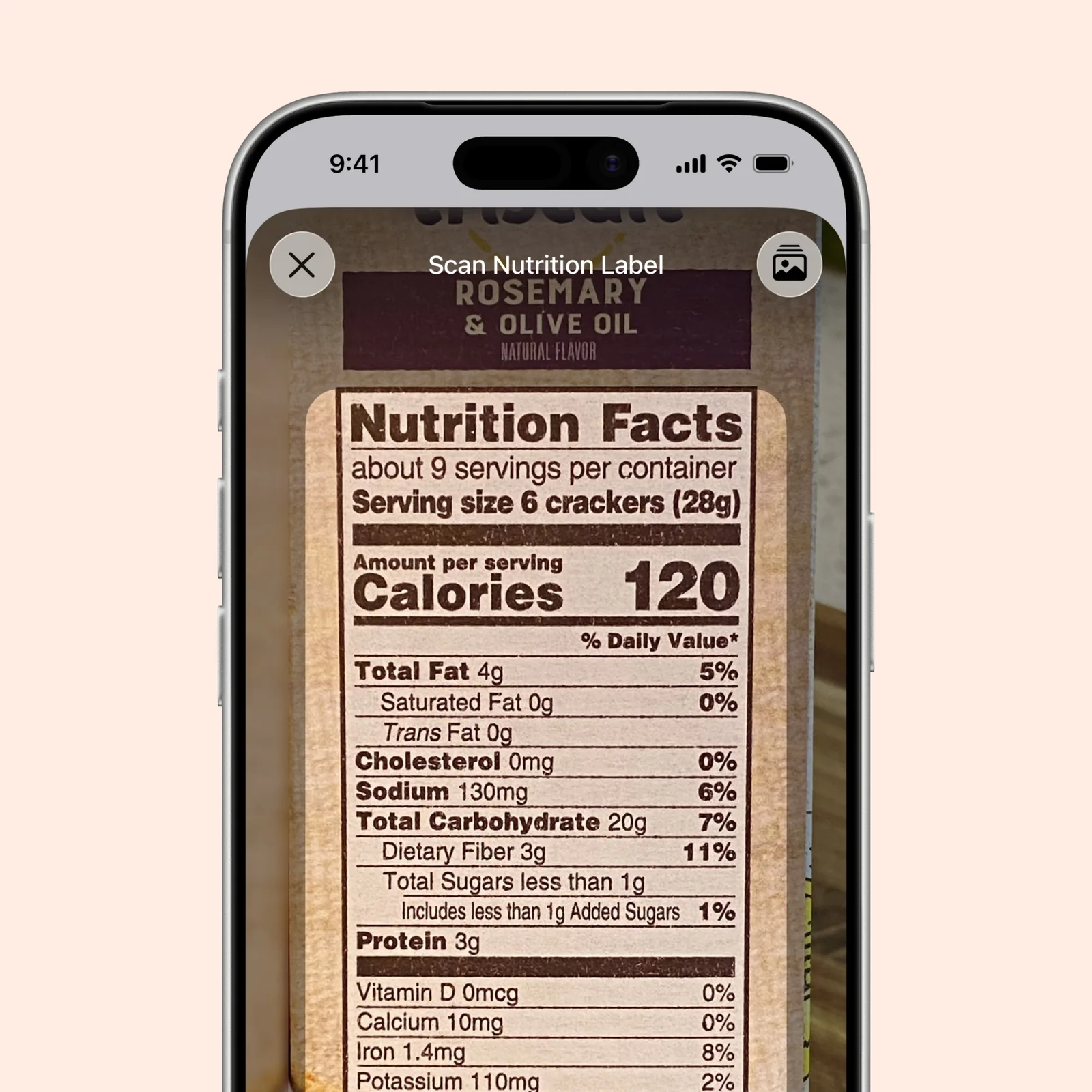
The label scanner reads the printed nutrition panel through the camera. This is helpful for local or new products that do not yet have a reliable database entry.
Check the serving size and one or two key values before saving. Lighting, unusual layouts, and damaged packaging can affect any camera-based scan.
Review patterns in Insights
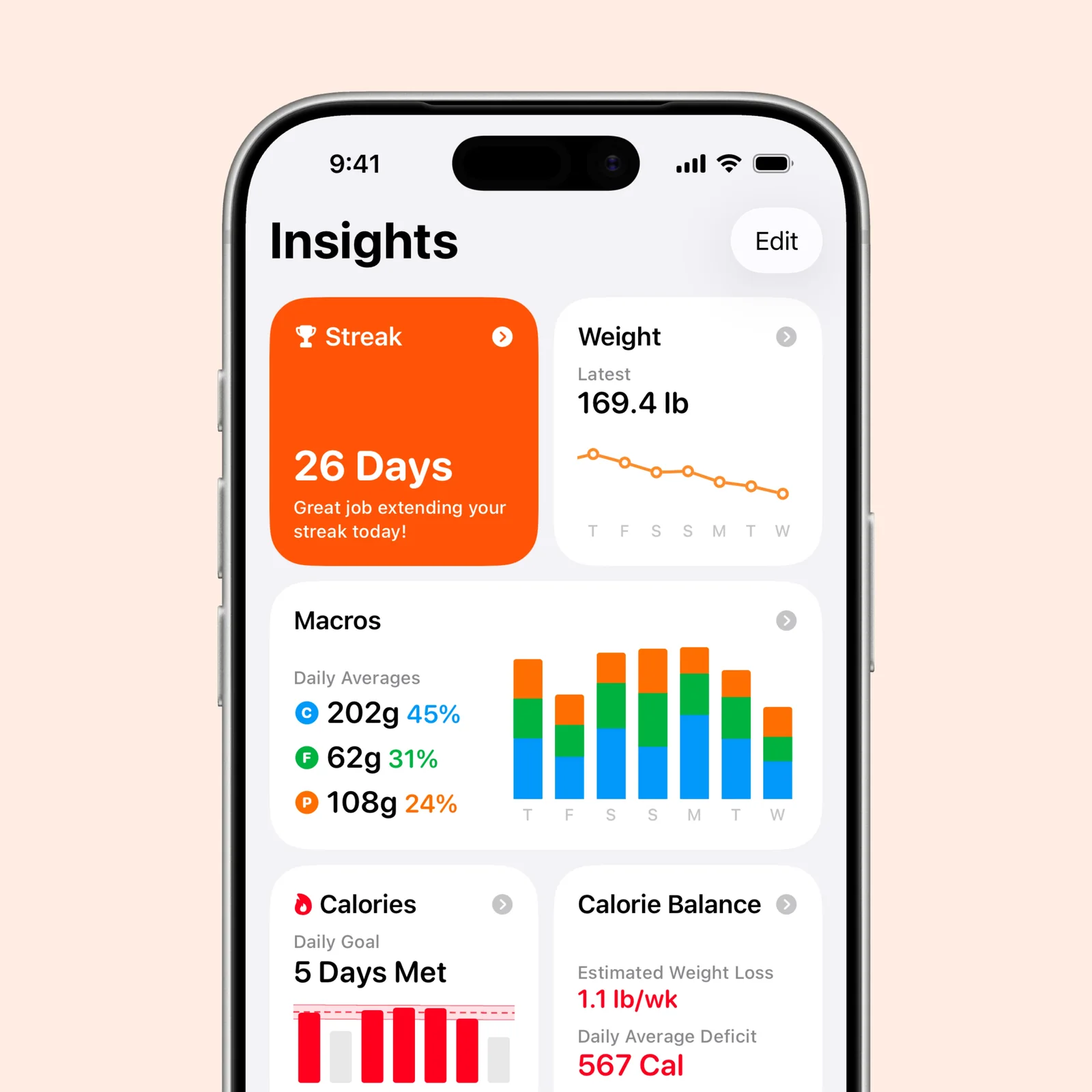
Insights combine streaks, weight, macros, calories, and nutrient progress. A weekly pattern is usually more informative than one day that sits above or below a target.
Food logs can be useful for awareness, planning, or a discussion with a professional. They can also become stressful. If detailed tracking makes eating harder, the right choice may be a simpler diary or no tracker at all.
What to know before you try Foodnoms
Foodnoms is free to download, with optional paid features. It supports iPhone, iPad, Mac, Apple Vision, and Apple Watch. The current iPhone version requires iOS 18 or later.
Nutrition databases contain duplicate and user-entered items, so check a common food before saving it as a favorite. A label scan gives better product-specific detail, while a plain-language or photo estimate trades precision for speed. Use the method that matches the question you are trying to answer.
Health data and meal history are sensitive. Review Apple Health access, sync settings, and any export before you begin a long record. If you plan to show the log to a clinician, ask which nutrients and date range are actually useful.
Start by logging one meal for three days. Use the quickest input each time. That will tell you whether the flexible capture methods remove enough effort to make the record useful.
After three days, compare the captured meals with what you remember. Missing drinks, sauces, snacks, or changing portions will show where the quick method needs one extra check. Make that correction while the meal is still recent enough to remember accurately.