
Movement apps do not need to punish a missed day. Gentler Streak includes recovery in the plan. GO Club turns steps and water into a friendly game. pushr counts one exercise. StepsApp keeps walking progress clear.
The best app is the one that supports the kind of movement you already want to do. A complex training plan will not help if a daily walk is the realistic starting point.
- Gentler Streak for activity and recovery context
- GO Club for friendly daily goals
- pushr for counted push-ups
- StepsApp for walking progress
Gentler Streak: let recovery change the plan
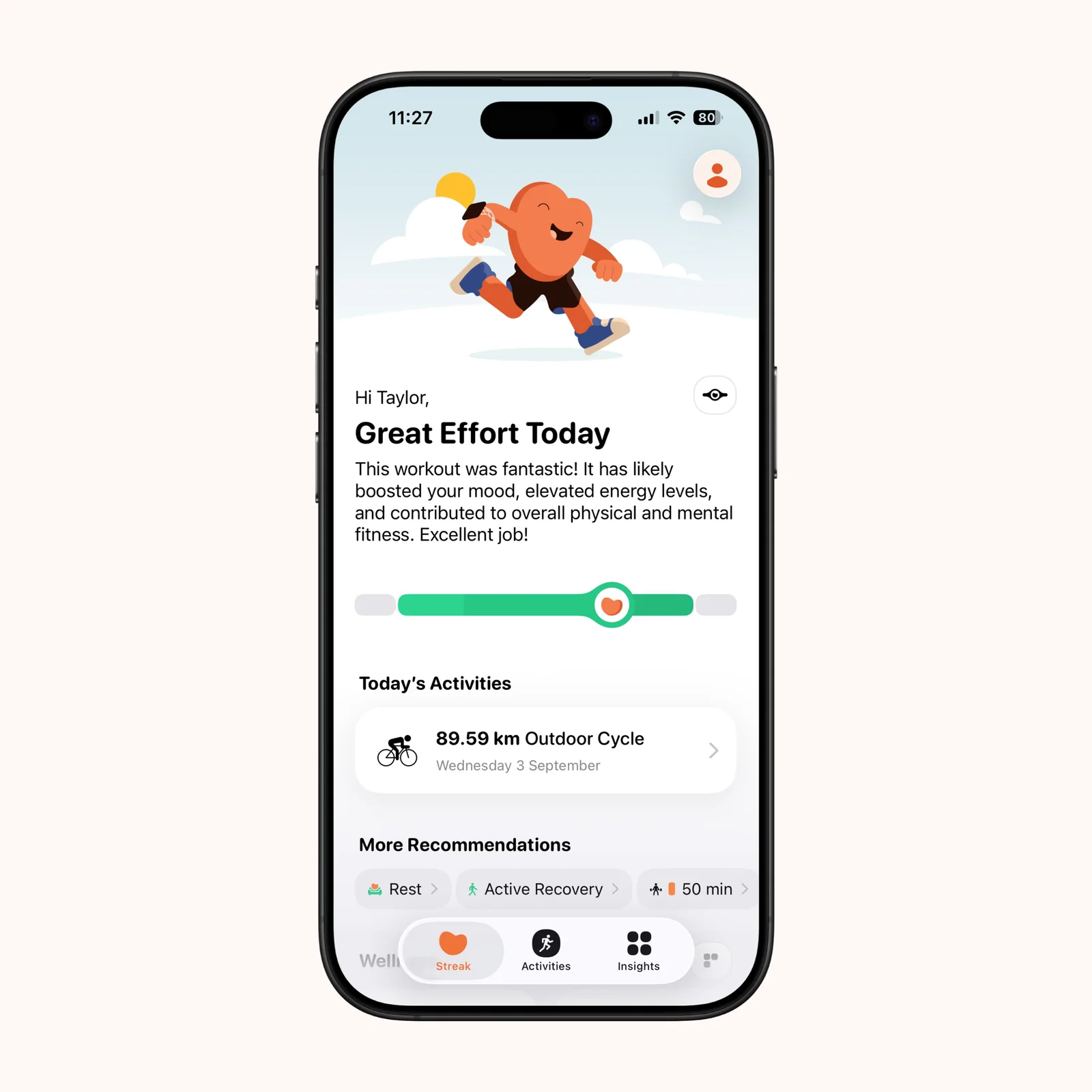
Gentler Streak uses recent activity and daily condition to suggest exercise, active recovery, or rest. It keeps workouts and steps visible without treating maximum effort as the only good result.
The app is free, with paid plans, on iPhone, iPad, and Apple Watch. Choose it if you train regularly but want the plan to respond to fatigue, illness, injury, or a busy period.
GO Club: make everyday goals social
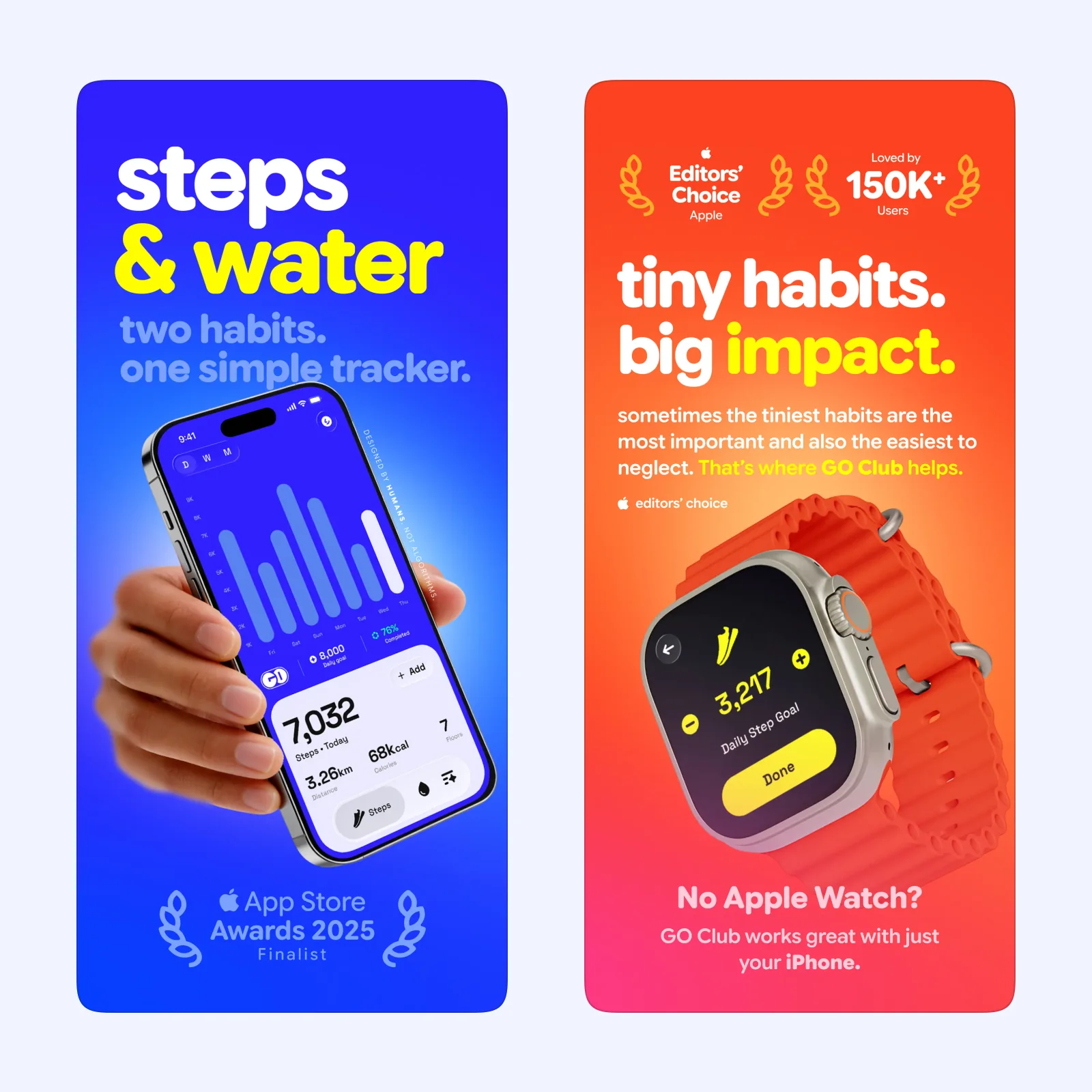
GO Club makes steps and water feel like a small shared game. Friendly challenges and visible daily goals add social encouragement without requiring a formal competition or workout program.
It is free on iPhone and Apple Watch. Pick it when a friend makes consistency easier and the goal is ordinary movement. Agree on a modest target so the challenge can survive a busy day.
pushr: count one exercise with the phone
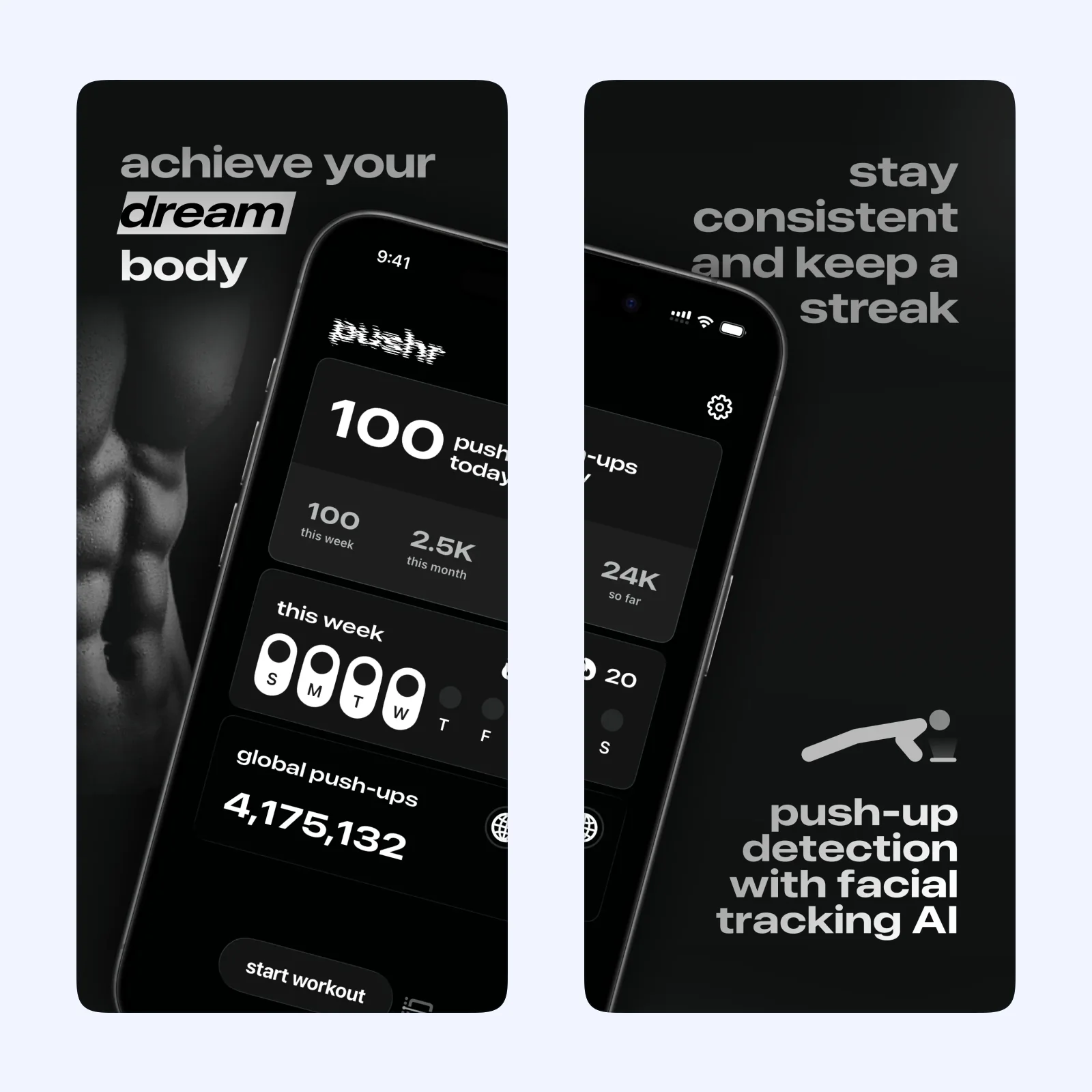
pushr uses the iPhone to count push-ups and keep a record of each session. The narrow focus removes setup. Put the phone in position, begin, and review the set when you finish.
The iPhone app is free to download, with optional paid features. It suits someone building a simple push-up routine. Good form matters more than a larger count, so stop a set when the movement changes.
StepsApp: keep daily walking easy to read
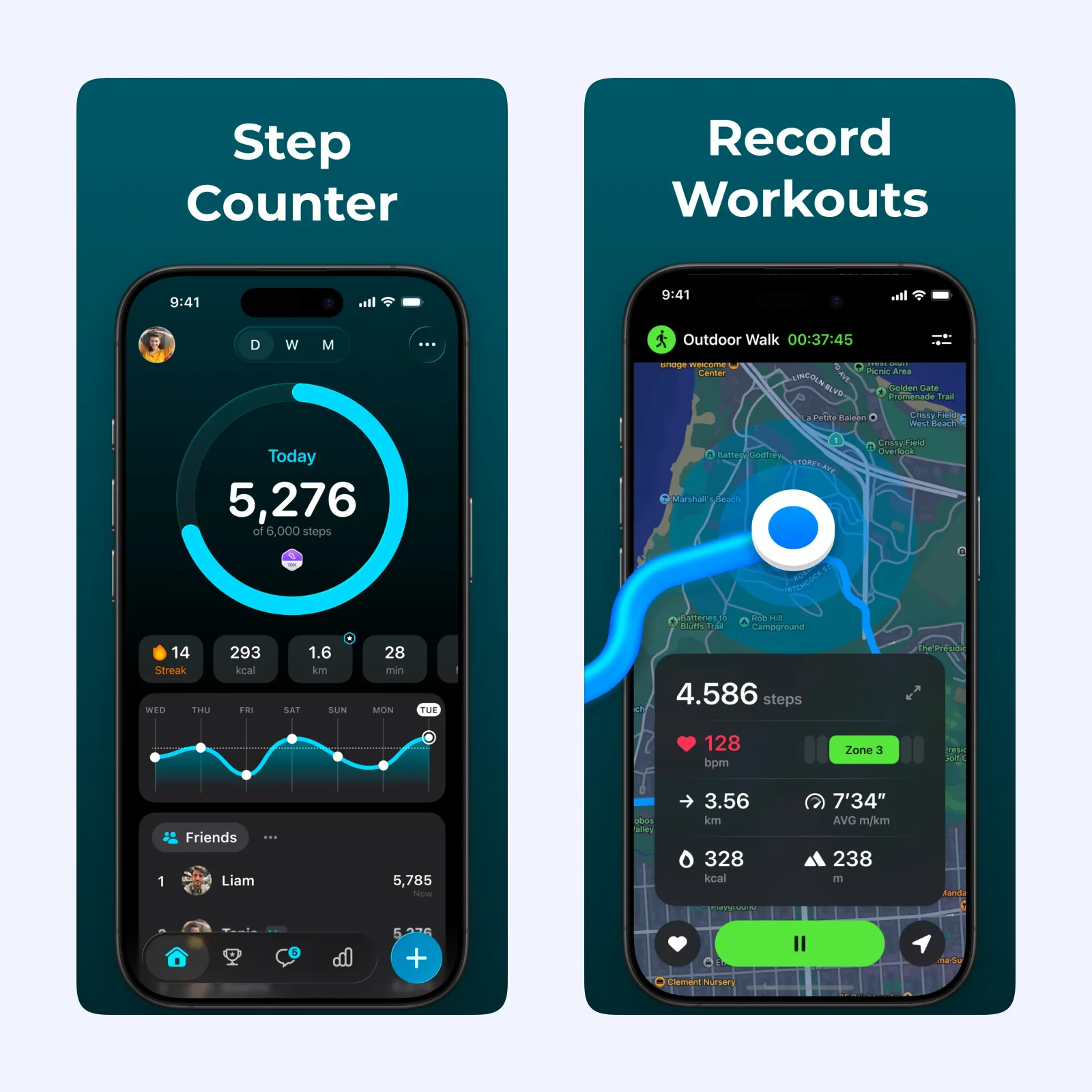
StepsApp presents steps, distance, time, and trends in a clear dashboard. Goals and challenges can add direction, while widgets and Apple Watch keep the number close without requiring manual workout entry.
It is free to download on iPhone, Apple Vision, and Apple Watch, with paid Pro features. Choose it when walking is the main activity you want to understand.
Which one should you try?
Pick Gentler Streak for a broader training and recovery view, GO Club for a social nudge, pushr for one focused exercise, or StepsApp for walking. None is a substitute for medical advice or a safe training plan.
Apple Health permissions determine whether activity moves cleanly between apps. Let one service be the main record, then check for duplicate workouts and steps after the first day. Two apps writing the same session can inflate totals and make later trends unreliable.
Social goals should also remain optional. A friend can make a walk more enjoyable, but a public rank can turn recovery or illness into a penalty. Choose private or small-group settings when comparison changes the reason you move.
Choose one number to follow for two weeks. It can be steps, sessions, or days with intentional recovery. Keep the first target low enough that it still fits a difficult day.
Review the two weeks as a pattern, not a score. A goal that was missed for understandable reasons may need a different schedule, while a goal completed easily can be raised in a small step.