

Gentler Streak treats rest and active recovery as part of a fitness routine. Its daily suggestions use recent activity and current condition instead of pushing the same target every day.
This can suit people who want structure without making a streak the main goal. The app still tracks progress, but a quiet day does not automatically look like failure.
Check your condition before choosing a workout
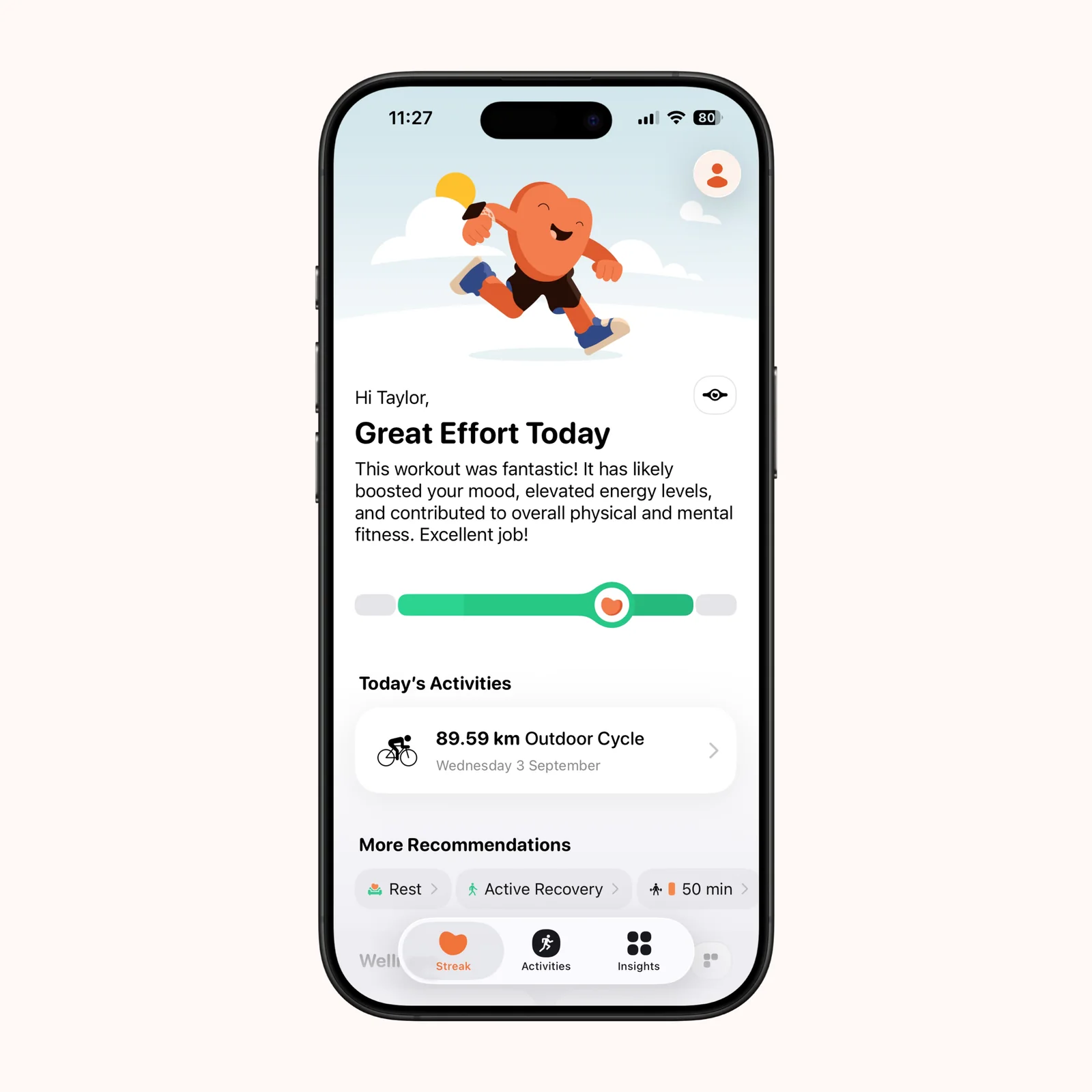
The daily condition view places recent effort on a range and suggests movement that fits the current state. Recommendations can include a normal workout, something lighter, active recovery, or rest.
The score is context, not a diagnosis. Sleep, illness, injury, stress, and how you actually feel should still affect the decision. Gentler Streak includes status adjustments for periods such as illness, injury, or vacation.
Keep ordinary walking visible
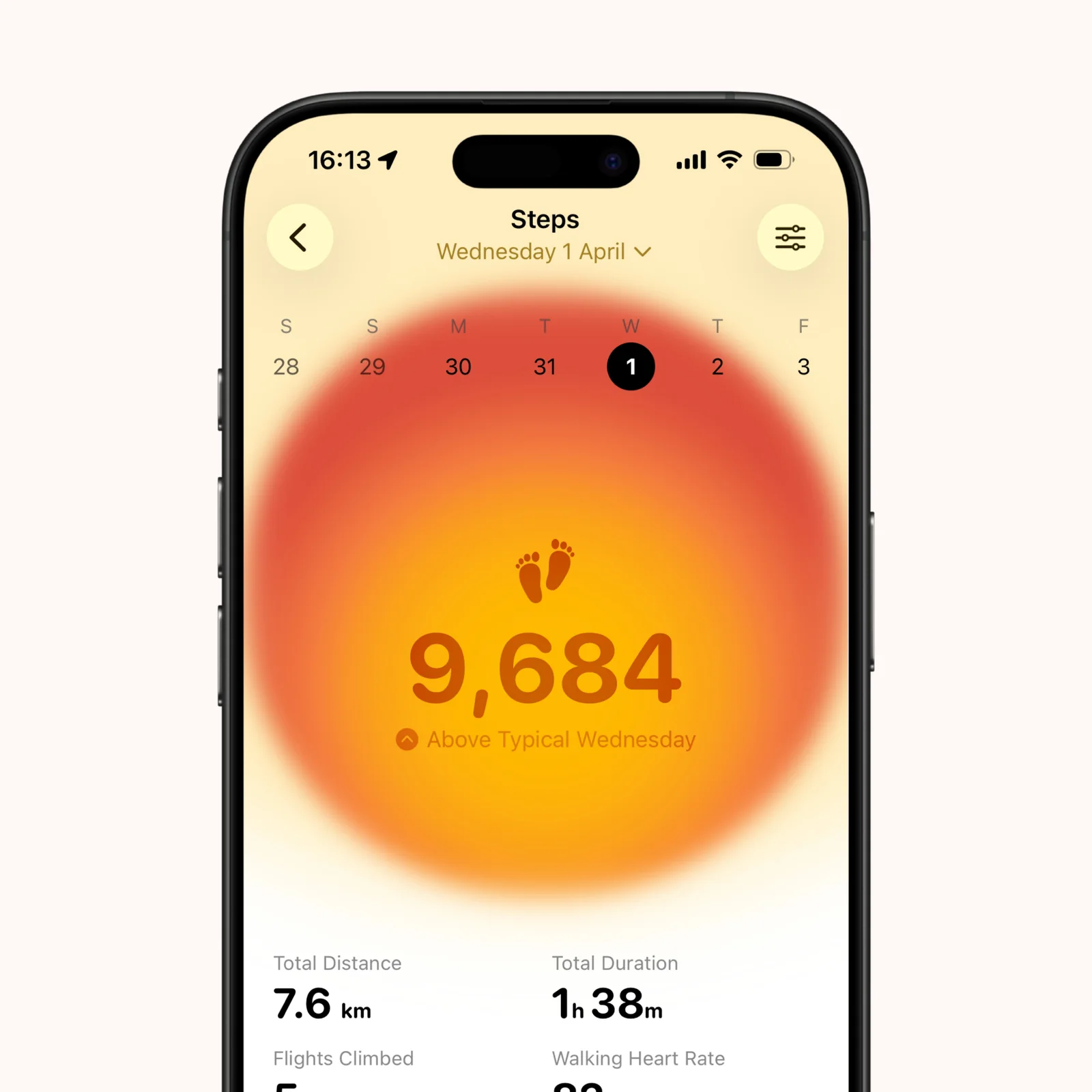
The Steps view gives everyday movement its own place beside formal workouts. It compares the day with your typical level and shows distance and duration.
This helps when health is built from walking and light activity rather than scheduled training alone. A day can count without needing a named workout or personal record.
Review activity over longer periods
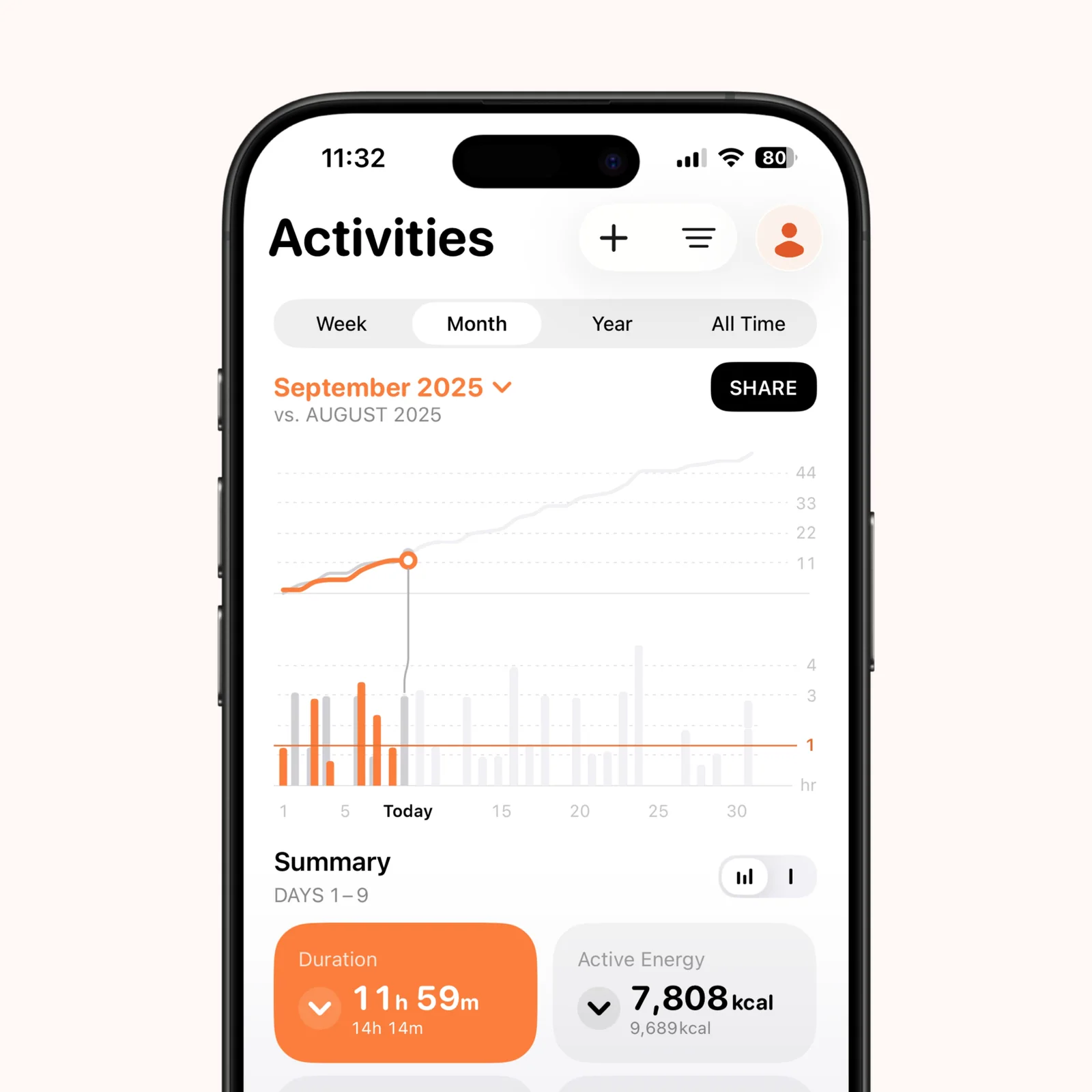
Activity history includes month, year, and all-time views. Longer ranges make it easier to see consistency through busy weeks, rest periods, and seasonal changes.
The app supports more than 140 activity types. Track the activities that inform a decision and ignore the rest. More categories do not make the record better by themselves.
What to know before you try Gentler Streak
Gentler Streak is free to download, with monthly, yearly, lifetime, and family paid options. It supports iPhone, iPad, and Apple Watch, with iOS 16 or later required on iPhone.
Readiness estimates depend on the activity and health data available to the app. A missing workout, unusual sleep, or watch that was not worn can change the context. Check the underlying record when a suggestion feels clearly wrong instead of treating the score as an instruction.
The calmer language does not remove normal training risk. Pain, dizziness, illness, and medical restrictions matter more than a green status. Use the app to shape ordinary choices, and get qualified guidance when exercise affects a health condition or injury.
Choose it if recovery is missing from your current tracker. Give it a week of normal activity before judging its suggestions, since a useful baseline takes more than one workout.
During that week, wear the Apple Watch as you normally would and record workouts in one consistent way. Note any day when travel, poor sleep, or illness makes the recommendation feel incomplete. Those exceptions will show whether the daily condition view supports your judgment or only adds another number. Keep the notes brief.