
GO Club puts step tracking and water logging in one daily view. It can count movement automatically, show progress toward a goal, and send hydration reminders.
The combination is simple, but that is the point. You can check two common daily habits without keeping a separate pedometer and water app.
See steps without starting a workout
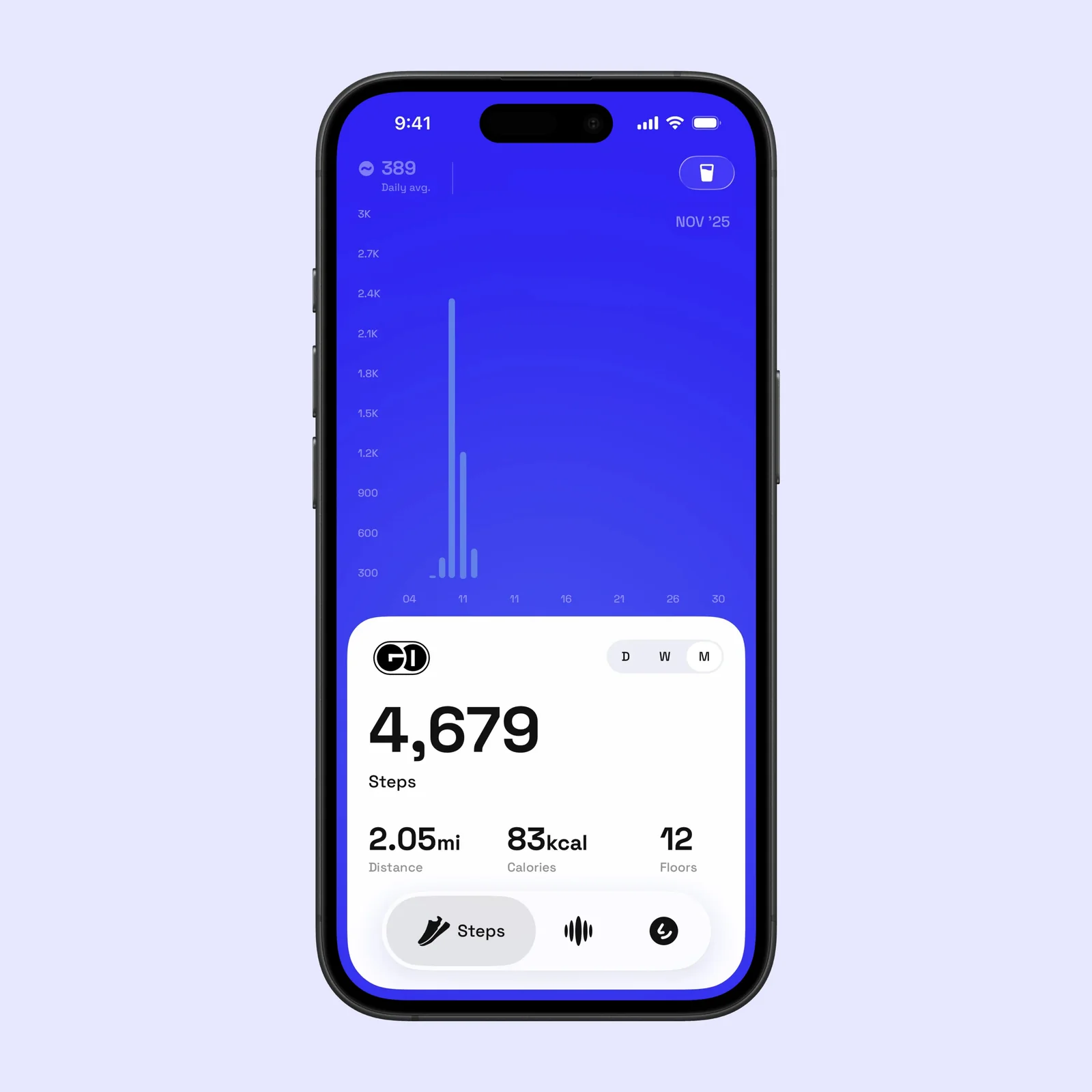
GO Club uses health and motion data to count steps without asking you to start a workout. The activity view can show a daily step total, distance, calories, floors, and a chart over time. You can set a daily goal and check how much is left.
This is useful if you want general movement awareness, not a detailed training plan. A Home Screen or Lock Screen widget can keep the total visible, and the Apple Watch app gives you another place to check it. The app requires iOS 17 or later on iPhone and watchOS 10 or later on Apple Watch.
Start with a goal that matches a normal week. A large target can look motivating on day one and become background noise by day four. A stable baseline gives the progress view more meaning.
Keep water beside movement
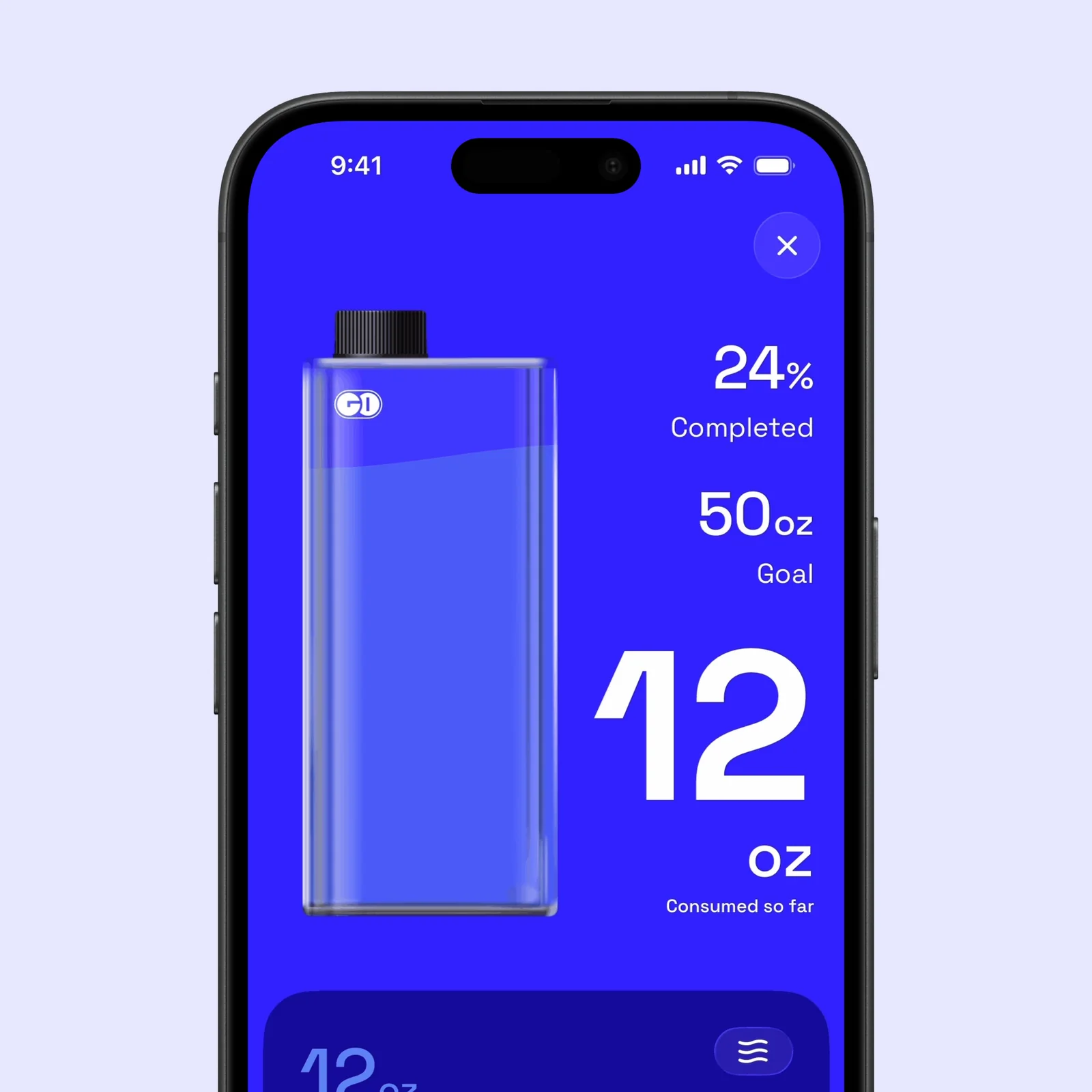
The water view records each drink against a daily target. You can use reminders when you tend to forget, then add an amount from the main screen. Steps update in the background, while water still needs a deliberate entry.
Keeping both measures together can reduce app switching. It does not make the two goals medically equivalent. Water needs differ by person, climate, food, exercise, and health. Use a goal that fits your needs, and follow professional advice if you have a medical reason to manage fluids.
Make the first setup practical. Choose the glass or bottle amount you use most often, then set reminders only for times when they can help. Too many alerts make a simple tracker easier to ignore.
Review and share a daily result
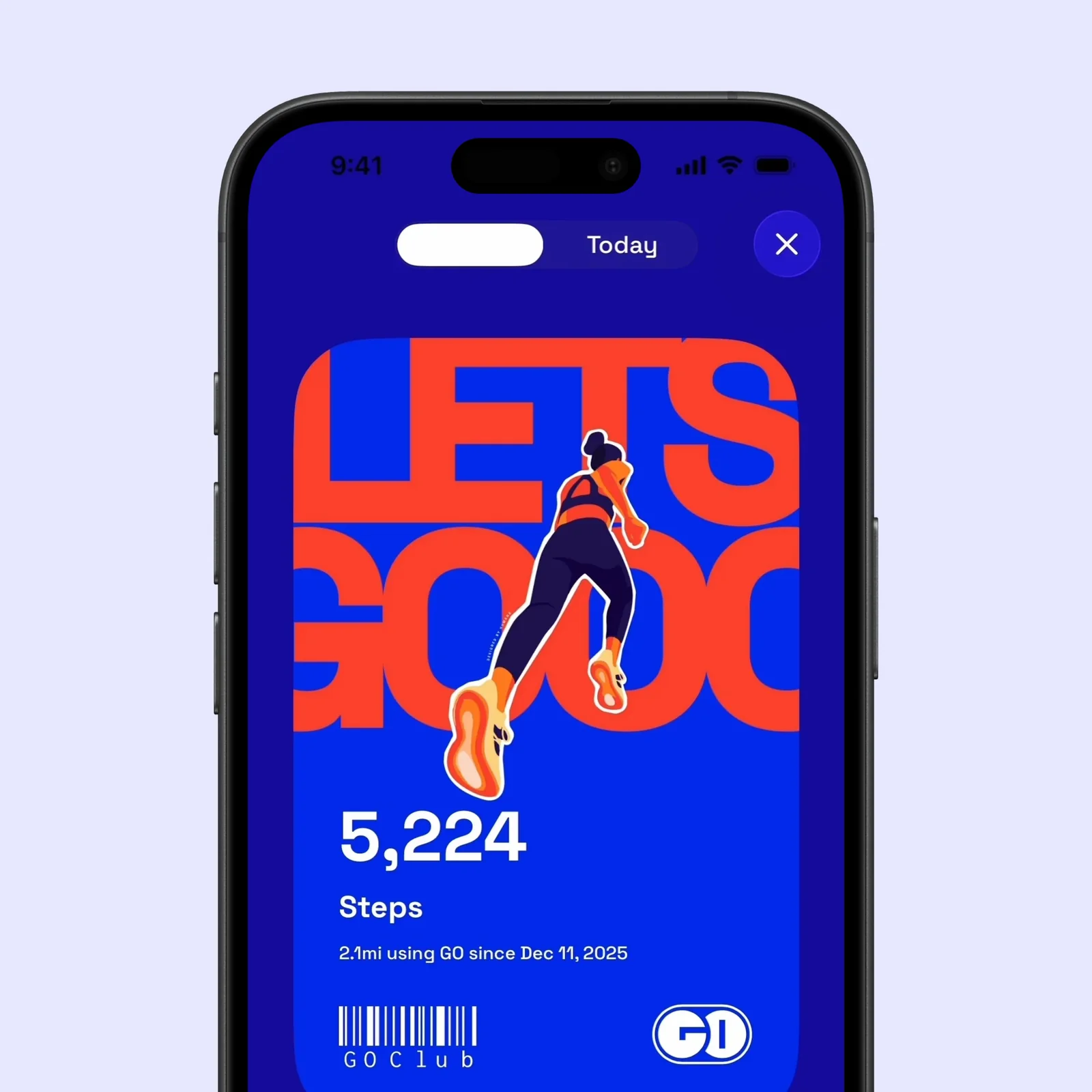
GO Club includes daily, weekly, and monthly progress views. These views can show whether a low day is unusual or part of a wider pattern. Streaks and achievements add a small prompt to continue, while personalised goals let you adjust the target.
The app is free to download. GO Club Premium is offered through monthly and annual subscriptions. The current App Store listing says Premium adds advanced statistics, more widgets and customisation, unlimited activity history, and stronger goal tools. The free version is the sensible place to test whether the combined view changes what you do.
Who GO Club suits
GO Club suits an iPhone user who wants a light daily dashboard for movement and hydration. It is less suitable if you need detailed workout analysis, food tracking, or a clinical hydration plan. In those cases, a specialist tool will give you more useful controls.
There is also a privacy detail to review. The App Store privacy label says the developer does not collect data. The developer privacy policy linked from the listing mentions Firebase Analytics and Crashlytics. Those statements are not easy to reconcile, so read both before you grant access and choose the permissions you are comfortable with.
Try the free version for one week. Put one widget where you will see it, set one realistic step goal, and add the water amount you use most. If those three actions feel easier in one app, the combined view is doing its job.