
Habit trackers fail when the tracking method becomes harder than the habit. Atoms begins with very small actions. Not Boring Habits reduces streak pressure. Ripples makes consistency visible on a calendar. Did I Do answers one practical question from a widget.
Pick the app whose record would help you act tomorrow. A beautiful history has little value if checking it off feels like another obligation.
- Atoms for tiny identity-based habits
- (Not Boring) Habits for flexible repetitions
- Ripples for a calendar view
- Did I Do? for quick certainty
Atoms: make the action smaller
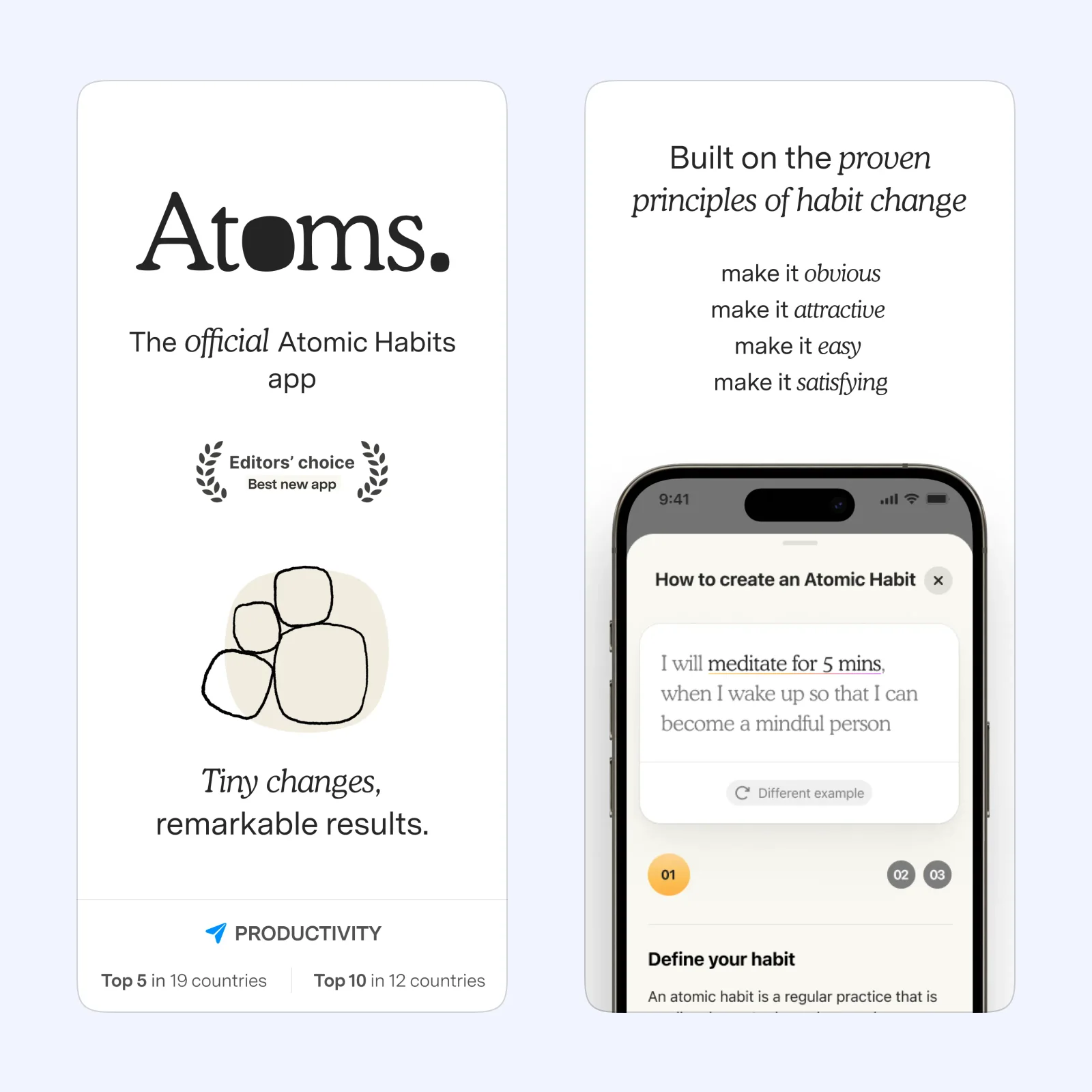
Atoms is based on the ideas in Atomic Habits. It asks you to connect a routine to the person you want to become, then reduce the first action until it is easy to start. The app includes reminders and guided lessons around that method.
Atoms is free on iPhone, with a paid plan. Choose it when the habit is still too large or vague. “Put on running shoes” can be a better first tracked action than “run five kilometers.”
(Not Boring) Habits: count work without worshipping a streak
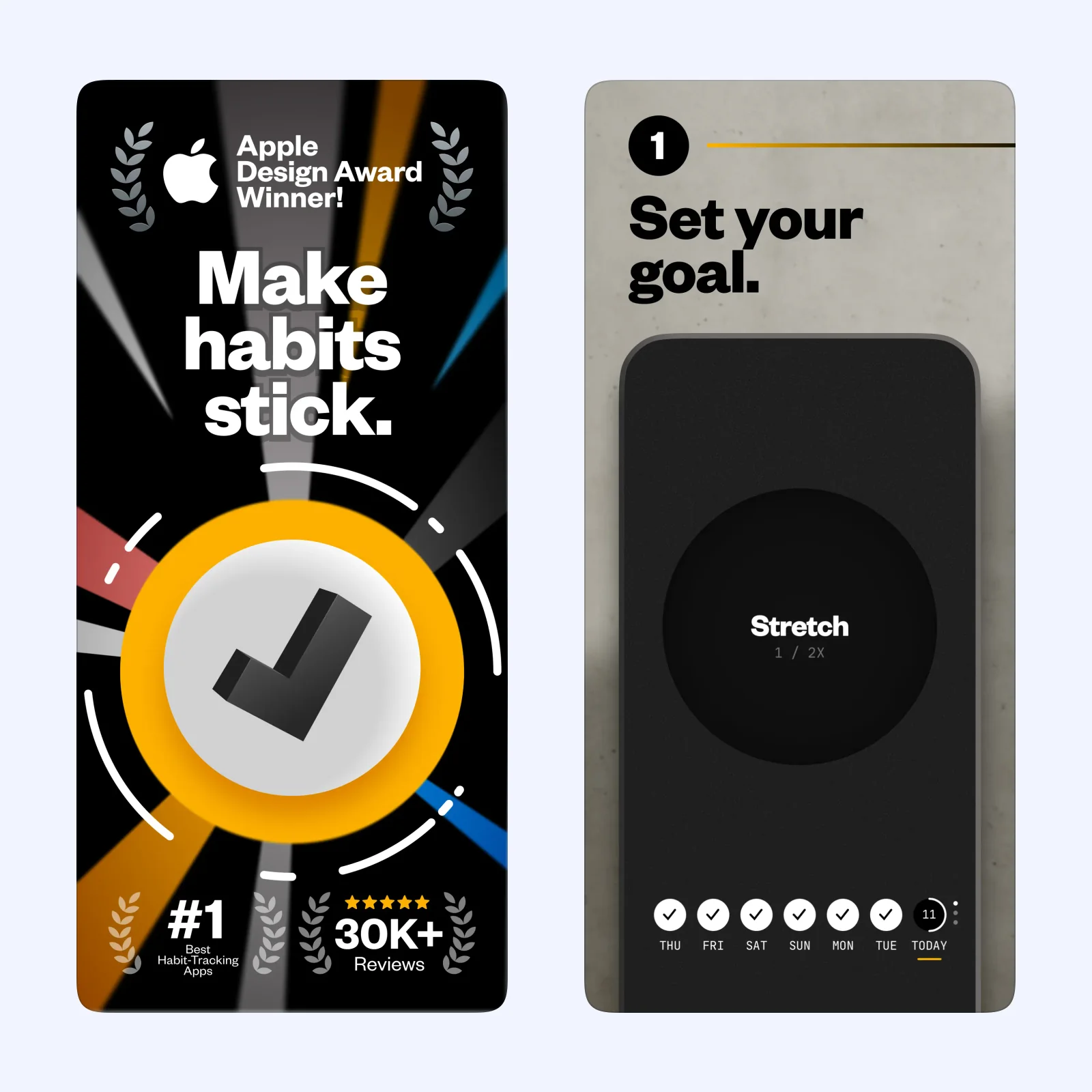
(Not Boring) Habits focuses on repetitions and momentum instead of making one missed day erase the story. The interface uses sound, motion, and tactile details to make each check-in feel deliberate.
It is free to download on iPhone and iPad, with optional paid features. Pick it when strict streaks tend to turn one miss into quitting. The count can continue even when life interrupts the schedule.
Ripples: read consistency on a calendar
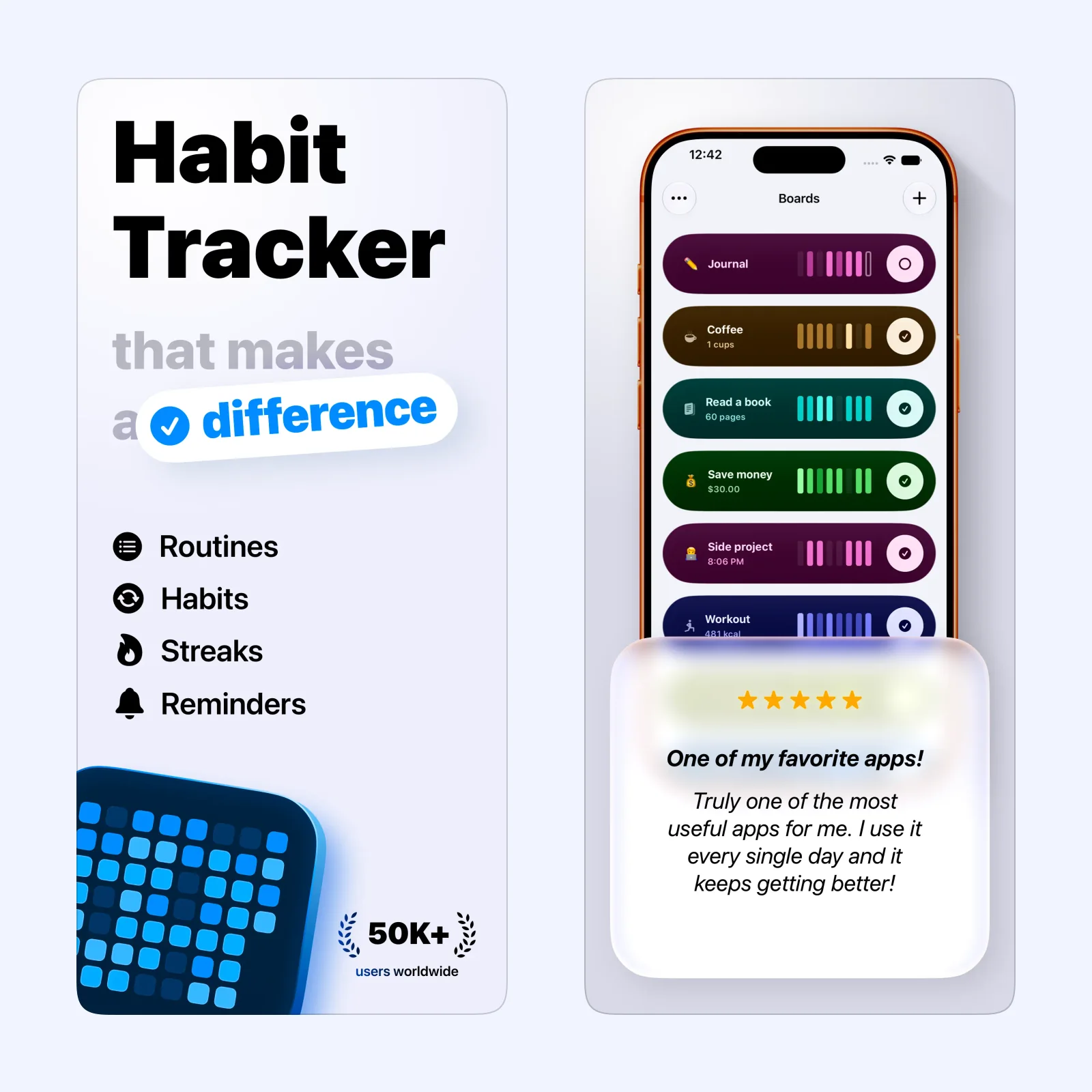
Ripples turns completed habits into a calendar pattern. This makes frequency visible without reducing everything to one current streak. You can see clusters, gaps, and whether the routine actually fits certain days.
The iPhone app is free to download, with a paid plan. It suits people who learn from the shape of a month. Use a clear completion rule so every mark means the same thing.
Did I Do?: settle one repeated doubt
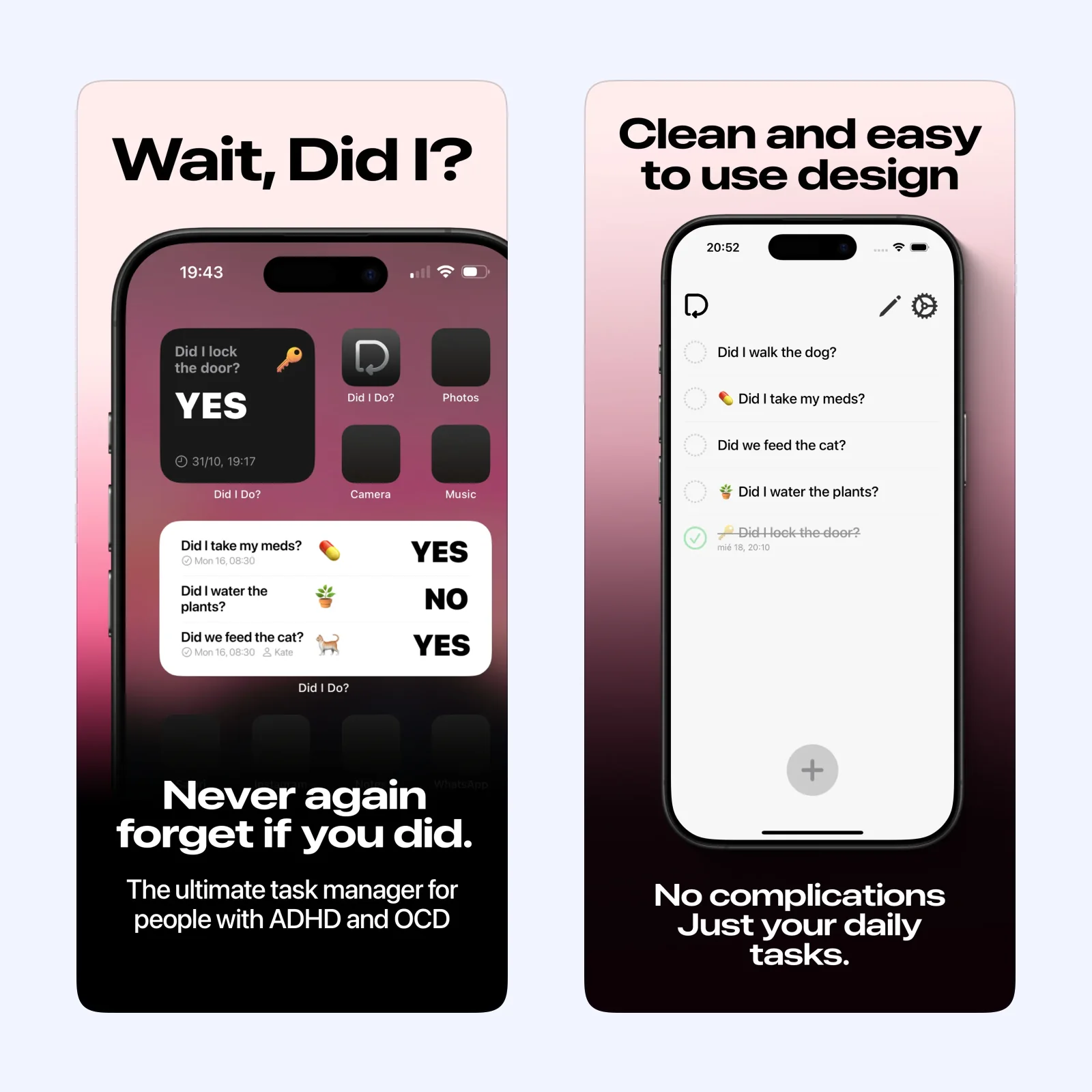
Did I Do? is for recurring tasks that create a “did I?” question, such as taking a supplement, feeding a pet, or watering a plant. A Home Screen control lets you record the action without opening a full journal.
It is free to download on iPhone and iPad, with paid features. Choose it when certainty is the goal. It is less suited to a complex routine with notes, quantities, and several stages.
Which one should you try?
Use Atoms when starting is difficult, Not Boring Habits when streak pressure is the problem, Ripples when you want a monthly pattern, or Did I Do? for one repeated yes-or-no task.
Notifications should support a known cue, not arrive randomly throughout the day. Place one reminder near the time and location where the action can happen. If you dismiss it several days in a row, change the cue or the habit instead of adding louder alerts.
Health, medication, and safety tasks can need more reliable records than a general habit tracker. Check whether the app provides the history, export, and confirmation required for the task. A colorful completion mark may not be enough when another person or a clinician depends on the record.
Track one habit for two weeks. Define the smallest valid completion before the first check-in. Adding five habits immediately makes it hard to learn whether the app or the routine failed.