
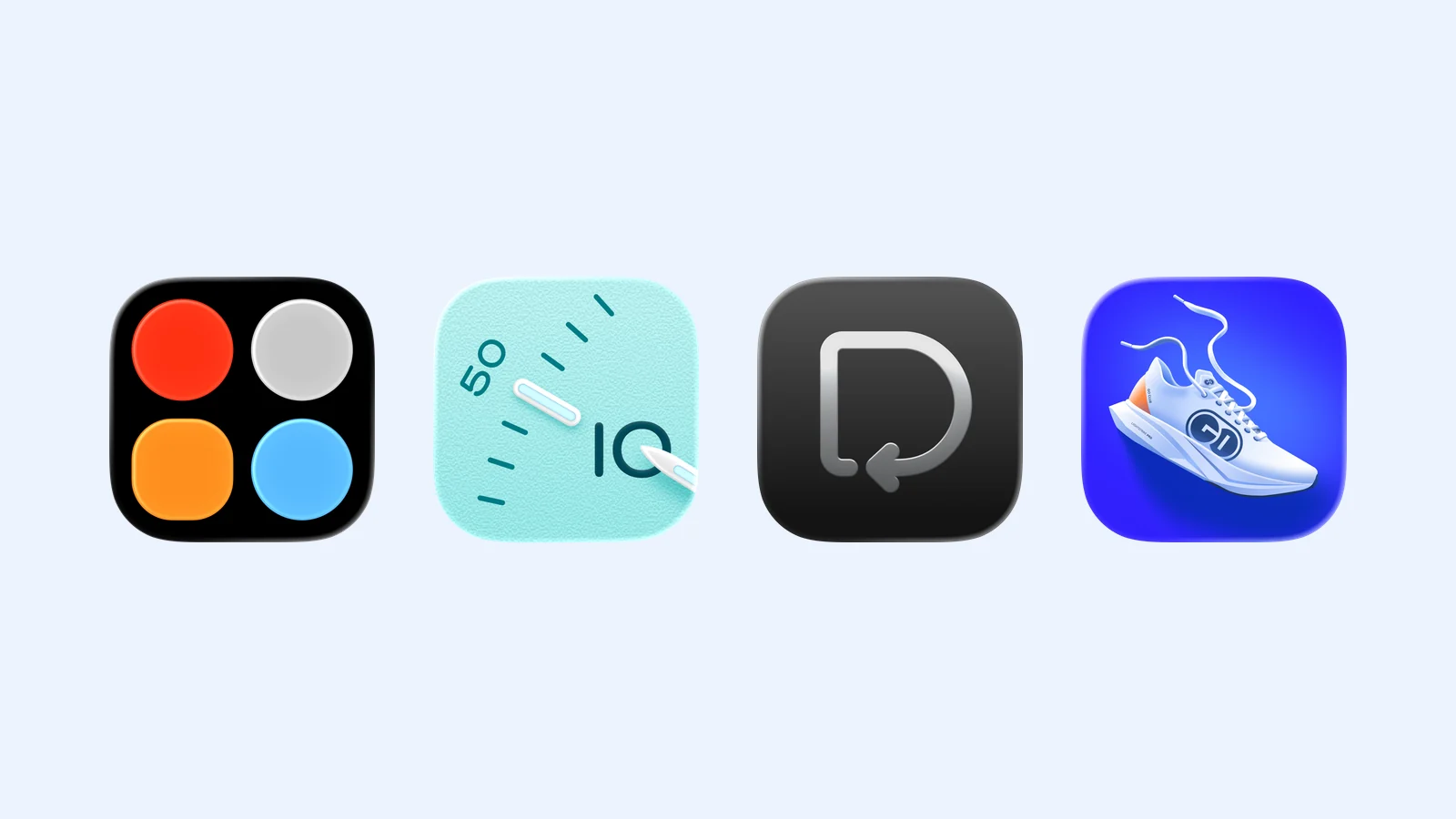
One Home Screen slot can do four very different jobs. Timedash Widgets combines several data points. Bauhaus Clock makes the phone a display clock. Did I Do? records repeated tasks, while GO Club shows steps and water in one place.
Choose the job before you choose the icon. A widget that does one frequent task is more useful than a crowded page of apps that you still have to open.
- Timedash Widgets for a custom information panel
- Bauhaus Clock for a desk, bedside, or world clock
- Did I Do? for repeated yes-or-no tasks
- GO Club for steps and water progress
Timedash Widgets: combine the data you check
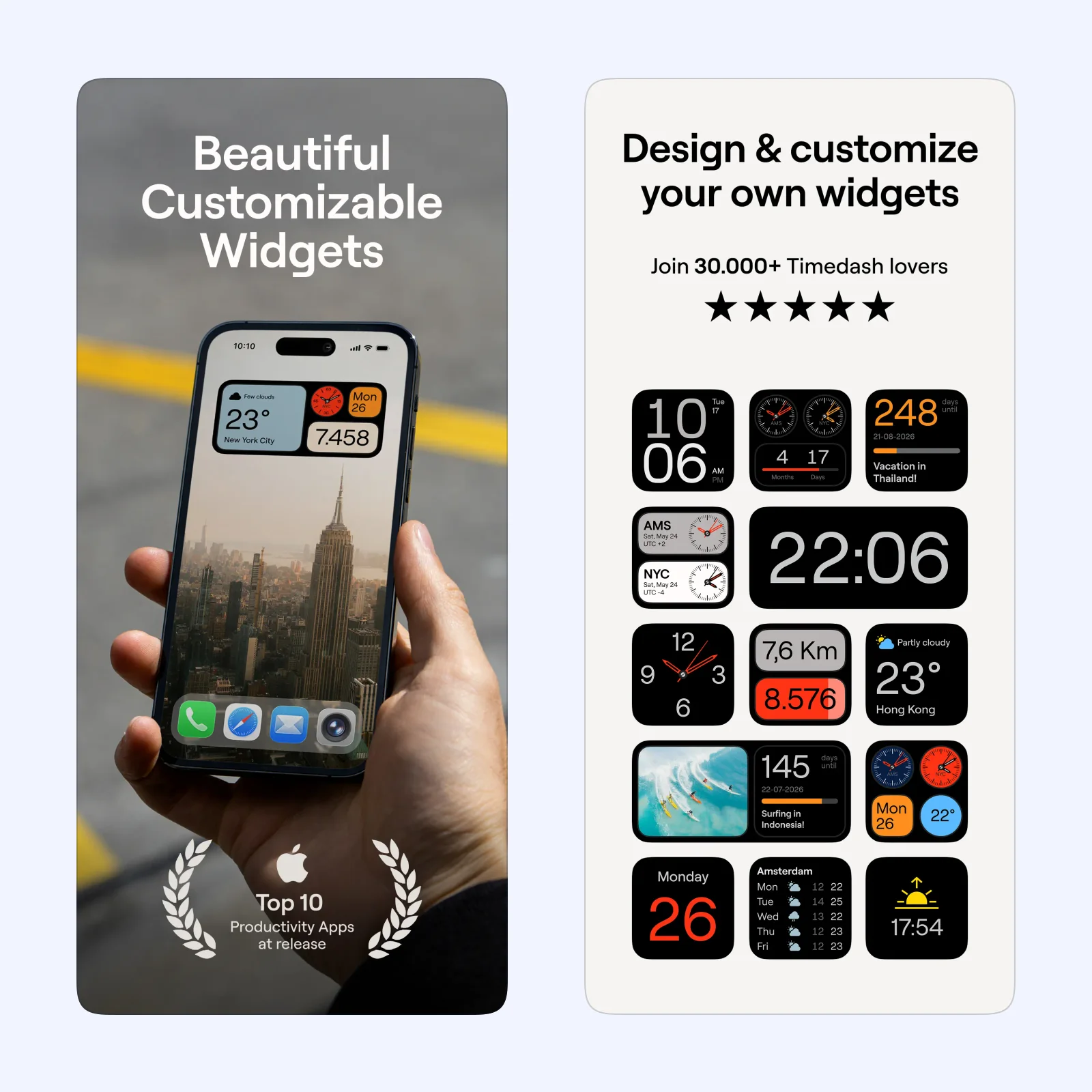
Timedash Widgets lets you assemble a widget from components. The current listing includes time, date, weather, steps, distance, calendars, world clocks, countdowns, and photos. You can start with a ready-made template, change its colors, or build a layout from selected parts. Tapping a component opens its linked app.
The app works on iPhone and iPad with iOS or iPadOS 17 or later. Its widgets can also appear on an Apple silicon Mac through Handoff. Step and activity data use Apple Health, while local weather needs location access. Review those permissions if you only want clocks or dates.
Timedash is free to download with a selection of widgets. Timedash Pro adds the complete builder, all colors, and more templates. It suits someone who checks several small facts at once. Start with one medium widget and remove any component you do not use for a week.
Bauhaus Clock: give a resting phone one job
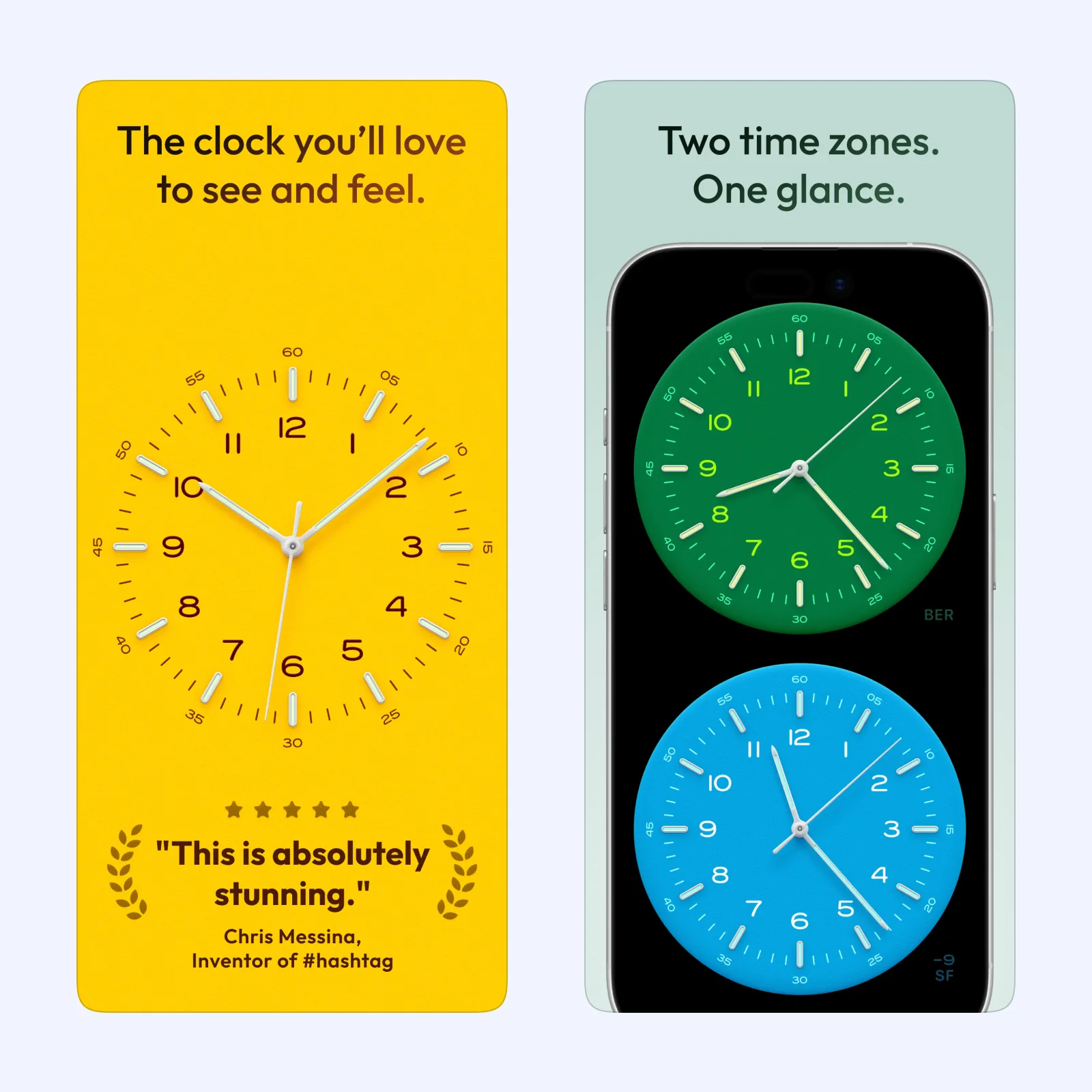
Bauhaus Clock turns an iPhone or iPad into an analog clock for a desk, studio, or nightstand. The app has three watch movements and uses a full-screen dial. Its widgets include local time, world time, and a dual-time view. Day and night schedules can follow the system, local sunrise and sunset, or times that you set.
The app focuses on the clock. It can work well when an old iPhone or an iPad already sits on a stand. Dial Shuffle can change the design when you return to the app, and StandBy options offer different clock appearances.
Bauhaus Clock is a one-time purchase for iPhone and iPad. Choose it if you want a clock that remains visible from across a room. It is less useful if you want weather, tasks, or activity data in the same slot.
Did I Do?: settle one repeated question
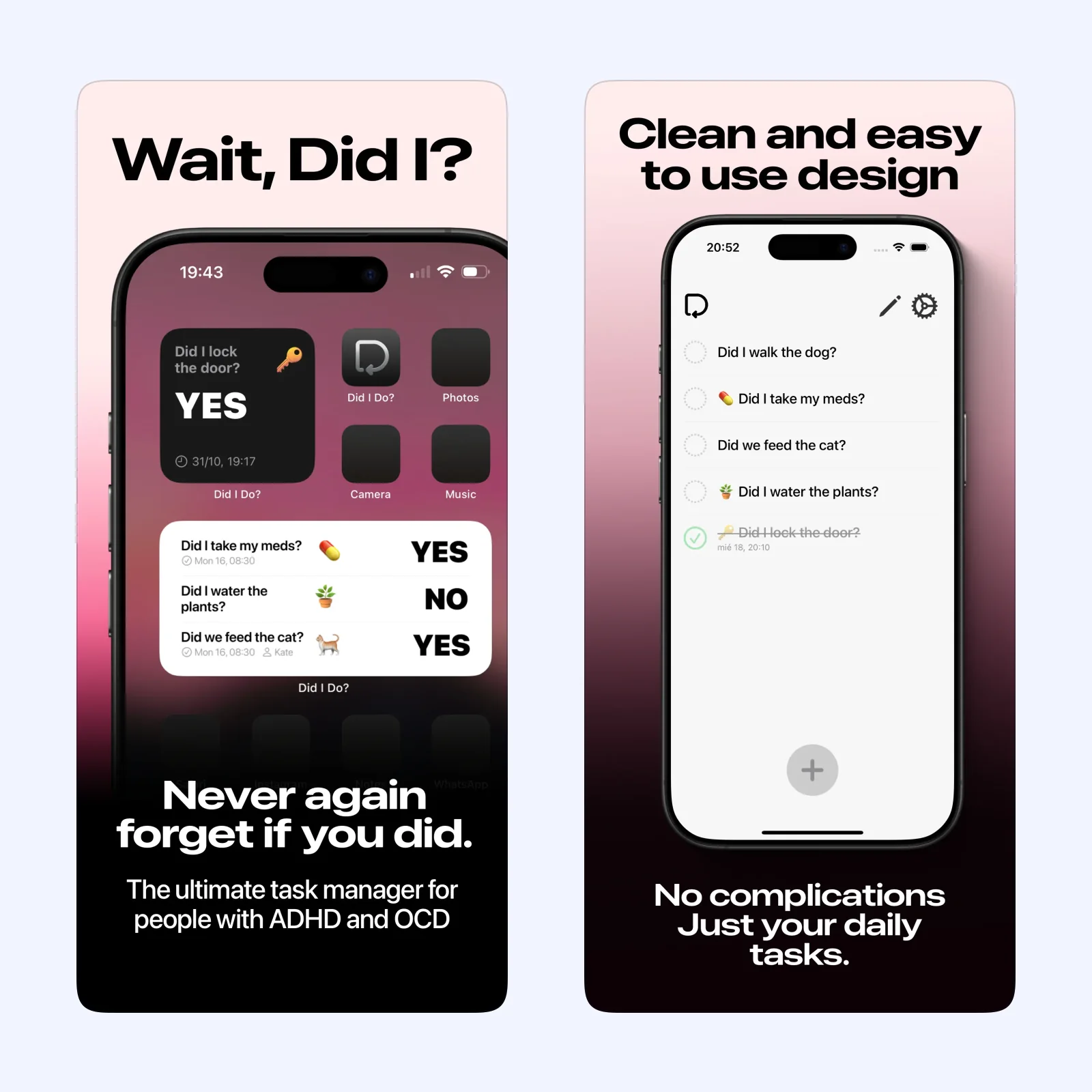
Did I Do? puts recurring tasks in a Home Screen widget. You can mark an item complete with one tap, and a large widget can hold up to five tasks. Daily or custom interval resets prepare each item for its next cycle. The app also lists notifications, photo verification, shared tasks, and iCloud sync.
The free version lets you try one task. Did I Do? Plus adds unlimited tasks, notifications, and other paid features through a subscription or lifetime purchase. It runs on iPhone and iPad, with compatibility for Apple silicon Macs and Apple Vision.
This app suits a small repeated action, such as feeding a pet or watering a plant. Define exactly what completion means before you add the widget. A general task tracker is not always enough for a safety, health, or medication record, so check the history and confirmation features that the task needs.
GO Club: keep two daily totals visible
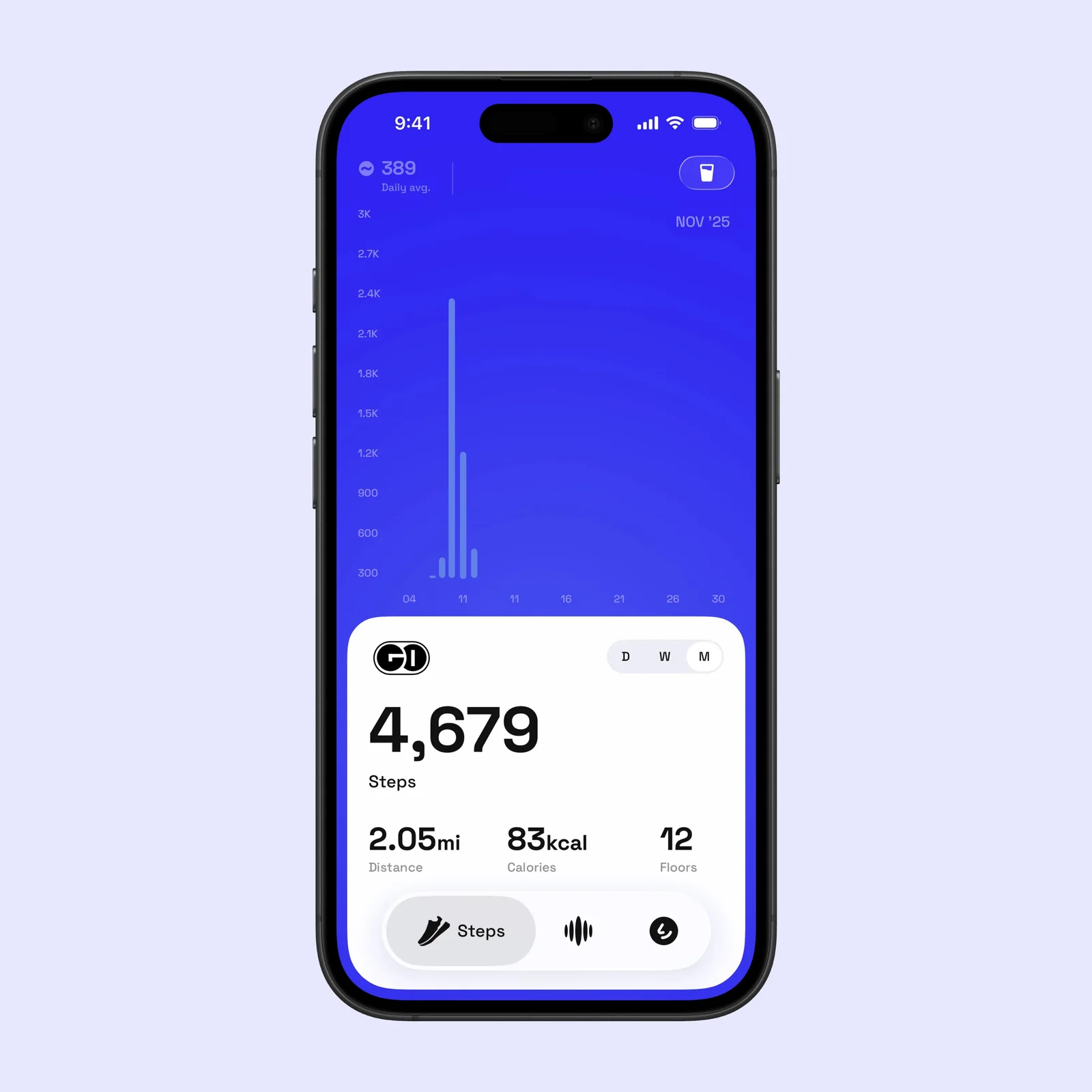
GO Club combines automatic step tracking with water logging. Home Screen and Lock Screen widgets can show progress without opening the app. You can set personal goals, use hydration reminders, review daily, weekly, and monthly history, and check the same data on Apple Watch.
Steps can update from health and motion data, but water still needs an entry. That difference matters. Put the water control where you can reach it, and set its default amount to the glass or bottle that you use most.
GO Club is free with paid Premium plans. Premium adds more statistics, widgets, themes, history, and goal controls. It suits someone who wants a simple movement and hydration dashboard. It is not a detailed workout tracker or a clinical hydration tool.
Which one should you try?
Use Timedash Widgets when one panel should show several facts. Pick Bauhaus Clock when the phone rests on a stand and needs a clear display. Use Did I Do? for a repeated yes-or-no task. Choose GO Club when steps and water are the two totals you want to see.
Add only one widget first. Place it on your main Home Screen, use it for seven days, then keep it only if it removes a tap or answers a question at a glance.