
Spark turns one daily subject into four short puzzles. You sort choices, find links, place events in order, and compare two contenders. Each game adds facts about the same theme.
That structure fits a five-minute break because the session has an end. There is no endless feed to clear, and the current listing says the puzzles have no timers or tests.
Start with one daily theme
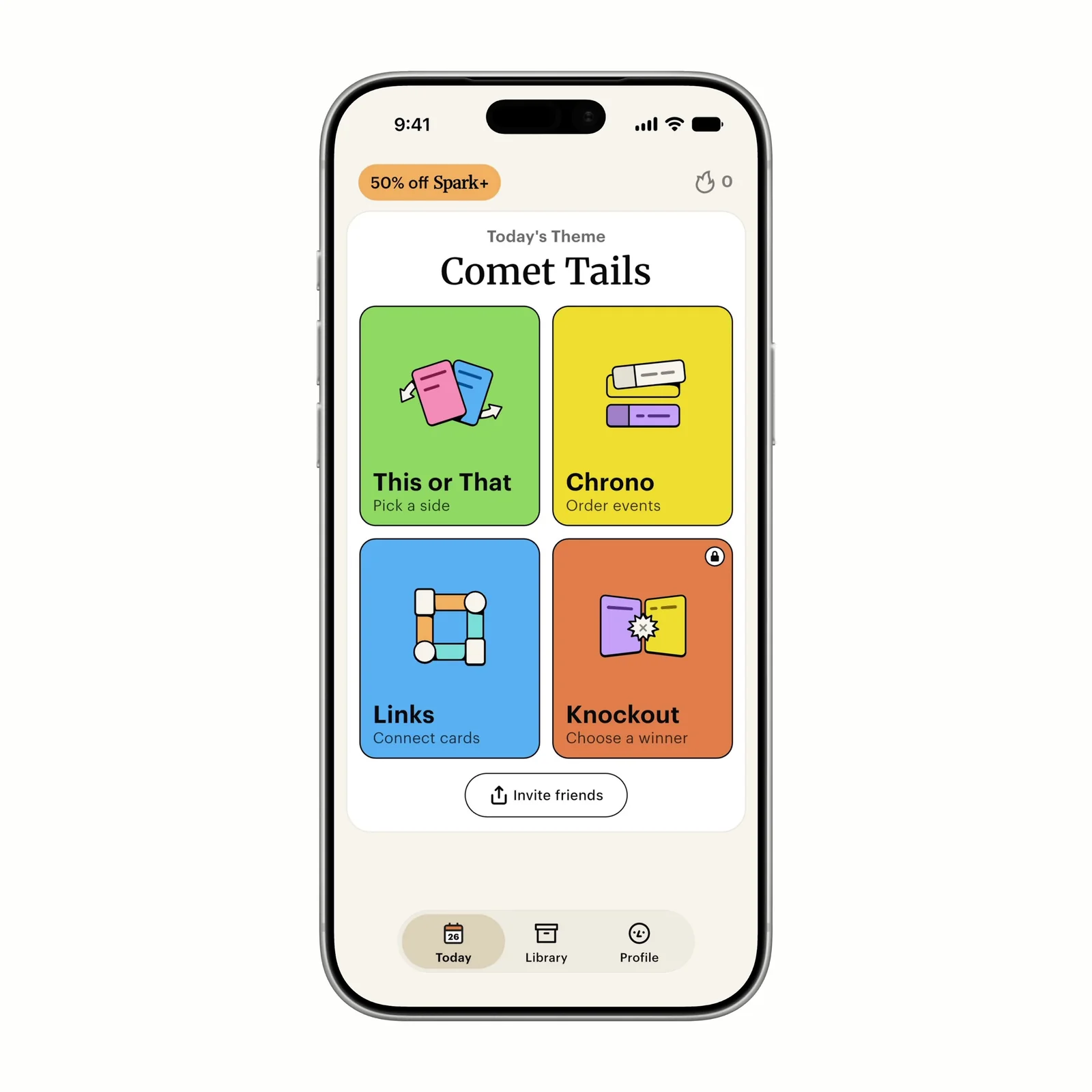
Spark changes its theme each day. Subjects can come from history, pop culture, science, geography, or sports. The four games approach that subject from different directions, so a fact from the first puzzle can help with a later one.
The Today screen makes the size of the session clear. You can see all four games before you start, and each card states the action it needs. This or That asks you to sort. Links asks you to connect ideas. Chrono uses an event order. Knockout presents a comparison.
You do not need to finish all four games at once. Pick one card when the break is short, or complete the theme when you have more time.
Learn through the answer, not a lesson plan
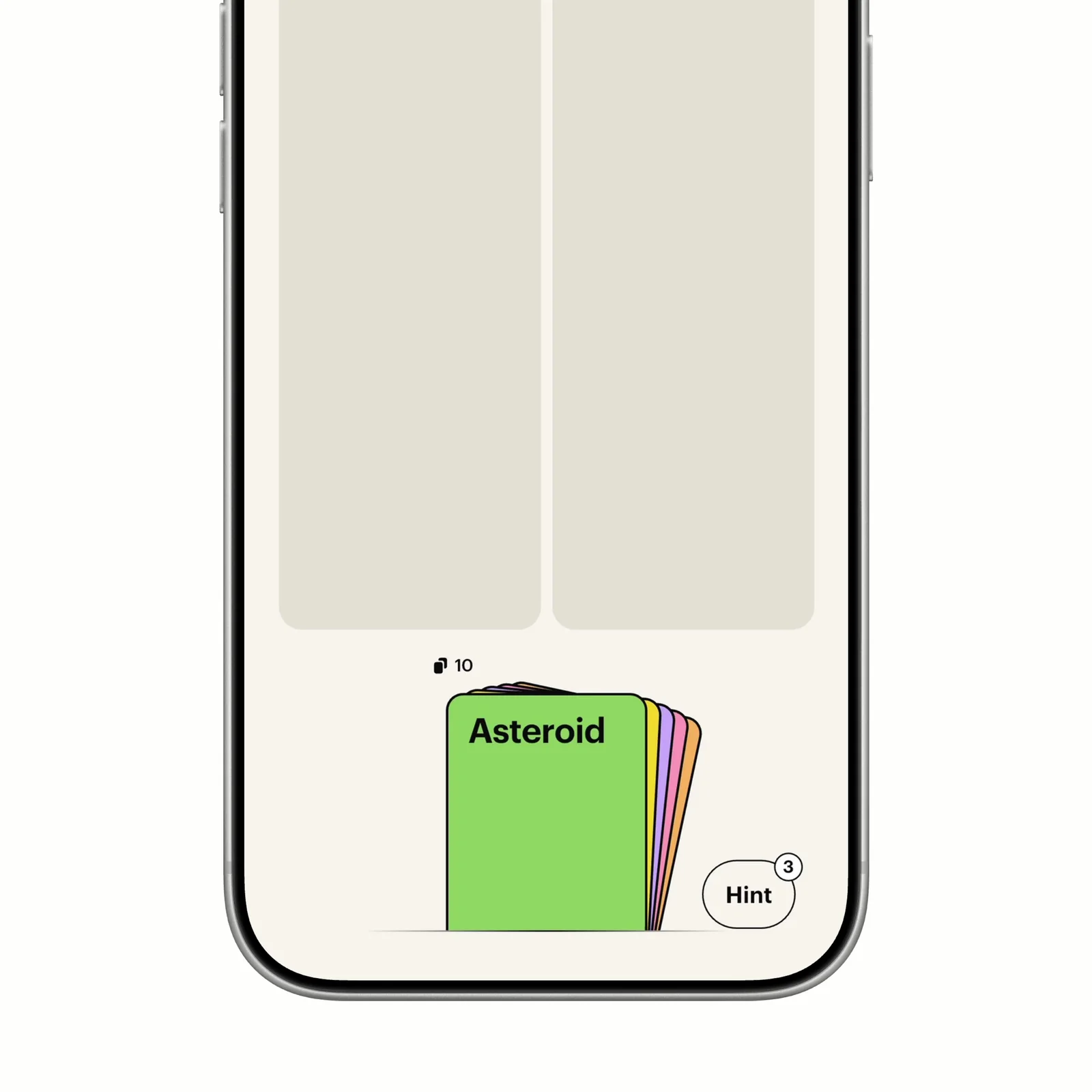
The puzzle comes before the explanation. You make a choice, then the app gives you facts that relate to the answer. This keeps the learning attached to a concrete question instead of presenting a long page of text first.
The current App Store page says people create the puzzles rather than AI, and that the app adds new puzzles each day. A Hint control can help when the connection is not clear. There is still room to guess, but the format does not treat a wrong answer like a failed test.
This approach suits someone who likes small facts and comparisons. It is less suitable when you need a complete course, citations for research, or a way to practise one subject in a planned sequence.
Use Chrono to put facts in context
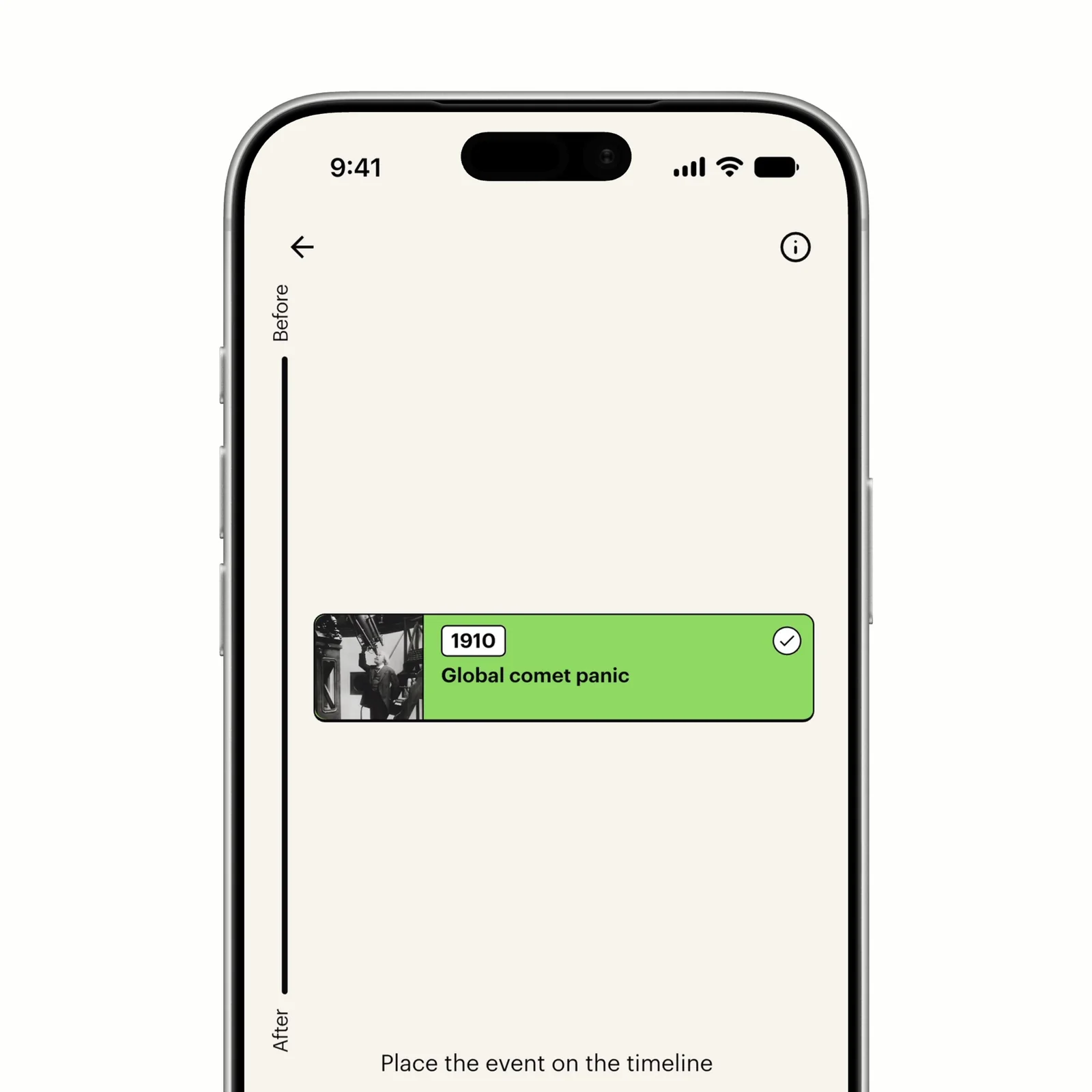
Chrono asks whether an event belongs before or after the cards already on the timeline. The order gives a date some context, which can make it easier to remember than an isolated fact.
Spark also has a Library with hundreds of past puzzles, according to its current listing. Use it when the daily theme does not interest you or when you want another puzzle on a known subject. The Library changes the app from a strict once-a-day game into a larger archive, so set your own stopping point if the short session is the reason you installed it.
If you prefer other finite games, compare four puzzle apps for a five-minute break.
Fit, price, platform, and privacy
Spark is free to download, with Spark Plus in-app purchases. Start with the free daily theme before you consider a paid plan. The app supports iPhone and iPad and requires iOS or iPadOS 16 or later.
An account can save progress with an email address and password. The App Store privacy label says usage data may track you across apps and websites. It also lists purchases, contact information, identifiers, and usage data as data that can be linked to you. Read the current label and the developer policy before you create an account.
Spark fits a curious person who wants a short daily game instead of a formal lesson. Open one theme, play one puzzle, and stop when the break ends. The Library will still be there later.