
pico cam turns the iPhone's Dynamic Island into a tiny camera viewfinder. The result feels closer to carrying a playful instant camera than opening the standard Camera app.
It is not meant to replace the camera you use for an important photo. It is for quick pictures that are more fun because the app limits the experience to a small viewfinder and an instant-style print.
Frame the photo in the Dynamic Island
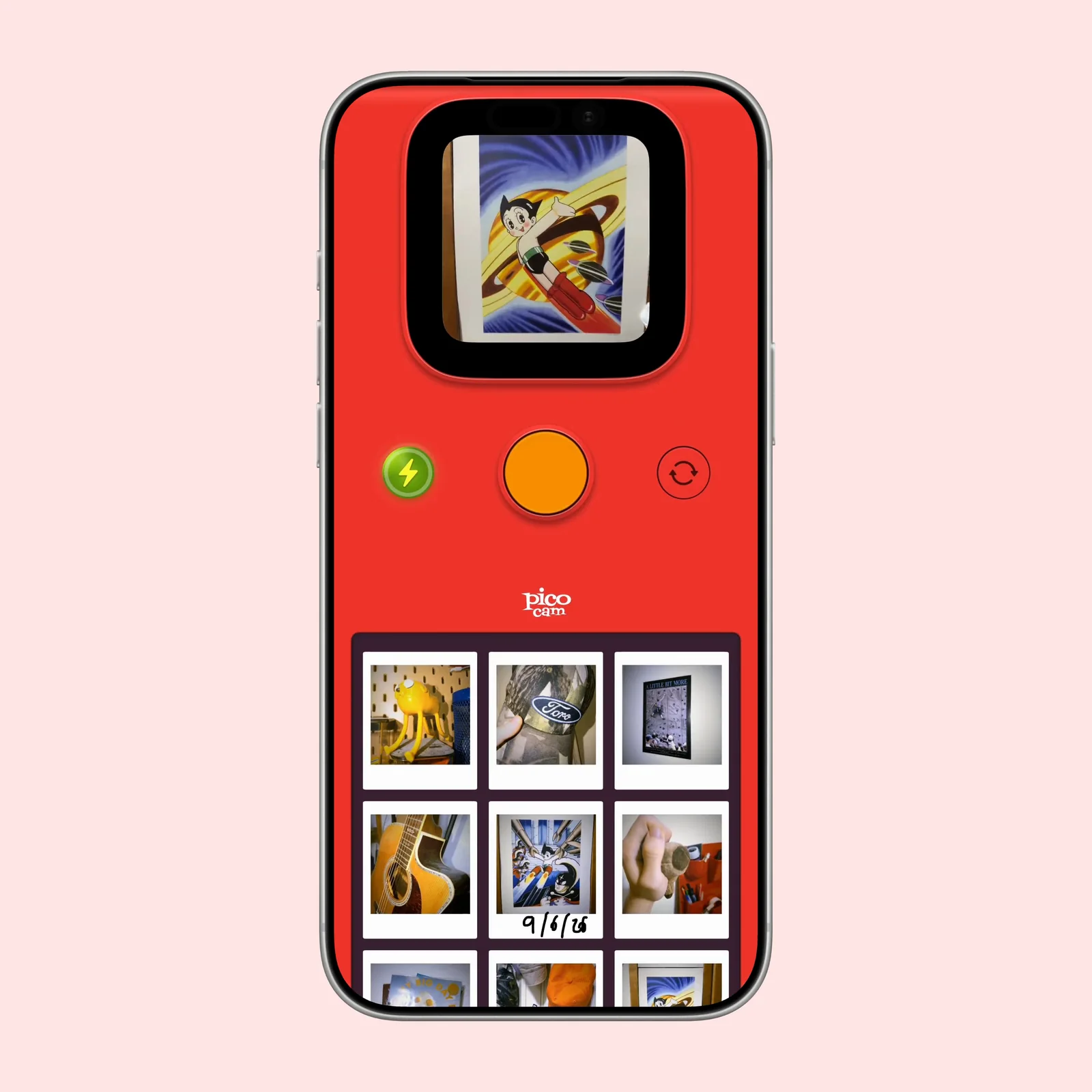
The live view appears inside the Dynamic Island. You still get a large shutter button and access to your recent pictures, but the small preview changes how you compose a shot. It encourages a quick decision instead of careful pixel checking.
That constraint is the main reason to try the app. A normal camera gives you a full-screen preview and many controls. pico cam keeps the act of taking a picture light and immediate.
Turn each shot into a small print
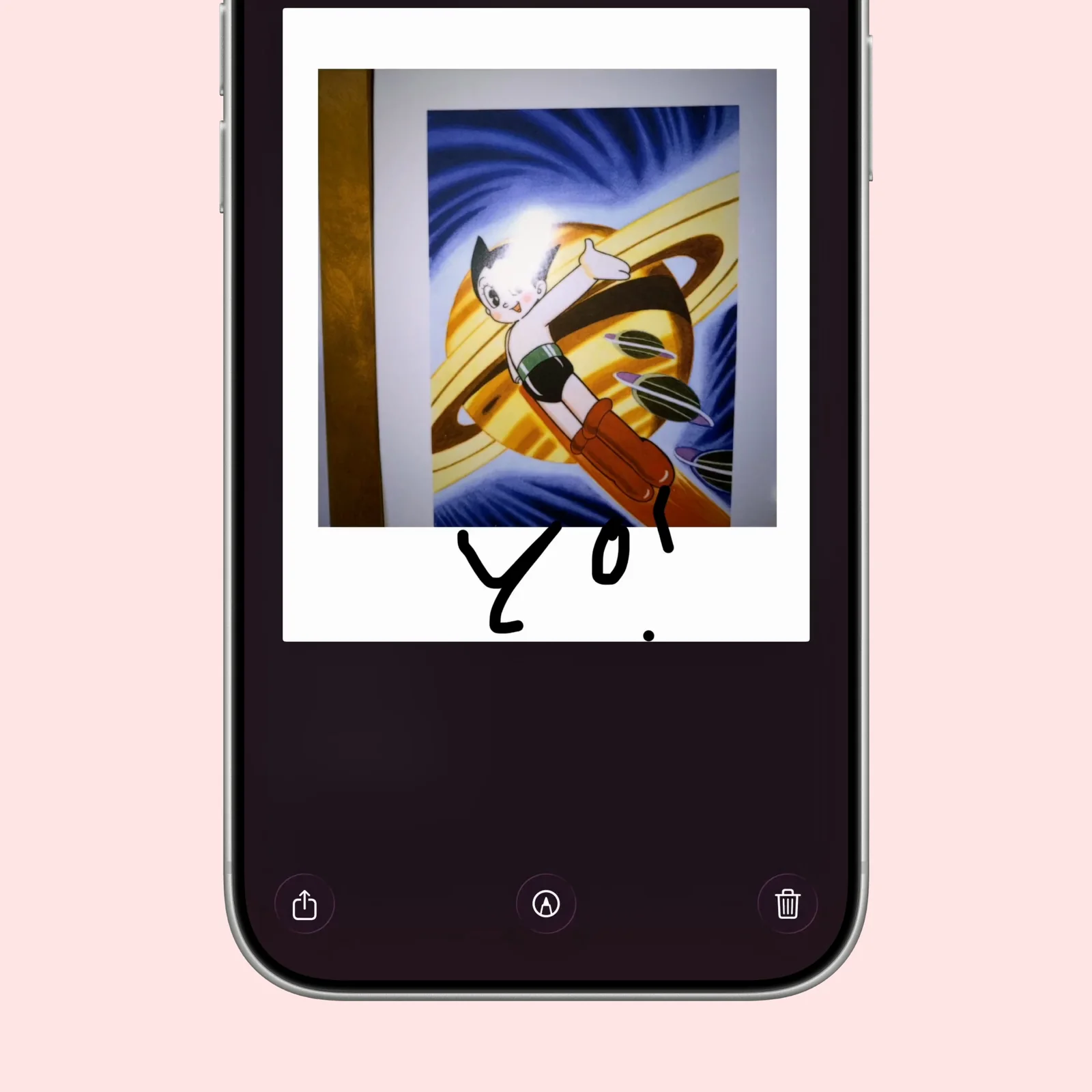
Each picture becomes an instant-style print. You can add a marker-like caption, make a small edit, save the result, or share it. The frame gives separate photos a consistent look without asking you to pick a filter every time.
This works well for casual notes from a trip, a meal, or a day with friends. The app adds enough character to make the picture feel finished, but it does not turn the process into a long editing session.
Browse a gallery that keeps the same style
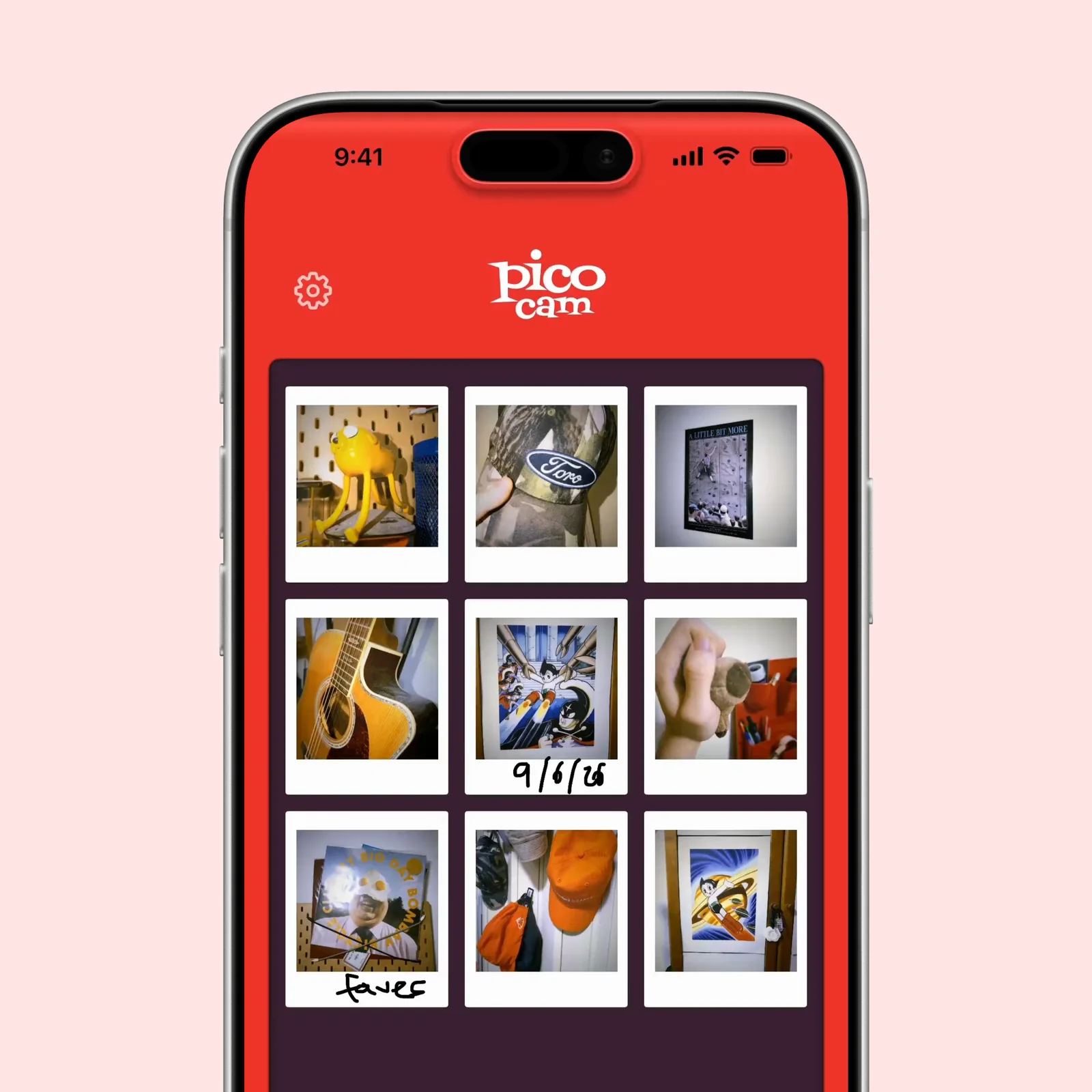
The gallery keeps the prints together in one clear grid. It is useful when you want the app to be a small visual diary rather than another route into a large camera roll.
The Dynamic Island and Live Activity details are playful, but the gallery is what gives the idea some staying power. You can return to a set of pictures that share the same visual language.
What to know before you try pico cam
pico cam is free to download on iPhone and requires iOS 18 or later. The current listing includes an optional pico cam+ subscription. The developer says photos stay on the device and no account is required.
The small viewfinder is also a real limitation. It gives less information about focus and fine detail than the full Camera app. Use the standard camera when the picture cannot be repeated, and use pico cam when the process and instant-print style are part of the point. Check the saved image before you leave a location, especially in low light.
Because the app keeps its own visual language, it works better as an occasional camera than as a filter for every photo. A small set from one afternoon will feel more coherent than a camera roll full of unrelated converted pictures.
Choose it if you like camera apps with a strong point of view. Start with one ordinary moment, add a short caption, and see whether the smaller viewfinder makes you take a different kind of picture.