
Rooms is a small 3D world builder. You can arrange furniture, objects, lights, and interactive parts inside an isometric room, then share it or remix a room that someone else made.
It feels part design tool and part social feed. The editor is approachable enough for a quick scene, but its actions and object controls give curious builders more to explore.
Furnish a small scene
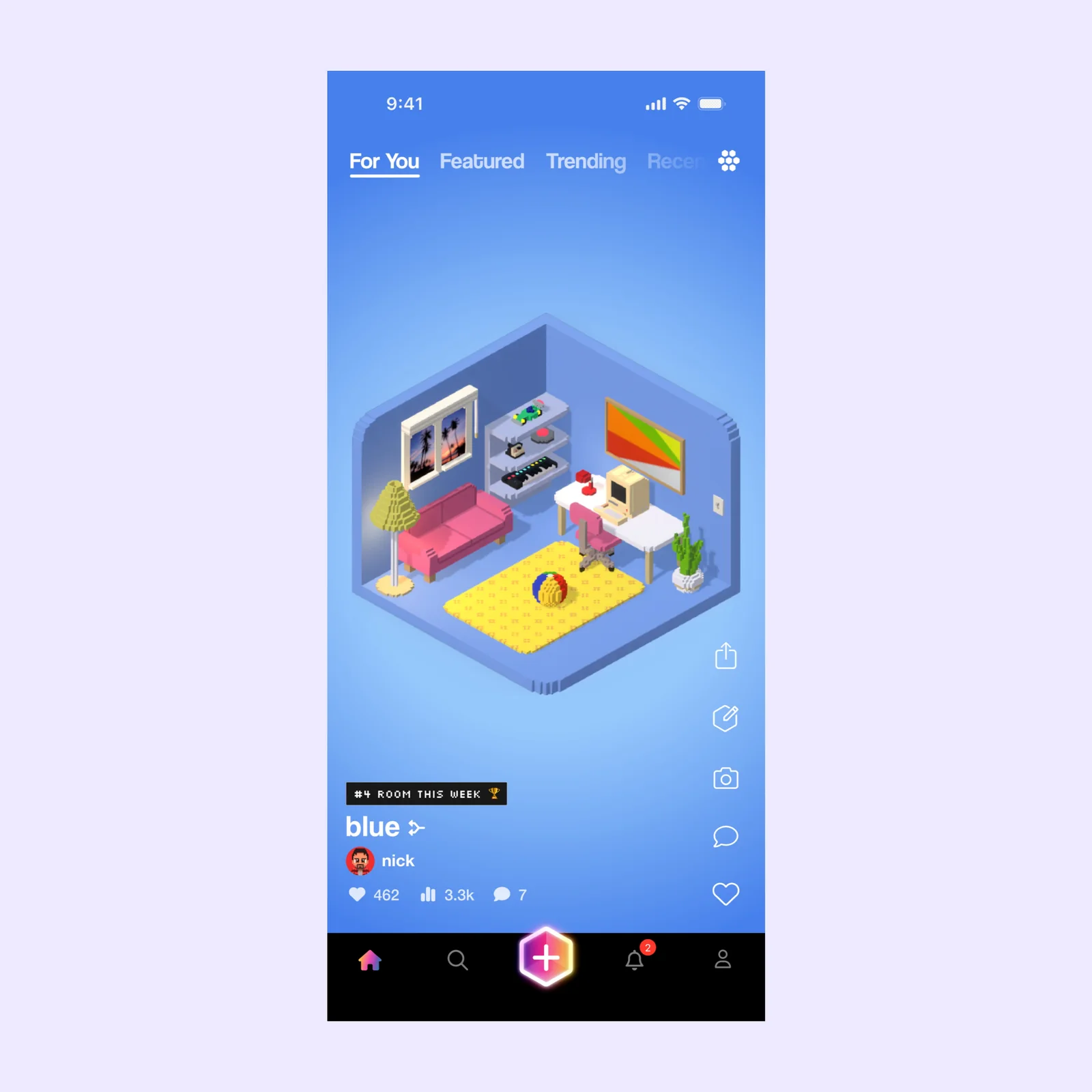
A room can be a realistic interior, a game, a visual joke, or a small interactive story. Objects sit on a clear grid, which makes placement easier on a phone screen. You can adjust the scene and preview it without leaving the post.
The limited space is useful. A full 3D tool can make a blank world feel intimidating. Rooms gives you one corner and asks what belongs there.
Start blank or remix an existing room
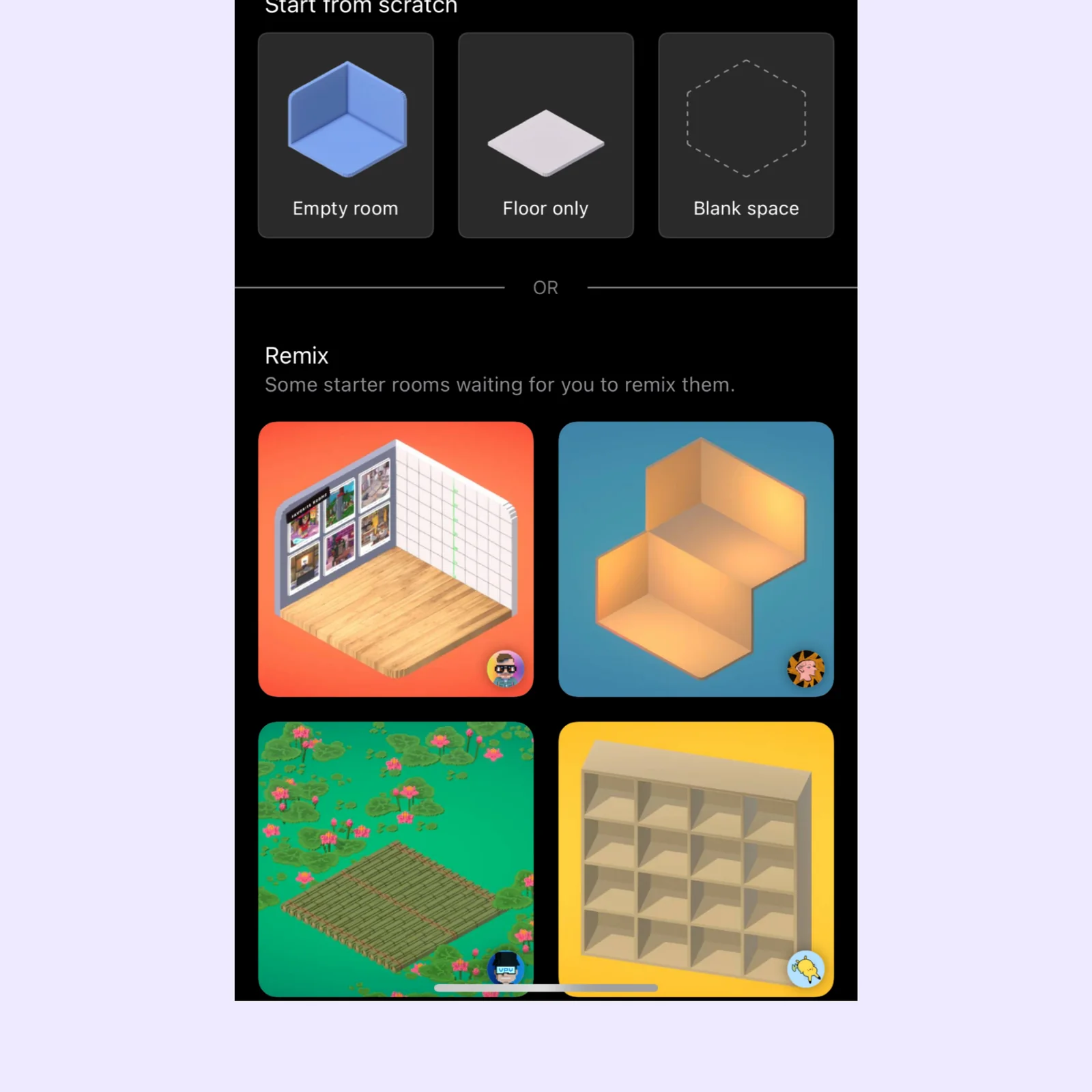
New projects can begin with an empty room, a floor, a blank space, or a starter made by another creator. Remixing is a good way to learn because you can inspect a working scene before changing it.
Use a starter when you want to understand layout or interaction. Use an empty room when the visual idea matters more than learning a specific technique.
Add motion, sound, and other actions
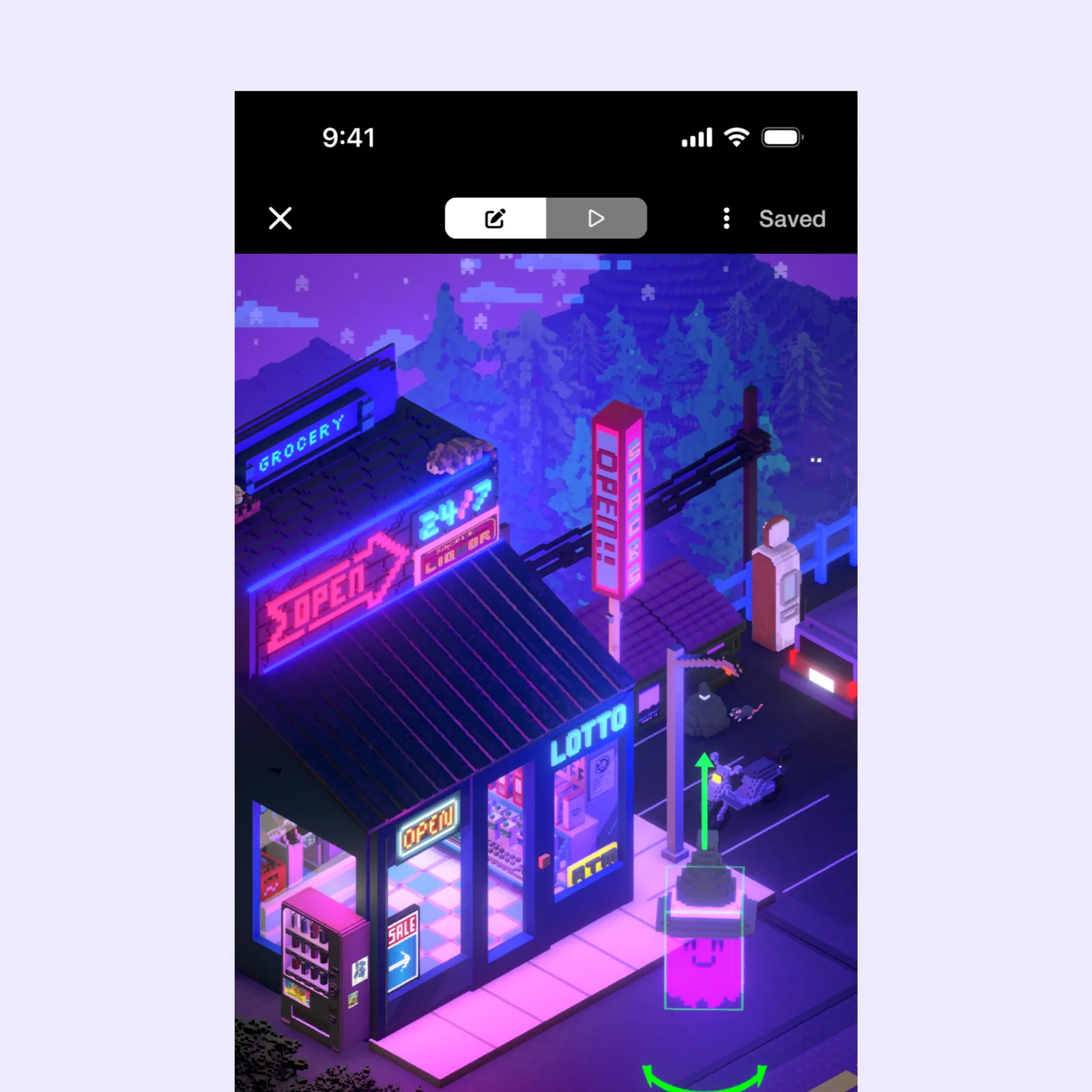
Objects can use actions for motion, sound, particles, speech, appearance, lights, utilities, and physics. That turns a static diorama into something visitors can touch and play.
The editor can become detailed, so it helps to give a room one clear interaction first. A lamp that changes the scene or an object that moves is enough to make the space feel alive.
What to know before you try Rooms
Rooms is free and supports iPhone, iPad, Mac, and Apple Vision. Shared rooms are part of a public creative network, so check a project before you publish it and avoid including personal details.
Performance can change as a scene gains objects, lights, particles, and actions. Build one interactive idea at a time and test it after each addition. A smaller room that responds clearly is usually easier to explore than a crowded scene with many competing effects.
Remixing also comes with an authorship responsibility. Keep the original creator information attached where the app supports it, and make a meaningful change before presenting the result as your own project. Use public starter rooms to learn technique, not to hide where the structure came from.
Choose Rooms if you like building more than posting. Begin by remixing one small scene, replace three objects, and add one action. You will understand the editor faster than you would from a blank canvas.
Save a private draft before you publish the result, so later experiments do not replace the version you meant to share.