
A saved idea is useful only if you can find it and know what to do with it. Readwise Reader gives reading material a home. Thoughts brings quotes and short ideas back for review. Craft develops notes into documents and tasks. mymind keeps a visual collection with less filing.
Choose the next step before you choose the app. Reading, reviewing, developing, and browsing are different jobs. One clear destination is easier to maintain than four overlapping inboxes.
- Readwise Reader for reading and annotation
- Thoughts for quotes and regular review
- Craft for notes that become plans or documents
- mymind for visual references with little filing
Readwise Reader: build a reading workflow
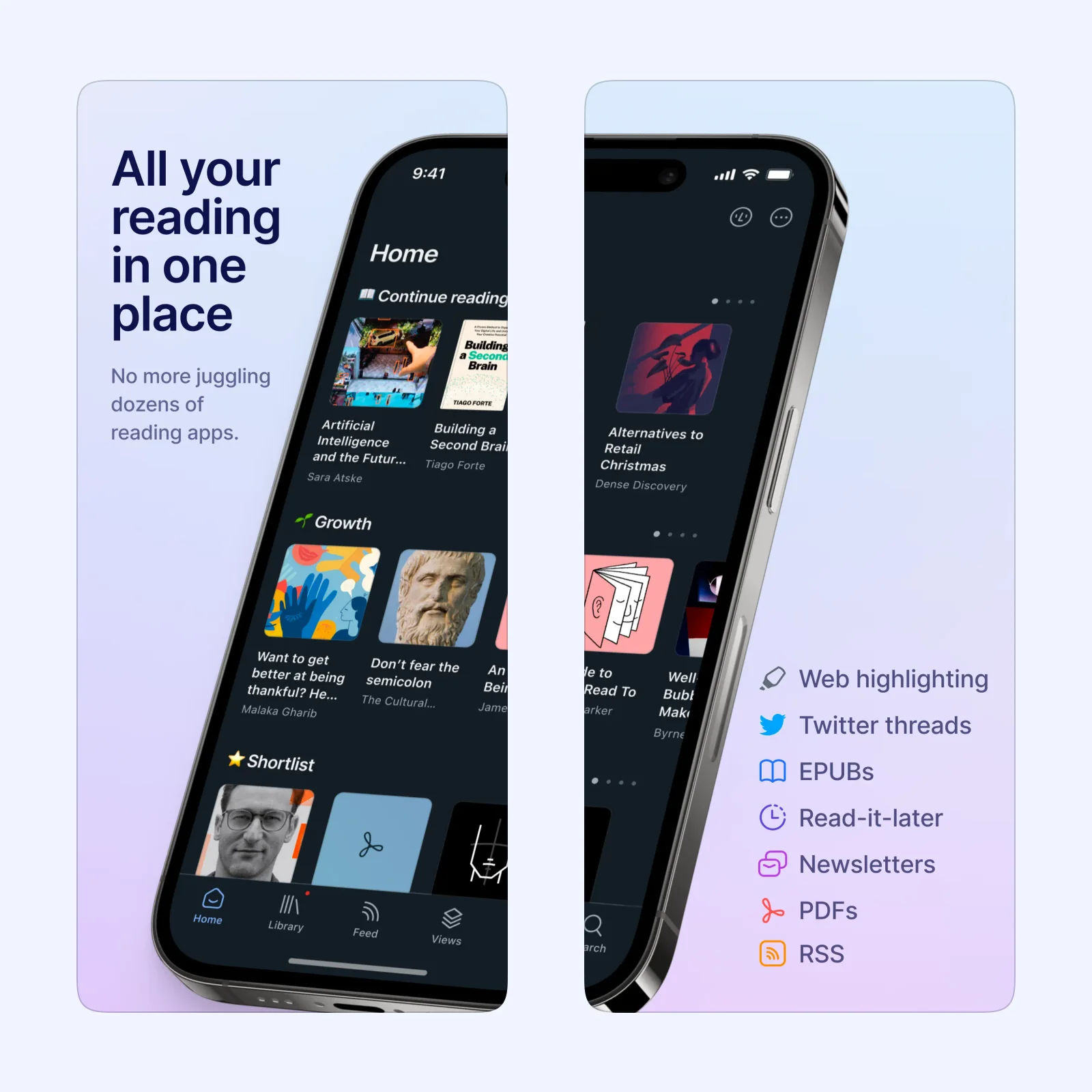
Readwise Reader collects web articles, newsletters, RSS feeds, PDFs, EPUBs, and videos in one library. You can add items from a browser extension, a mobile share sheet, or a file upload. Full-text search and filtered views help when the library grows.
Highlighting is central to the app. Notes and highlights sync with Readwise, which can send them to tools such as Obsidian, Notion, and Evernote. Reader fits research or writing better than a simple weekend reading list.
Reader has apps for iPhone, iPad, Apple Vision, Android, Mac, and Windows, plus a web app. New users get a free trial, then need a paid Readwise plan. The main tradeoff is setup. A broad reading system works best when you decide what belongs in the inbox and when you will review it.
Thoughts: revisit quotes and short ideas
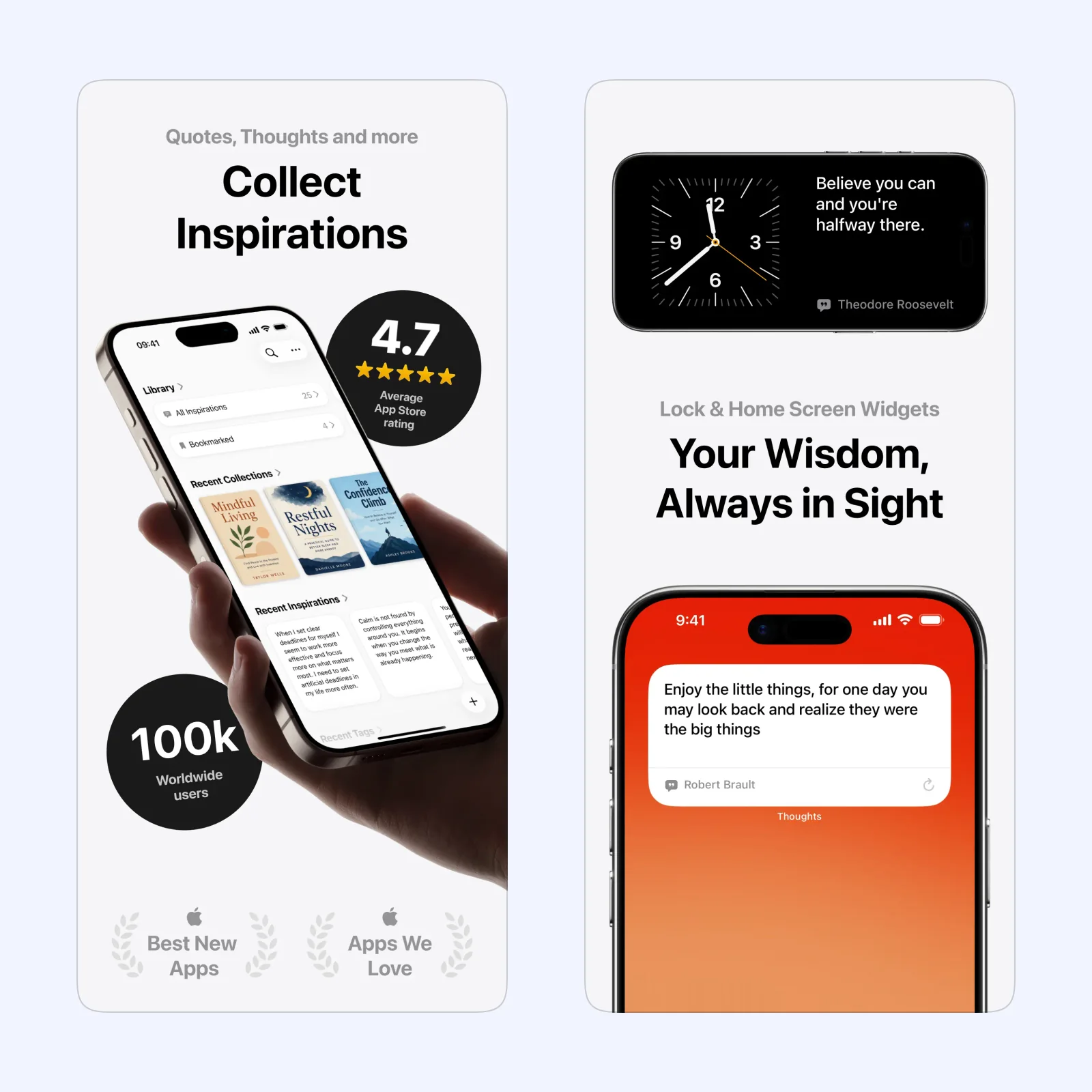
Thoughts is for quotations, personal thoughts, and other short pieces of inspiration. Titles, notes, tags, collections, and global search give each item enough context to find later. A share extension and Shortcuts support reduce the work needed to capture text from another app.
Its Daily Review brings saved items back with notes and tags available during review. Audio Review, daily reminders, and Home Screen widgets can also resurface the library. That review step is the main reason to choose Thoughts over a general notes app.
Thoughts runs on iPhone, iPad, Apple Vision, and Apple Watch, with iCloud sync. It is free to download with paid Pro features. CSV and plain text export are useful checks before the library becomes important. It suits short items worth remembering, not material that must become a large document.
Craft: turn a note into work
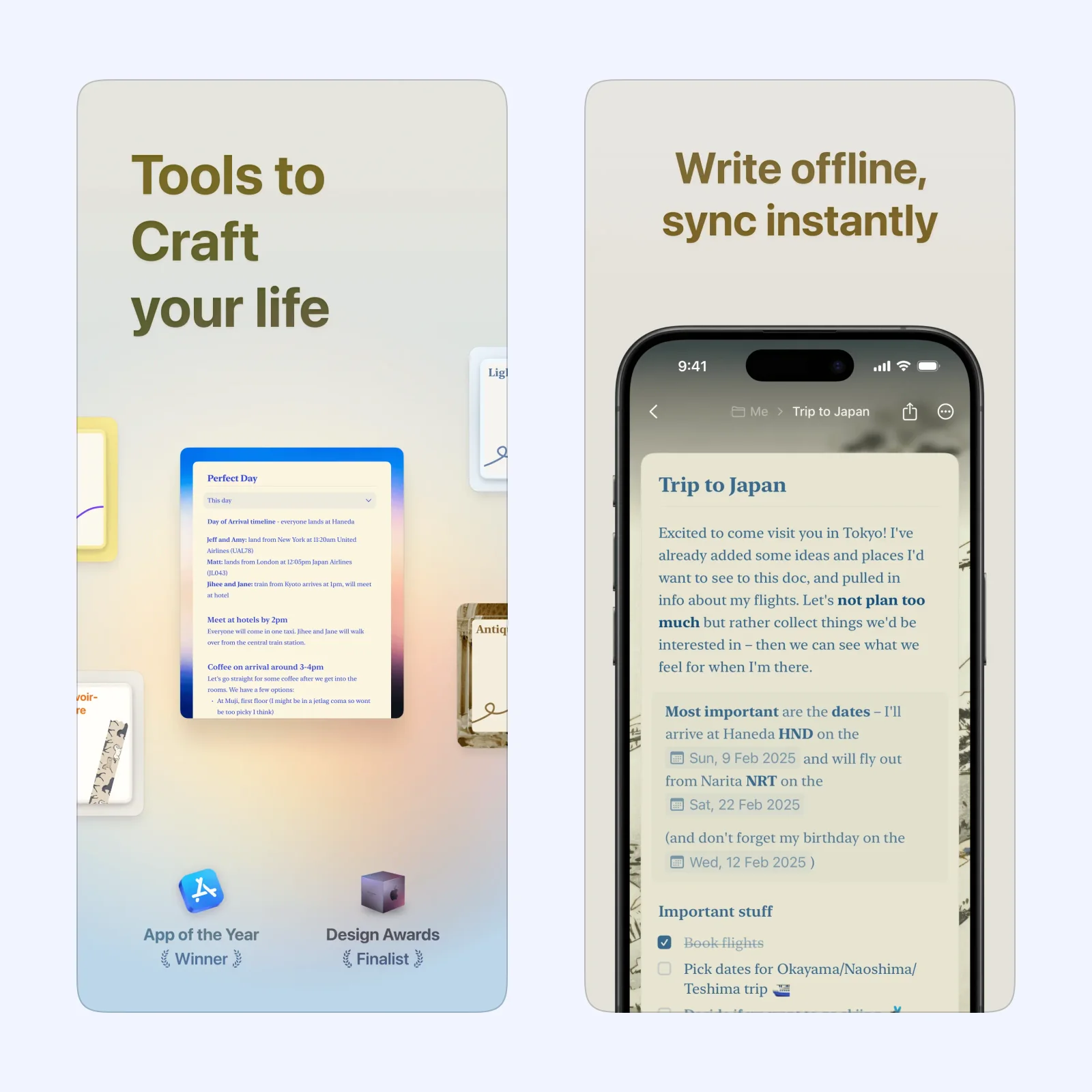
Craft combines notes, structured documents, tasks, Daily Notes, and Collections. Tasks can stay inside the document that explains them, so an idea can become an outline, plan, or project without moving to a separate task app. Daily Notes also provide a dated place for quick capture and meeting notes.
Spaces, folders, tags, and Collections give you several ways to organize material. That flexibility suits a mixed workspace, but it asks for more decisions than mymind. Start with one space and a small set of folders instead of designing a complete system before you have content.
Craft is free to download with paid plans. It syncs across iPhone, iPad, Mac, Apple Vision, and the web, and it supports offline writing. Choose it when a saved thought should grow into something you will edit, share, or complete.
mymind: save first and file less
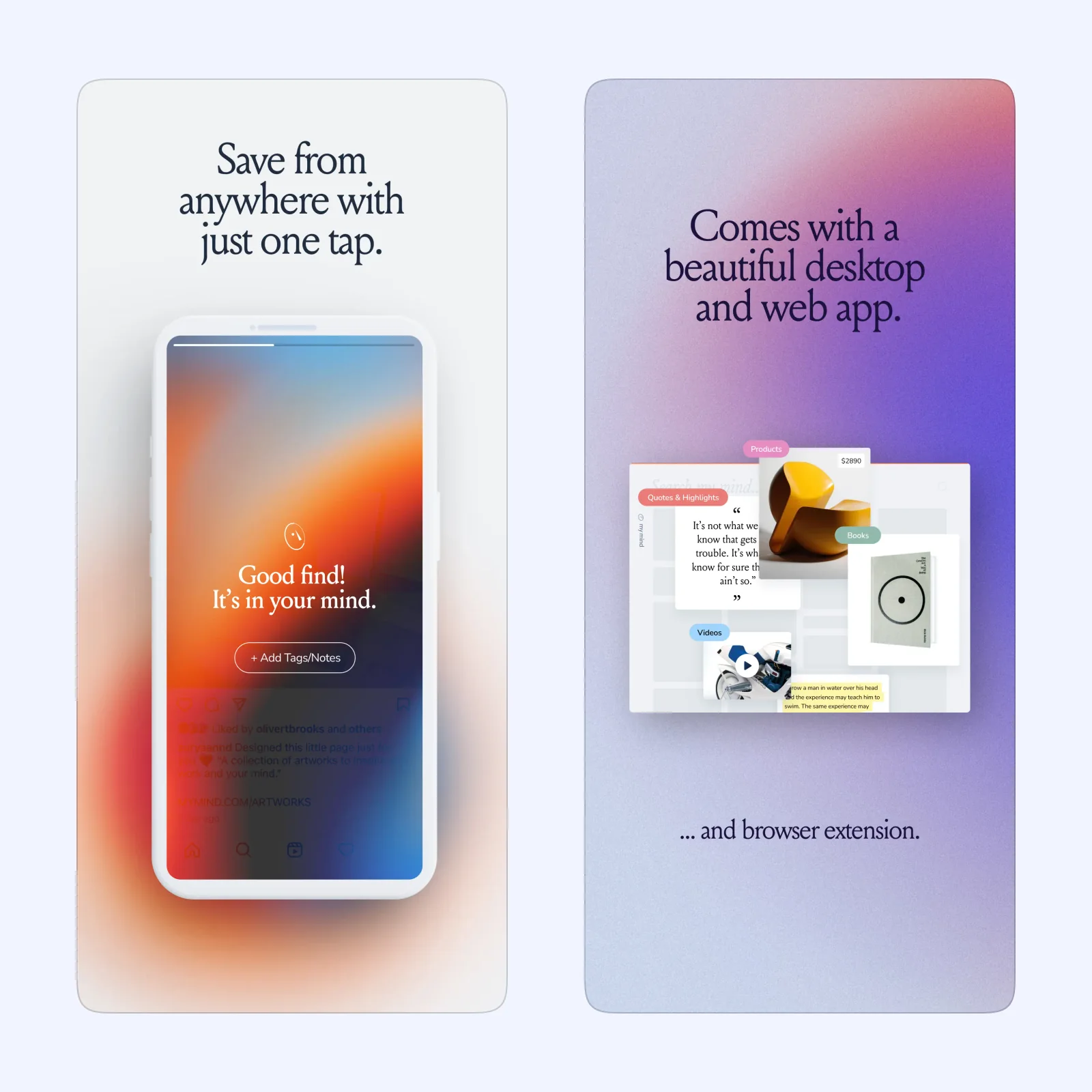
mymind saves images, notes, articles, products, text highlights, recipes, movies, and links from the share sheet. It presents the result as a visual collection and organizes saved material without requiring a folder or tag for every item. Search can then retrieve an item from the details mymind stored with it.
Smart Spaces can sort saved items by rules you define. You can also connect notes while researching. This gives the library some structure without making manual filing the first step for every save.
mymind is free to download with paid plans. It is available on iPhone, iPad, Apple Vision, Mac, and the web. Choose it for design references, products, images, quotations, and links that make more sense as a visual collection. The tradeoff is that you must be comfortable with automatic organization instead of controlling every folder.
Which one should you try?
Use Readwise Reader when the idea lives inside something you need to read and annotate. Use Thoughts when the value comes from seeing a quote or short idea again. Use Craft when the note should become a document, task, or plan. Use mymind when you want a visual reference library with the least filing.
Install one app and save five current items, not an old archive. Give each item the smallest useful context, such as a project name, source, or next action. Then set one review time for the end of the week. If the five items are easy to find and use, you have a workable system.