
Sunday planning is useful when it removes a decision from Monday. Crouton handles meals and groceries. Today App puts tasks, notes, and events in one view. RISE makes sleep timing visible. Notion Calendar keeps meetings and their work context together.
You do not need a full weekly review. Prepare the part of Monday that usually creates the first delay.
- Crouton for meals and groceries
- Today App for a calm daily view
- RISE for sleep debt and energy timing
- Notion Calendar for meetings and context
Crouton: decide what dinner will be
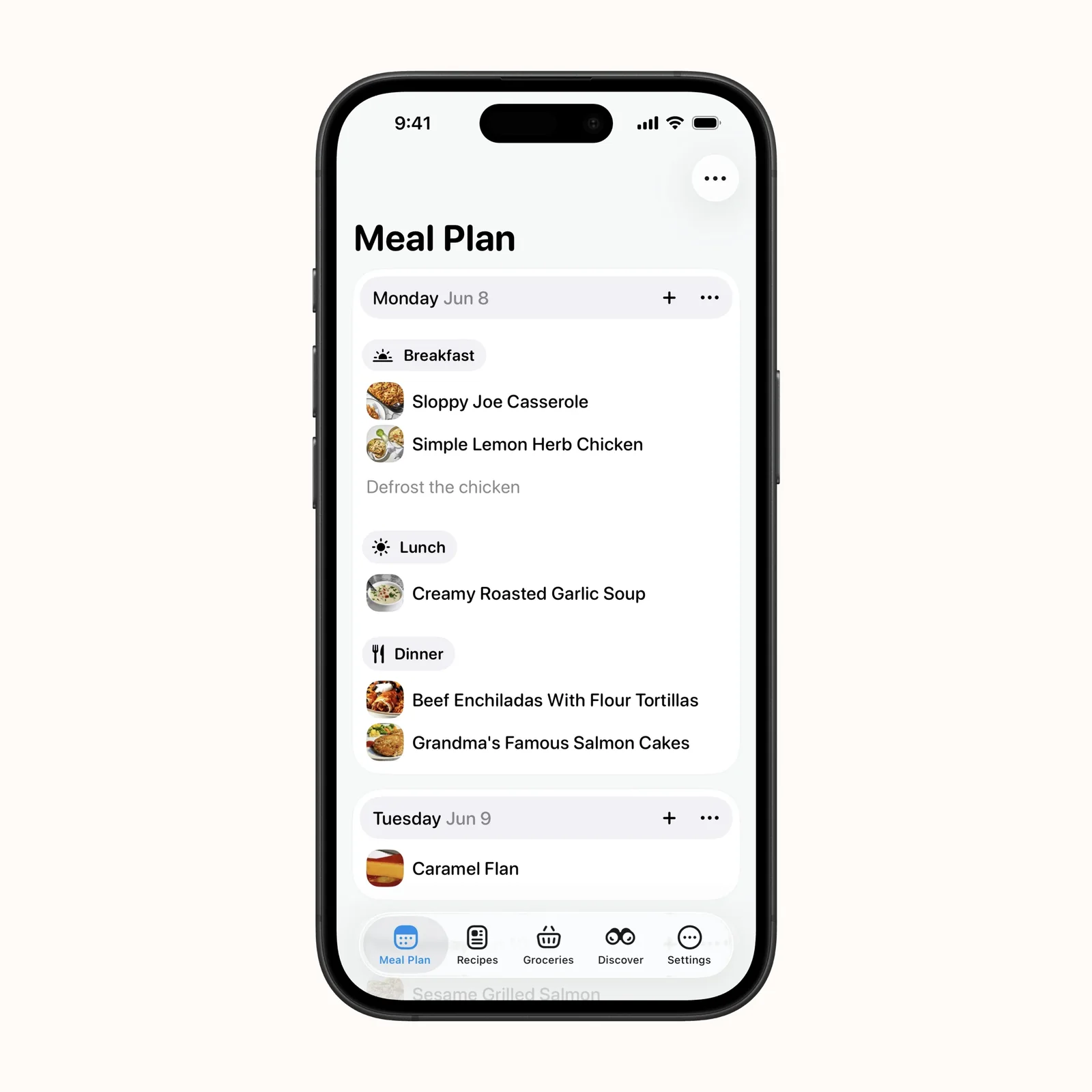
Crouton imports recipes, places them on a weekly plan, and turns their ingredients into a grocery list. Planning two or three dinners on Sunday can remove the most repetitive weekday question.
The app is free on iPhone, iPad, Mac, Apple Vision, and Apple Watch, with paid features. Choose it when recipes are saved but never become a plan. Leave space for leftovers instead of filling every meal slot.
Today App: collect the next actions
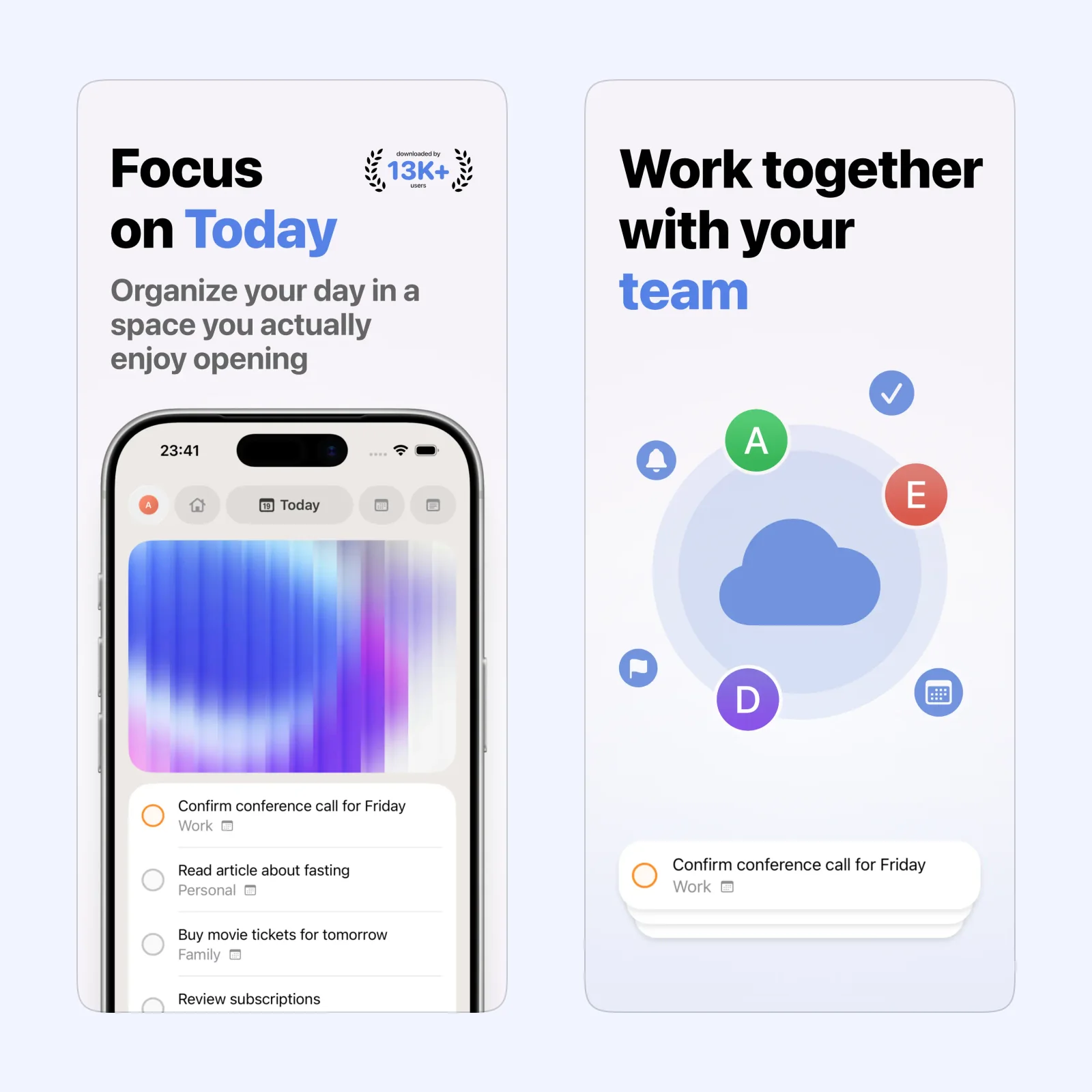
Today App combines tasks, notes, and calendar events in one daily screen. It is useful for turning a long weekly list into the few items that matter on Monday.
It is free to download on iPhone, iPad, and Apple Vision, with paid features. Pick it when work is scattered across small notes and reminders. Move only real next actions into the day and leave future ideas outside it.
RISE: see sleep debt before the week begins
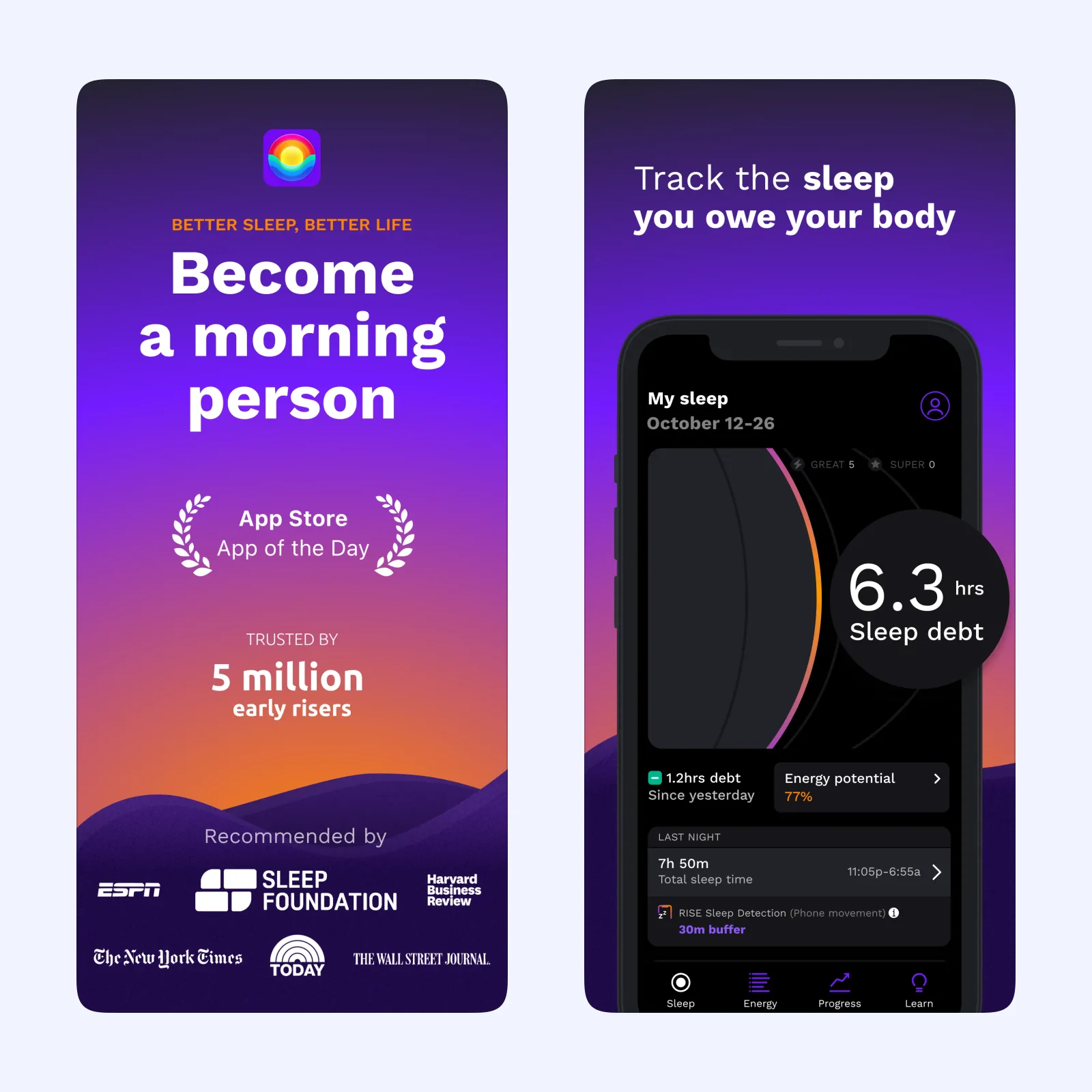
RISE tracks sleep debt and predicts energy peaks and dips. The view can help you choose a bedtime or place demanding work in a part of Monday when you are more likely to feel alert.
It is free to download on iPhone, iPad, Apple Vision, and Apple Watch, with a paid plan. Choose it for sleep timing, while remembering that an estimate is not a medical assessment.
Notion Calendar: put the work beside the meeting
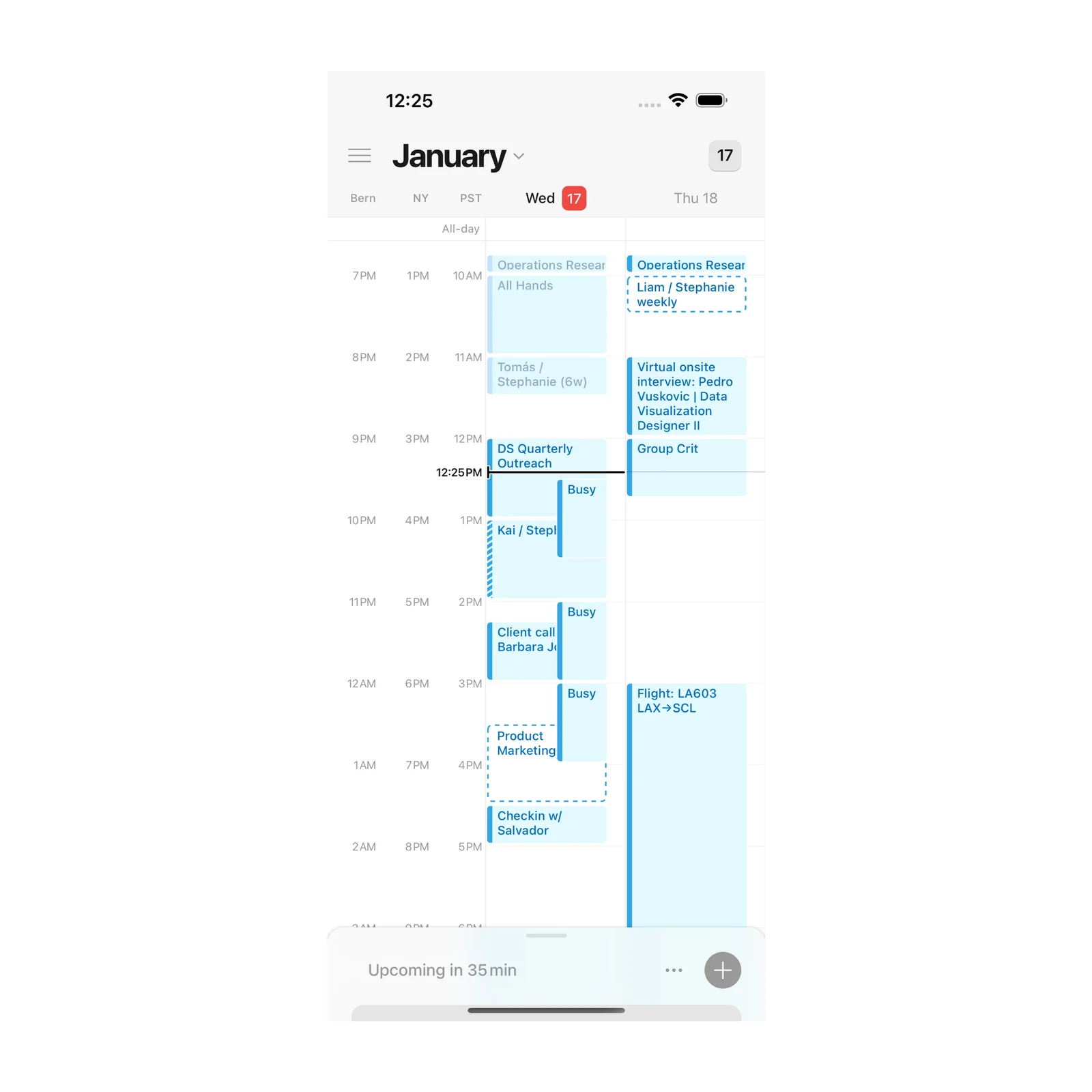
Notion Calendar brings events from several calendars together and can link a meeting to its Notion page. On Sunday, you can check that Monday's first event has the document, location, or call link it needs.
The app is free on iPhone and Apple Vision. Pick it when meetings are visible but their preparation is not. Open each early event and add the missing context before the week starts.
Which one should you try?
Choose Crouton for food, Today App for daily actions, RISE for sleep timing, or Notion Calendar for meeting preparation. The choice should match the first point where Monday tends to go wrong.
Sunday should not become a second workday. Planning is finished when the next decision is clear, not when every part of the week has a perfect slot. Keep uncertain work on a backlog and plan only what has a real date, person, or dependency.
Shared plans need one source of truth. If meals are in Crouton, tasks in Today, and meetings in Notion Calendar, avoid copying the same commitment into all three. Use links or a short reference where needed so a change does not leave conflicting versions.
Set a 15-minute Sunday limit. Prepare one meal, three tasks, a bedtime, or the first meeting. Stop when that one source of friction is handled.
Leave the rest of Sunday outside the plan. The point is to protect the evening, not to fill it with a longer review.