
A passing thought needs a capture method with almost no decisions. Mononote keeps one note in view. Thoughts builds a searchable idea collection. Clear turns quick items into a tactile list. Remind Me Faster sends a task to Apple Reminders with less setup.
Choose the destination before you choose the app. Notes, ideas, lists, and reminders are related, but they need different follow-up.
- Mononote for one visible note
- Thoughts for a searchable idea archive
- Clear for fast lists
- Remind Me Faster for Apple Reminders capture
Mononote: keep one note where you can see it
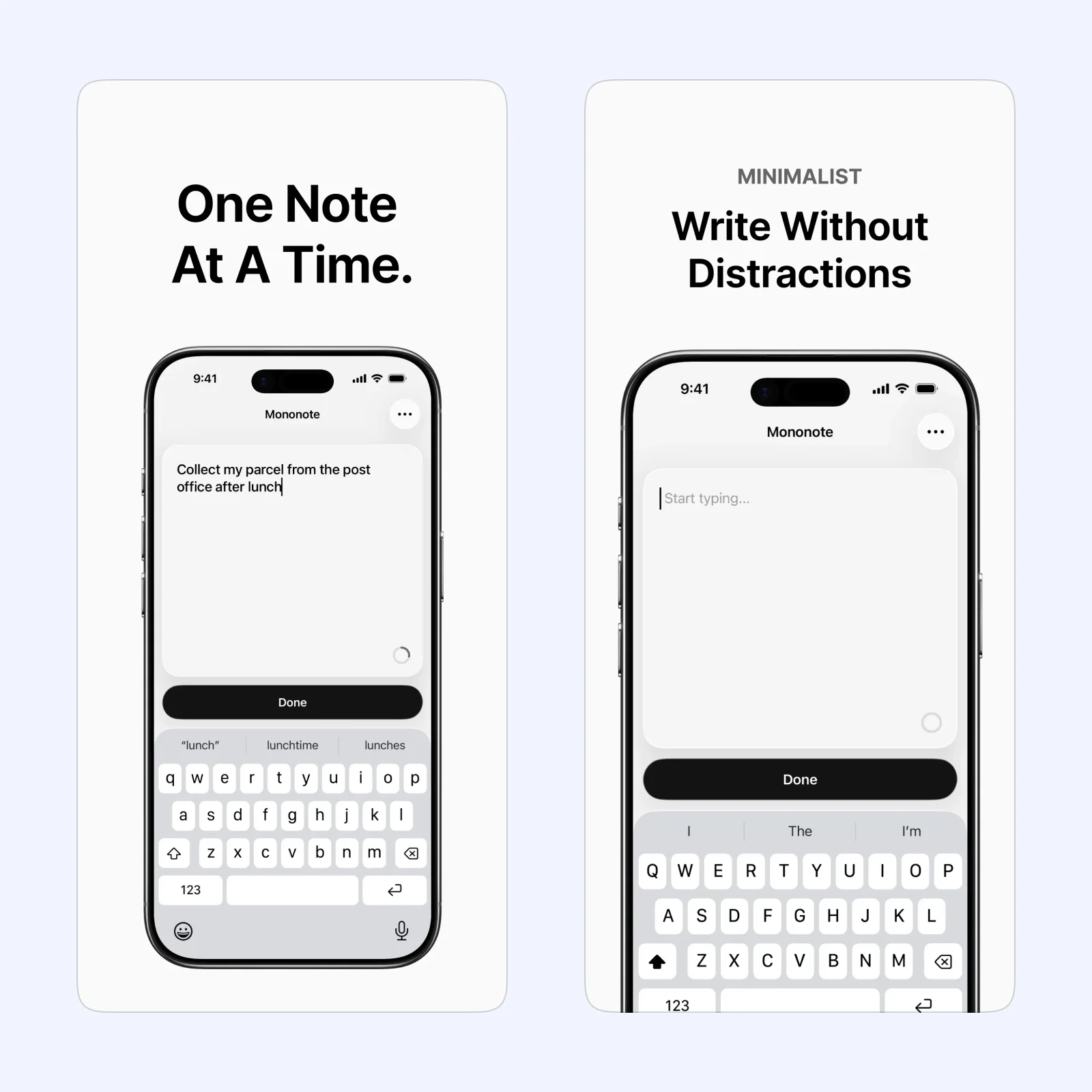
Mononote is built around one current note. A widget keeps it visible on the Home Screen, which is useful for a short priority, phrase, shopping item, or thought you must not bury.
The app is free on iPhone, iPad, and Mac. Choose it when a larger notes system creates too many places to look. Replace the note when it has served its purpose instead of turning the single field into a permanent archive.
Thoughts: give ideas a searchable home
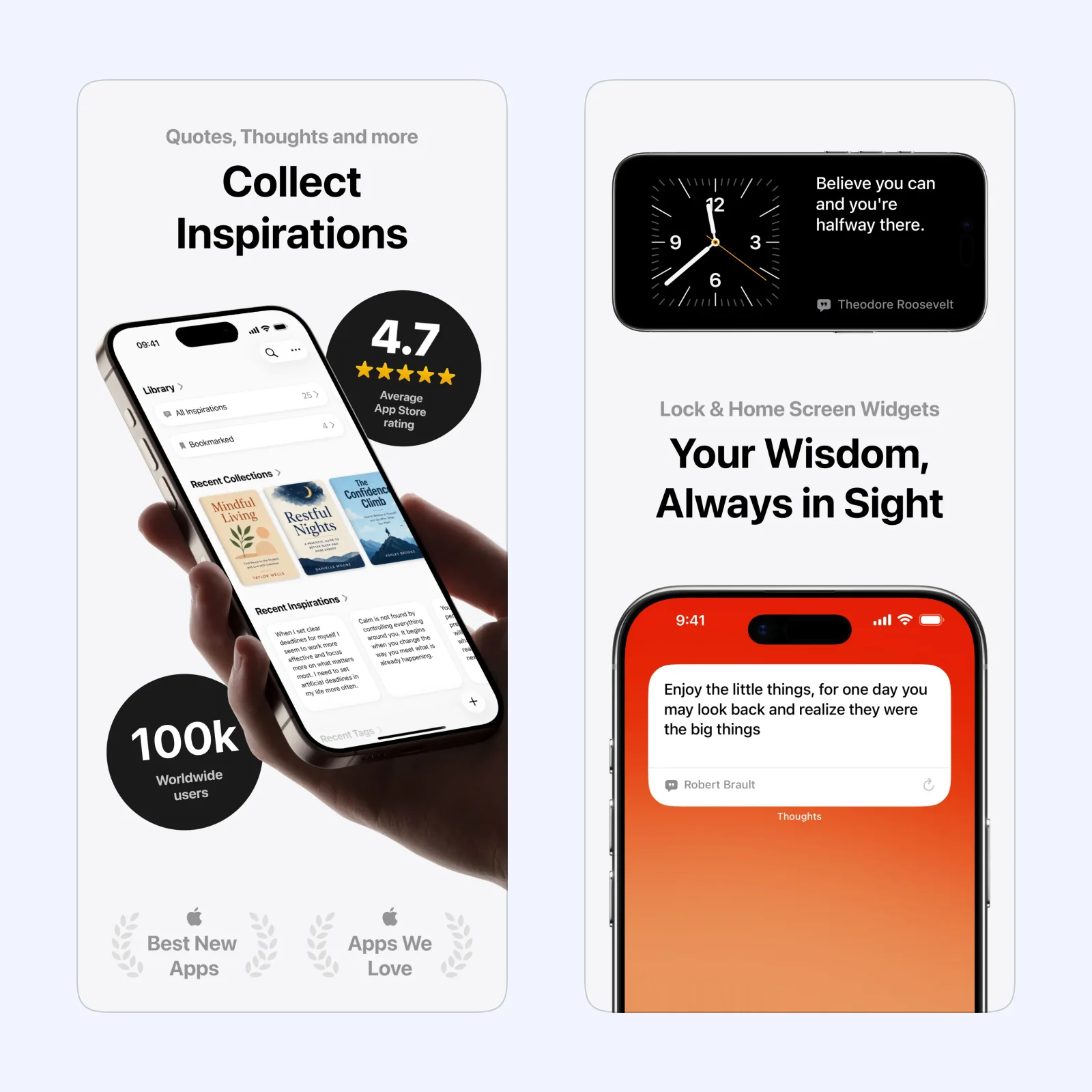
Thoughts stores short ideas and longer notes in a dedicated library. Search and organization help when capture is only the first step and you expect to return to the material later.
It is free to download across iPhone, iPad, Mac, Apple Vision, and Apple Watch, with paid features. Pick it for ideas that may grow into writing or projects. Give each note enough context to make sense a month later.
Clear: make a list with quick gestures
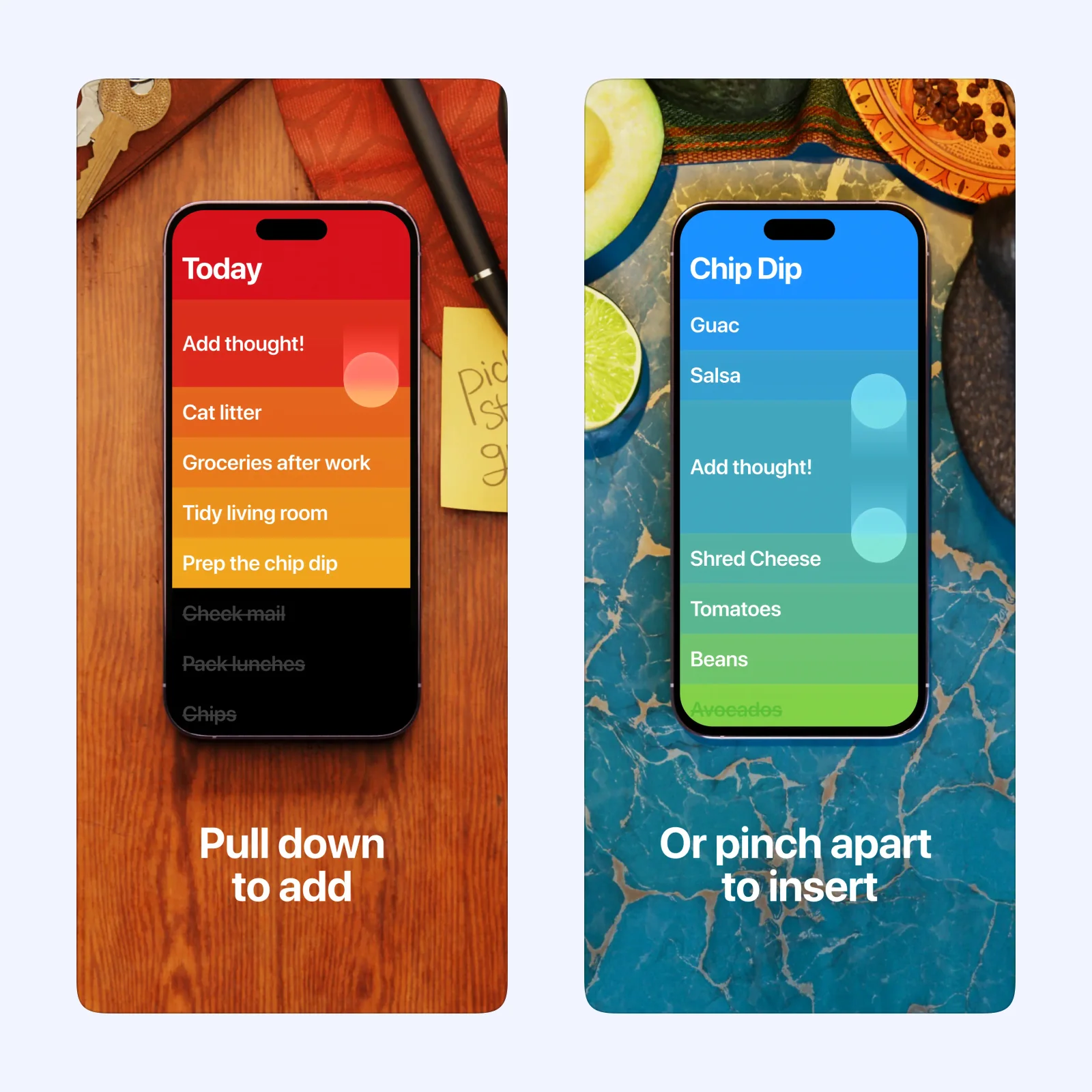
Clear uses swipe and drag gestures to create, reorder, and complete list items. The direct interaction works well for a short list that changes quickly during the day.
It is free to download on iPhone, iPad, Apple Vision, and Apple Watch, with paid features. Choose it when the thought is an item to do or remember, not a piece of reference material.
Remind Me Faster: send a task to Reminders
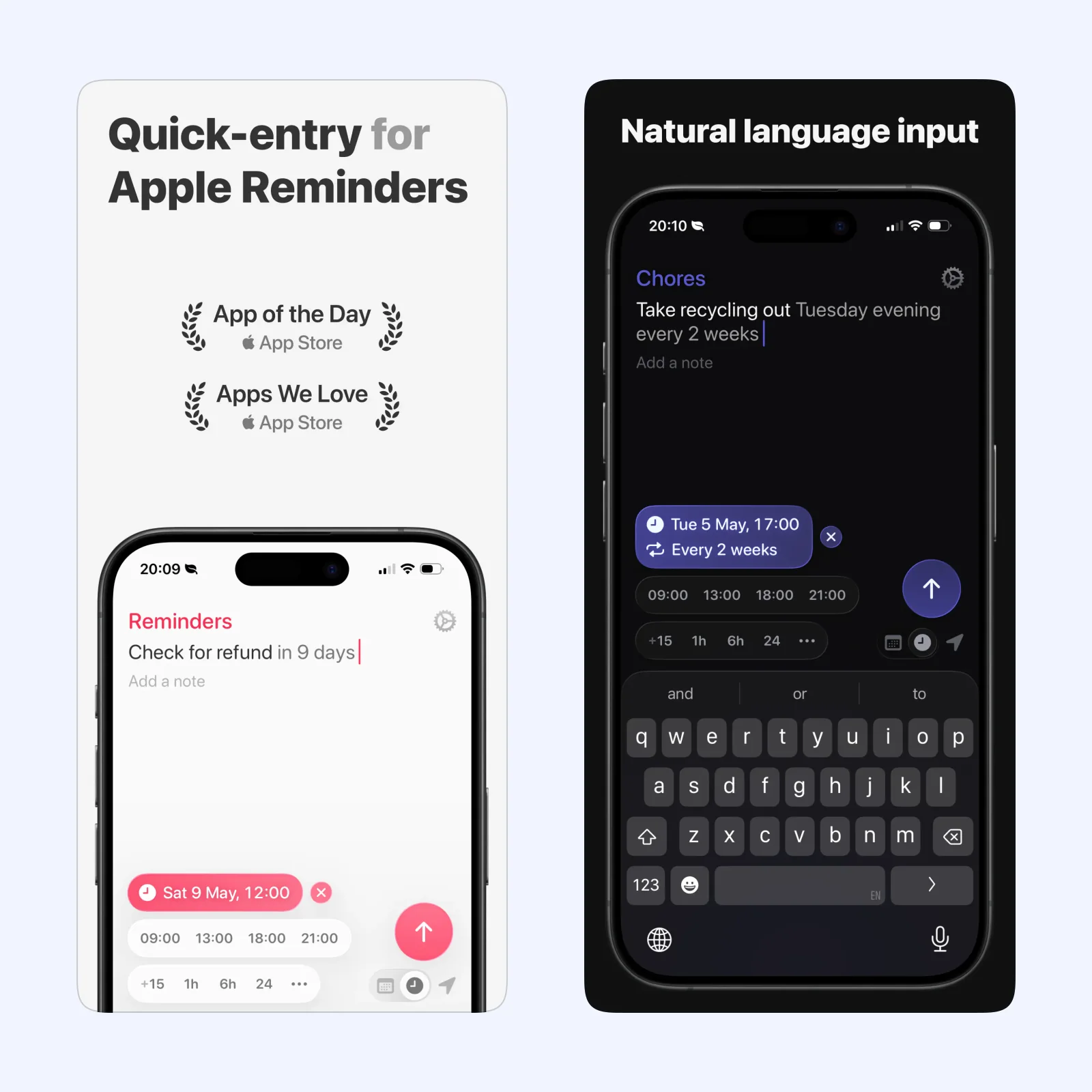
Remind Me Faster is a quick-entry front end for Apple Reminders. It reduces the steps needed to enter a task, choose a list, and attach a date.
The app is free to download on iPhone, iPad, Mac, and Apple Vision, with paid features. Pick it when Apple Reminders is already the place you review tasks. A faster inbox only helps if that inbox is checked.
Which one should you try?
Use Mononote for one visible thought, Thoughts for an idea library, Clear for a short list, or Remind Me Faster for a dated action. Sending everything to one tool can blur the difference between remembering and doing.
Fast capture can produce notes that make no sense later. Include the smallest useful context: a person, project, place, or next action. “Ask Maya about launch date” survives better than “ask about date,” even if the second version takes less time.
Sync and export become important when ideas accumulate. Confirm that a test note reaches another device and that you can retrieve data in a common format. For Remind Me Faster, remember that Apple Reminders is the real database, so its lists and iCloud setup control the result.
Capture one real thought, then follow it through tomorrow. If you can find and act on it without another transfer, the route is simple enough.
Delete the test if it no longer has value.