
Ulysses is a writing app for people who want a quiet editor without losing the structure needed for a book, article, or long-running project. It keeps sheets in one library and uses lightweight markup instead of a busy formatting toolbar.
The app is most useful when writing happens across several sessions and devices. You can keep research, drafts, and finished pieces together without turning the editor into a document-management screen.
Keep projects in one writing library
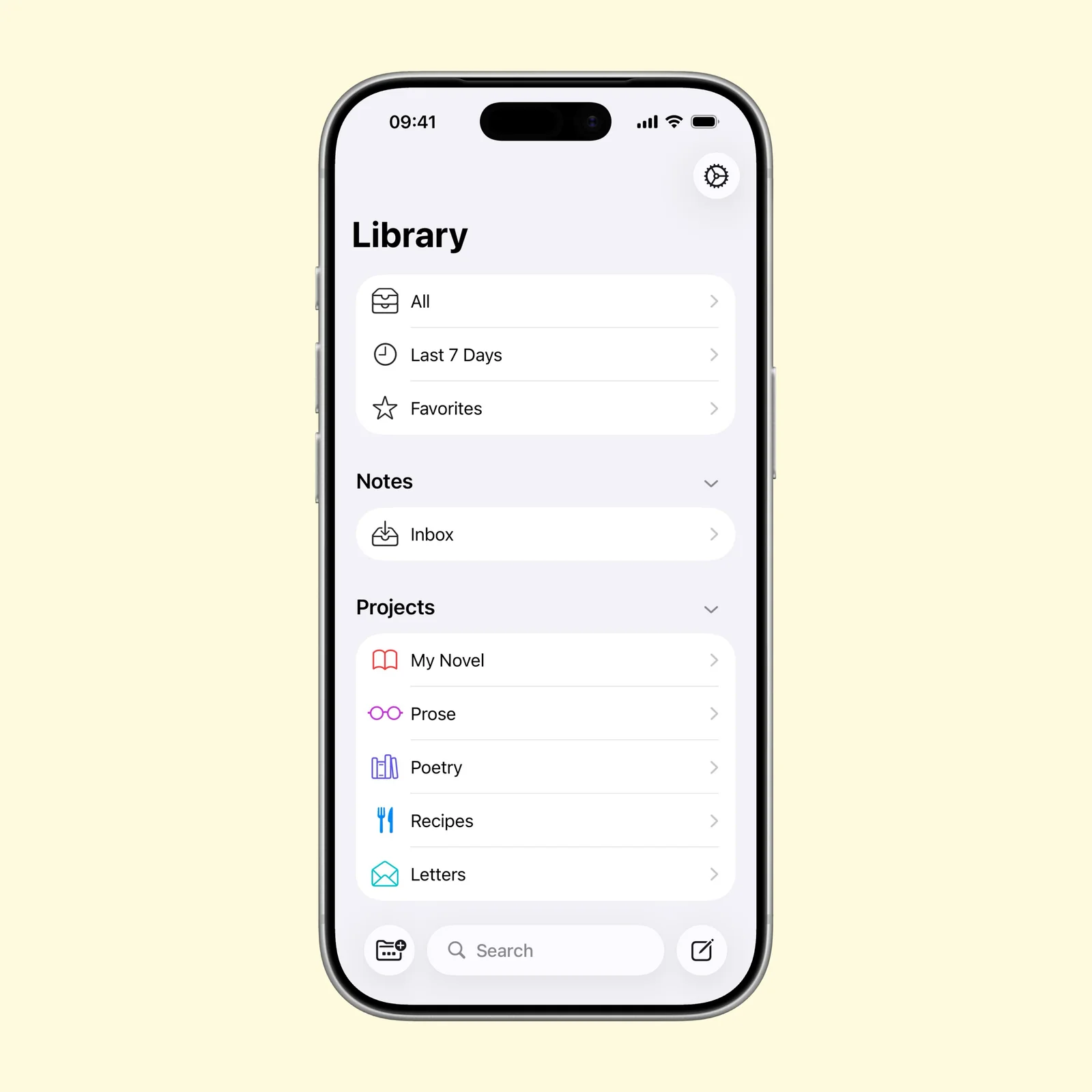
The library groups sheets by project and also gives you practical views such as recent work and favorites. A novel can have its own group, while notes and short pieces stay separate.
This structure is lighter than folders full of individual word-processing files. Each sheet is easy to move, split, or combine, and the library stays available on iPhone, iPad, and Mac through sync.
Format with markup while you write
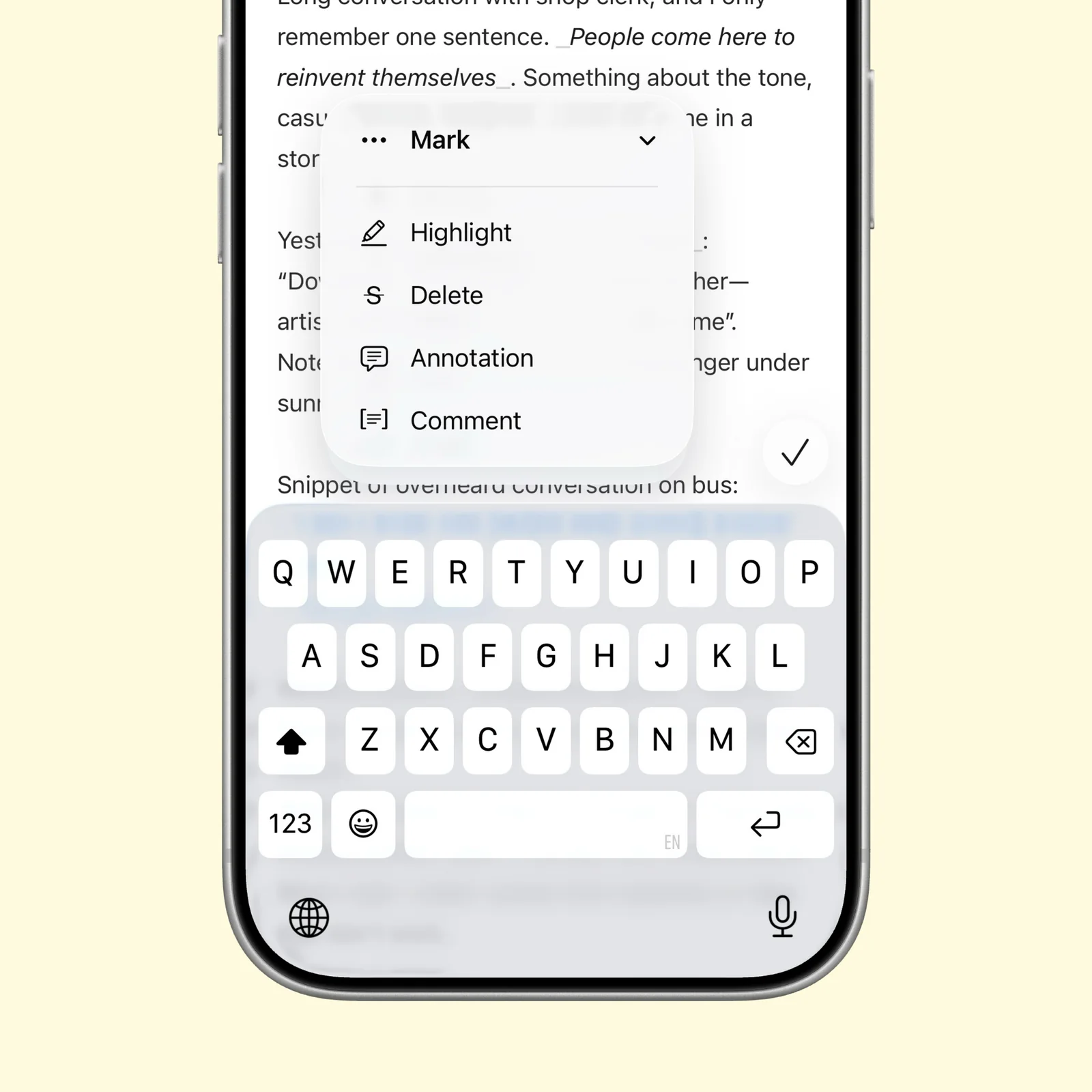
Markup keeps headings, emphasis, links, comments, and annotations in the text without forcing you to style every element. The app can hide the symbols when you want a cleaner reading view.
Ulysses also includes spelling, grammar, and style checks in more than 20 languages. These tools are useful during revision, but they do not need to stay open while you are getting a first draft onto the page.
Preview the finished document before export
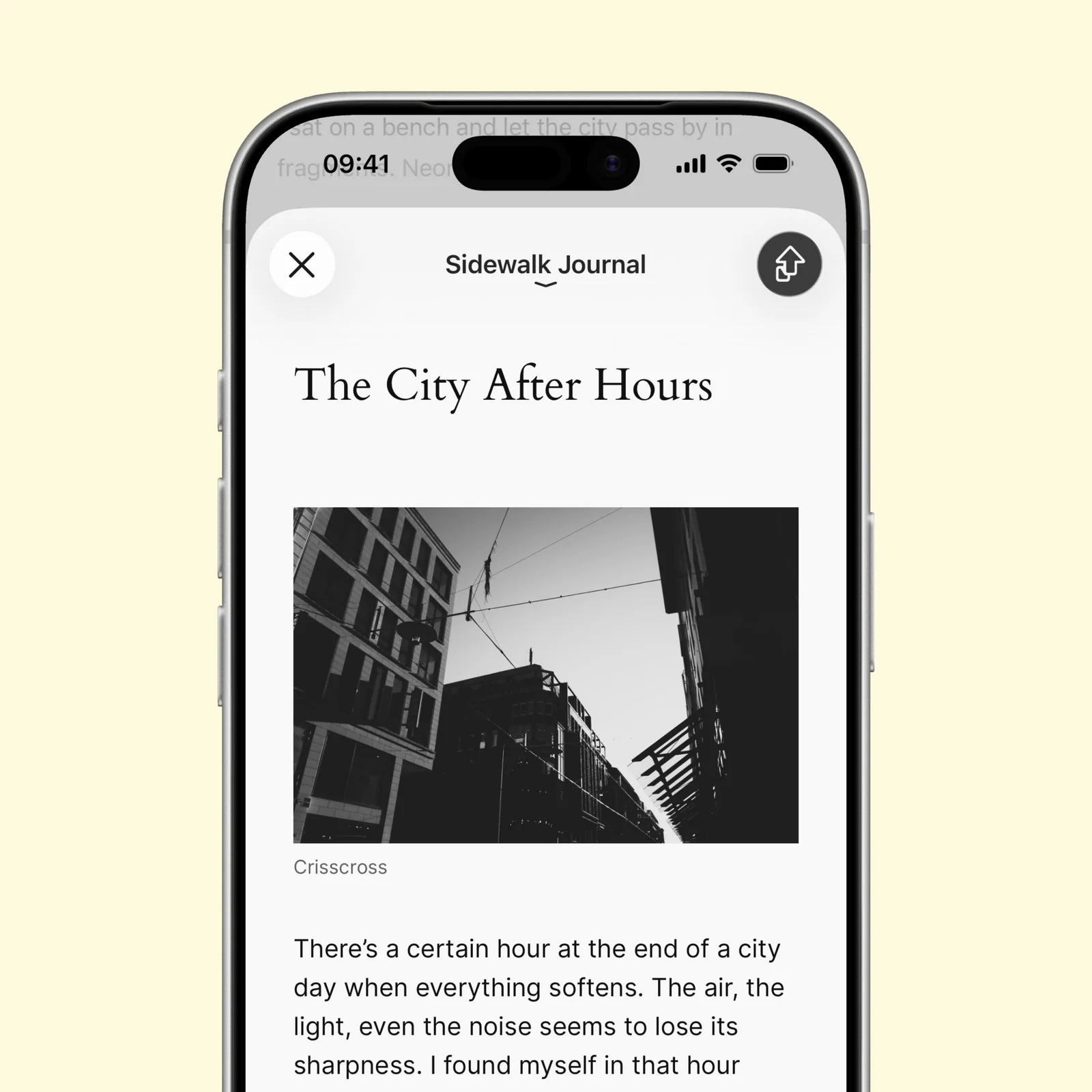
Export separates writing from presentation. You can preview the finished piece and create PDF, Word, or ebook files. Direct publishing is available for services such as WordPress, Ghost, Medium, and Micro.blog.
That makes Ulysses suitable for work that begins as plain text but must end in several formats. The same draft can become a document for an editor and a post for a website.
What to know before you try Ulysses
Ulysses is free to download, with a trial followed by a subscription. It runs on iPhone, iPad, and Mac. The subscription makes the most sense when writing is a regular part of your work, not an occasional note.
The sheet-and-markup model is different from a page-based word processor. That is an advantage during drafting, but it can feel indirect when exact page layout is the job. Test the export style you need before writing a large document, especially if another person expects a specific Word template.
Sync also deserves the same care as any writing archive. Confirm that a new sheet appears on a second device, keep a separate backup of important finished work, and learn how Ulysses handles external folders before moving an existing library.
Start with one current project. Importing an entire archive before you understand the library creates unnecessary work. Write a few sheets, try the export, and then decide whether the system fits.