

A walking app can add direction without turning the walk into a workout plan. Thru converts steps into a virtual trail. Superlocal remembers real places. StepsApp keeps the daily count visible. Lumy helps you leave when the light is right.
Pick the app that answers why you are walking today: progress, discovery, a goal, or a better time outside.
- Thru for virtual trails
- Superlocal for visited places
- StepsApp for daily steps
- Lumy for sun and golden-hour planning
Thru: move along a virtual trail
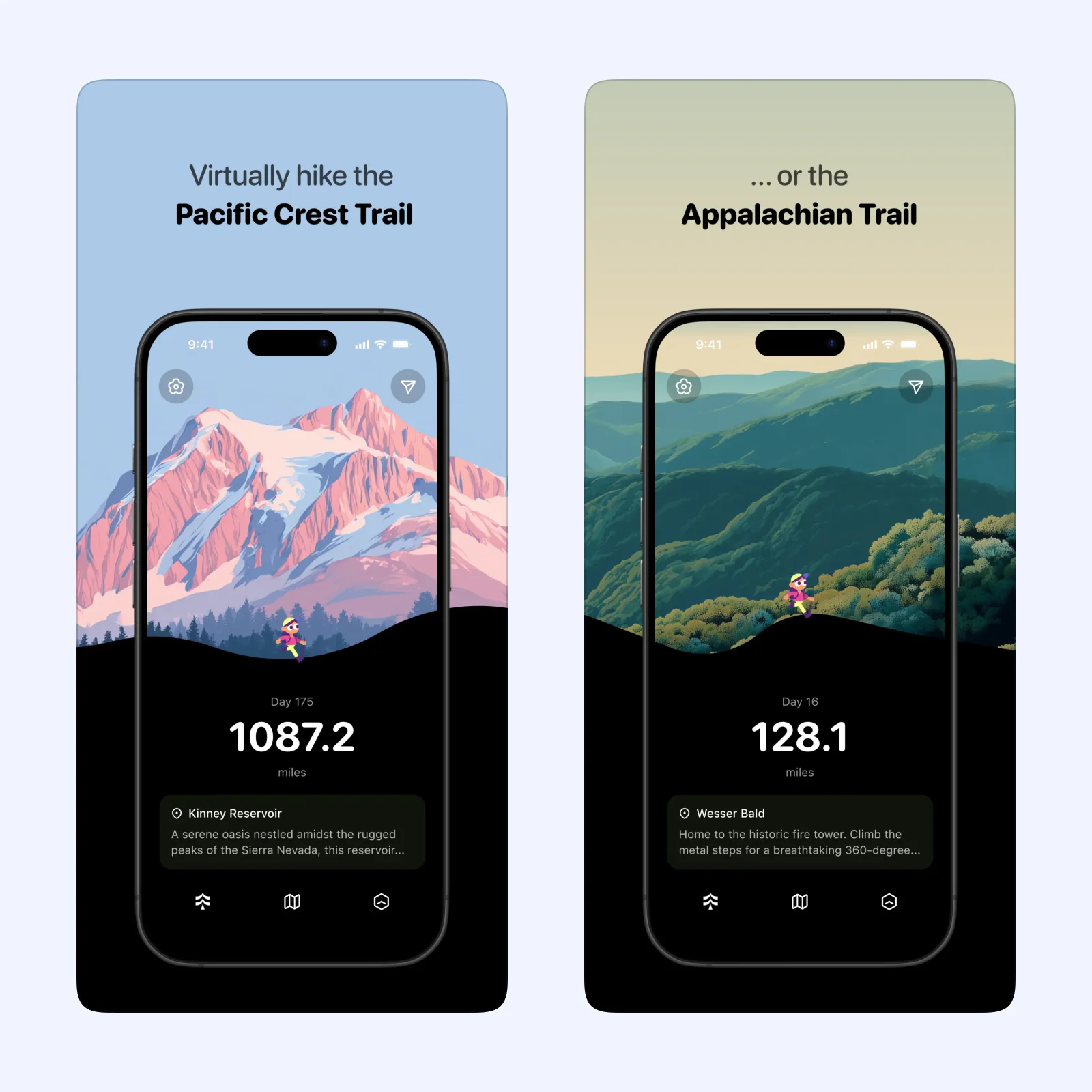
Thru turns daily steps into progress along virtual hiking routes. A familiar neighborhood walk can still move you toward the next point on a trail, which gives repeated routes a larger destination.
The app is free on iPhone, iPad, Mac, and Apple Vision. Choose it if an unfolding route is more motivating than a raw step total. Keep the virtual trail as a story, not a reason to ignore weather or physical limits.
Superlocal: remember places as you explore
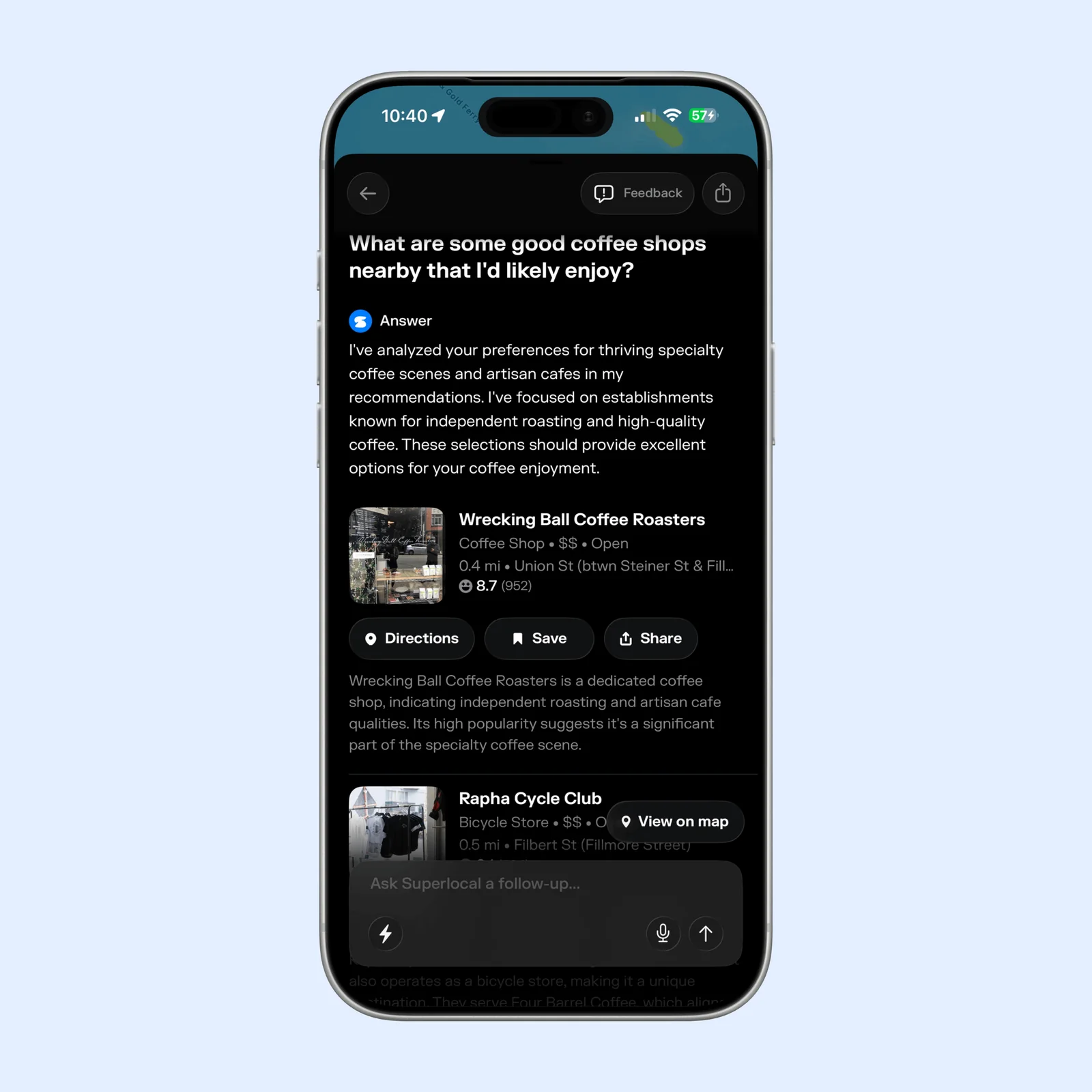
Superlocal logs visited places and fills a personal map as you explore. Check-ins help shape later recommendations, and Fog of World mode makes unvisited areas visible.
It is free on iPhone, with paid features. Pick it when the walk is about finding a café, park, shop, or unfamiliar street. Review location permissions before enabling automatic tracking.
StepsApp: keep a simple goal in view
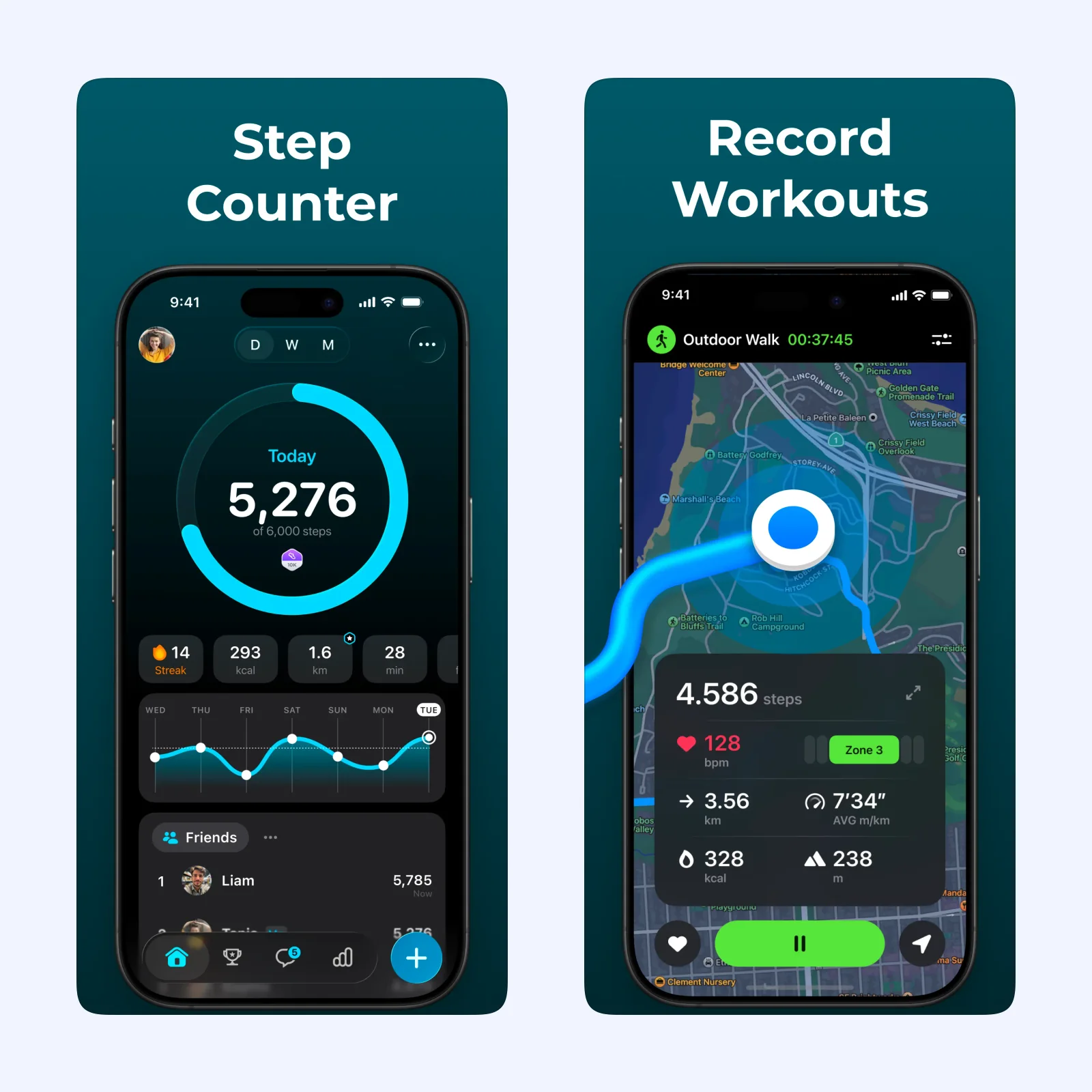
StepsApp focuses on steps, distance, time, and trends. Widgets and Apple Watch support make the daily number easy to check without manually starting a workout.
The app is free to download on iPhone, Apple Vision, and Apple Watch, with paid Pro features. Choose it when a clear walking baseline is enough. Raise a goal from observed behavior, not from an arbitrary round number.
Lumy: choose the walk by the light
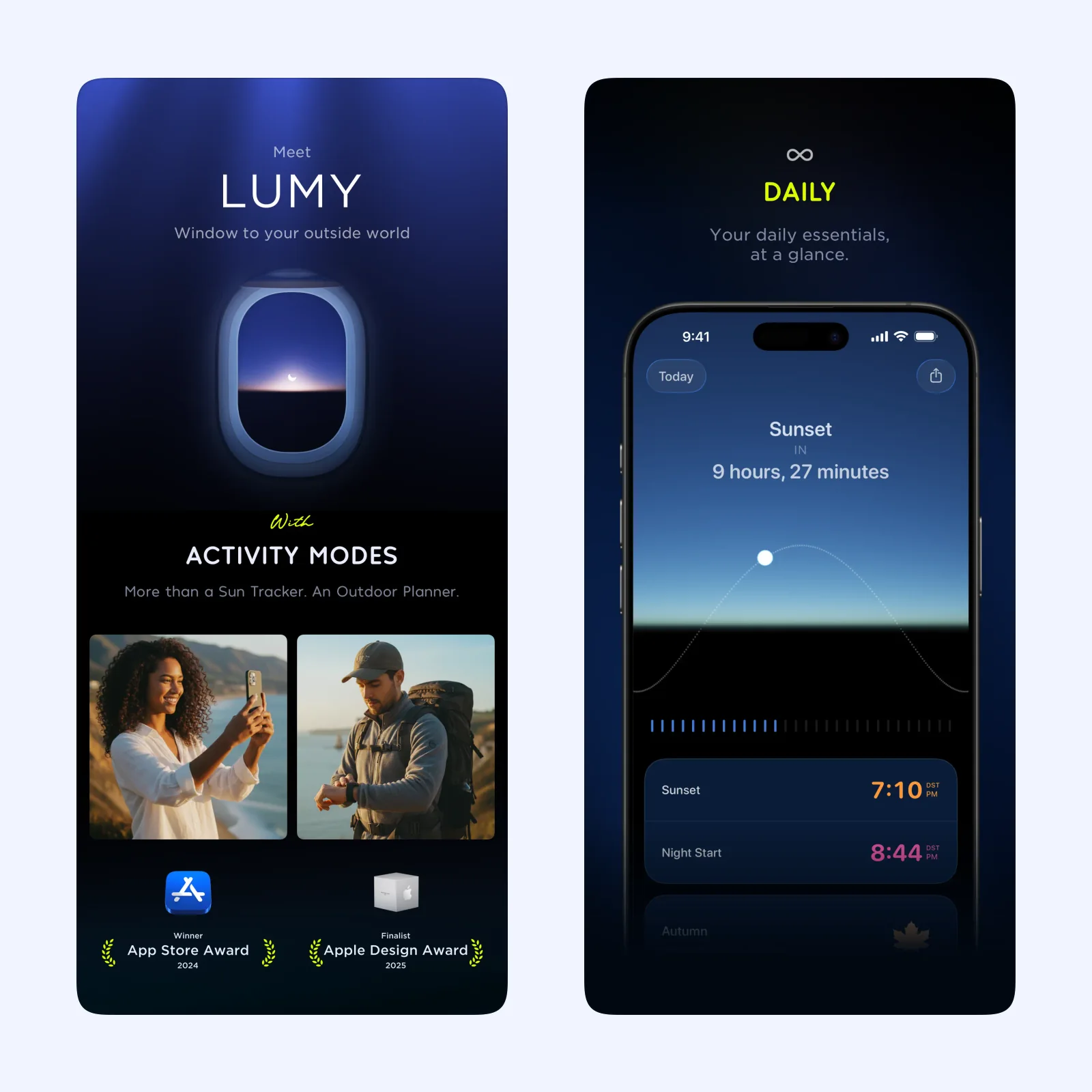
Lumy tracks sunrise, sunset, golden hour, and other light conditions. It can help you plan a photo walk or avoid starting a route just before darkness.
Lumy is a one-time purchase and supports iPhone, iPad, Mac, Apple Vision, Apple TV, and Apple Watch. Pick it when the timing and quality of daylight matter more than counting distance.
Which one should you try?
Choose Thru for a virtual destination, Superlocal for real-world discovery, StepsApp for consistent movement, or Lumy for better timing. The four apps reward different parts of the same walk.
Location, motion, and health permissions vary across these apps. Enable the minimum access needed, then check battery use and the recorded route after one walk. Automatic tracking is convenient, but a mistaken place or duplicated step source can make the history less useful.
The phone should not become the route itself. Prepare the trail, place, target, or light window before leaving, then keep the screen away when traffic, terrain, and other people need attention. Download or note essential directions when the route may lose a connection.
Use one on a familiar route first. This makes it easy to notice whether the app adds something useful or only gives you another screen to check outdoors.
Compare the result with a walk taken without the app. Notice whether you went farther, found a place, chose better light, or simply checked the phone more often. Keep the tool only when it improves the walk itself. Your attention outdoors is part of that result.