
Weather apps can answer very different questions. CARROT Weather gives you a detailed forecast with a sarcastic voice. Weather Terminal makes the data compact. Sunlitt plans around light. Colder or Warmer answers only how today compares with yesterday.
Choose based on the decision you make after checking. More forecast data is not always better when you only need a jacket answer.
- CARROT Weather for detail and personality
- Weather Terminal for a clean pixel forecast
- Sunlitt for sunlight and golden hour
- Colder or Warmer for a quick comparison
CARROT Weather: detailed data with a sarcastic guide
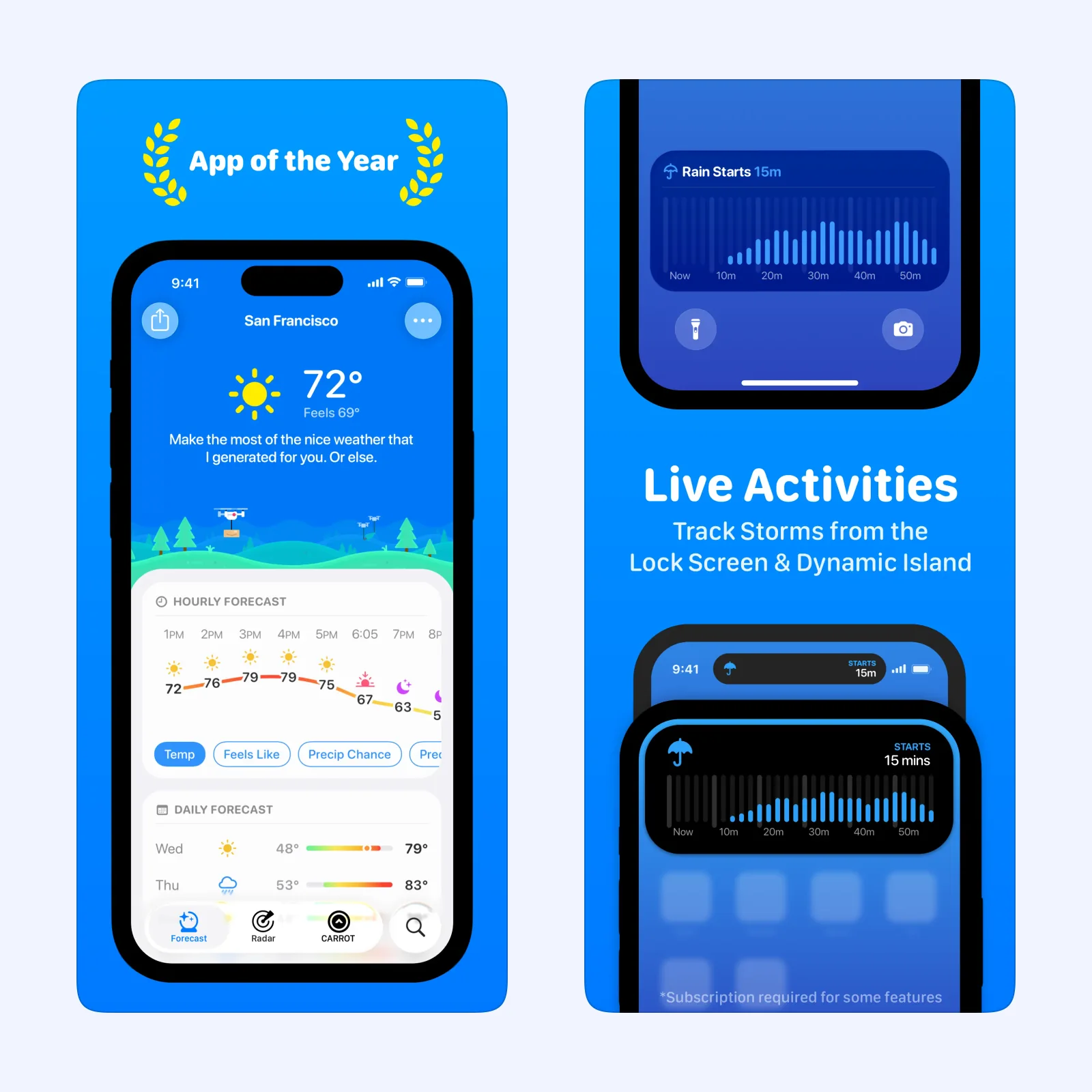
CARROT Weather combines current conditions, forecasts, maps, alerts, widgets, and many customization options with a fictional assistant that comments on the weather. You can adjust its personality if the jokes are too much or not enough.
The app uses a subscription and supports iPhone, iPad, Mac, Apple Watch, and Apple Vision. Choose it when weather is something you actively monitor and you want control over both data sources and presentation.
Weather Terminal: make the forecast compact
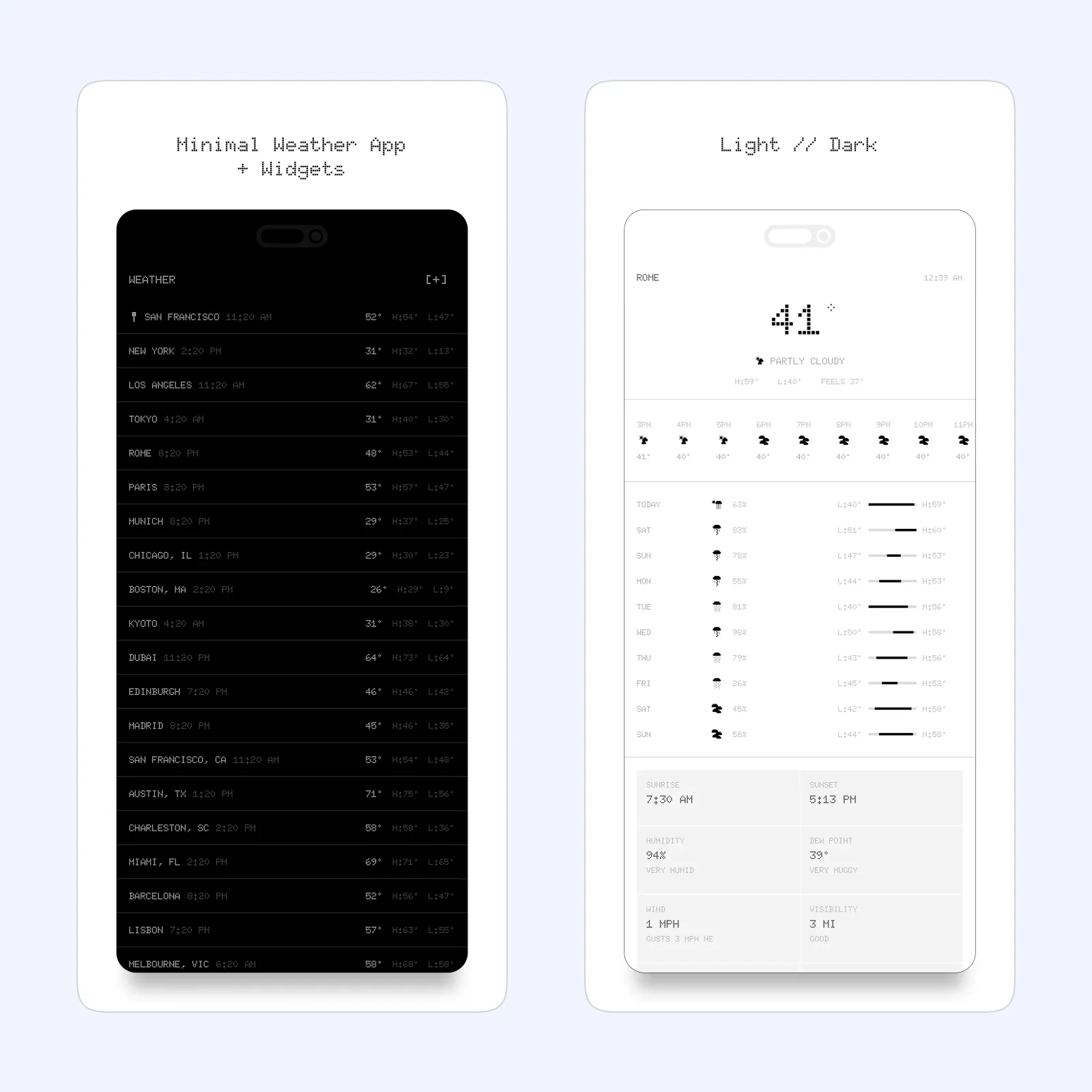
Weather Terminal presents conditions in a clean pixel-style interface. It avoids the news cards and large photography that can make a simple forecast harder to scan.
It is free and supports iPhone, Mac, and Apple Vision. Pick it when you want the forecast to feel like a small utility. The visual style is strong, but the app stays focused on the basic information.
Sunlitt: plan around the position of the sun
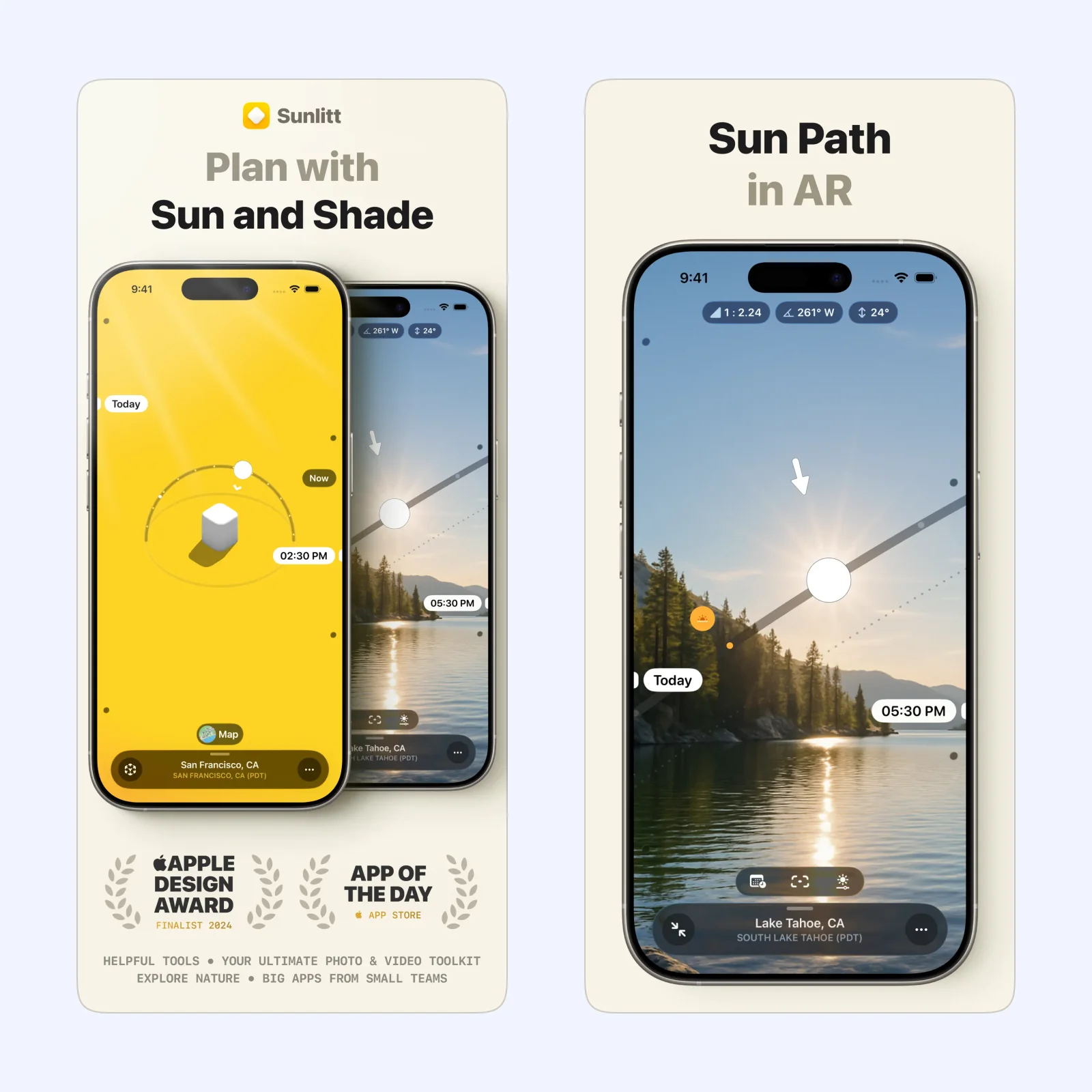
Sunlitt tracks sunrise, sunset, golden hour, sun paths, and shadows. Photographers can use it to plan light, while walkers and travelers can choose a time when a route or view will be in the sun.
It is free to download, with paid Pro features, on iPhone, iPad, Mac, Apple Watch, and Apple Vision. Choose it when the light matters more than a general condition icon.
Colder or Warmer: answer one useful question
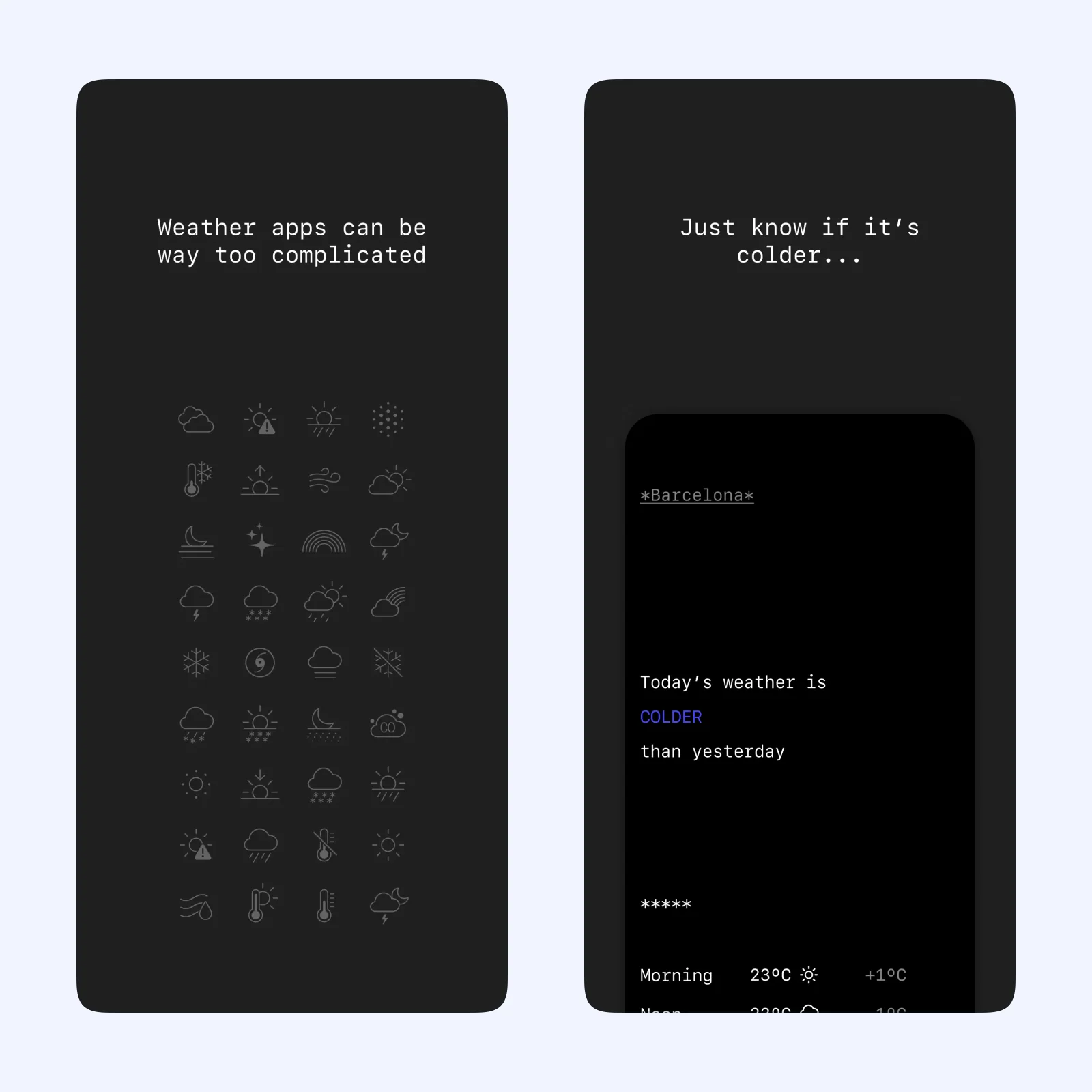
Colder or Warmer tells you whether the day is colder, warmer, or about the same as the day before. That comparison can be easier to act on than an isolated temperature.
The app is free on iPhone, Mac, and Apple Vision. It fits people who already know what yesterday felt like and want the shortest possible check before getting dressed.
Which one should you try?
Choose CARROT for a full weather tool, Weather Terminal for a calm overview, Sunlitt for light planning, or Colder or Warmer for a daily comparison. Each removes a different kind of uncertainty.
Forecast providers can disagree, especially for rain timing and local conditions. A polished interface does not make the underlying prediction exact. Keep official weather alerts enabled for severe conditions and check a local authority before making a safety decision.
Location access affects convenience and privacy. A fixed home city may be enough for Weather Terminal or Colder or Warmer, while travel and sunlight planning benefit more from current location. Give each app only the access its use requires, and review background access if battery use changes.
Put one widget on the Home Screen and use it for a week. If the widget answers the daily question, you may not need to open the app at all.
Remove it if you still check another source every time. The most useful forecast is the one that changes a clear decision without demanding a long review. Keep severe-weather alerts separate from the everyday widget.