
Weekly admin grows when the same work must be copied between systems. Notion Calendar connects events with Notion pages. SyncTasks links Notion tasks and Apple Reminders. Today App makes a daily view. Linear Mobile keeps issue updates available away from a desk.
Choose the handoff that currently wastes the most time. Adding another app without removing a transfer only creates one more place to check.
- Notion Calendar for meetings and Notion context
- SyncTasks for Notion and Reminders sync
- Today App for a calm daily plan
- Linear Mobile for issue updates
Notion Calendar: open the work from the event
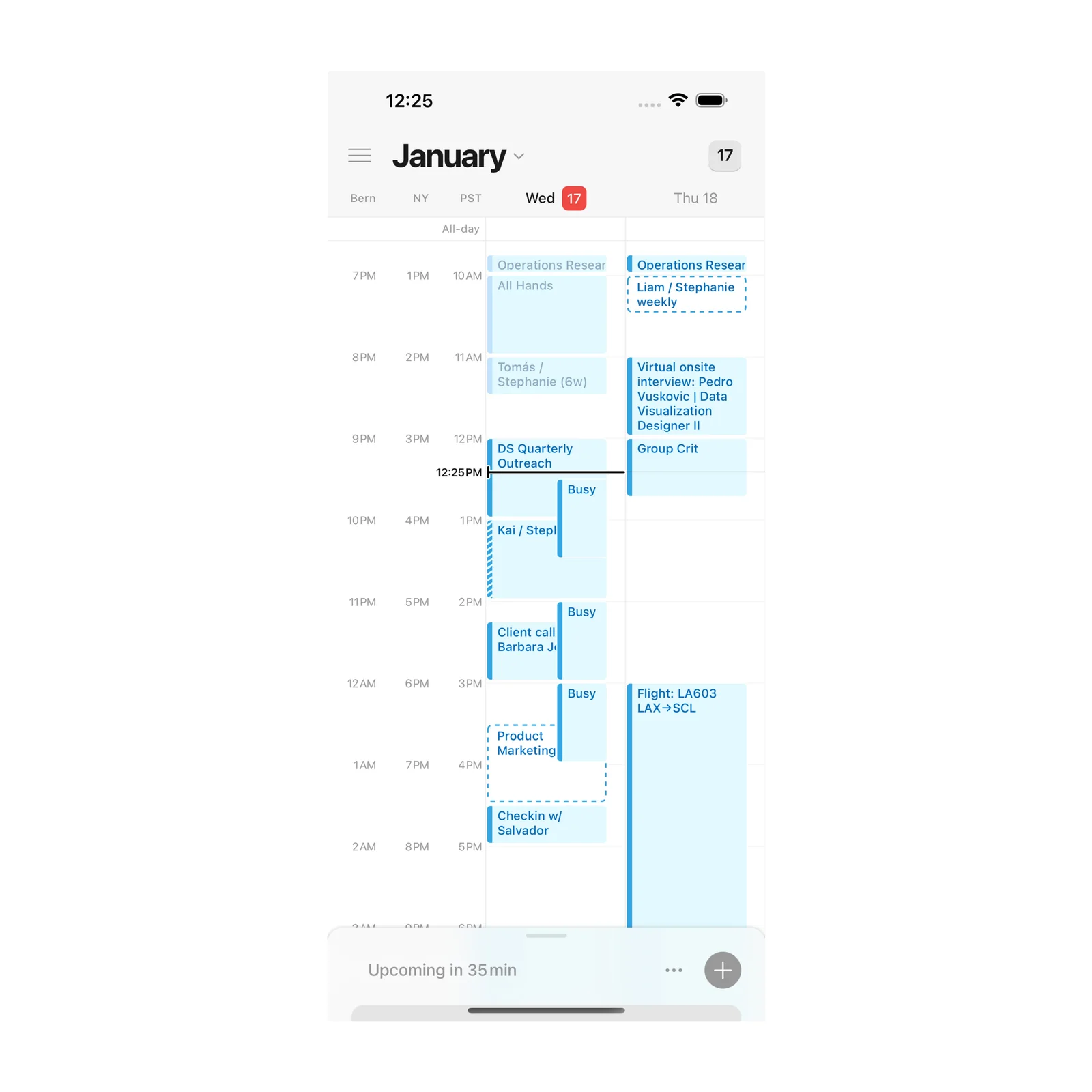
Notion Calendar combines events from several calendars and can link them to relevant Notion pages. A meeting can carry its agenda, project, or notes instead of leaving you to search when it starts.
The app is free on iPhone and Apple Vision. Choose it when calendar events lack context. Link the page only when it will be used, because attaching every nearby document makes the event harder to scan.
SyncTasks: put Notion work in Apple Reminders
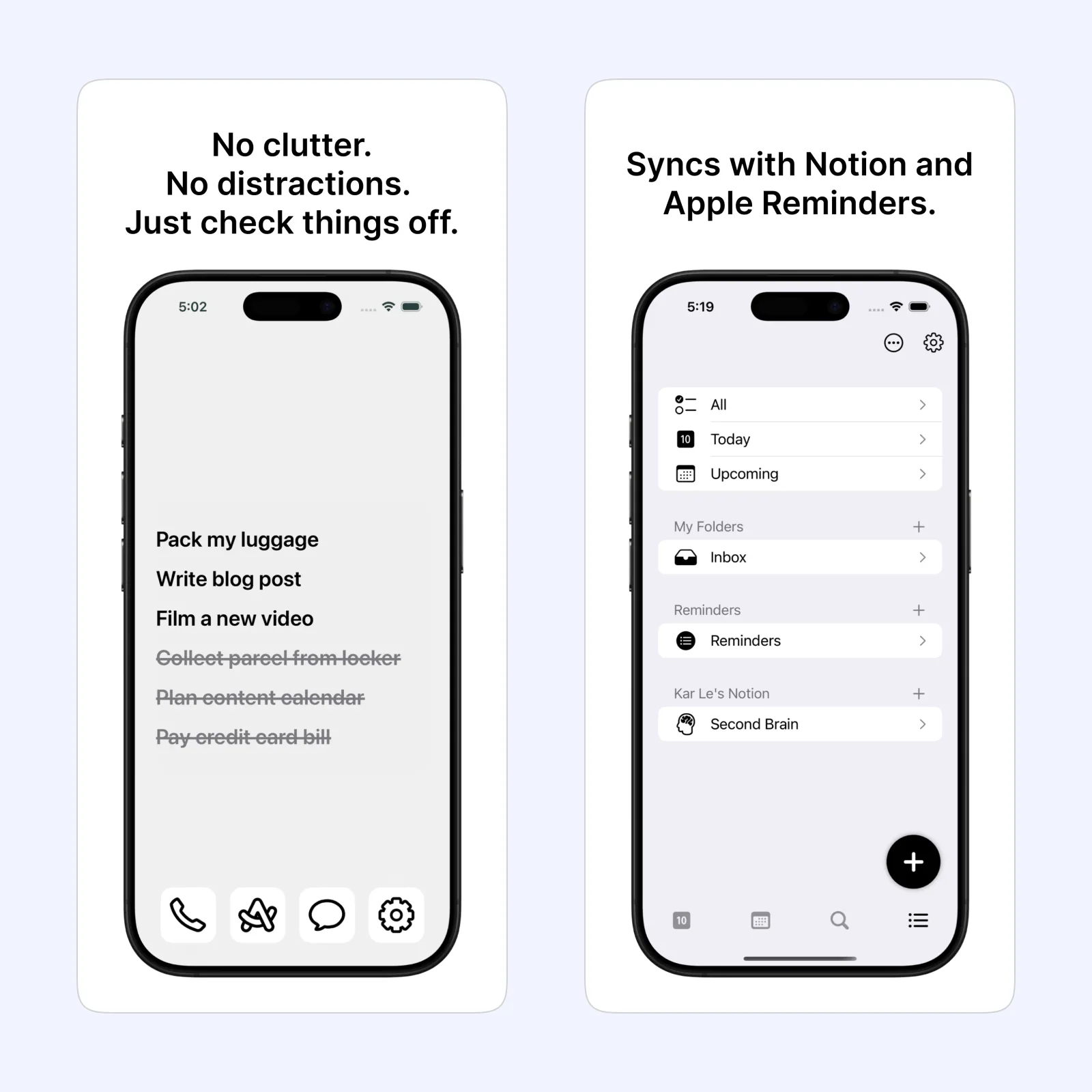
SyncTasks connects a Notion task database with Apple Reminders. That can keep team or project work in Notion while making the next action available through Siri, widgets, and the system reminder list.
It is free to download on iPhone, iPad, Mac, and Apple Vision, with paid features. Pick it when manual copying causes missed updates. Test status, date, and completion behavior with a temporary task before connecting an important database.
Today App: choose what belongs in the day
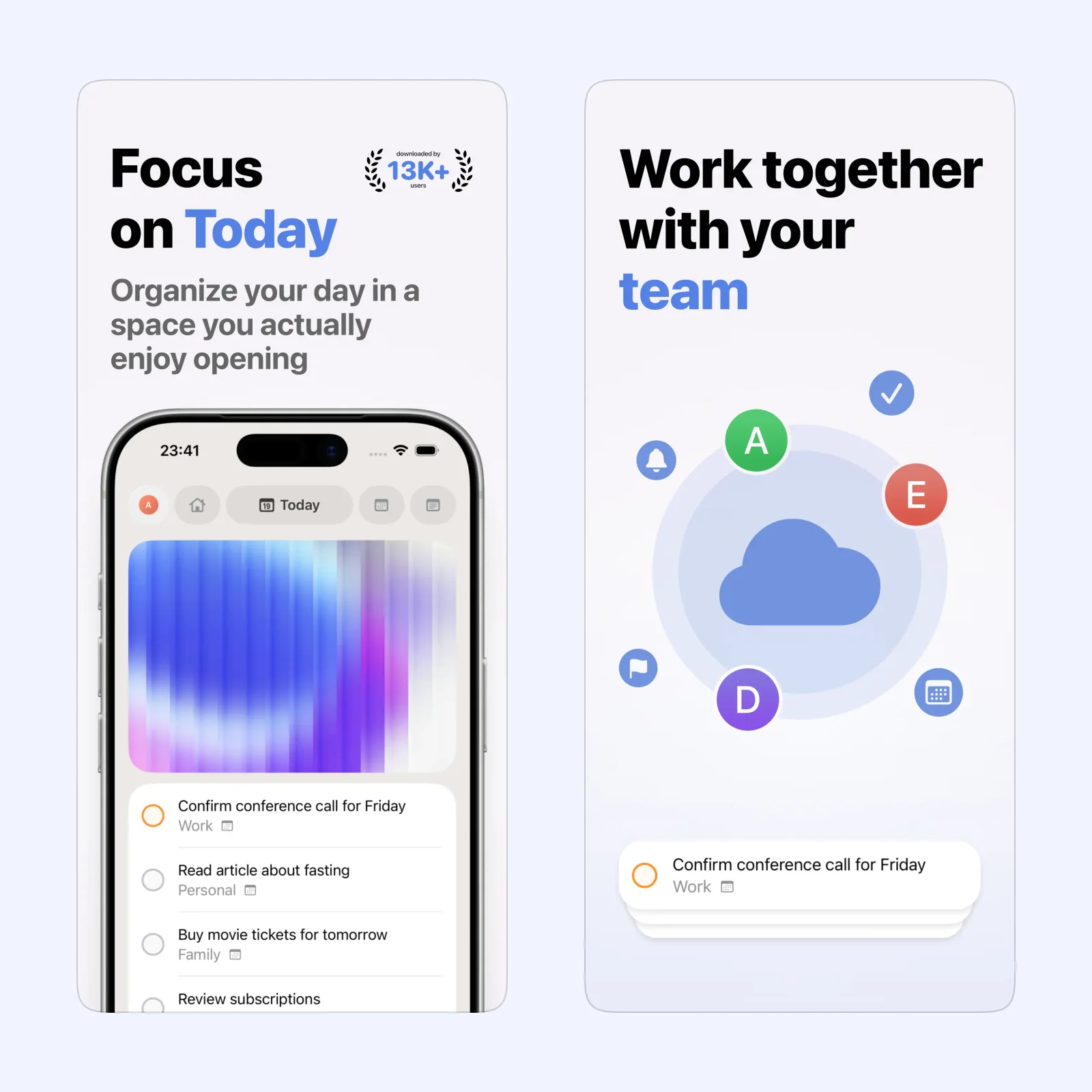
Today App combines tasks, notes, and events in one daily view. It can reduce the morning review to one screen without requiring every idea to become a scheduled event.
It is free on iPhone, iPad, and Apple Vision, with paid features. Choose it when the problem is deciding what to do now. Keep the day short enough that completion remains plausible.
Linear Mobile: update issues away from the desk
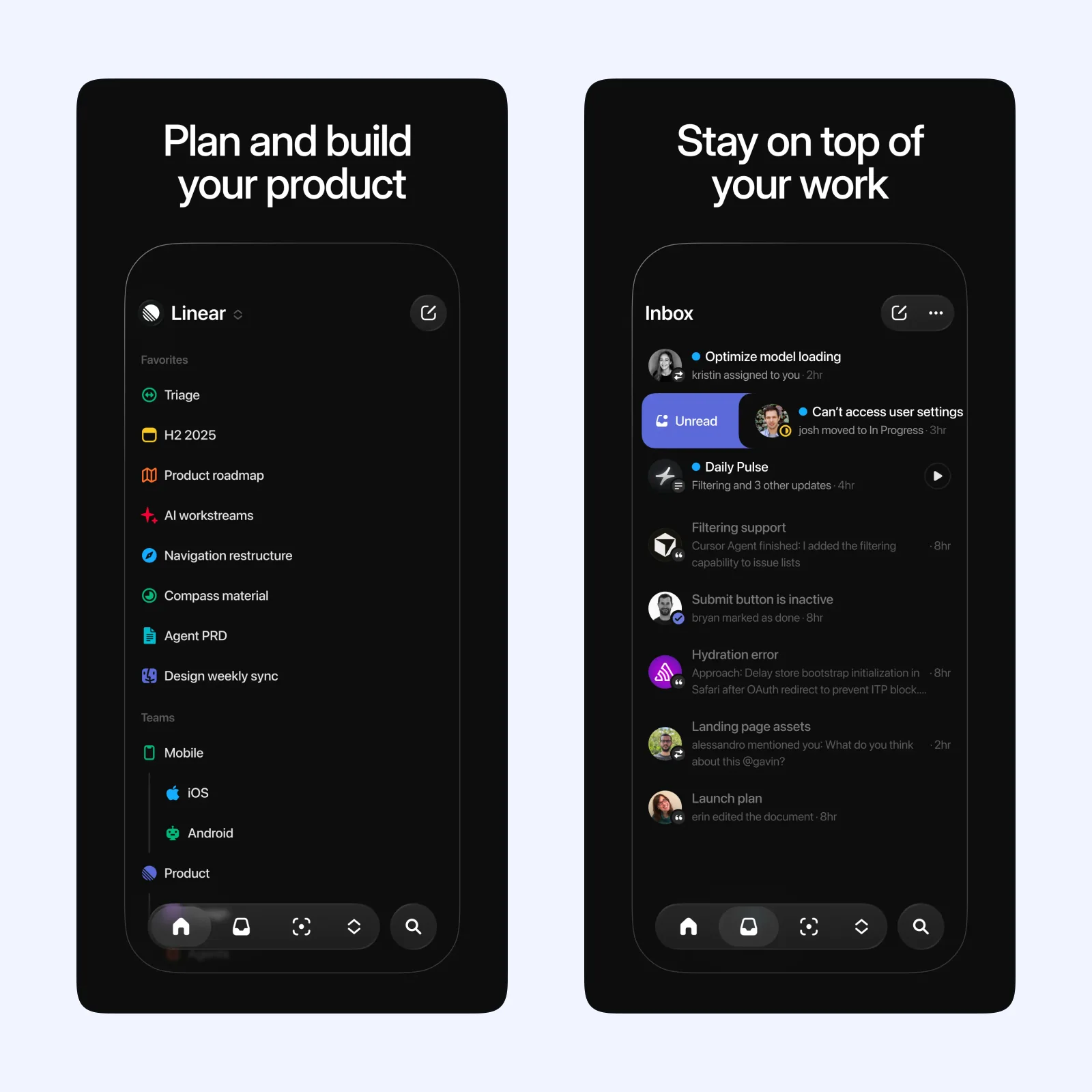
Linear Mobile lets you create, review, and update issues from an iPhone or iPad. It is useful for a quick assignment, status change, or note when opening the full desktop workspace would be unnecessary.
The app is free and supports iPhone and iPad, but it requires a Linear workspace. Pick it when your team already uses Linear and mobile updates can prevent a stale issue.
Which one should you try?
Use Notion Calendar for meeting context, SyncTasks for a cross-system task handoff, Today App for daily focus, or Linear Mobile for team issue work. Each belongs to a different stage of the week.
Permissions deserve a review because these tools touch calendars, reminders, documents, or company issues. Give personal and work accounts distinct boundaries, and do not connect a private task list to a team database without understanding both directions of sync.
Every automation also needs a failure check. Look for duplicate tasks, changed due dates, lost descriptions, and completed items that return. A small weekly audit is cheaper than discovering after a month that two systems have been quietly disagreeing.
Automate one handoff first. Create a test item at the source, follow it to the destination, complete it, and confirm that the final state returns correctly before you trust the workflow.
Document the working direction and owner. That note will matter when a permission, database field, calendar, or team process changes and the handoff needs repair.