
A phone can publish a useful small website when the builder matches the job. Universe uses a visual grid. Wix and GoDaddy combine a mobile editor with business tools. Milkshake creates a compact card-based site for links and profiles.
Define the smallest version before choosing. A one-page profile and a business site with bookings need different tools.
- Universe for a visual mobile-first site
- Wix for a broader site and business platform
- GoDaddy for site and marketing tools
- Milkshake for a card-based profile site
Universe: build directly on a visual grid
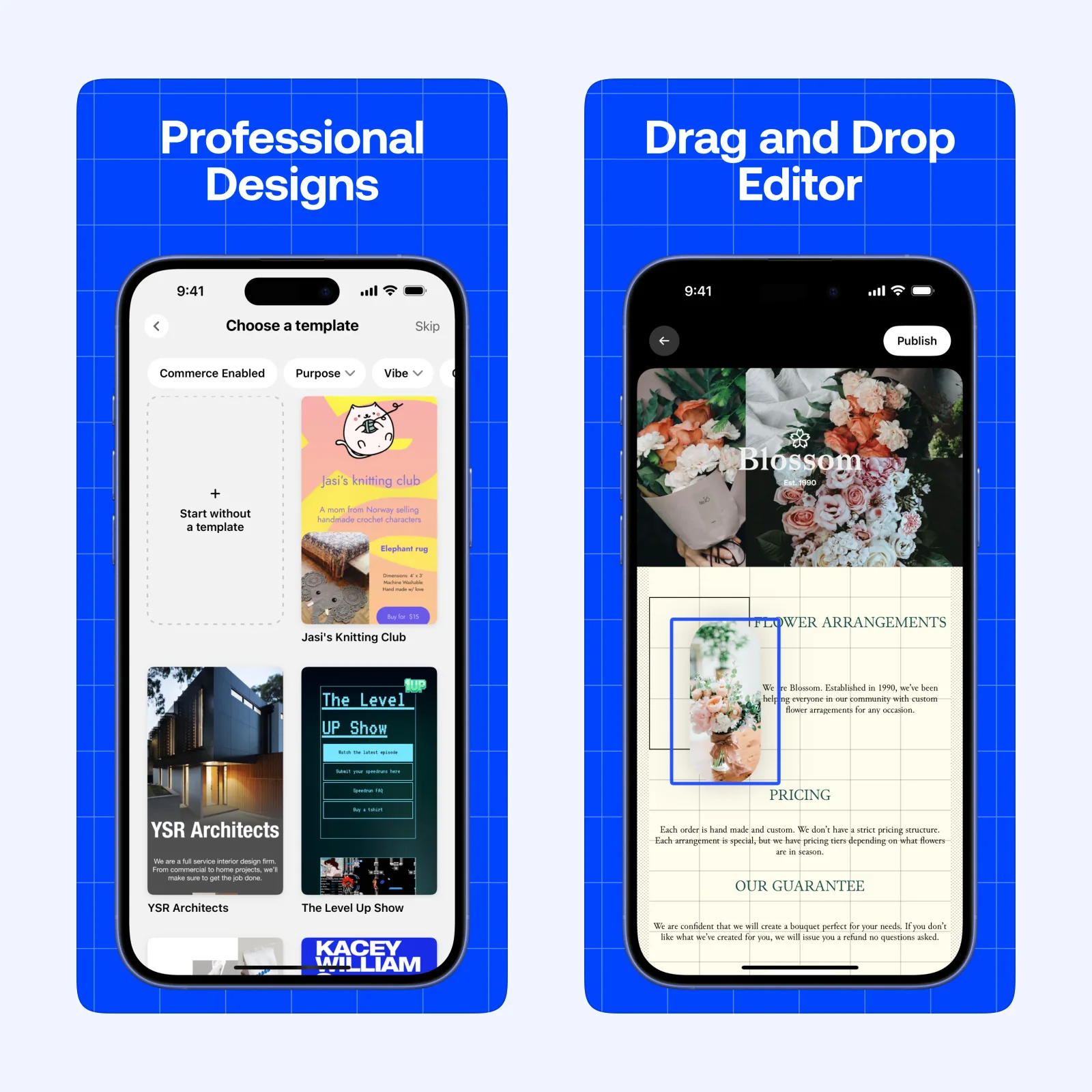
Universe lets you arrange text, images, links, and other blocks on a visual grid from an iPhone. The direct editor works well for a portfolio, event page, personal project, or other site where layout is part of the idea.
It is free to download on iPhone, iPad, Mac, and Apple Vision, with paid plans. Choose it for a small expressive site. Check the result on a desktop browser before publishing because a phone preview cannot show every wider layout issue.
Wix: manage a larger site and business tools
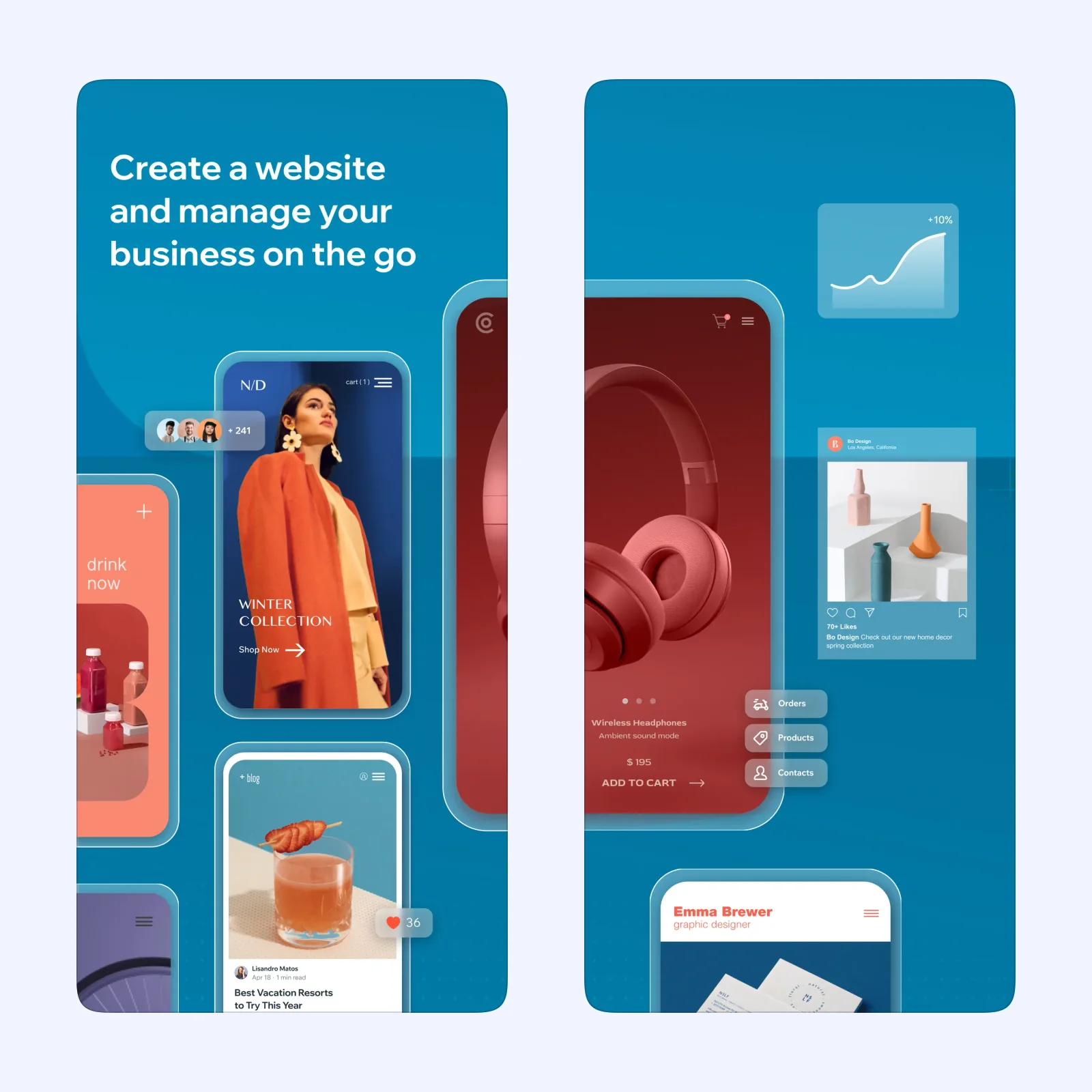
Wix's mobile app supports building and editing a site, managing content, and handling parts of a wider business setup. It connects with the Wix platform, which includes commerce, bookings, and other services.
The app is free on iPhone and iPad, while many site features and custom domains need a paid plan. Pick it when the website may grow beyond one page and you want those connected tools.
GoDaddy: keep a business site and marketing nearby
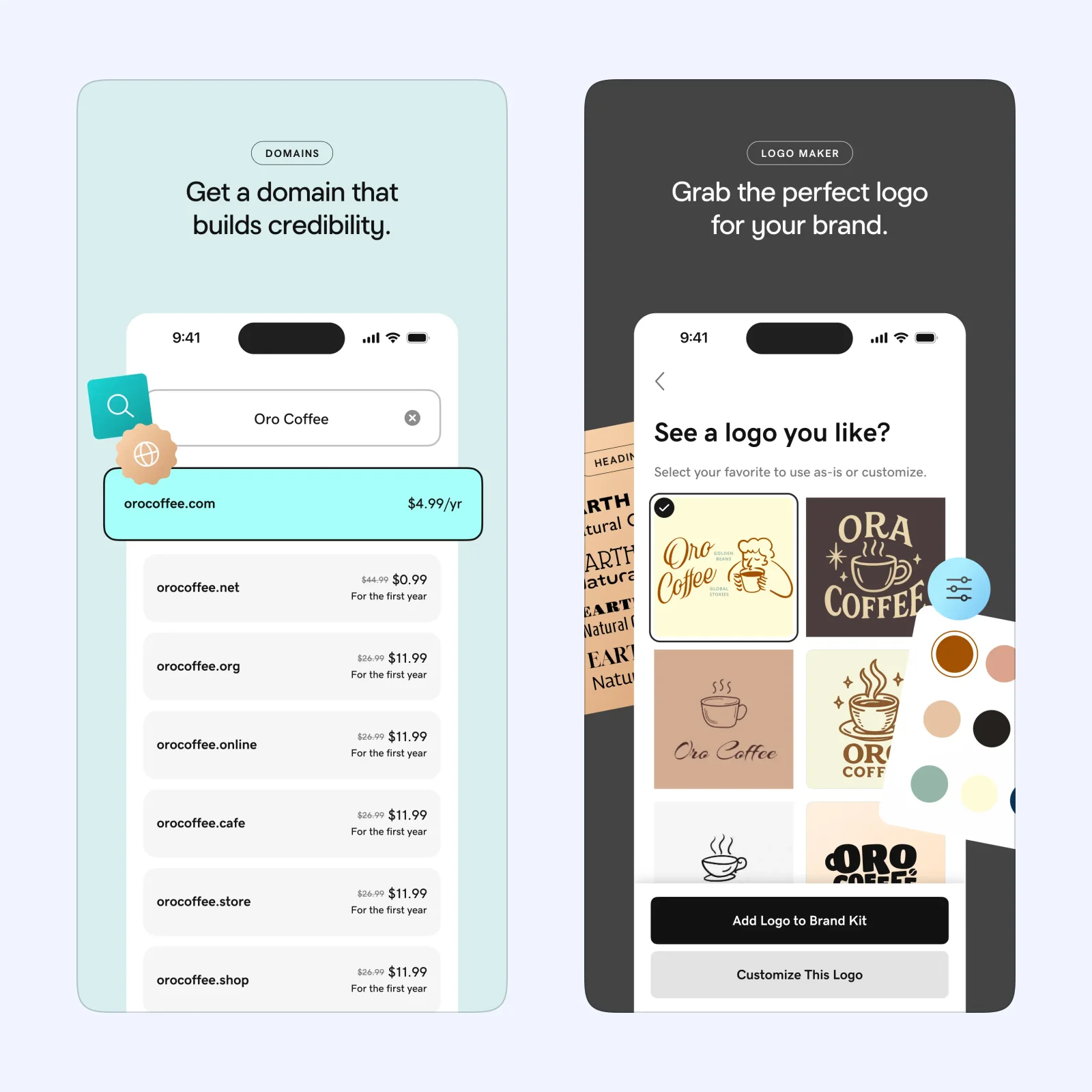
GoDaddy combines a site builder with domain, marketing, and business tools. The mobile app can update the site and handle routine work without returning to a desktop.
It is free to download on iPhone, iPad, and Apple Vision, with paid services. Choose it when your domain or other business tools already sit with GoDaddy. Confirm the full plan cost before building around premium features.
Milkshake: make a small card-based profile
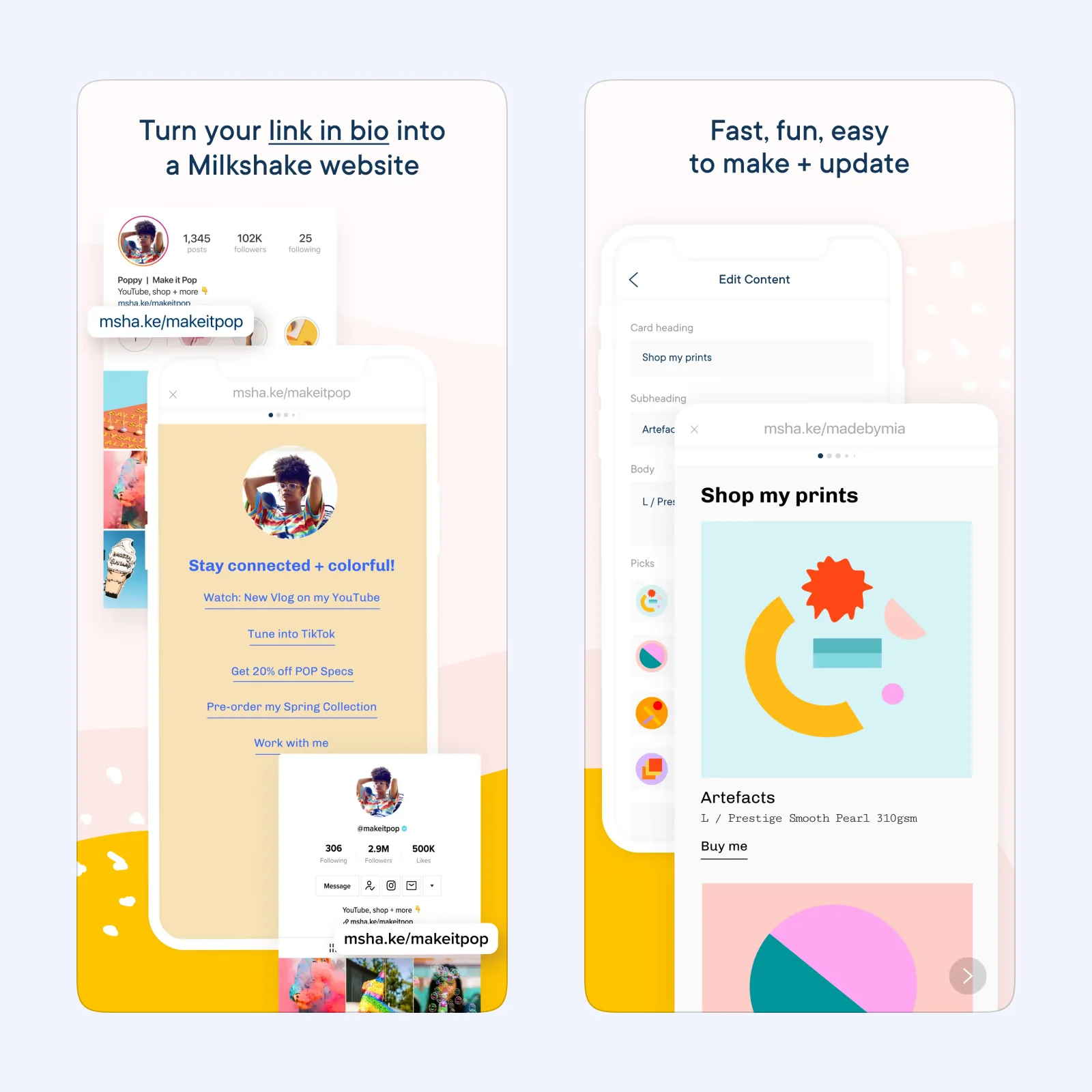
Milkshake builds a site from swipeable cards. Each card can hold links, text, images, or a call to action, which suits a social profile, creator page, or compact list of work.
It is free to download on iPhone, iPad, Mac, and Apple Vision, with paid features. Pick it when the site is mainly a polished destination for people arriving from social media.
Which one should you try?
Choose Universe for visual freedom, Wix for a broad platform, GoDaddy for connected business services, or Milkshake for a small profile. Do not select on template style alone. Check domain support, export options, recurring cost, and the work needed to leave later.
Mobile editing does not remove the technical basics. Add a useful page title and description, compress images, use readable contrast, write alt text, and keep buttons large enough to tap. Test the site on a slow connection as well as Wi-Fi.
Ownership matters before the first payment. Register the domain in an account you control, store login and billing details safely, and learn what happens if the plan ends. Some builders let the site stay on a branded address while others disable paid features or publishing.
Publish one page with a title, short explanation, and one clear action. Test every link on phone and desktop before adding more.
Ask one other person to use it.