
Useful apps for meal planning connect a weekly plan to recipes and a grocery list. This saves you from rebuilding the same information in three places.
Mealime starts with its own recipe collection. Crouton, Paprika, and Mela are better suited to recipes you already trust. Your first choice depends on whether you want the app to suggest dinner or organize your existing system.
- Mealime for a guided plan built from an included recipe collection
- Crouton for automatic plans made from your saved recipes
- Paprika for detailed calendars, pantry tracking, and reusable menus
- Mela for an Apple-focused recipe library that uses Calendar and Reminders
Mealime: let the app suggest the week
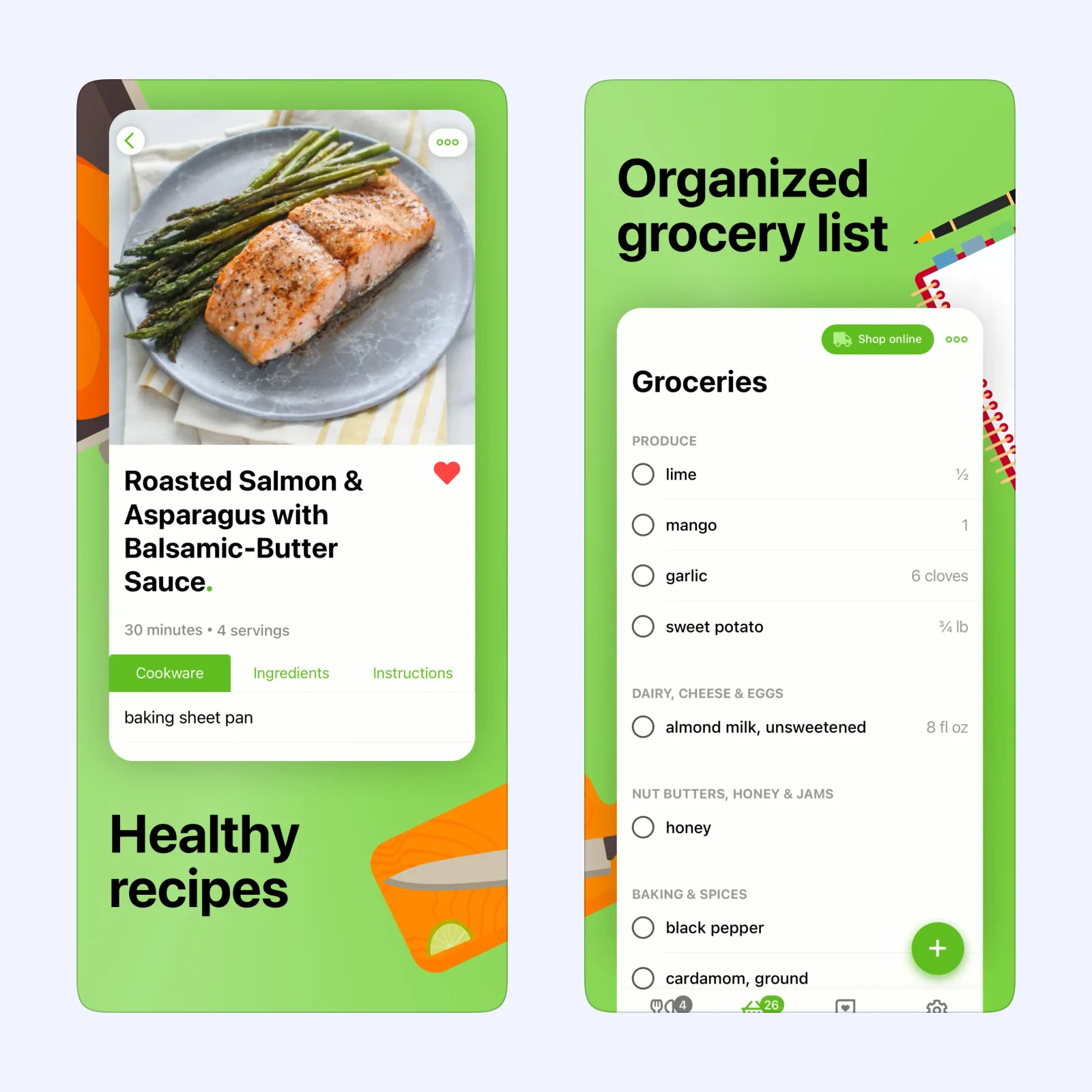
Mealime builds a plan from recipes in its own collection. You set eating preferences, allergies, dislikes, servings, and the number of meals. You can then choose recipes yourself or ask its auto-builder to assemble a plan. The finished plan creates one grocery list with ingredients grouped for shopping.
Mealime is free to download on iPhone and iPad, with an optional Pro subscription. It is the most direct choice when deciding what to cook is the main problem. It is less suited to someone who already has a carefully kept recipe archive and wants that collection to remain the center of the plan.
Crouton: plan from recipes you already saved
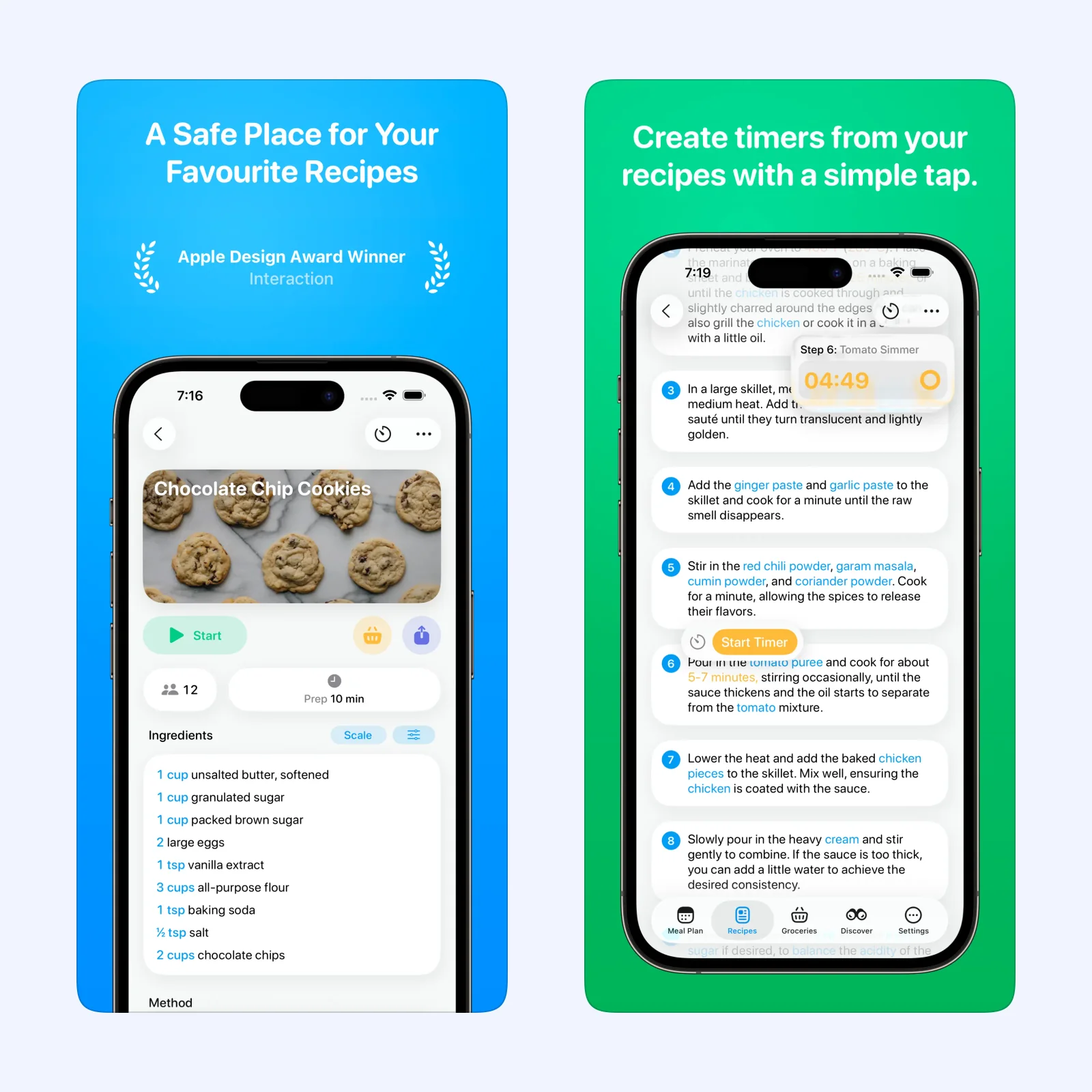
Crouton imports recipes from websites, photos, plain text, and scanned cookbook pages. You can place those recipes on a weekly plan or let Crouton generate a plan from saved dinner recipes. Ingredients can move from a recipe into a grocery list, while step-by-step cooking mode keeps instructions and timers together.
The app is free to download with optional paid features. It supports iPhone, iPad, Mac, Apple Vision, and Apple Watch. Crouton is a good fit when you collect recipes from many places and want one Apple-friendly home for them. The tradeoff is setup: its automatic plan becomes useful only after you have built a recipe library. Our closer Crouton guide covers its importing and cooking tools.
Paprika: build a system you can reuse
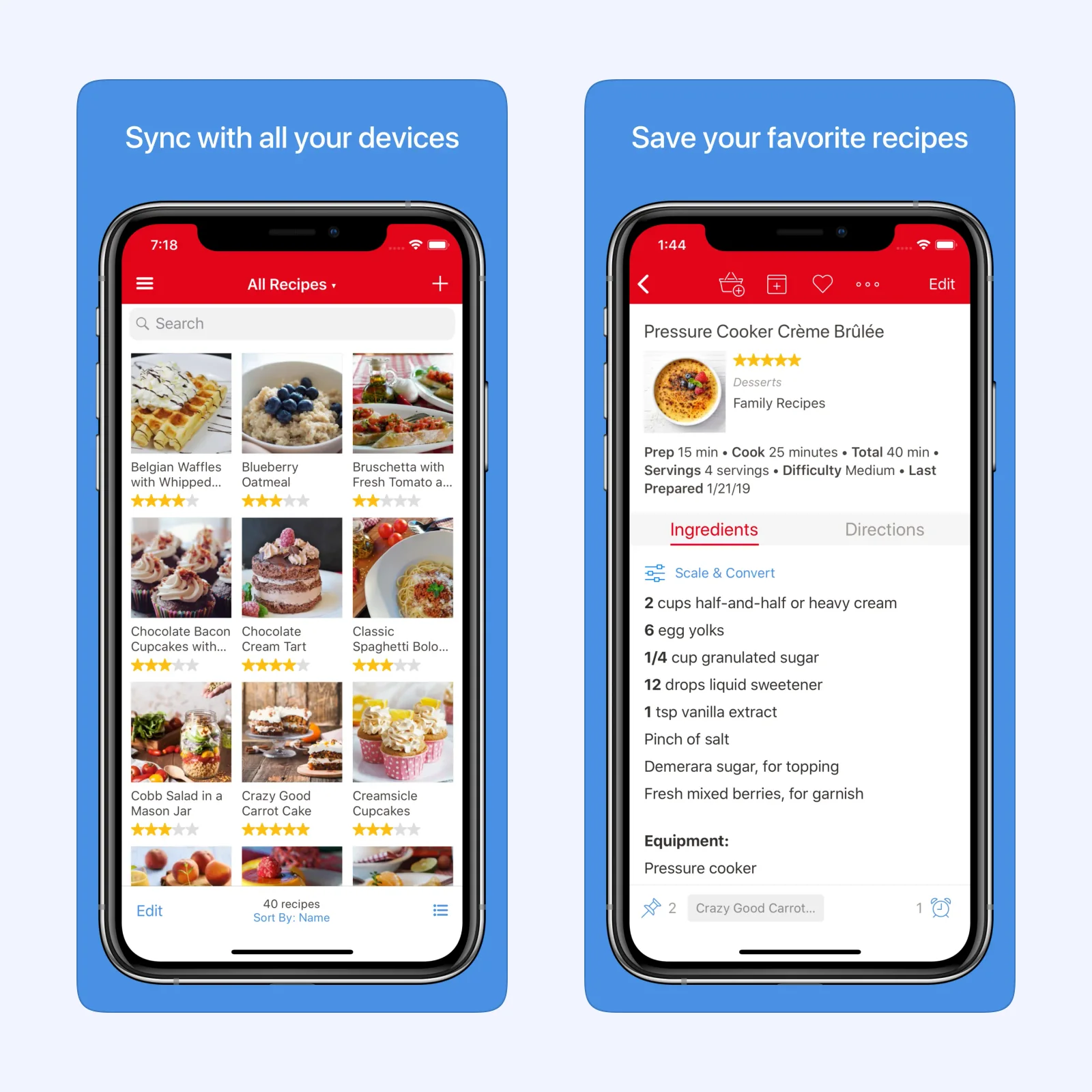
Paprika treats meal planning as part of a larger recipe system. Its iOS app has daily, weekly, and monthly calendar views. A reusable menu can hold several days of meals, then fill the planner again in a later week. Paprika can combine recipe ingredients into a grocery list and leave pantry items unchecked when you already have them.
Paprika is a paid app on iPhone and iPad, with Apple Watch support. Versions for other platforms are sold separately. Choose it when you want detailed control and expect to reuse menus, manage a pantry, or keep more than one grocery list. It asks for more organization than Mealime, and buying another platform version adds a separate cost.
Mela: keep the plan close to Apple apps
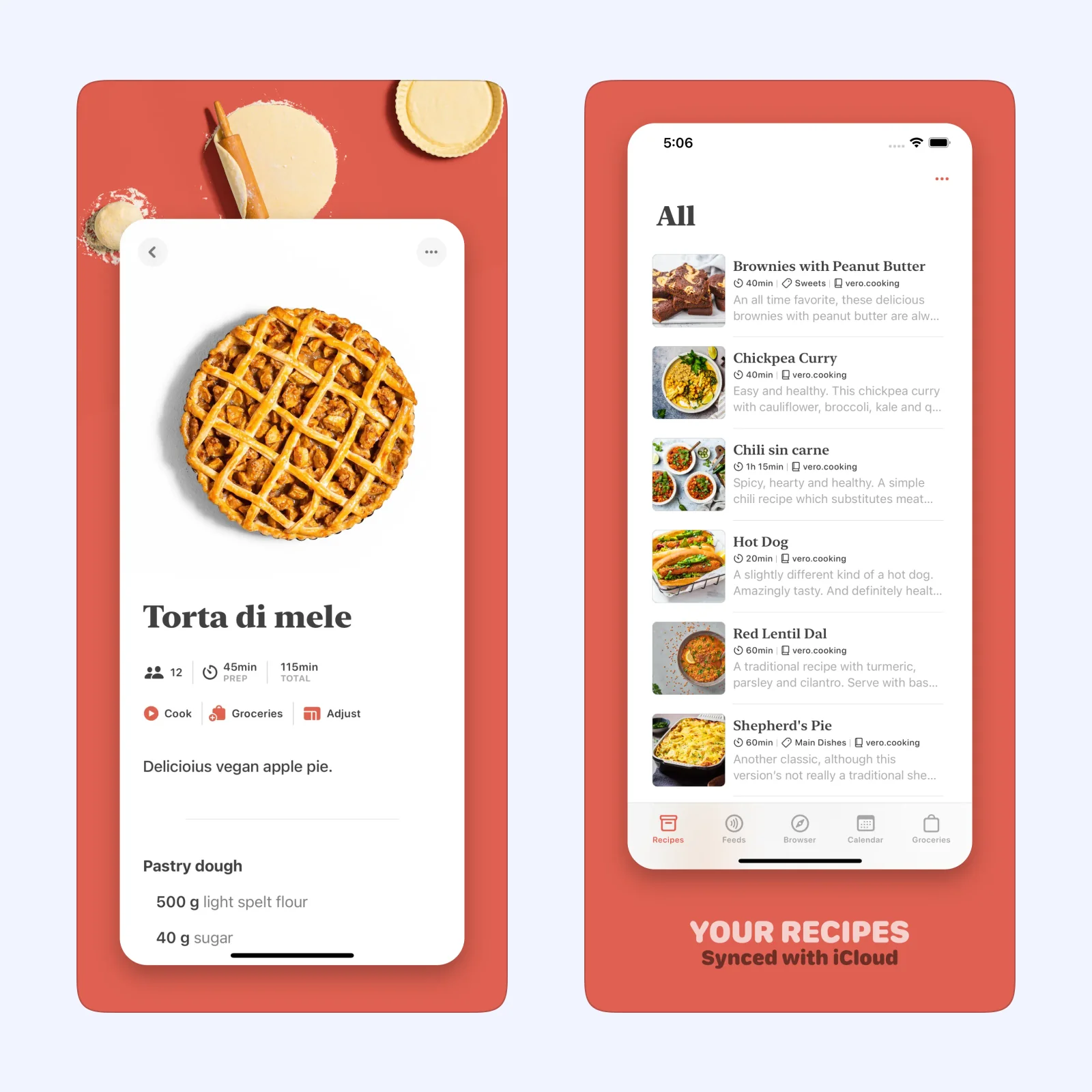
Mela saves recipes from websites, its share extension, recipe feeds, or scanned pages. Its built-in meal calendar stores plans in Apple's Calendar app, and grocery lists live in Reminders. A widget can show the next planned meal. Recipes can sync privately through iCloud or through a shared iCloud library.
Mela is free to download on iPhone and iPad, with a one-time purchase to unlock all features. It suits someone who wants a small recipe manager that works with Apple services instead of keeping every list inside one app. Calendar and Reminders become part of the setup, so separate lists and calendars help keep meal planning tidy.
Which one should you try?
Start with Mealime if you need recipe suggestions and a shopping list now. Pick Crouton if you want an automatic plan based on recipes you have saved. Paprika makes sense for a detailed, reusable household system. Mela is the calmer option when you already rely on iCloud, Calendar, and Reminders.
For the first week, add only three dinners. Check that the grocery list removes duplicate ingredients and that changing one meal does not leave an old item behind. If that small plan feels clear at the store, then add lunches, pantry tracking, or the rest of the week. You can find more focused app comparisons in the Sir Studio blog.