
The best apps to stop doomscrolling give you something small to finish. OneTopic has one public question each day. Not Evil Sudoku has a daily puzzle. grug offers one thought and a place to draw. Color Snap sends you outside to find one color.
These apps replace the feed instead of blocking it. If you need a hard limit or an opening delay, compare these iPhone screen time apps first.
- OneTopic for one public question
- Not Evil Sudoku for one number puzzle
- grug for one short thought and drawing
- Color Snap for one photo challenge
OneTopic: answer one question
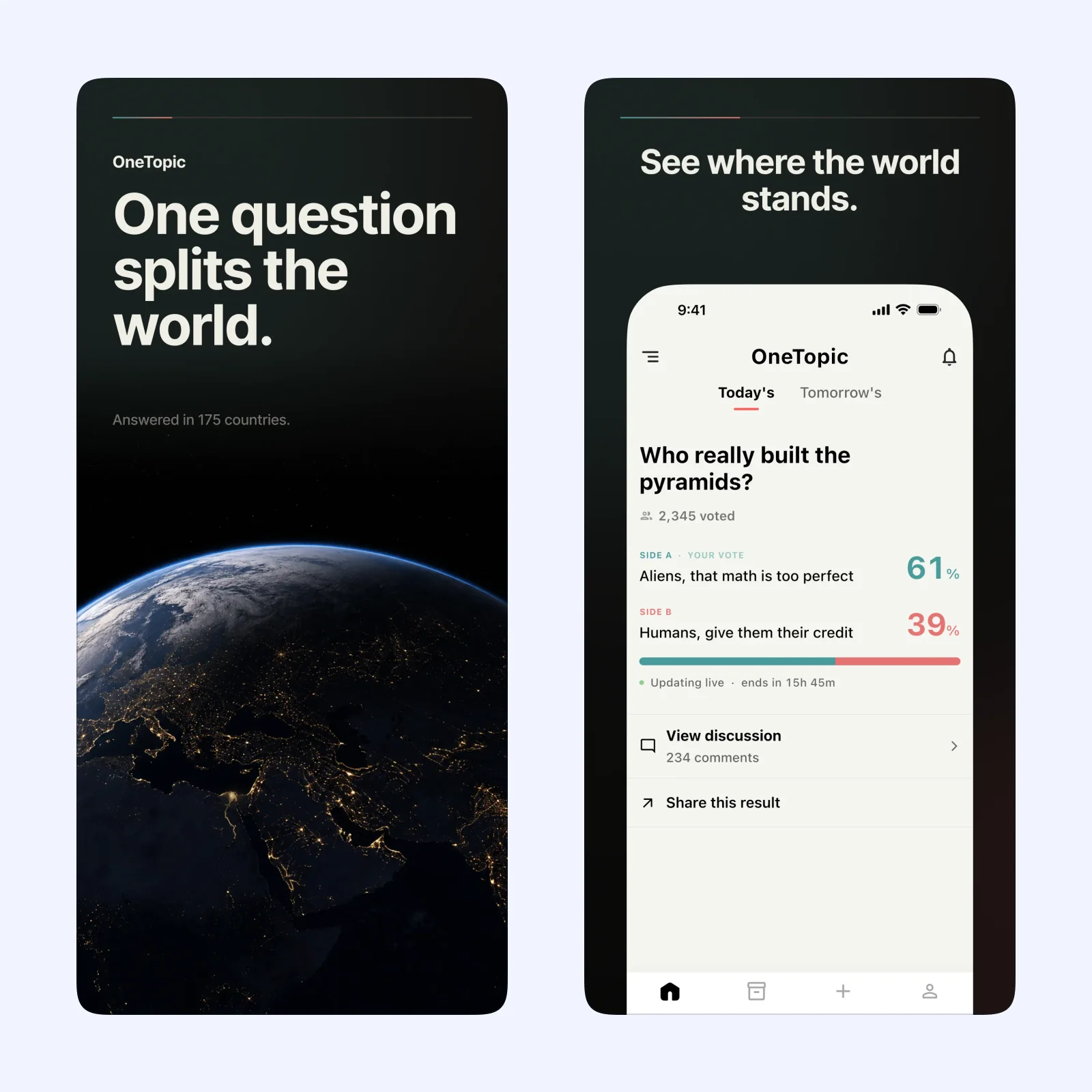
OneTopic presents one global question each day. You choose a side, see the live result, and can read or join the related discussion. There is no separate feed of unrelated posts or an algorithm that keeps choosing the next item.
The app is free and only listed for iPhone. It suits someone who misses the shared conversation of social media more than the stream of photos and videos.
The comments can still take time. Treat the vote as the finish line on busy days, and open the discussion only when you planned to read it.
Not Evil Sudoku: finish one grid
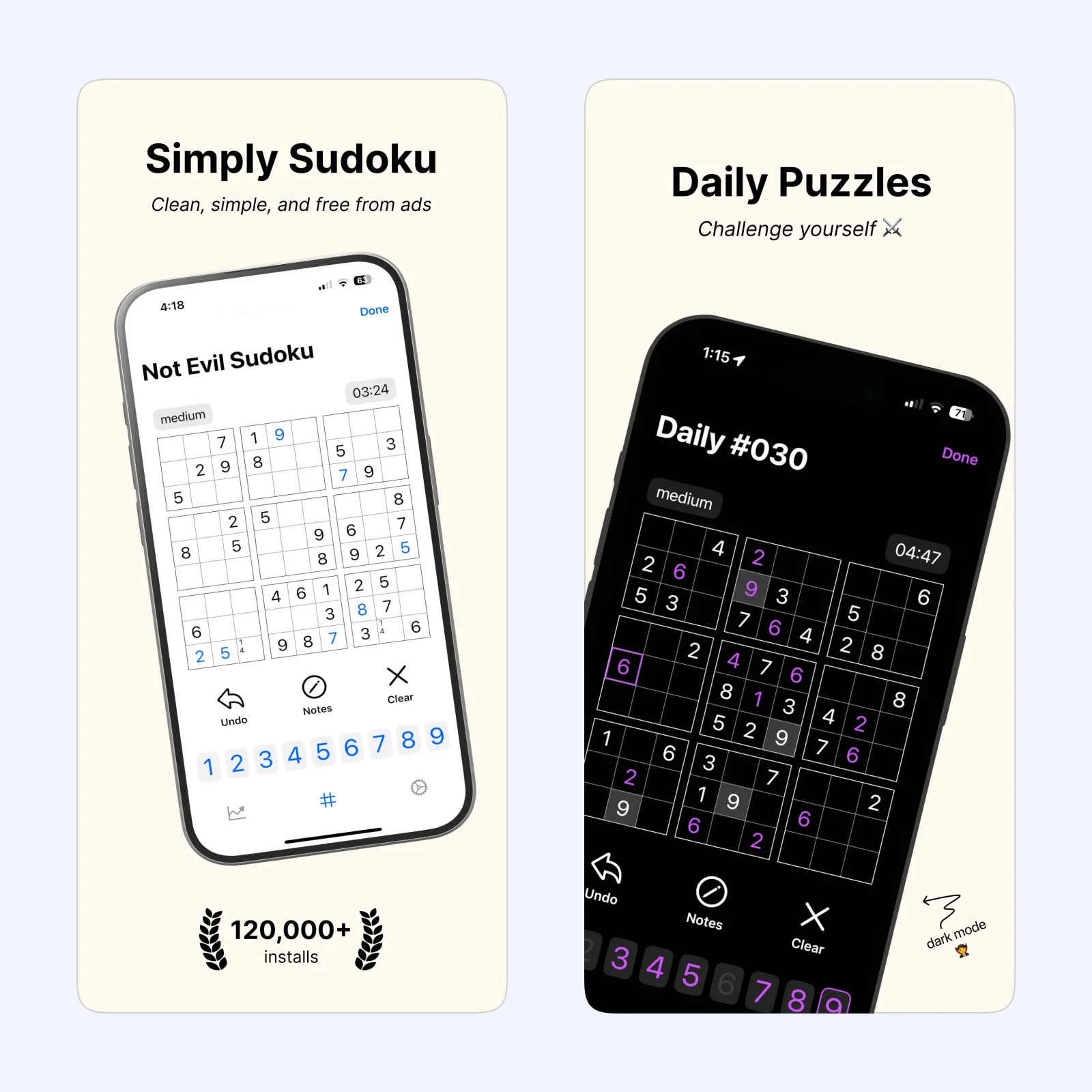
Not Evil Sudoku gives you a daily puzzle at an easy, medium, or hard level. It works offline, has no ads, and includes hints and move validation. You can turn off the stopwatch when speed makes the break less pleasant.
The daily puzzle is free on iPhone and iPad. A one-time Pro purchase adds unlimited games, detailed statistics, themes, and alternate icons. The single free puzzle is enough for this routine.
Choose it when a clear problem feels better than a conversation. Its streaks and leaderboards can create a second reason to keep checking, so switch off reminders that make the daily puzzle feel like a debt. For more finite games, see the five-minute puzzle roundup.
grug: read, then draw
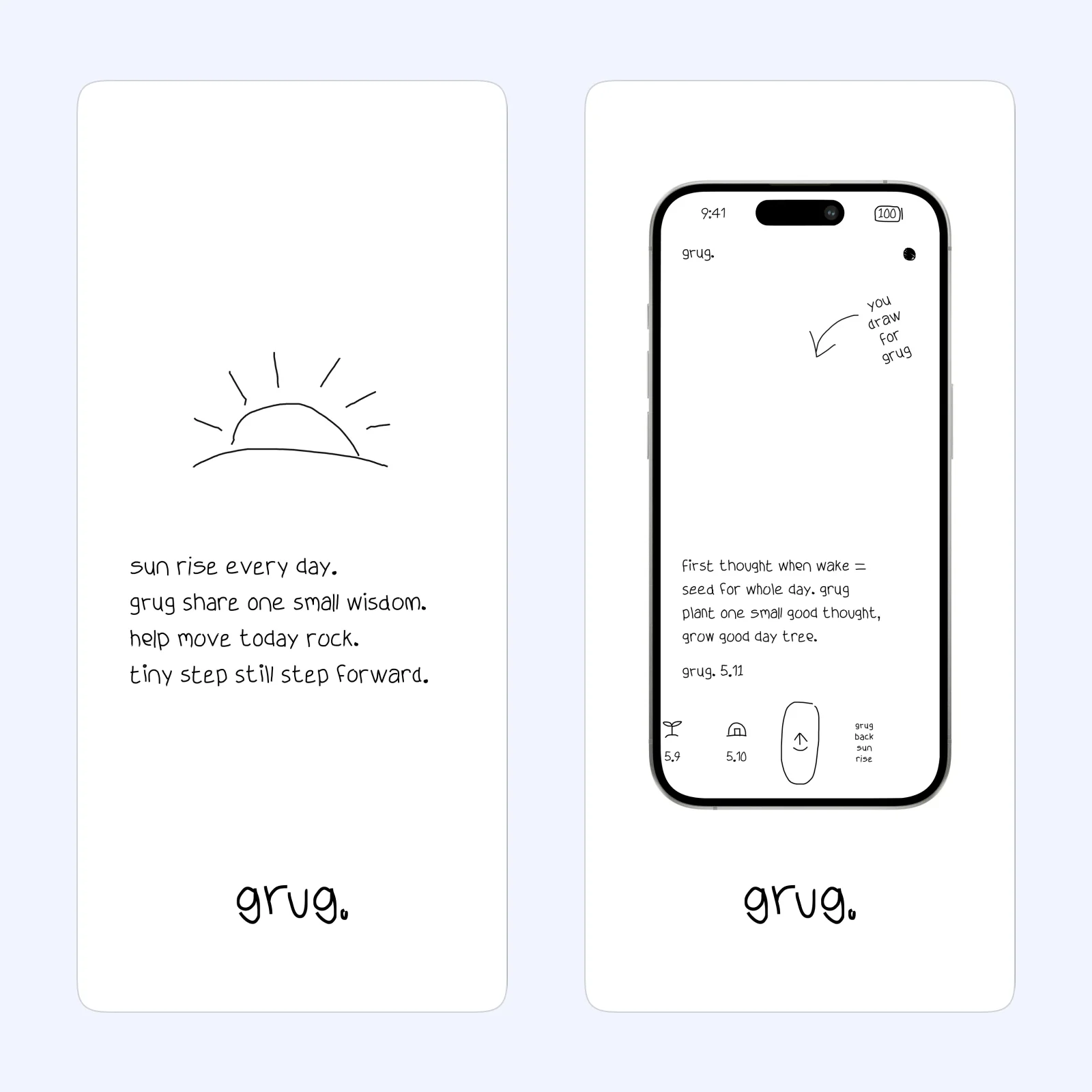
grug shows one short piece of daily wisdom in its own blunt style. You can read it, add a drawing, share the result, or put the thought in a widget. The app does not require a login and does not have a social feed.
grug is free and designed for iPhone. It is the quickest option here because reading the daily page can take less than a minute. Drawing gives you somewhere to stay when you want a longer pause.
The narrow format is also the tradeoff. There is no library to browse when today's line does not land. That limit is useful for stopping, but it will not suit someone who wants to choose a topic.
Color Snap: look away from the screen
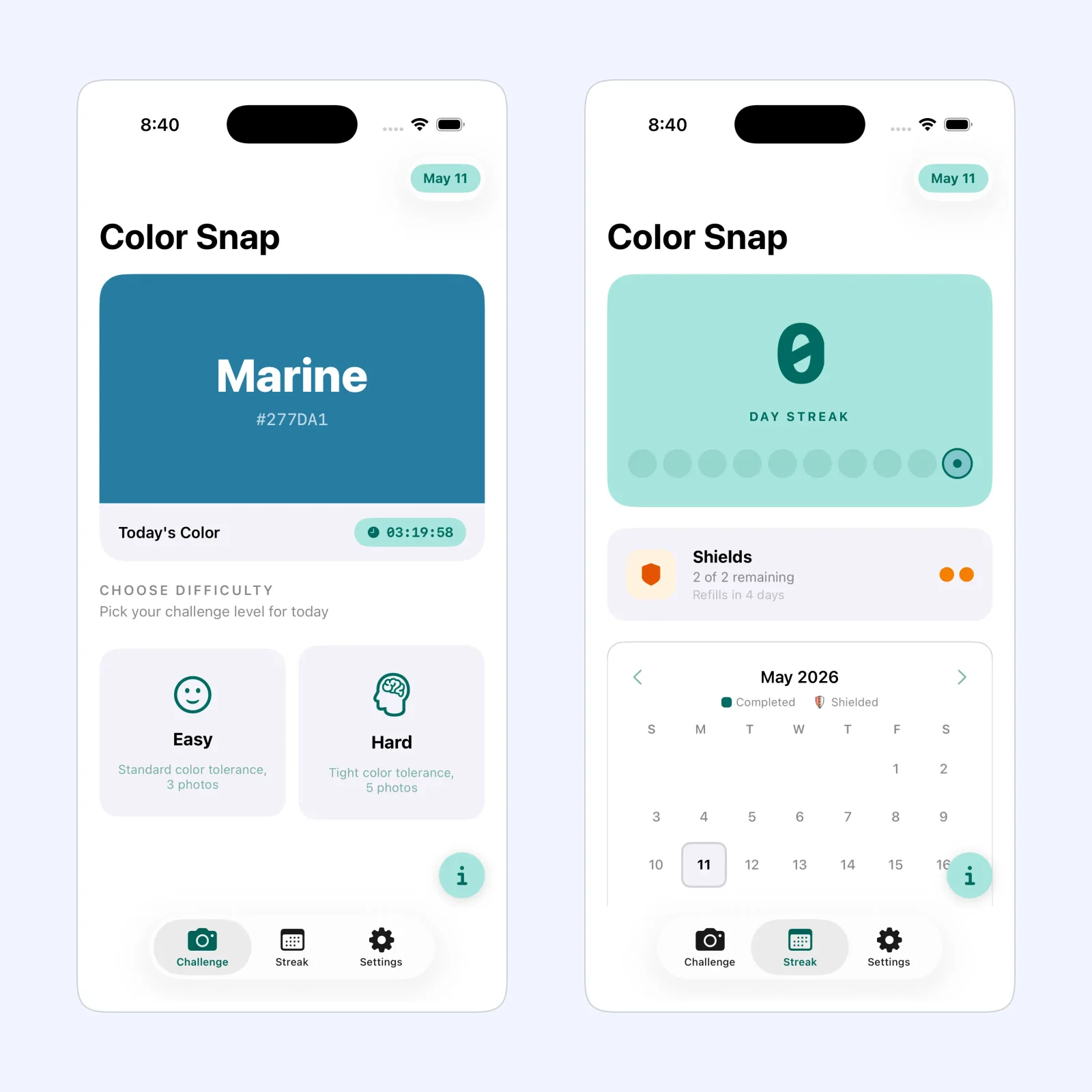
Color Snap gives you one curated color each morning. Find a matching object, take a photo or choose one from your library, and let the app score the match. Easy mode allows three photos. Hard mode allows five and uses a tighter color tolerance.
The app is free to download on iPhone, with optional purchases for streak shields. It has no ads or account, and the App Store privacy label says the developer does not collect data.
Pick Color Snap when the useful part of the replacement is getting up and looking around. A color hunt has no fixed duration, so set a boundary before you start. One room, one short walk, or three attempts is enough.
Which one should you try?
Choose OneTopic if you want one shared conversation. Pick Not Evil Sudoku for a complete puzzle, grug for the shortest pause, or Color Snap when you want the phone to send your attention back into the room.
Start with one app. Put it in the Home Screen position where you usually open a feed, then move that feed into the App Library. Use the replacement for a week before adding another rule.