
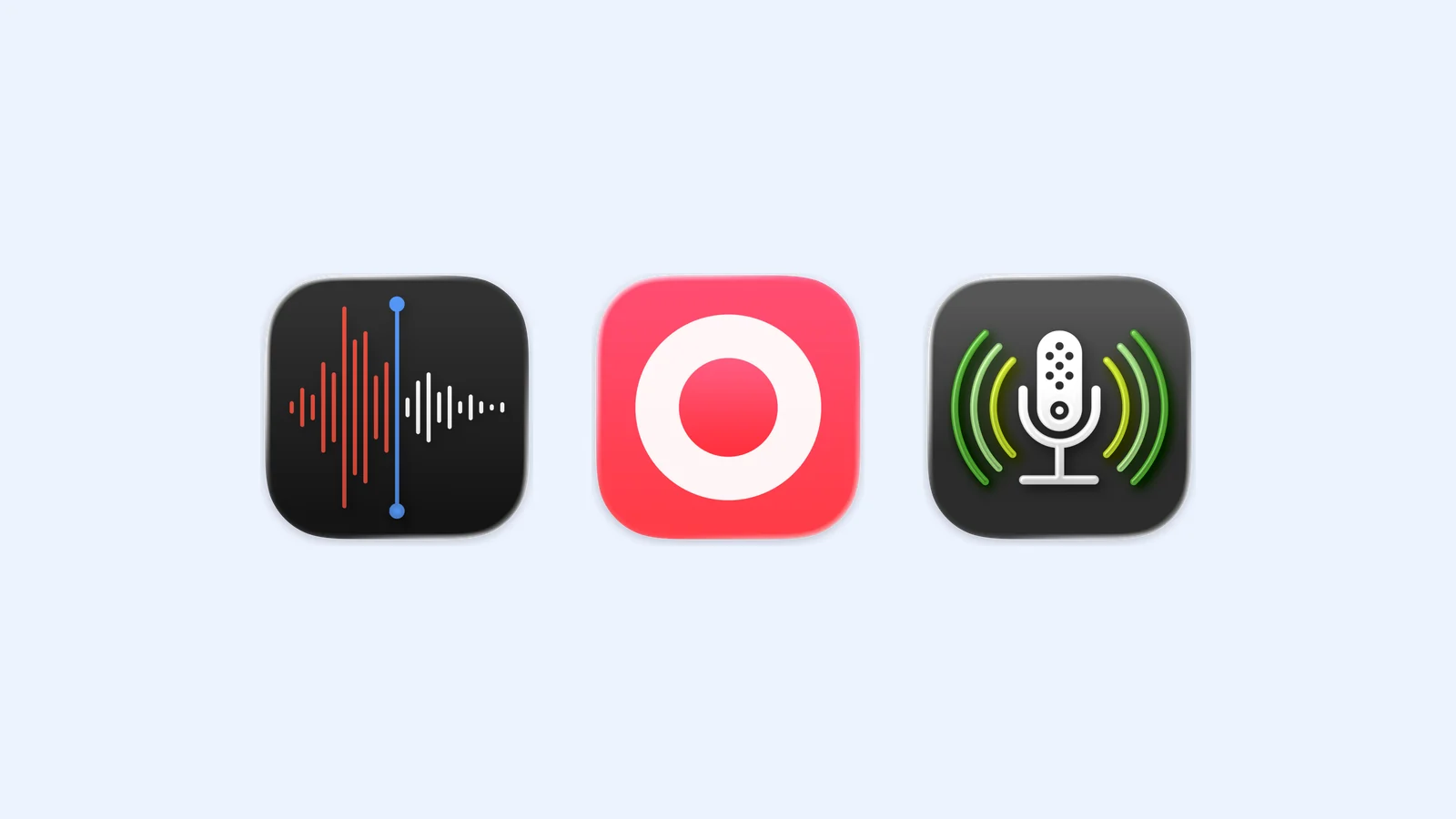
The best voice recorder apps for iPhone solve three different problems. Voice Memos is the easy free choice, Just Press Record makes capture faster across Apple devices, and Ferrite gives interviews and podcasts a proper editor.
Start with Voice Memos if you only need clean notes or lectures. Pay for Just Press Record when Apple Watch capture and searchable transcripts matter. Choose Ferrite when the recording is raw material for a finished production. If your main job is turning meetings into organized notes, the Capy guide covers a more specialized option.
- Voice Memos for free everyday recording
- Just Press Record for fast capture and transcription
- Ferrite Recording Studio for recording and multitrack editing
Voice Memos: the sensible default
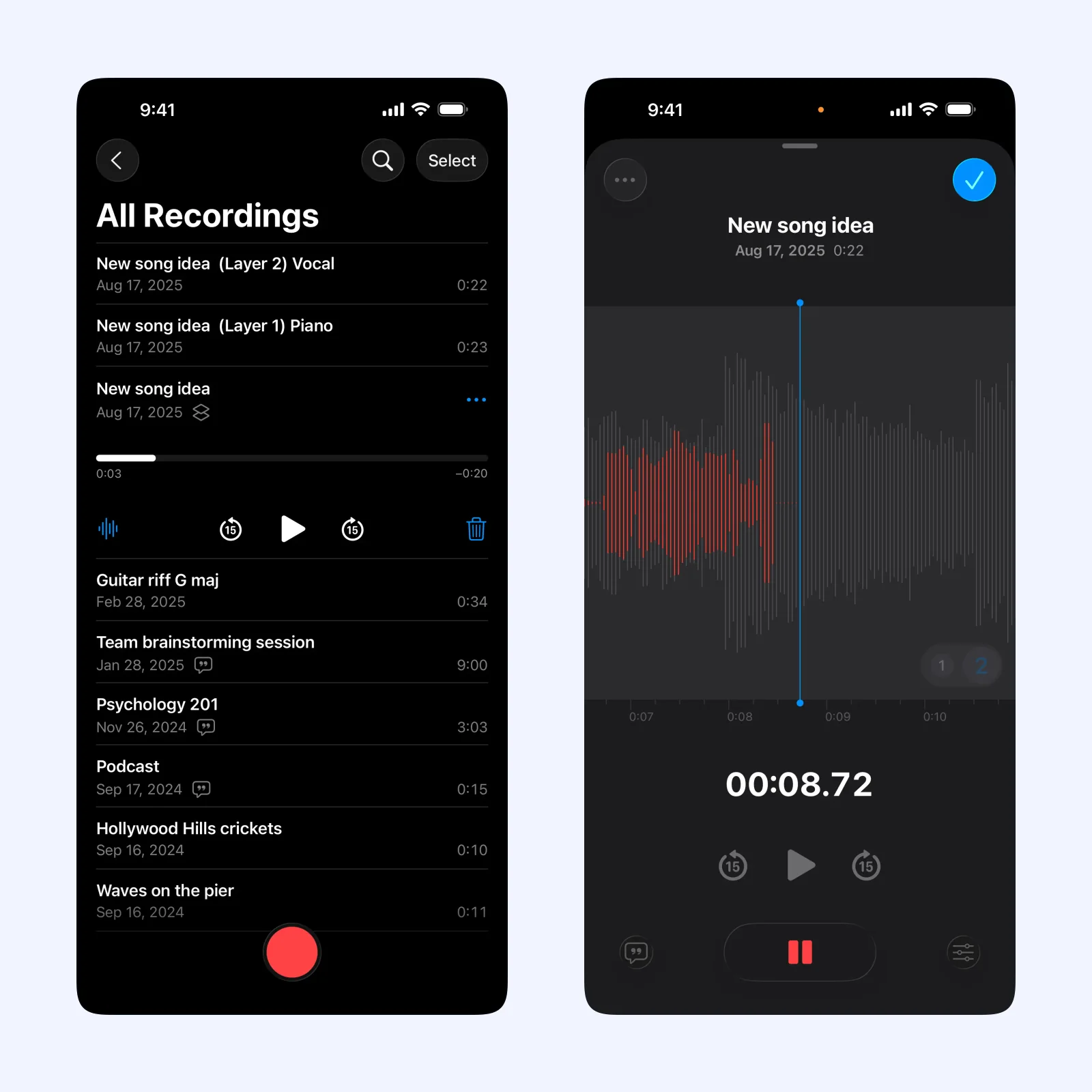
Apple's Voice Memos records through the iPhone microphone, a supported headset, or an external microphone. You can trim a recording, replace a section, resume later, and keep the library in iCloud. That is enough for spoken reminders, lectures, rough interviews, and song ideas.
The app is free on iPhone, iPad, and Apple Watch. Recordings can also appear on a Mac through iCloud. On supported iPhones and languages, Voice Memos can transcribe speech while you record or after you stop.
Pick it when you want the shortest route from thought to audio file. Its editing tools are useful but basic, and transcription support depends on the iPhone model, language, and region. It is not the right place to assemble several speakers, music, and effects on separate tracks.
Just Press Record: faster capture from more places
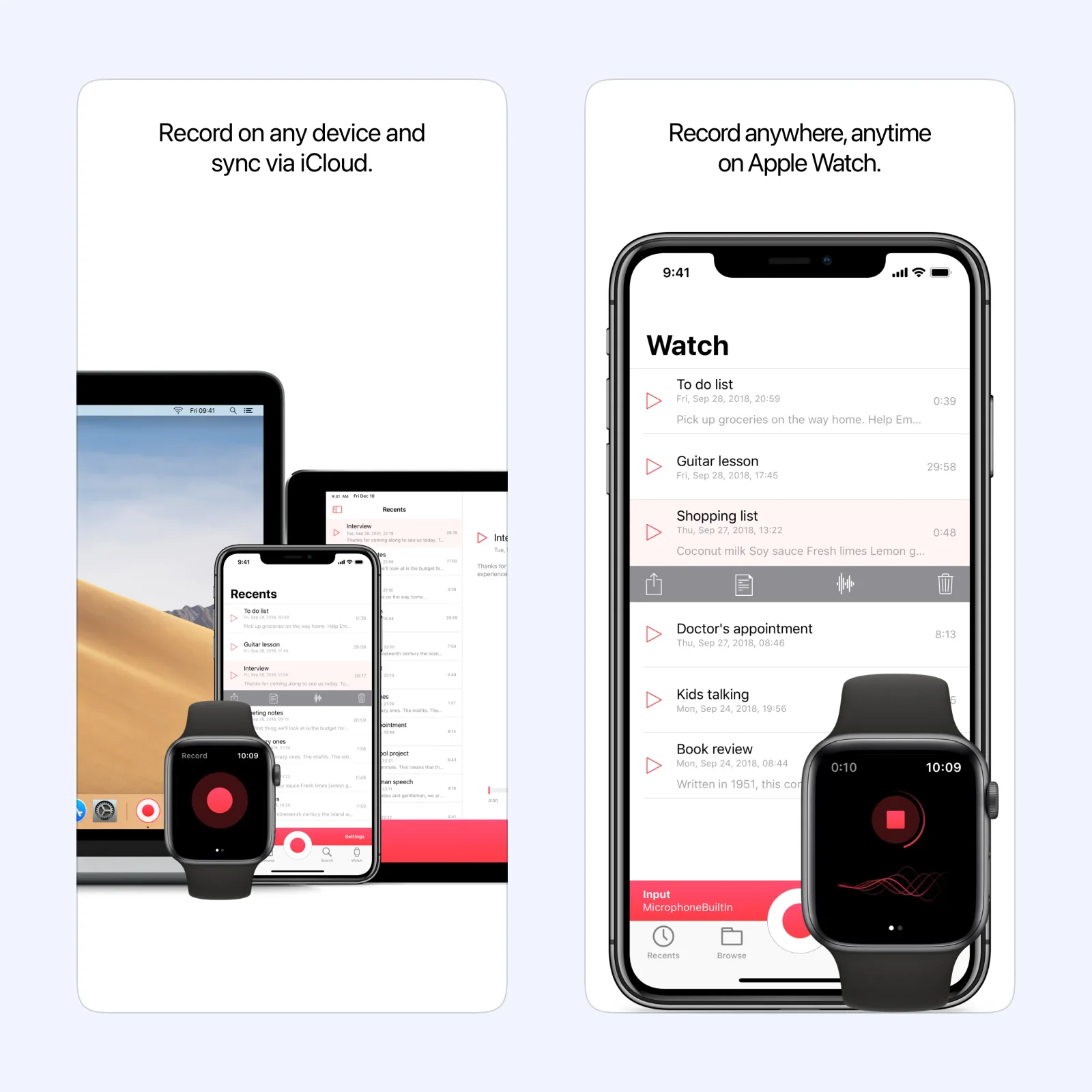
Just Press Record puts recording controls on the Lock Screen, in Control Center, on the Action Button, in widgets, and in Shortcuts. Its Apple Watch app can make a recording without the iPhone nearby, then transfer the file to the phone later.
The app turns speech into editable, searchable text in more than 30 languages. You can keep files locally or use iCloud Drive to sync them between iPhone, iPad, Mac, and Apple Watch. The developer's one-tap recording guide lists every current shortcut.
Just Press Record is a paid upfront app. It suits someone who records frequent thoughts, interviews, or field notes and wants the transcript beside the audio. The main limitation is scope: it does not record phone calls or audio playing in another app, and it does not offer Ferrite's multitrack production tools.
Ferrite: record first, then build the edit
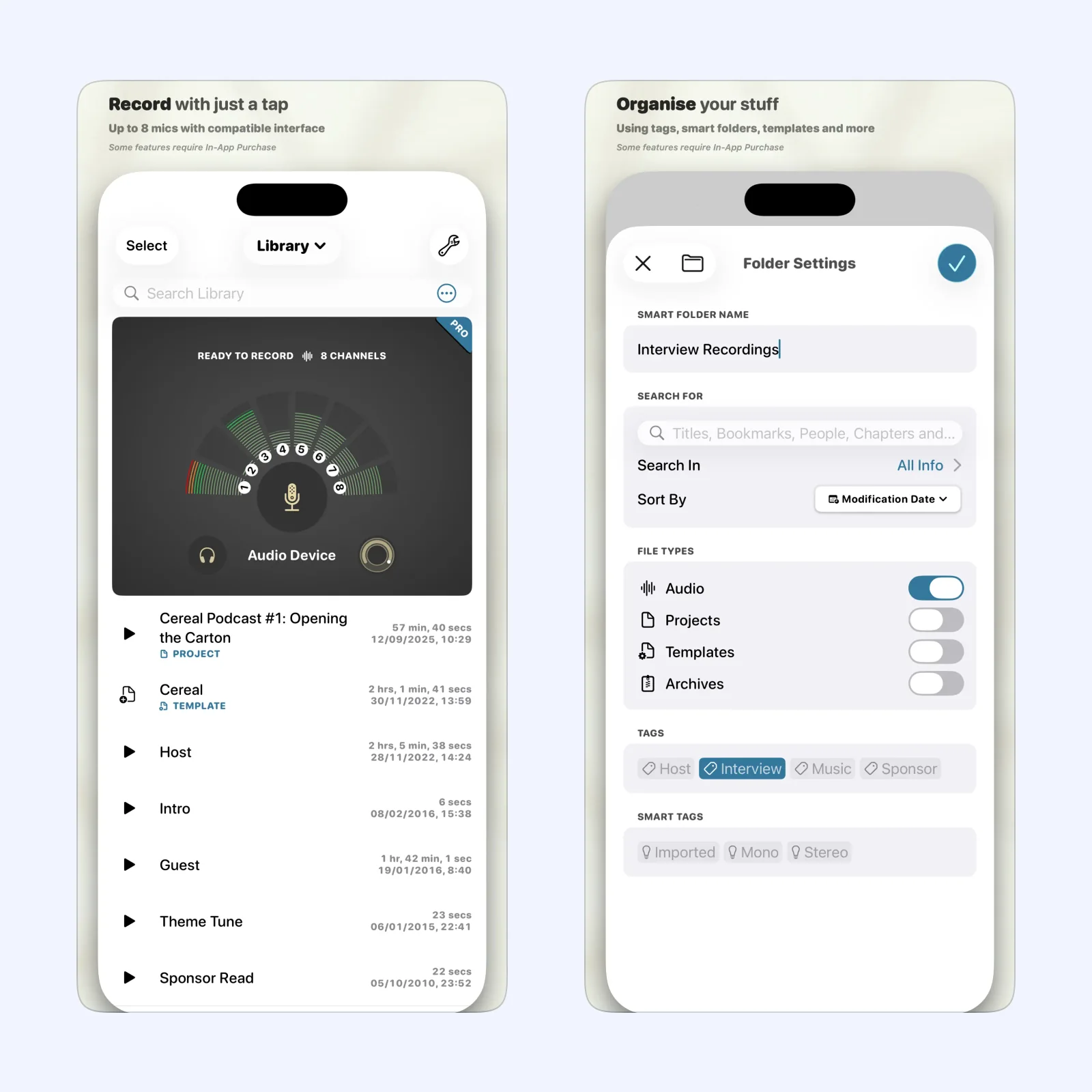
Ferrite Recording Studio starts like a voice memo app, with one tap to record. During a session you can watch levels, monitor through headphones, and add bookmarks at moments that may need work. Afterward, the same app can arrange clips on several tracks, add fades, remove silence, and adjust levels.
Ferrite is free to try on iPhone and iPad, with paid Pro tools and longer project limits. It makes sense for a podcast, reported interview, voice-over, or any recording that needs more than a quick trim. Its official support guide also explains external microphones and multichannel recording.
For a quick spoken reminder, Ferrite asks you to ignore a lot of controls. Tags, smart folders, templates, effects, and multitrack tools are useful for production, but they slow down a simple recording. Ferrite also focuses on audio work rather than automatic transcription.
Which one should you try?
Use Voice Memos first. It costs nothing and will show whether basic recording and trimming already solve the problem. Choose Just Press Record if reaching the record button or finding words inside old recordings is the real friction. Move to Ferrite when you need to shape several clips into something other people will hear.
Make one 30-second test in the room where you usually record. Name it, trim the start, and export it to Files. That small test will reveal more about your workflow than a long feature list.