
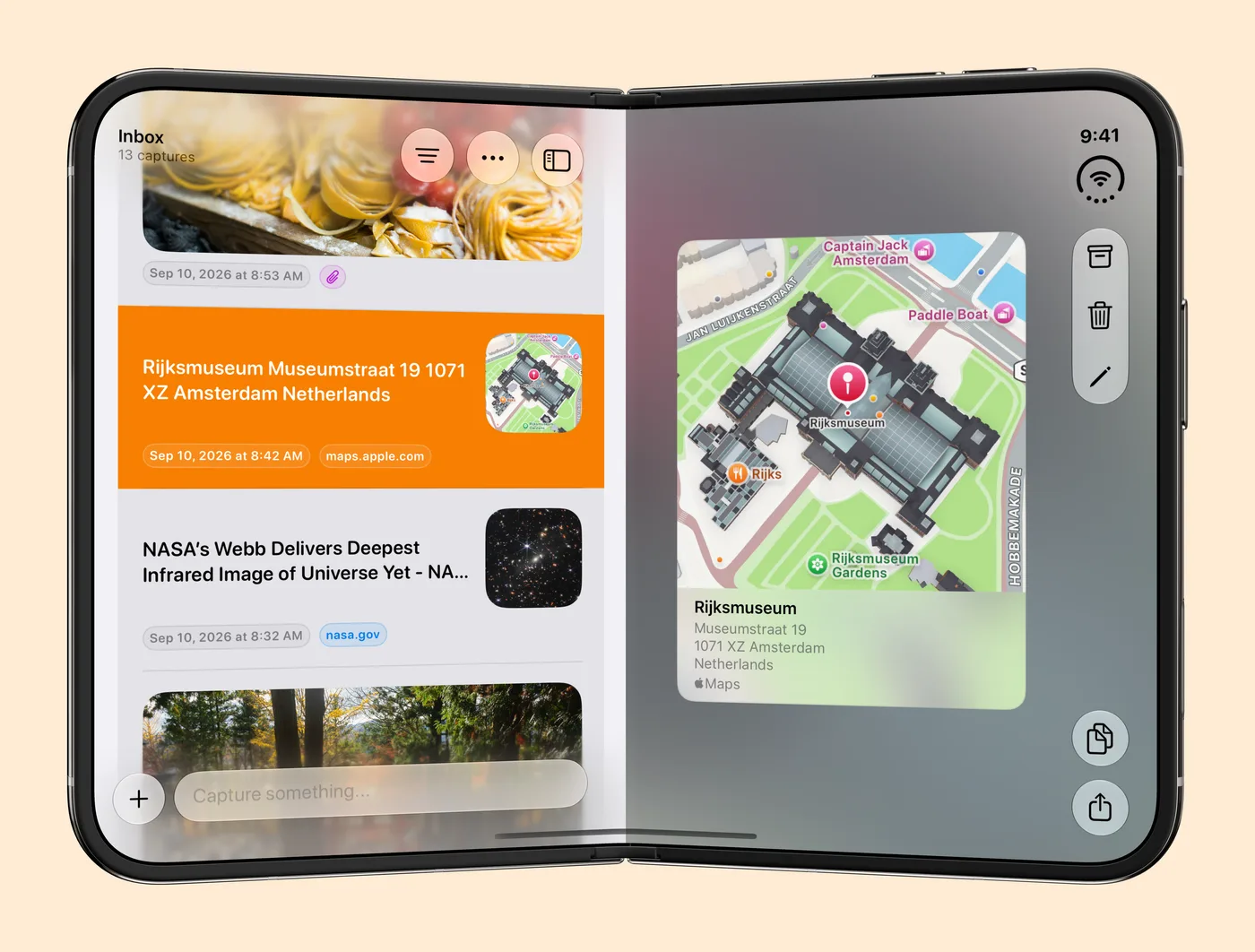
Capture 3.3 is out, and it fully supports iPhone Duo. Open the phone and your list and a capture sit side by side. Fold it like a laptop and you read on the top half while you share from the bottom half. Close it and you keep capturing on the outer display.
All of this comes from one change underneath. Capture now picks its layout from the space it has, not from the device you hold. That same change gives every iPhone a landscape mode and lets Capture fit any window that changes size.
Open: the list and the capture side by side
Unfold iPhone Duo and there is room for two columns. Your list stays on the left and the capture you open fills the right, so you can work down an inbox without jumping back to the list after every item.
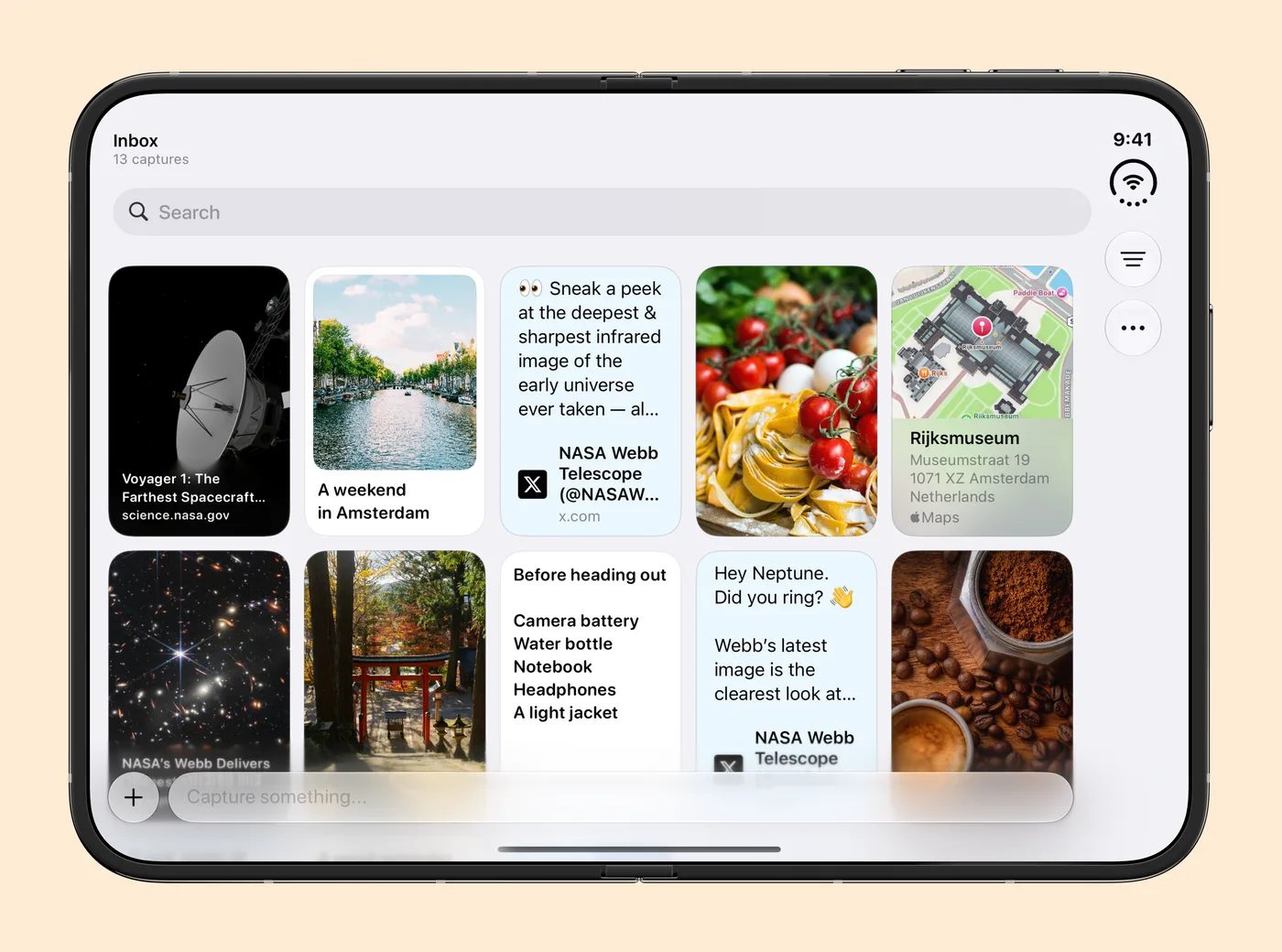
Grid mode gets the whole inner screen too. Links, photos and notes spread across the full width, with search at the top.
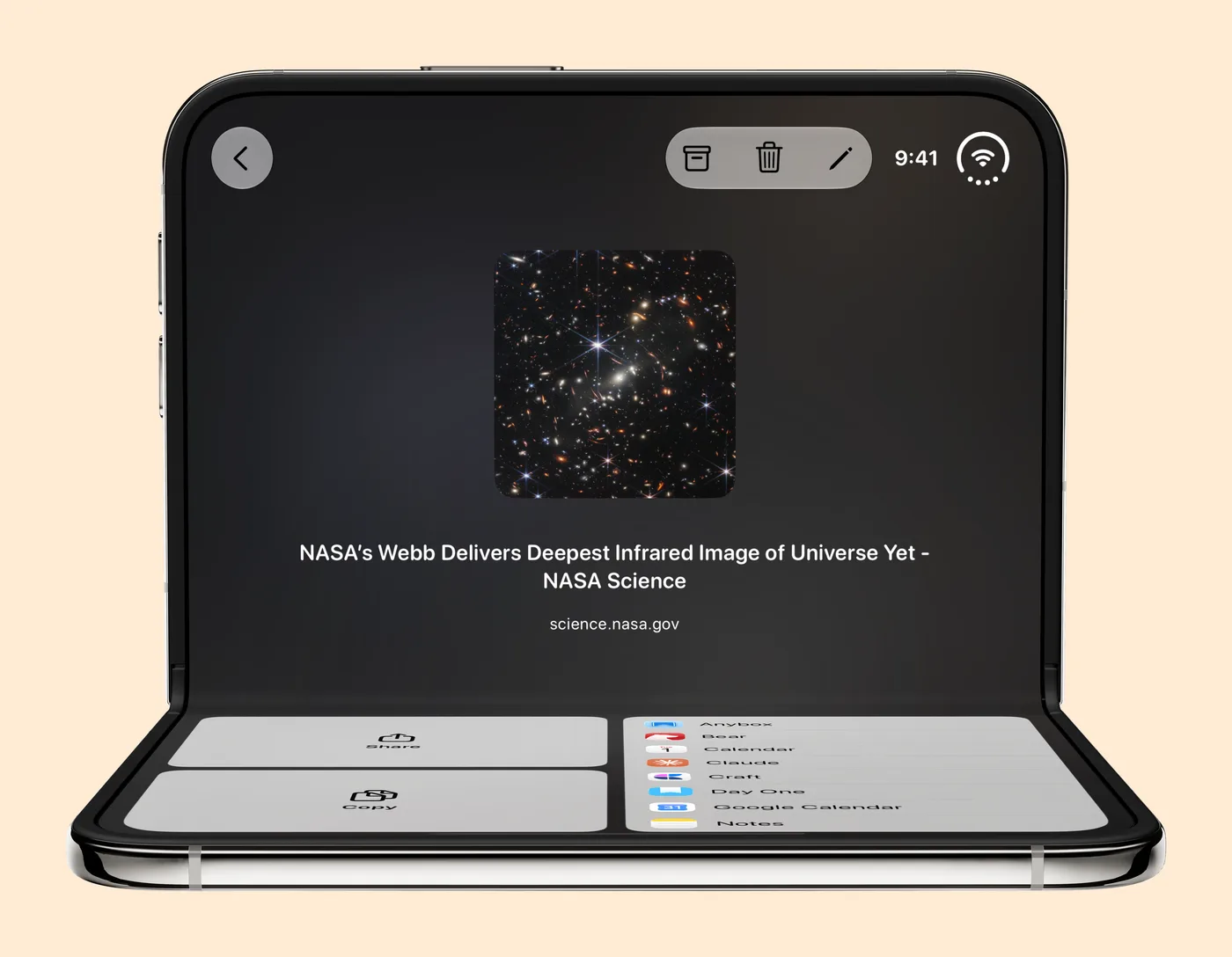
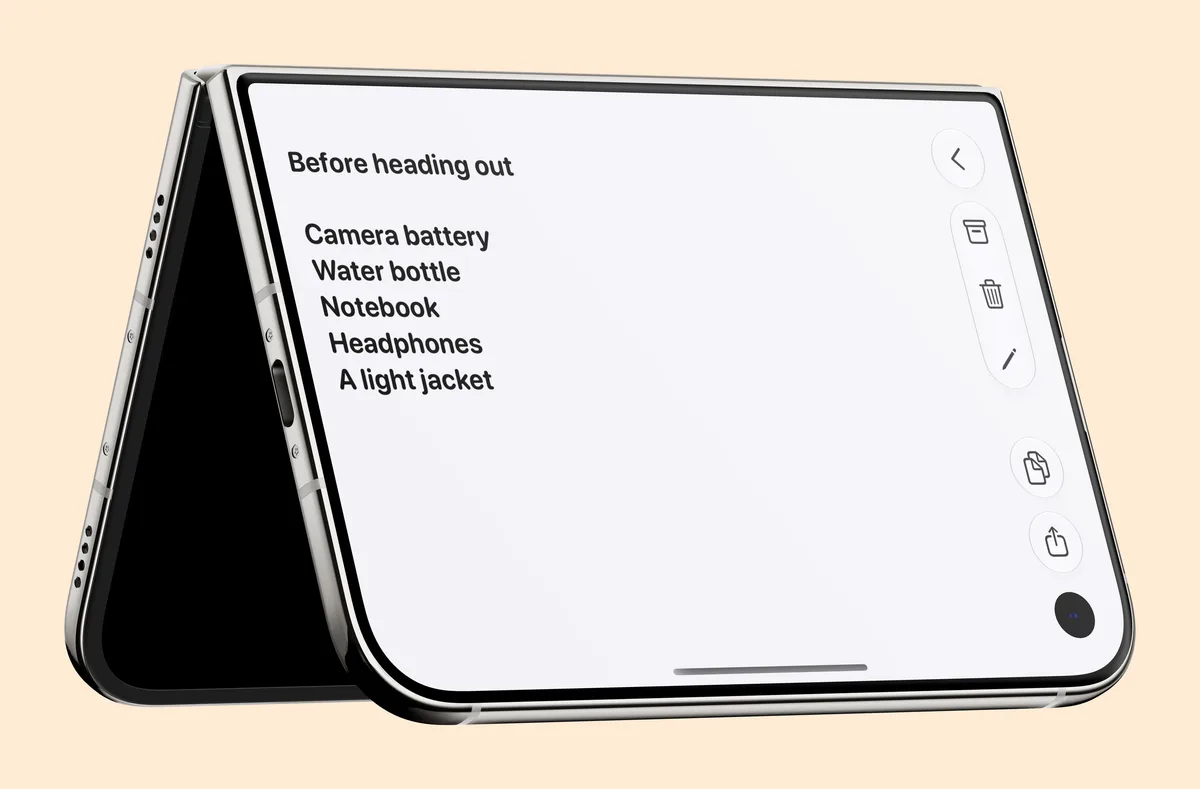
Folded like a laptop: read on top, share from the bottom
Stand iPhone Duo on its lower half and an open capture splits at the fold. The capture stays on the top half. Share, Copy and your export destinations sit on the bottom half, with a button to add a new destination. You can send a saved article to Craft or your calendar while it is still in front of you, and nothing covers what you are reading.
Closed: keep capturing on the outer display
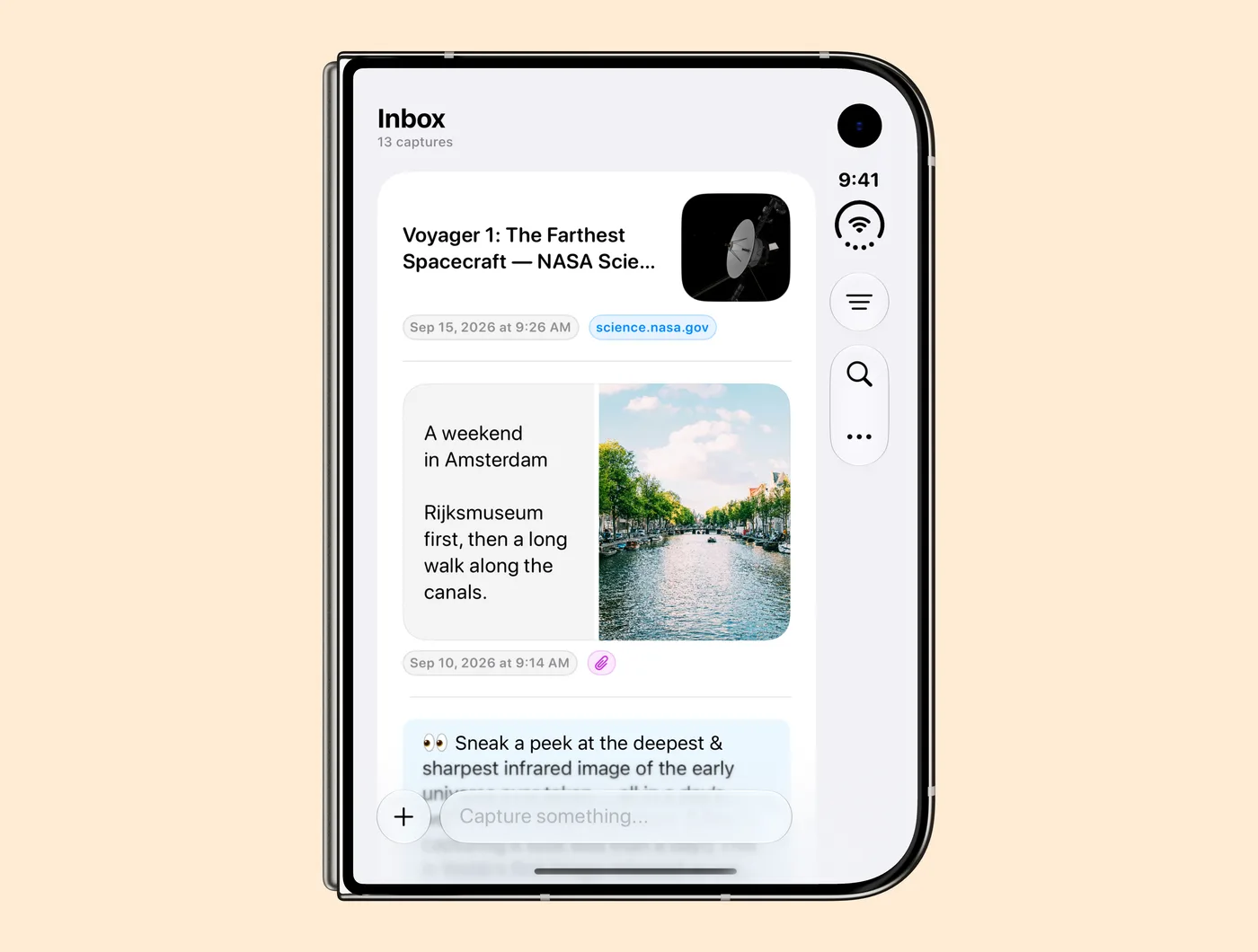
Closed, iPhone Duo is a phone with one screen, and Capture works on it the way it does on any iPhone. Your inbox and the capture field are right there on the outer display, so a quick thought does not have to wait until you open the phone.
Landscape on every iPhone
The same work lets Capture turn sideways on any iPhone. Turn your phone and the list and the editor turn with it. In landscape Capture uses a single column and leaves out the empty-screen messages, so your captures get the room.
On iPhone Duo the layout follows the phone as you open, fold or stand it, and the text in an open capture rewraps when the window changes size.
Also in 3.3
On iOS 27, macOS 27 and visionOS 27, Capture adds your captures to the index Siri uses for personal questions. Ask Siri about something you saved and it can use your captures to answer.
The welcome tour now fits on iPhone Duo, in landscape and on wide screens. It stays on the same slide when you rotate or fold your phone, and 3.3.1 fixes a hang in the tour on iOS 27.
The full list of fixes is in the Capture changelog. Capture 3.3 is on the App Store now. Get it for iPhone, iPad, Mac, Apple Watch and Apple Vision Pro.
Press kit
The iPhone Duo press kit (ZIP, 60 MB) has Capture in all five poses shown here, on a transparent and on a peach background, plus a wide promotion image. The full Capture press kit is at sir.studio/capture/presskit.