macOS
Quick Capture, one keystroke away
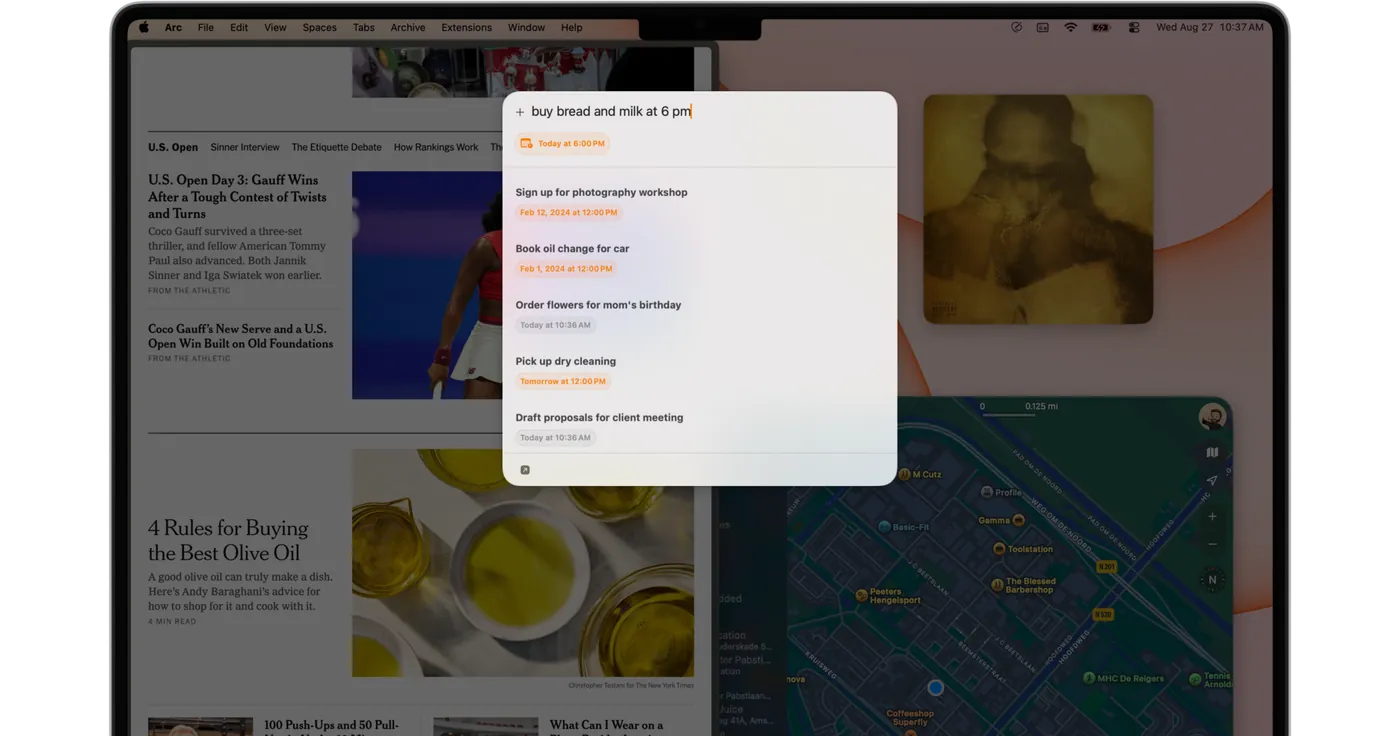
Set a keyboard shortcut and a Spotlight-style field opens over whatever you were doing. Type, return, and it is gone again.
 Capture
Download
Capture
Download
One tap to remember anything, anytime.
Capture is one always-open field for notes, tasks, links and reminders on iPhone, iPad, Mac, Apple Watch and Apple Vision Pro, then out to whichever app you actually live in.

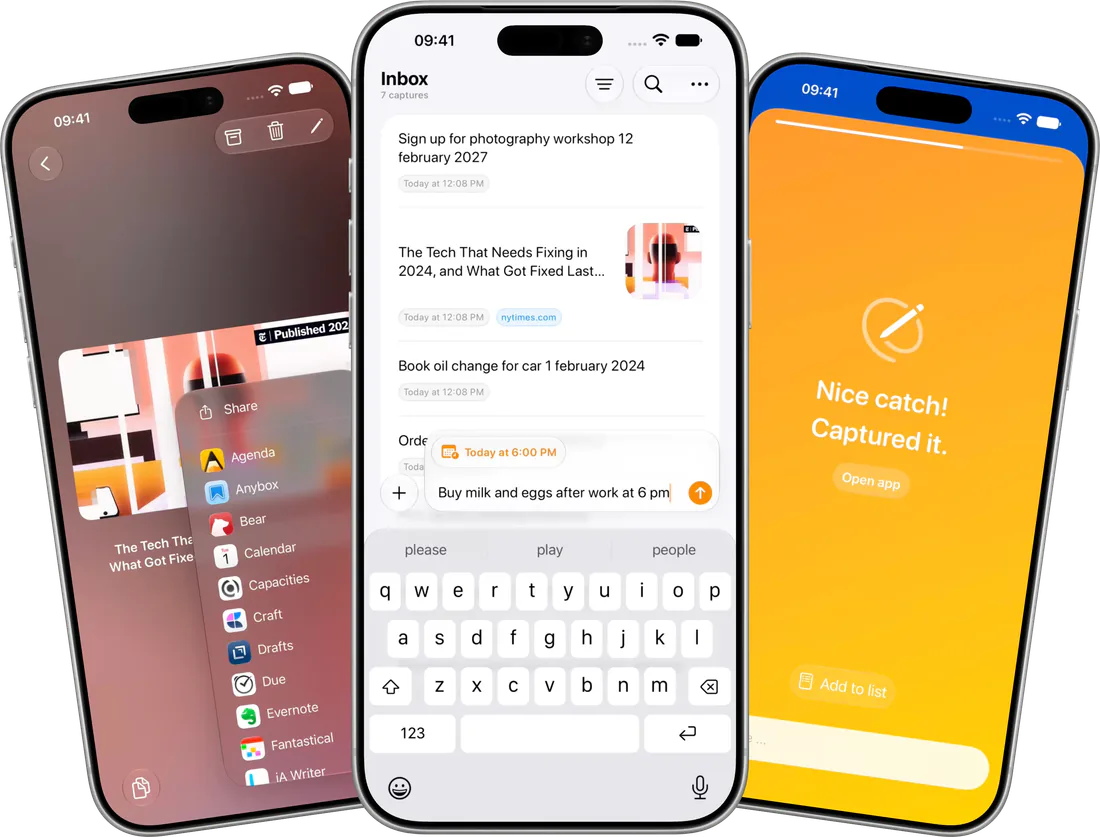
Notes for that. Reminders for this. Calendar if it has a time. A read-later app for the link. By the time you have picked one, the thought is gone, so Capture asks you to pick nothing at all.
Without Capture
Pick an app. Pick a list. Pick a date. Type the thing. Save. Hope.
Capture it
Type the thing. Done. Capture reads the date out of your own sentence.
Deal with it later
Sweep the inbox once a day and send everything where it belongs.
The same inbox on iPhone, iPad, Mac, Apple Watch and Apple Vision Pro, all native, all syncing over your own iCloud.
macOS
Set a keyboard shortcut and a Spotlight-style field opens over whatever you were doing. Type, return, and it is gone again.
iOS & iPadOS
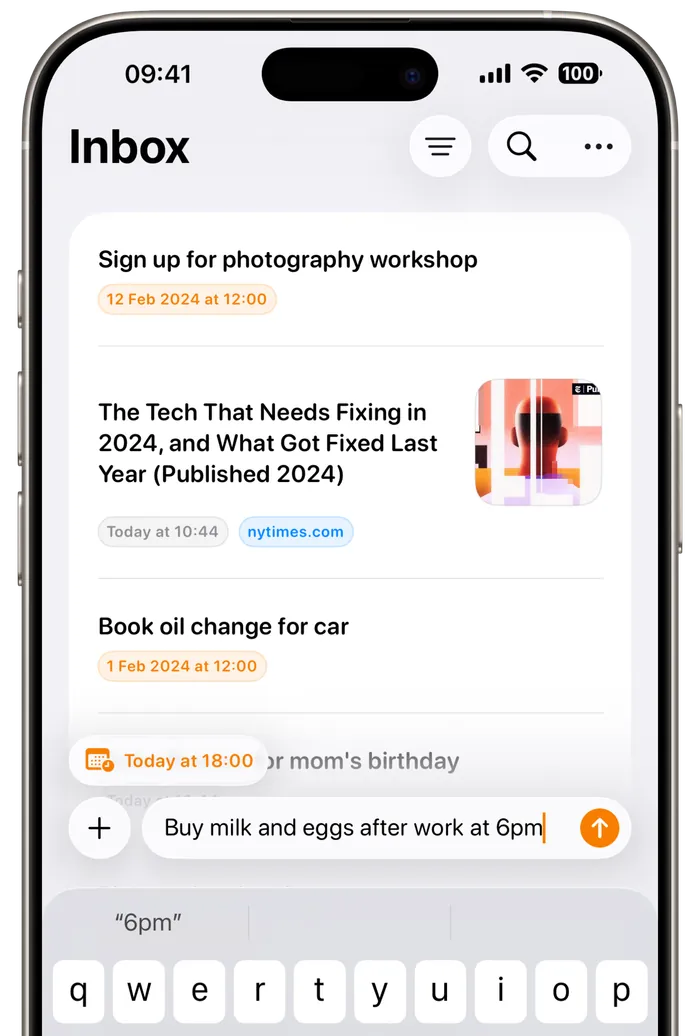
The inbox and the capture field are the same screen. Tap, type, return, and the thought is out of your head. No list to pick and no form to fill first.
watchOS
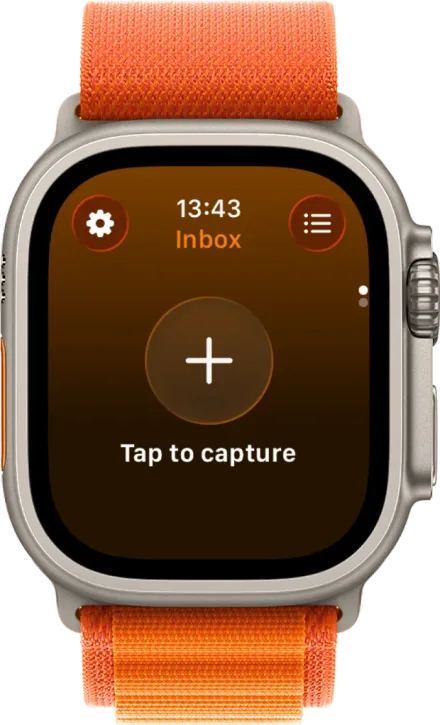
One tap, or Double Tap, and you are dictating. No phone, no keyboard, still captured.
visionOS & iPadOS
Capture is native on Apple Vision Pro and iPad too, with the same inbox arriving over iCloud.
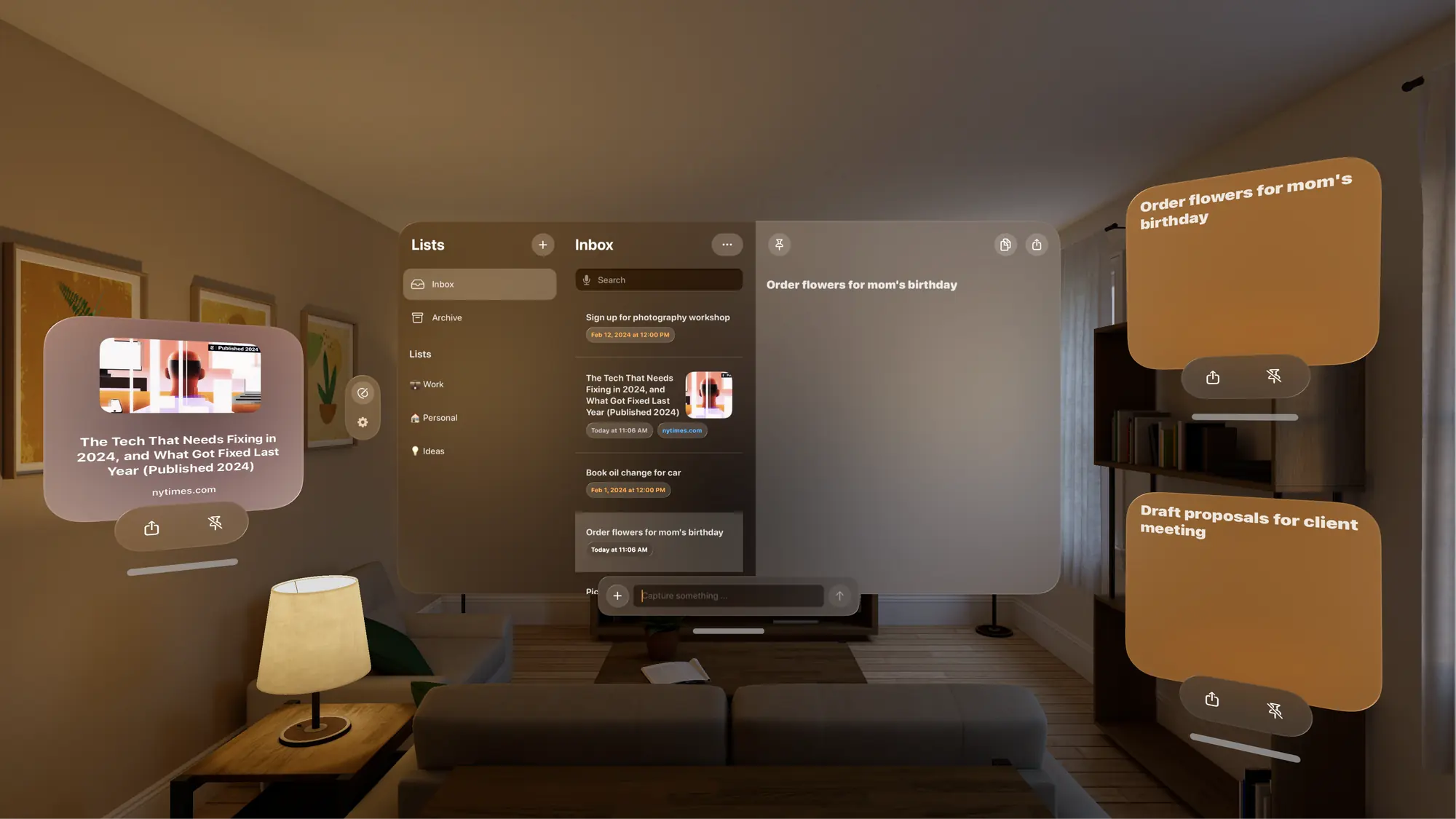
Typing is only one way in. Whatever you are holding, Capture is one gesture away, and all of it lands in the same inbox.
Send a link, a screenshot or a PDF into Capture from any app, or save the page you are reading with the Safari extension.
A global keyboard shortcut catches a thought without leaving the app you are in, and the Control Center widget keeps it one click away.
Talk instead of typing and Capture transcribes as you speak. The language model runs on device, so it works offline and nothing is uploaded.
Put a Capture control in Control Center or on your Home Screen and one press opens straight into an empty field. On Mac the same control sits in Control Center.
Say it out loud, bind it to the Action button, or drive Capture from a Shortcut that creates, moves and archives captures.
59 destinations, each with its own settings: tags for Bear, a list and heading for Things, a vault path for Obsidian. Capture remembers the one you picked last.
Every destination has a setup guide covering what it accepts, its fields, and how to fix a failed handoff.
“Capture allows you to organize your fleeting thoughts effortlessly.”
“It aims to simplify things, giving you a centralized place to just jot down whatever.”
I have mine bound to my action button, so one press and I can capture the note. It’s the lowest friction note taking app I’ve ever used. Everything goes into an inbox where you can archive and sort.
This is what I’ve been searching for 2+ years for. Prioritizes simple idea capture with minimal friction and distractions. Does not try to be your “all in one productivity life system”.
I have ADHD and work freelance so being able to jot things down when they occur to me without having to stop what I’m doing is great. Being able to export them to my other apps at a later date is a real killer feature.
I’m constantly saving things to it from Safari, Reddit, X, then I move them to their permanent homes a few days later. The app is the perfect bridge with its saving and sharing capabilities. The iCloud sync works flawlessly.
It’s like Things for notes, it just removes all the friction for jotting down that idea. This is really an app to love from the old school less is more perspective. Zero clutter, maximum utility.
Most note apps aren’t really set up for the “next step” of a note, where Capture serves as a repository and lets you send the note to its next destination.
Captures sync between your own devices through your own iCloud account, and stop there.
Built in Swift for iPhone, iPad, Mac, Apple Watch and Apple Vision Pro, plus widgets, Shortcuts and a Safari extension.
Made and supported by Sir Studio in the Netherlands. Frequent updates, and a real person answering support.
Capture is a quick notes app for the moment before you know where a thought belongs, the note-to-self you would otherwise text yourself or lose. You write it into one always-open field, whether it is a note, a task, a link or a reminder, and decide later whether it goes to your notes app, your task manager or your calendar.
Drafts, Bear and Apple Notes are all built to hold your notes long term. Capture is not trying to replace them, and plenty of people keep one of them and put Capture in front of it. Most note apps make you choose where a thought goes before you can save it: which app, which notebook, which list. Capture removes that choice from the moment of writing. Everything lands in one inbox, and you route it later to any of 59 destinations (Obsidian, Things, Apple Reminders, Notion, Drafts, Bear and the rest) or to a Siri Shortcut. It is native on iPhone, iPad, Mac, Apple Watch and Apple Vision Pro, needs no account, syncs over your own iCloud, and holds 4.7 out of 5 stars from 500+ App Store ratings.
That is the case it is built for: nothing to open, nothing to file, no decision between having the thought and saving it. One reviewer on the App Store describes it this way: “I have ADHD and work freelance so being able to jot things down when they occur to me without having to stop what I’m doing is great. Being able to export them to my other apps at a later date is a real killer feature.”
Yes. Voice Notes transcribes while you speak, and the language model is downloaded to your device, so it keeps working offline and nothing is uploaded. Start it from the microphone in the capture field, a Voice Capture widget on your Home or Lock Screen, a control in Control Center, a Siri Shortcut, or a global hotkey on the Mac. Voice Notes needs iOS 26, macOS 26 or visionOS 26.
Capture is a native app for iPhone, iPad, Mac, Apple Watch and Apple Vision Pro, and needs iOS 17 or later. One download on the App Store covers every platform, and your inbox syncs between them over iCloud.
Capture exports to 59 destinations, including Apple Reminders, Calendar, Things, Obsidian, Bear, Todoist, OmniFocus, Notion and Craft, and it can hand a capture to any Siri Shortcut. Each destination has its own settings and its own setup guide.
Yes, with Siri Shortcuts. Make a shortcut in the Shortcuts app, and Capture runs it when you export, with the capture’s text as its input (or the URL, for a link). The shortcut can then do anything Shortcuts can do: reshape the text, send it to any app with Shortcuts actions, or chain several apps together.
To connect your shortcut:
Images and files are not passed to shortcuts.
No. There is no Capture account and no server of ours in the middle. Syncing runs through your own iCloud account between your own Apple devices.
On your device, and in your own iCloud account so they reach your other Apple devices. There is no Capture account and no server of ours in between, and Sir Studio never receives the contents of a capture. Apple’s App Store privacy label for Capture lists only usage data and diagnostics, both under “Data Not Linked to You”, and no user content at all. The one time a capture leaves your devices is when you export it, and then it goes to the app you picked.
Capture is free to download and free to try, with a paid Pro tier for unlimited captures. Current pricing, including the one-time lifetime option, is shown on the App Store listing and inside the app.
Give your agent access to your Capture inbox with capture-cli. It can find notes, turn saved ideas into a plan, and add the results back to Capture.


macOS only. Included with Capture 2.15 or later.
Read the CLI guideCopy this prompt to your agent. It will find the CLI, read your recent captures, and suggest what to do next.
Requires an agent that can run commands on your Mac.
Practical guides for catching thoughts, clearing the mental pile, and moving each note where it belongs.
Read all articles
Capture for Mac now works from Spotlight, from Raycast and from the terminal. What each one does, where to get it, and how it works under the hood.
4 min read
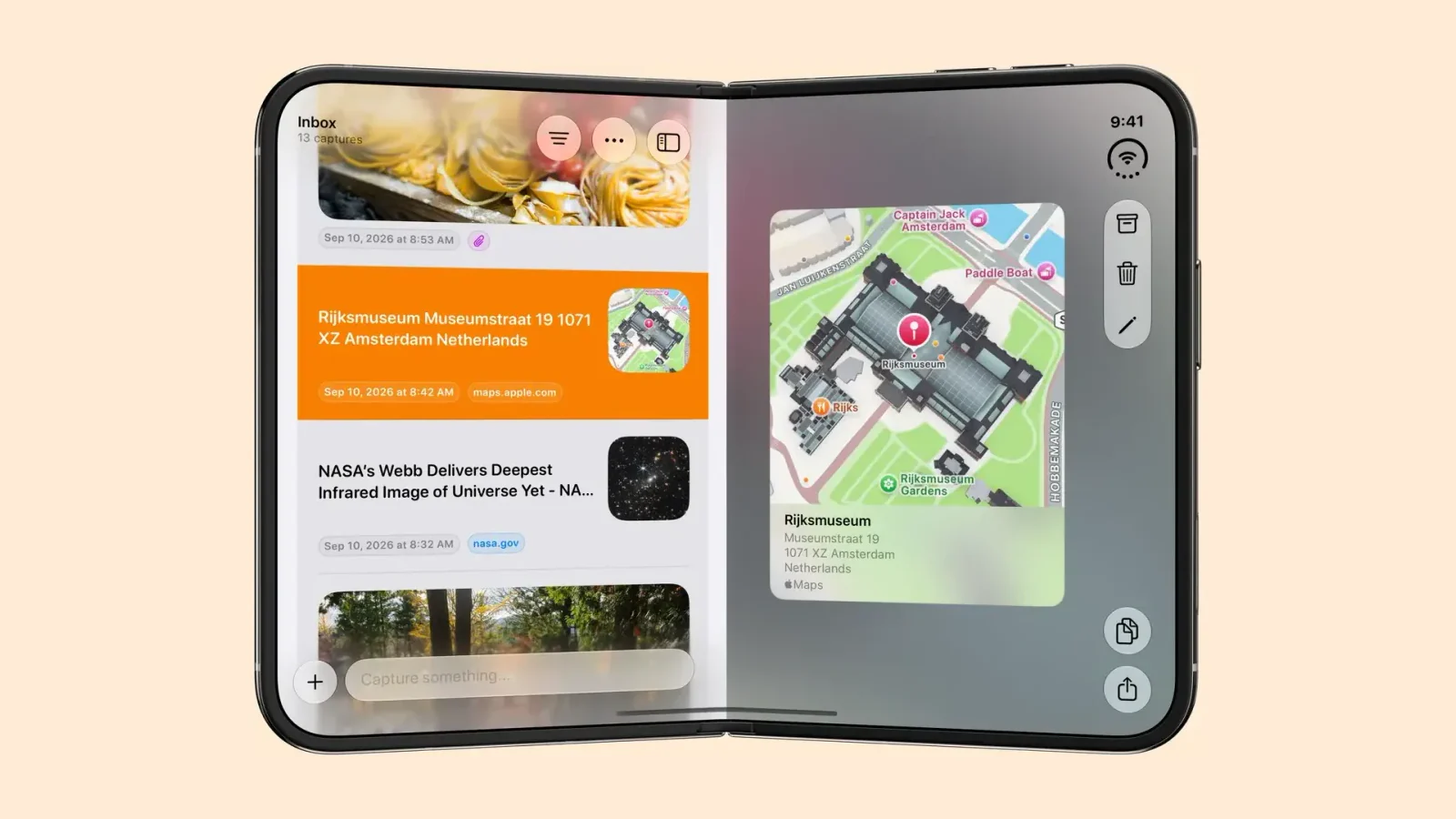
Capture 3.3 is built for iPhone Duo. Open it to see your list and a capture side by side, fold it like a laptop to share from the bottom half, or close it.
3 min read

Capture 3.0 is out on iPhone, iPad, Mac, Apple Watch and Apple Vision Pro. Siri can edit captures, Voice Notes gets an agent mode, Spotlight indexes it all.
3 min read
Free to try on the App Store for iPhone, iPad, Mac, Apple Watch and Apple Vision Pro.


