

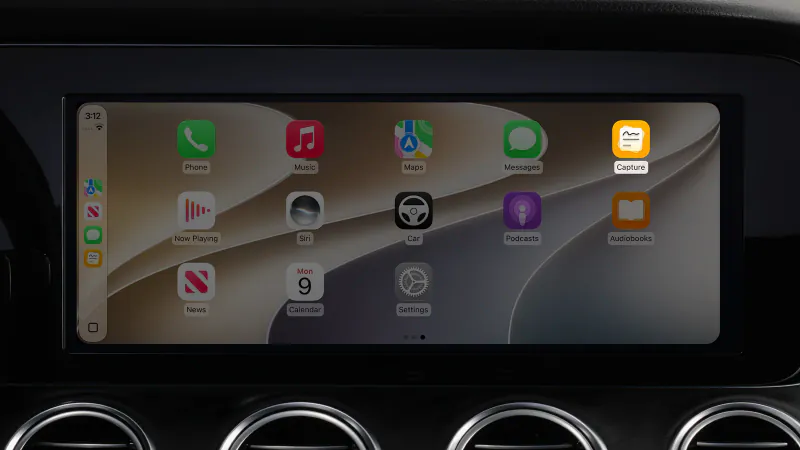
Capture 3.5 brings Capture to CarPlay. Ideas do not wait until you park, so now you can save them from the driver's seat. Open Capture on your car's screen, say the thought, and hear it confirmed. Your eyes stay on the road and your iPhone stays in your pocket.
Open it and talk
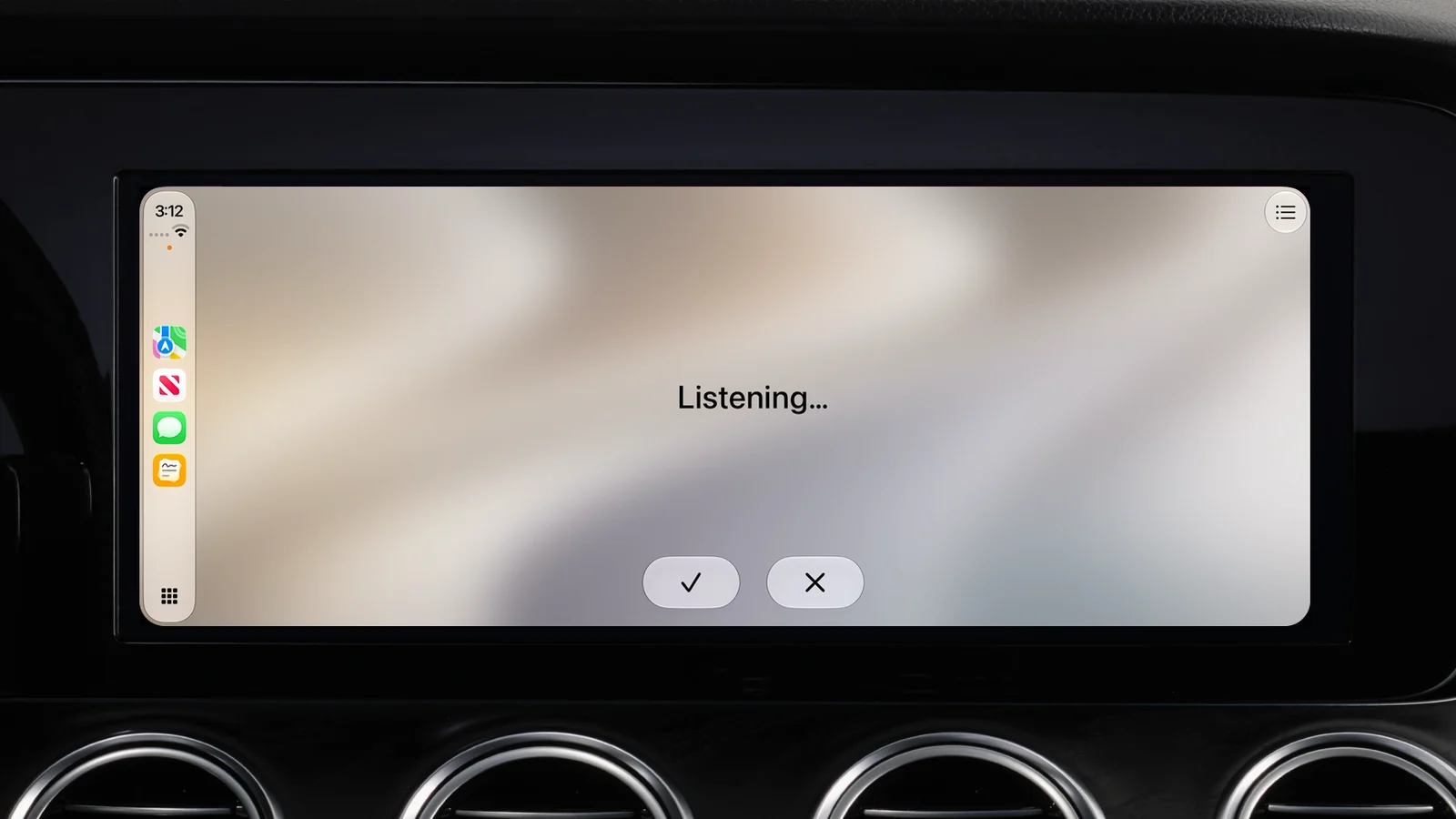
Tap Capture and it starts to listen. When you stop, Capture saves what you said to your Inbox, or to your default list, and confirms it out loud. A short capture is read back word for word, like "Saved: buy a birthday card for Sam". Tap New Capture for the next thought.
Agent mode: ask, don't just dictate
With Agent mode on, Apple Intelligence works out what you meant. Say "add oat milk to Groceries" and Capture adds it to that list and answers "Added to Groceries." A plain thought is still saved as it is. The replies are short and spoken, with nothing to read.
Hear your recent captures
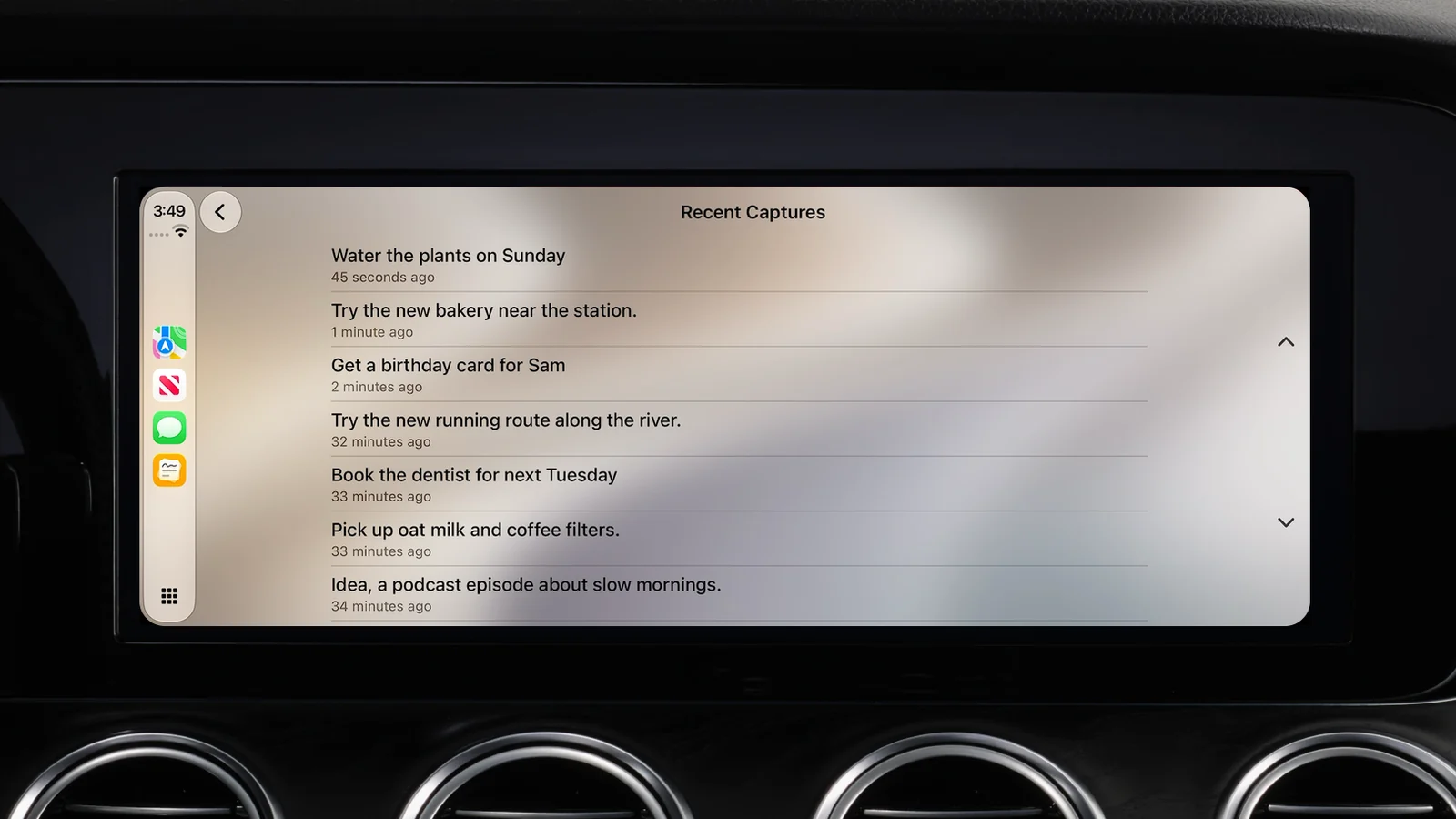
The list button shows your most recent captures, newest first. Tap one and then Read Aloud to hear it, like the address you saved this morning.
Everything lands where it always does
A capture from the car syncs through your own iCloud, so it waits in your Inbox on iPhone, iPad, Mac and Apple Vision Pro. Transcription runs on your device.
Capture in CarPlay needs iOS 26.4 or later and a car or stereo with CarPlay. Capture is free to download and try, with a paid Pro tier (and a one-time lifetime option) on the App Store.
